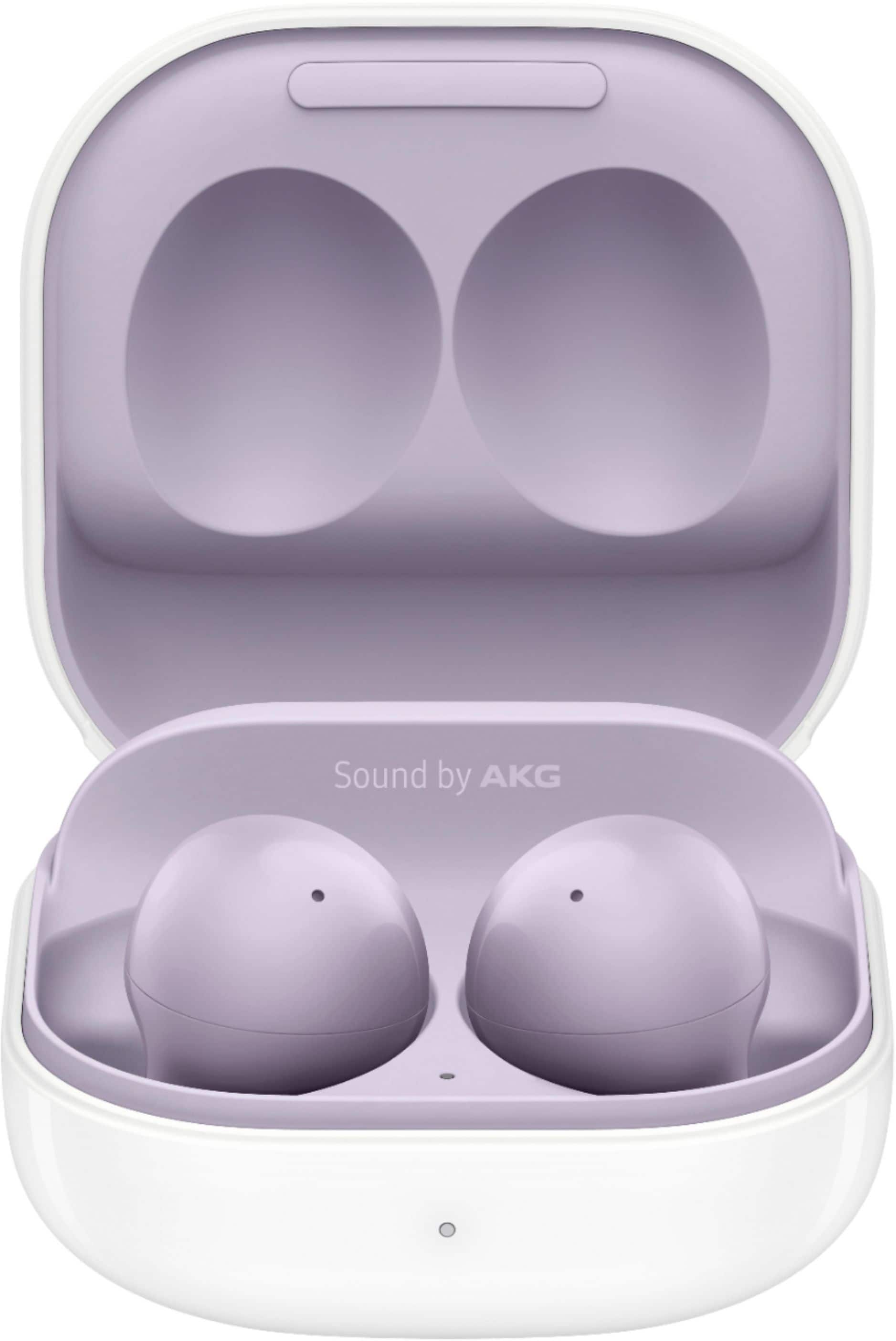
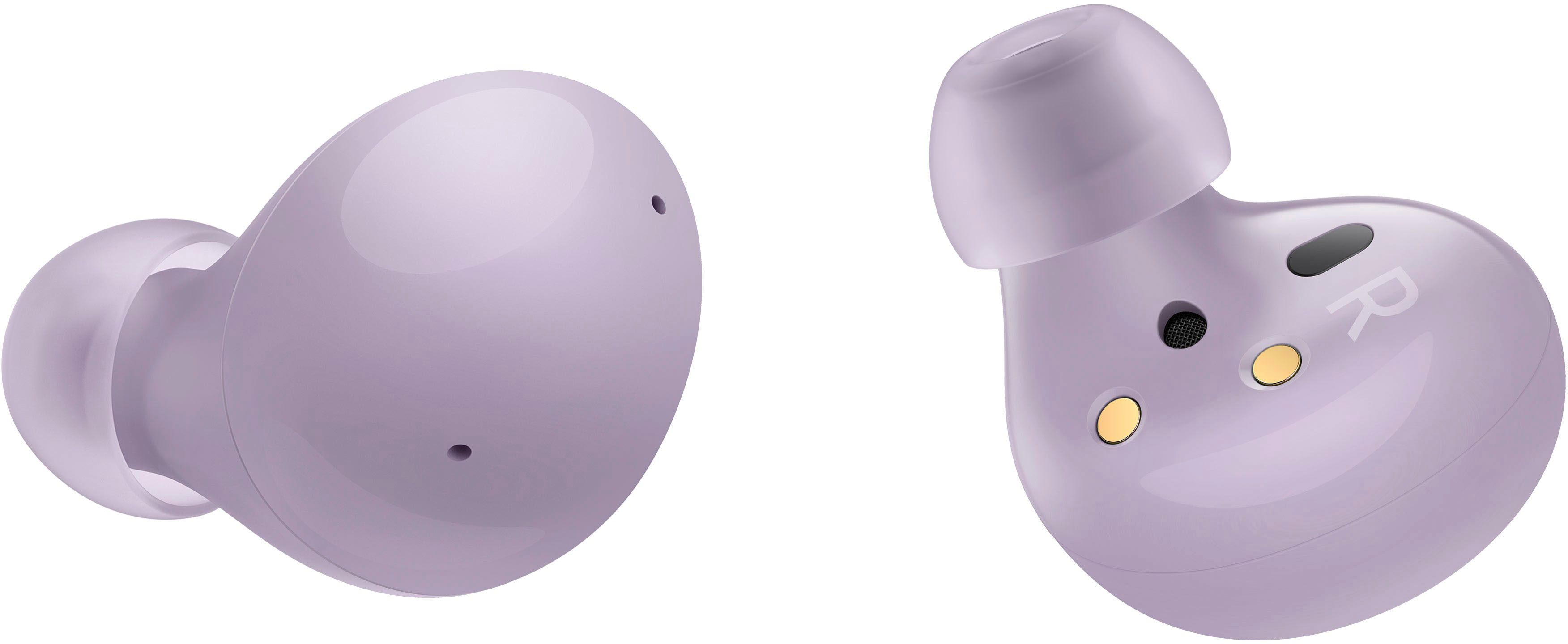
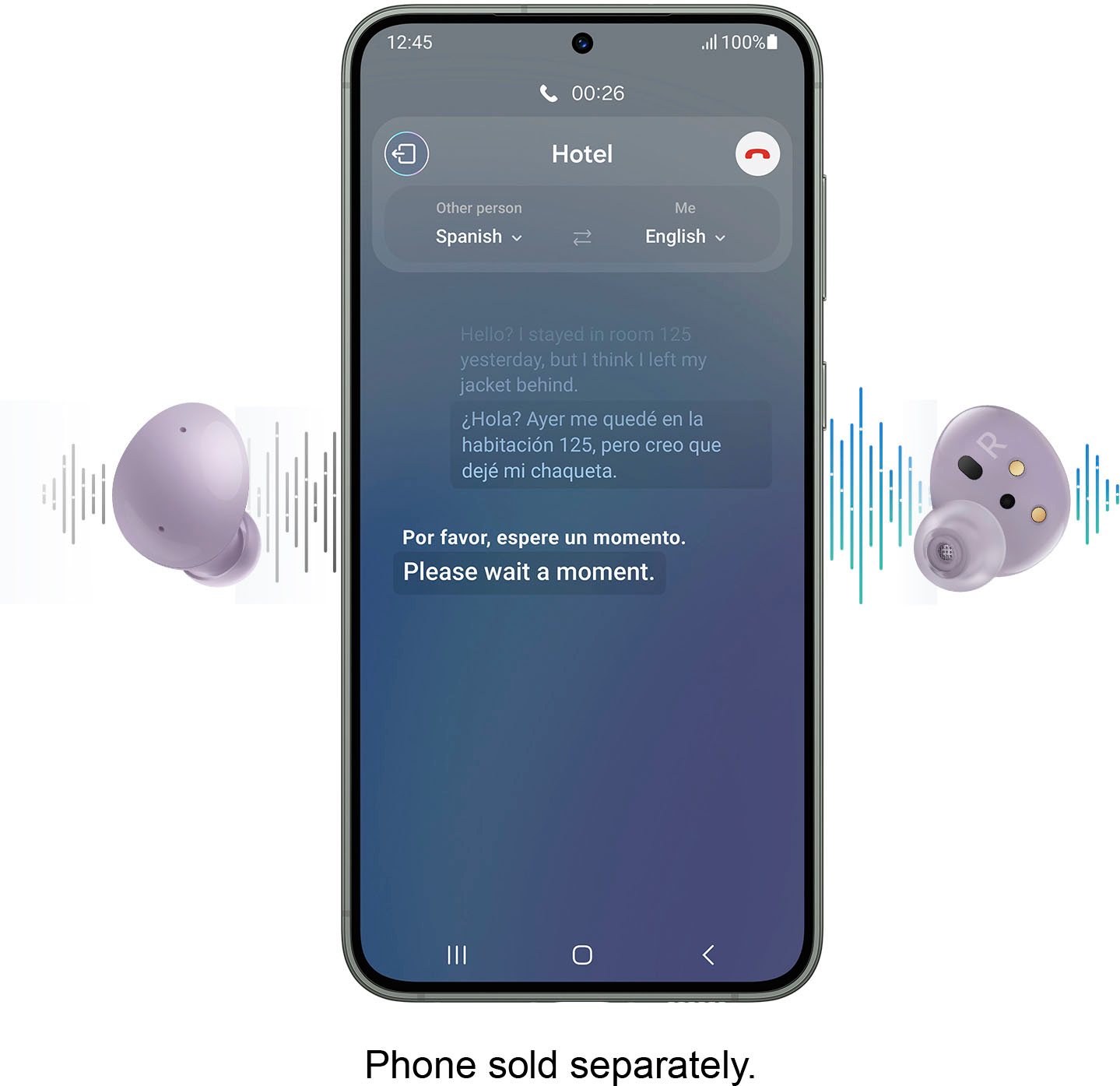
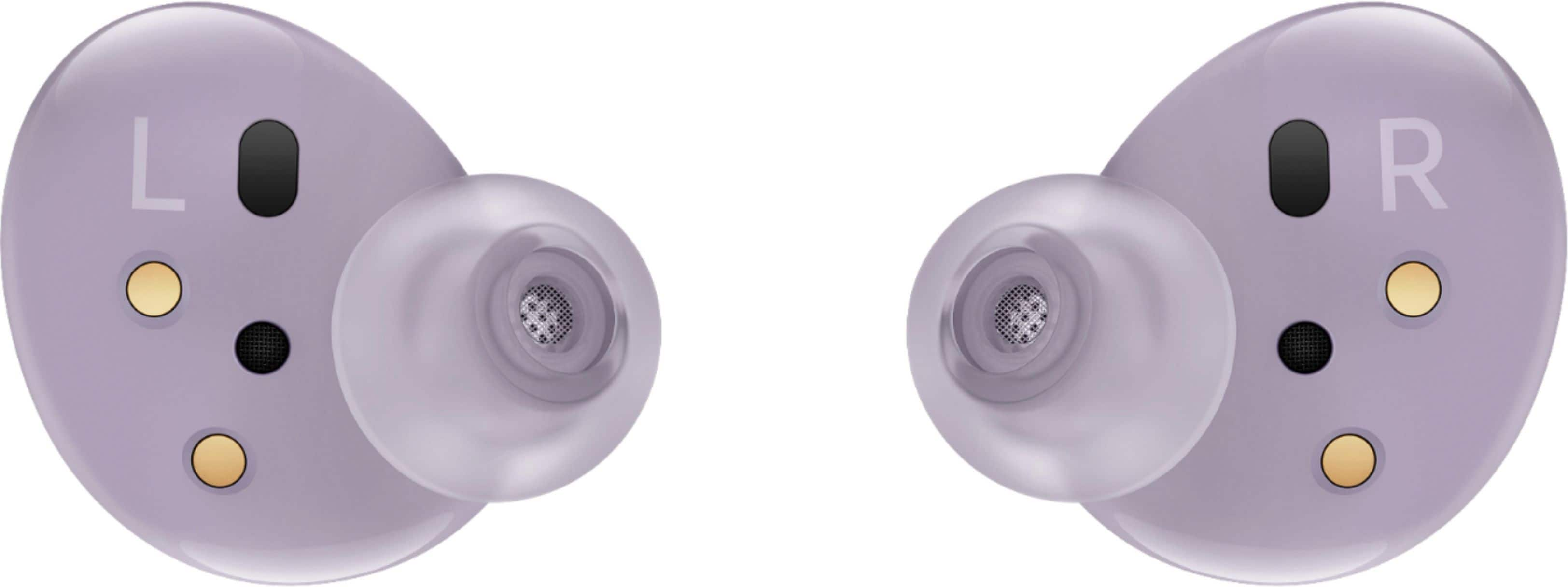
A:AnswerYour charging case is just for charging, it doesn't need to be anywhere near your headphones for them to work. As far as your phone goes, because Bluetooth is a fairly short signal, you'll need to be relatively close to stay connected. I think it's in the 10 - 20 foot range.
A:AnswerI connect them to my table and phone, i can be watching my tablet and answer a call on my phone, when im done it goes back to my tablet. maybe this answers your question. they work very well in the Samsung ecosystem. I assume if you have 2 Samsung phones the concept is the same.
A:AnswerYes, they should work with any bluetooth equipped smartphone or computer. Just make sure to press both earbuds down while in the case to put them into pairing mode to connect to your device.
A:AnswerHi, D. If the Galaxy Buds+ are lost or stolen, they are not replaceable under the manufacture warranty. Thank you for asking this question. ^Kayla
A:AnswerDue to the virus, there can be shipping delays. However, they do take care of customer concerns in a timely manner. Always very helpful and quick in my experience.
A:AnswerI once dropped a cell phone in the toilet and it wouldn't turn on or work. A friend told me about to put in a bag of rice (absorbs the water I guess) overnight or for a few days... It worked! My phone was rice rejuvenated!! Might work with these also. Good luck!
A:AnswerDid you go into the earbud settings on your phone? It also took some time for me to get used to tapping to hang up the phone. Also, be sure you choose either the left OR the right earbud to use to hang up the call.