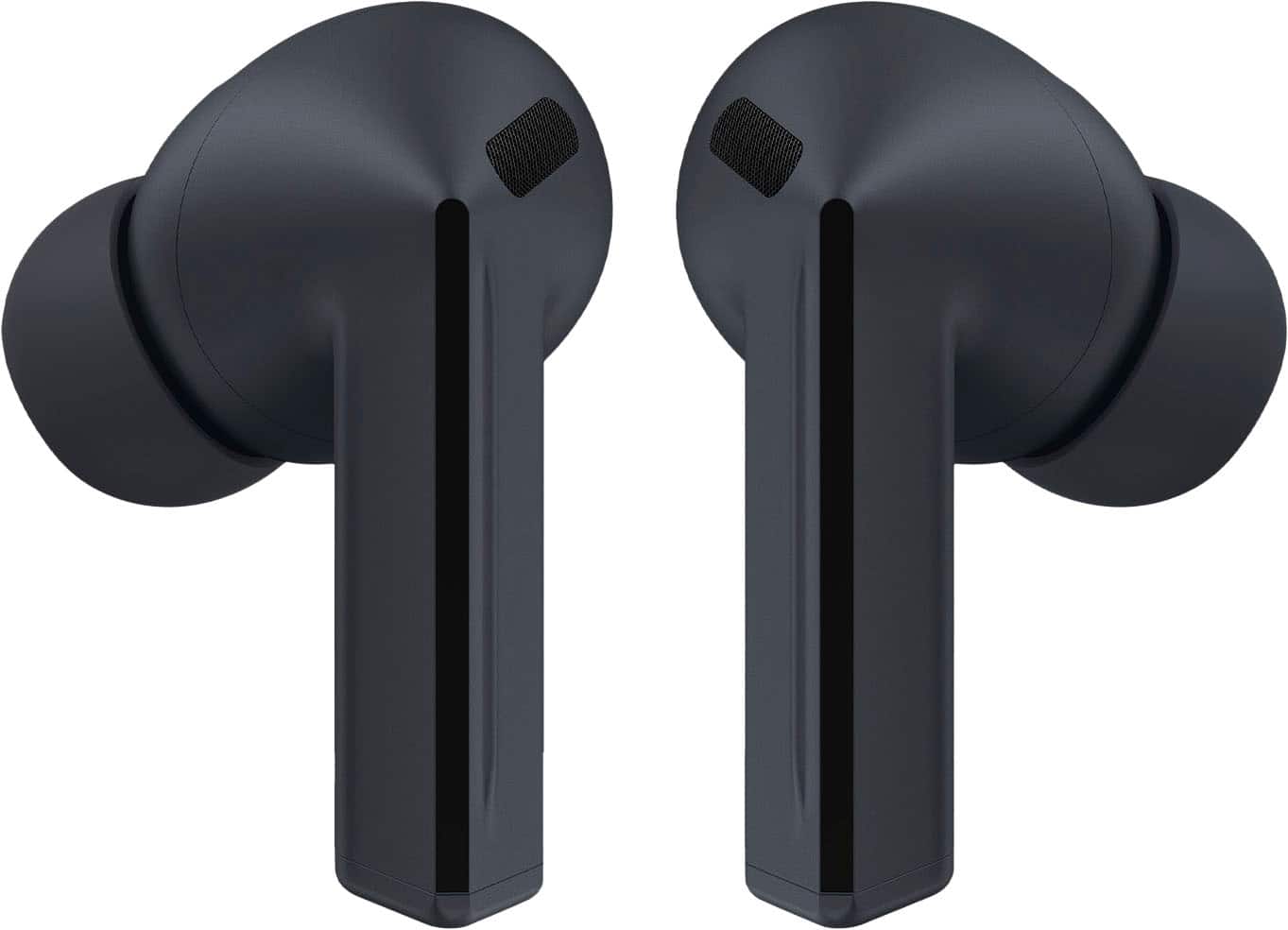
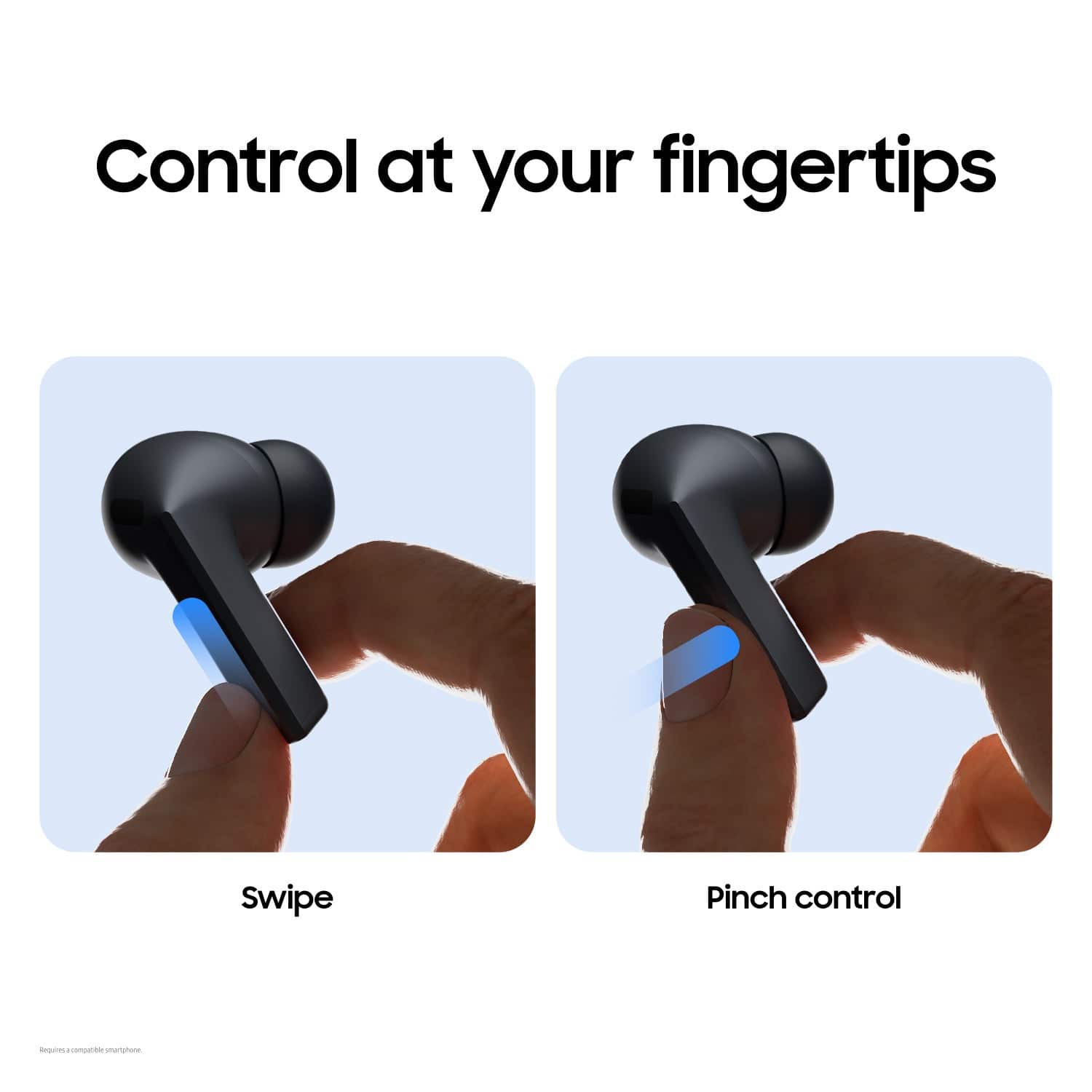
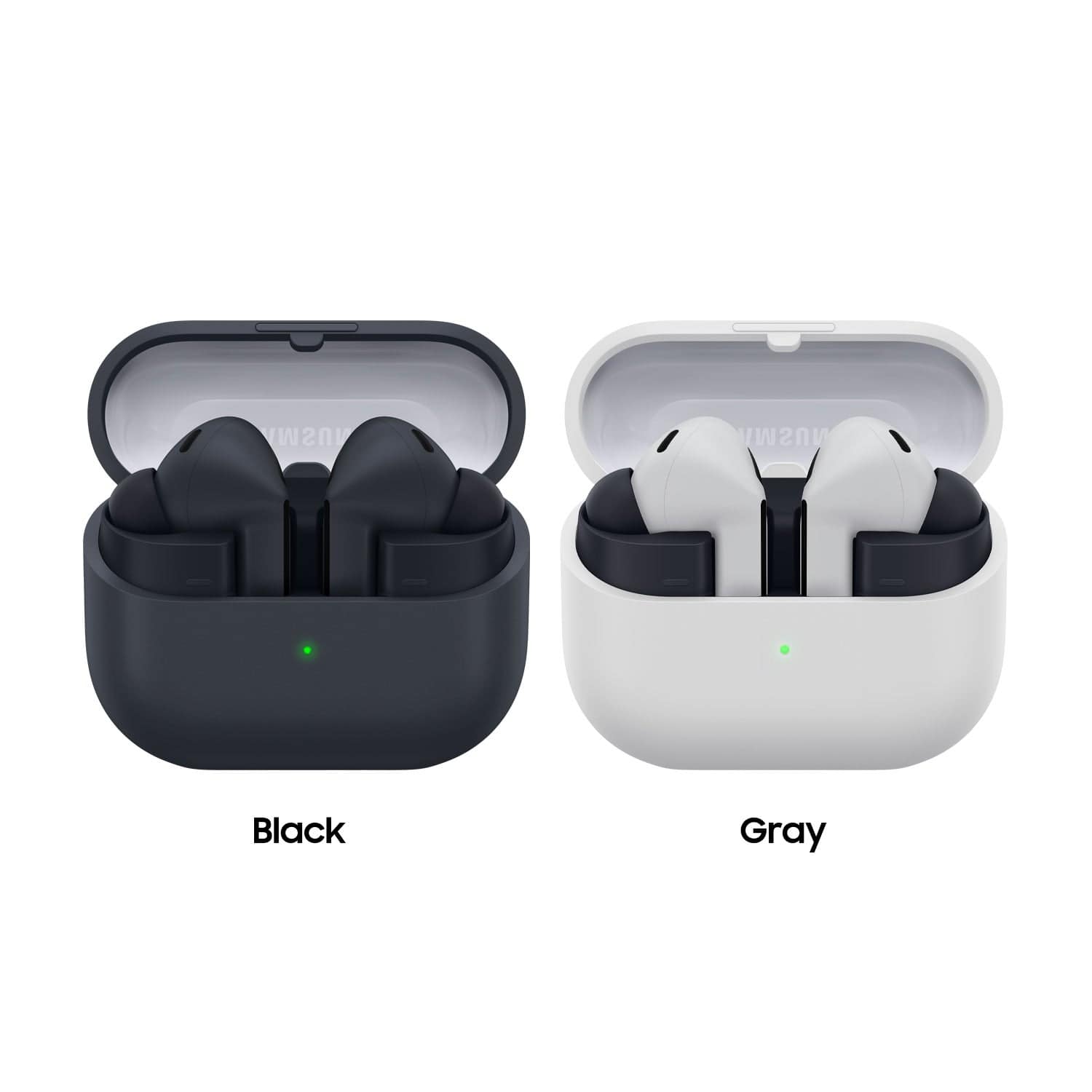
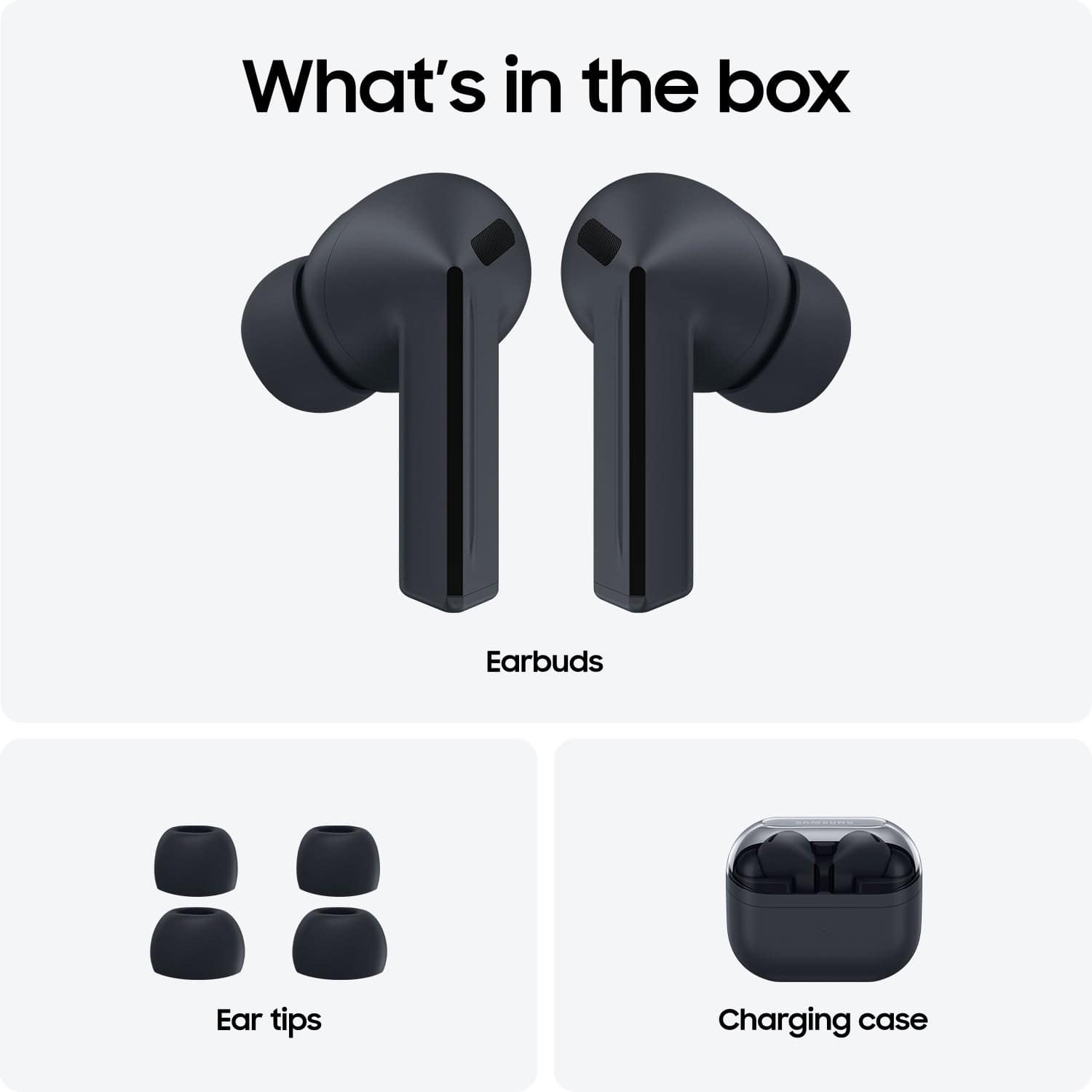
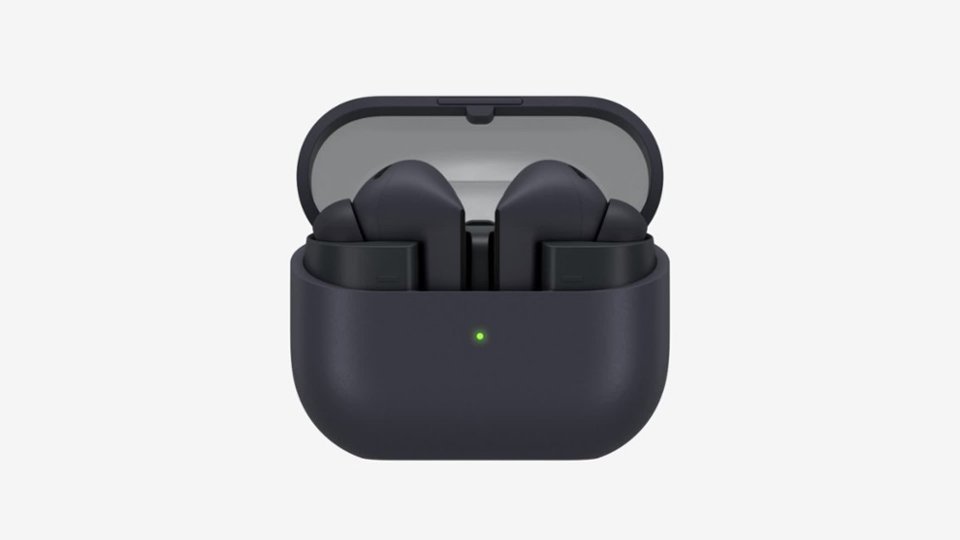
A:AnswerHi Lizzie, thank you for asking us your questions about the Samsung Galaxy Buds3 FE. The advertised Galaxy Buds3 FE use intuitive touch controls, primarily pinch gestures on the touch blades for media and calls, plus swiping for volume, all customizable in the Galaxy Wearable app for functions like play/pause, next/previous track, answer/end calls, noise control (ANC/Ambient), and voice assistant activation. If you have any other questions for us or if you would like further assistance, please feel free to contact Support. Thank you for being a devoted Samsung customer. - Debra
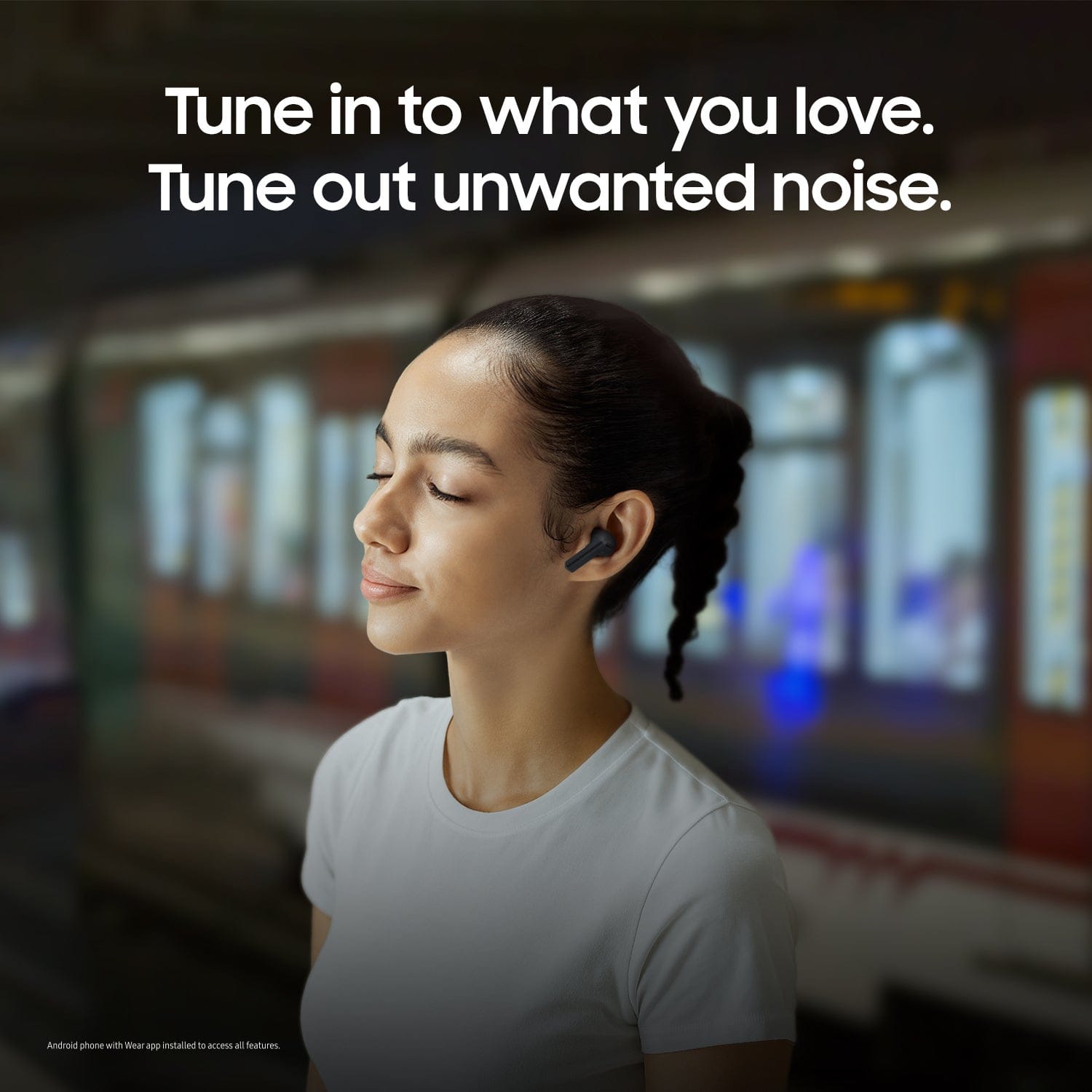
A:AnswerHi, thank you for taking the time to ask us your question about the Samsung Galaxy Buds3 FE. Yes, with the Ambient Sound feature, the Galaxy Buds3 FE can pick up background noise so that you can stay connected to your surroundings. On the flip side, the ANC (Active Noise Cancellation) feature is available to allow you to fully immerse yourself into your listening content. If you have any other questions for us, please feel free to reach out to Support. Thanks for being a faithful Samsung customer. - Debra
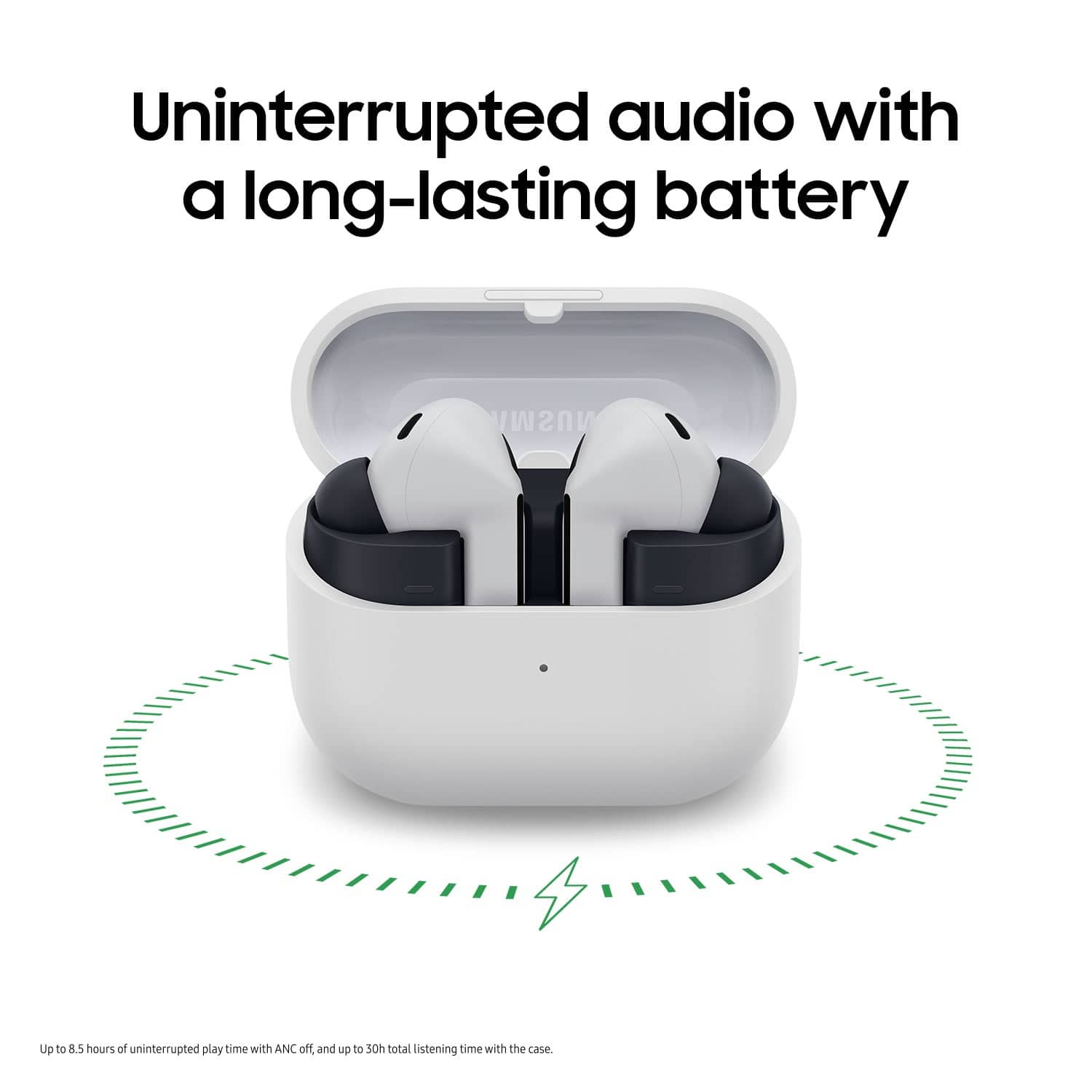
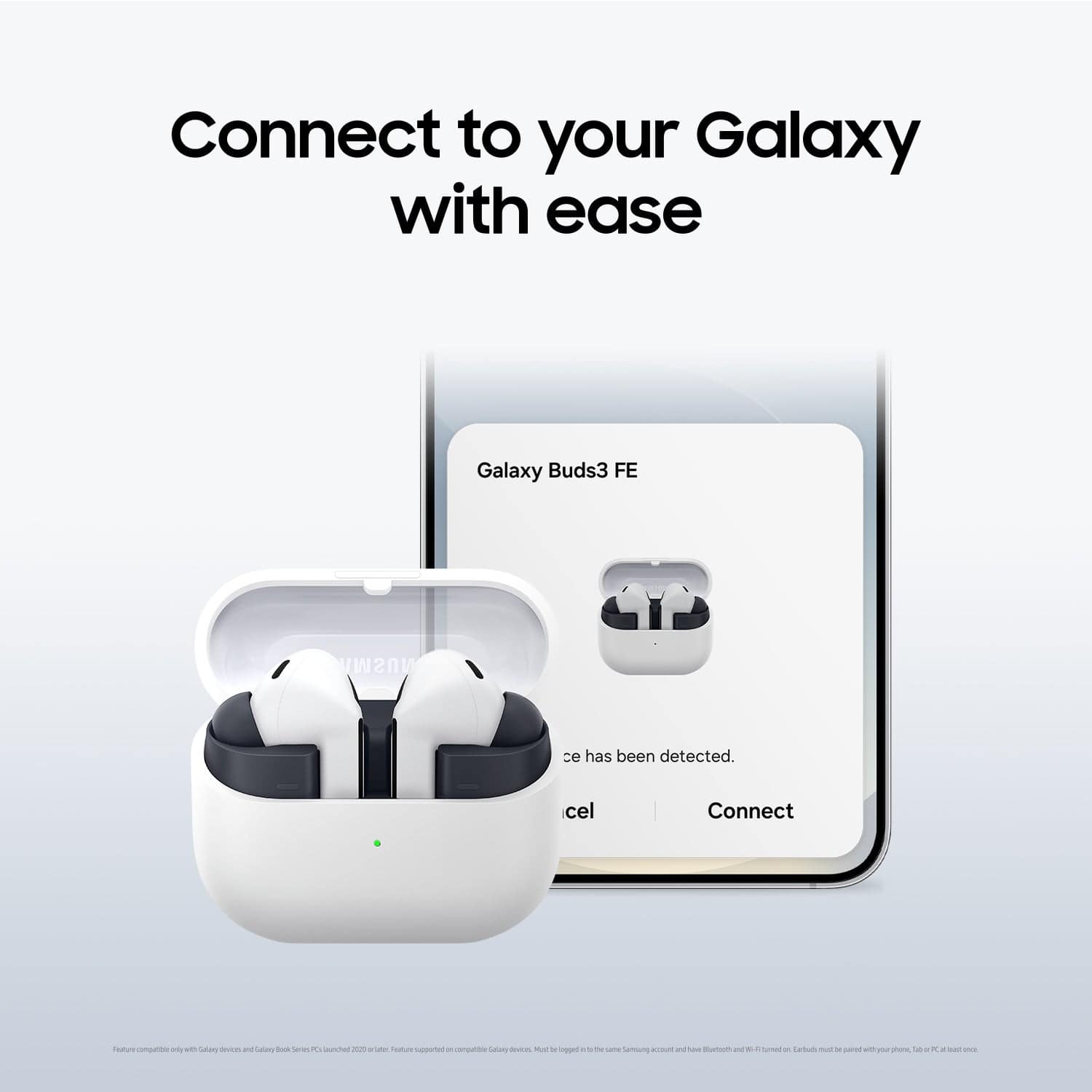
A:AnswerI don't remember if it comes with a charging cable but the ear buds holding case does itself charge and also charges the buds while docked. After pairing with your Samsung device it also tells you charge status when you open the case or check the app manually.
A:AnswerHowdy Bricky, thank you for asking us your question about the Samsung Galaxy Buds3 FE. The advertised Galaxy Buds3 FE can amplify high-frequency noises, such as saws or high-RPM tools, if used in Ambient Sound mode. To avoid this, you should disable Ambient Sound and use Active Noise Canceling or deactivate all noise controls. Hope that helps! Let us know if you have additional questions by reaching out to Support. Thanks for being a steadfast Samsung customer. - Debra