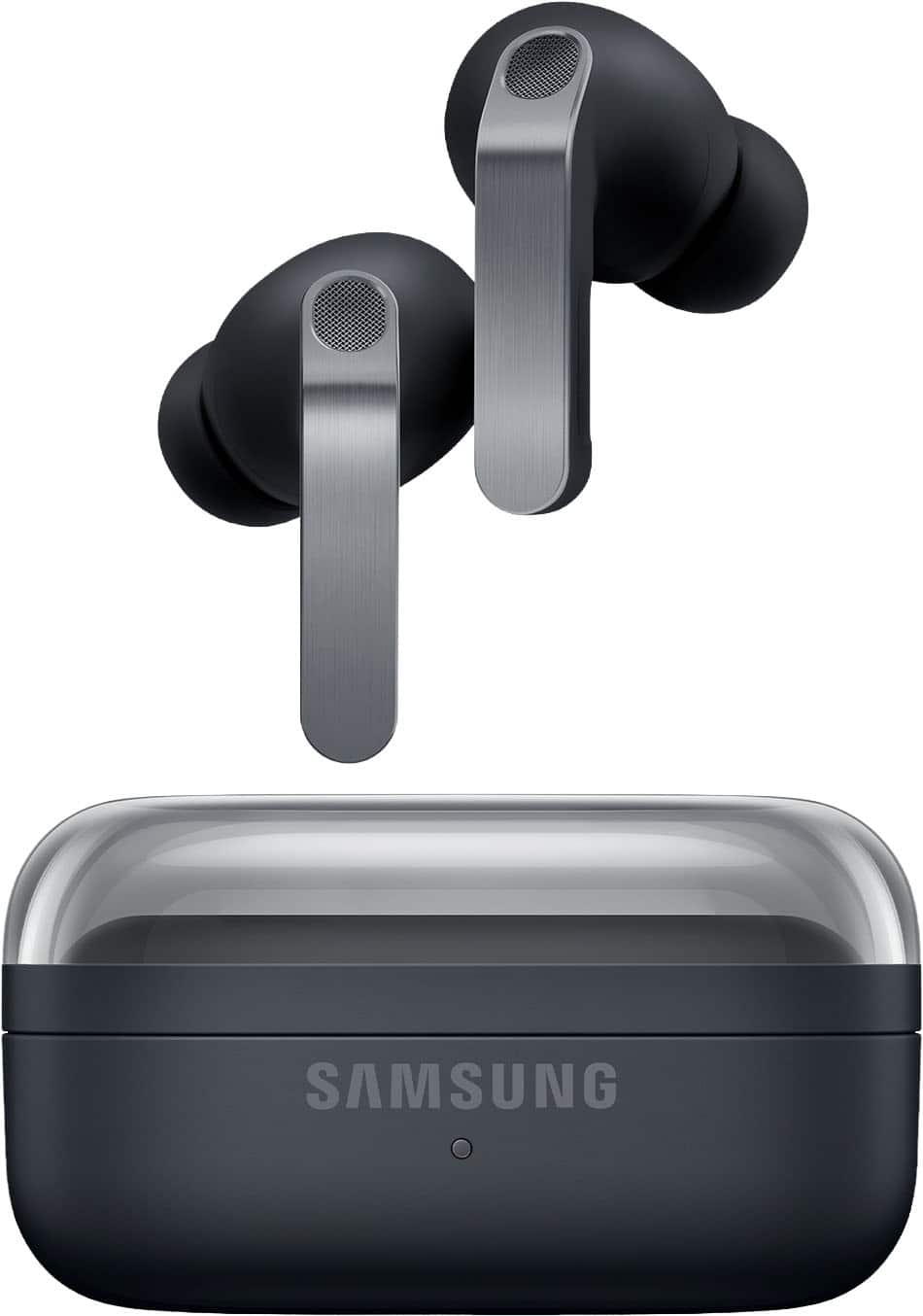
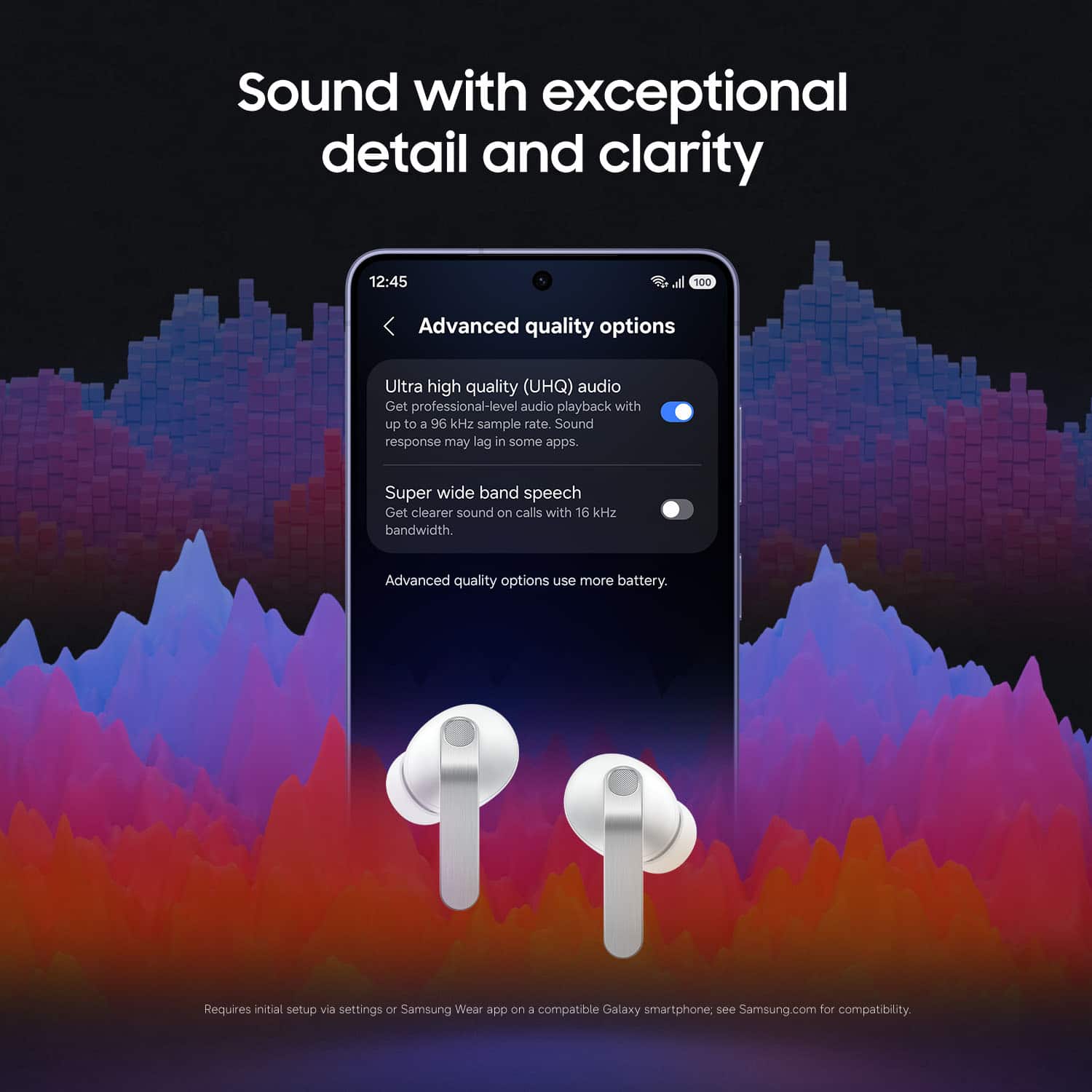
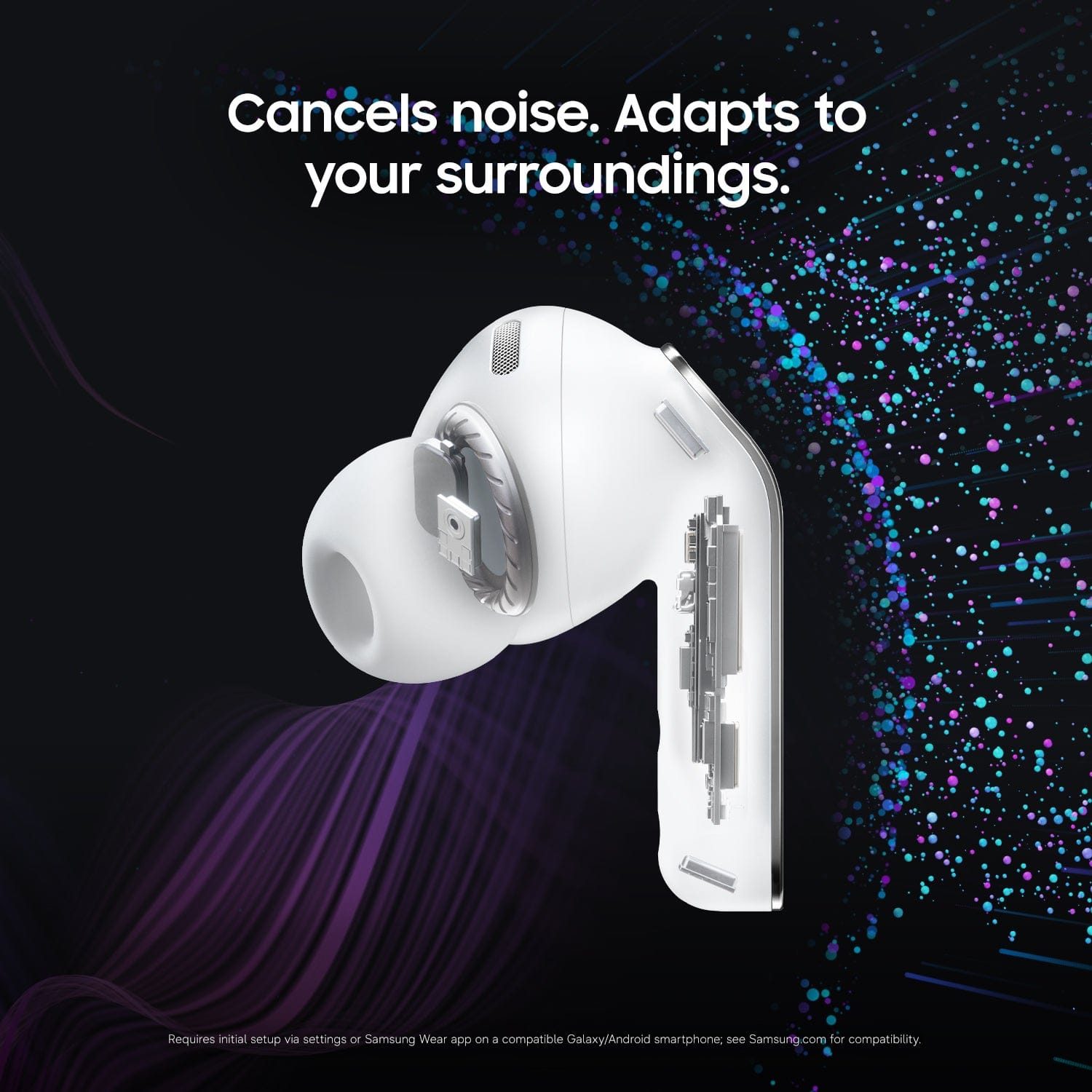
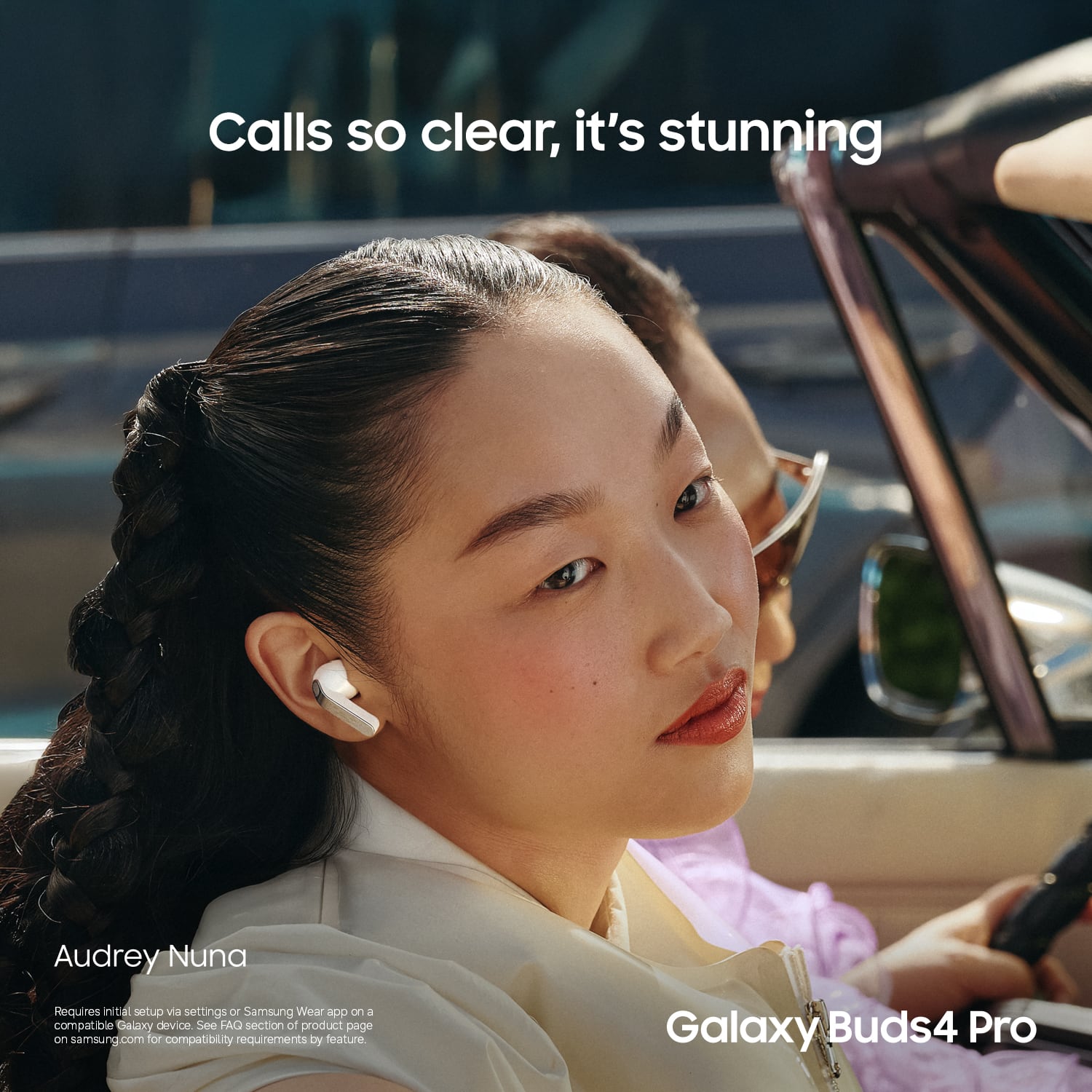
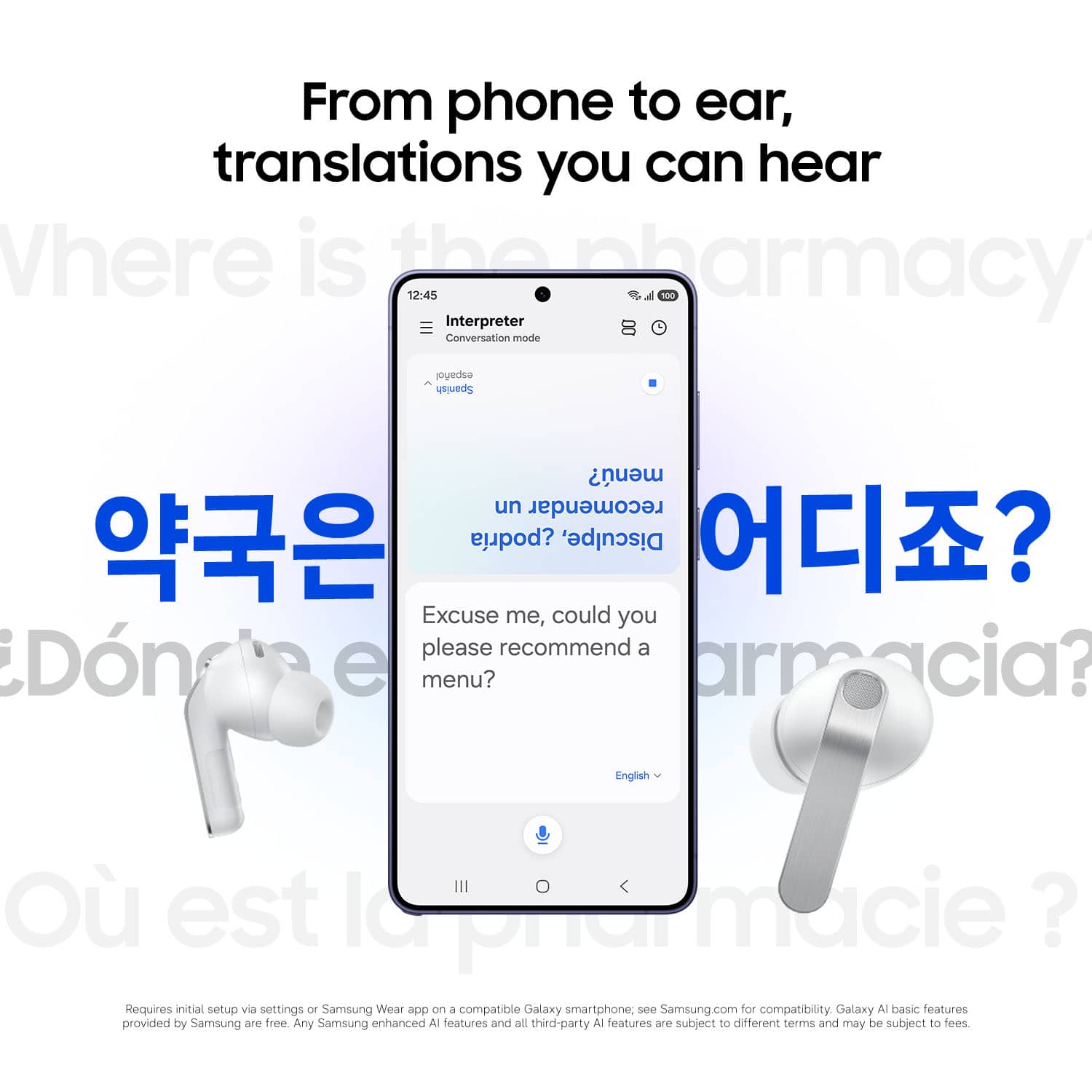
A:AnswerHello there, thank you for taking the opportunity to ask us your question about the Samsung Galaxy Buds4 Pro. Yes, the Galaxy Buds4 Pro utilize Samsung’s on-device Galaxy AI Interpreter and Live Translate features to translate conversations seamlessly without passing your phone back and forth. If you have any other questions for us, please let us know by reaching out to Support. Thank you for being a loyal Samsung customer. - Debra
A:AnswerGood day McNasty, thank you for taking the opportunity to ask us your question about the Samsung Galaxy Buds4 Pro. To get your Galaxy Buds4 Pros into discovery mode, put both buds in the charging case, close the lid, wait 5-6 seconds, and reopen it. Press and hold the Connect button on the case for about 3 seconds until the light flashes (orange, green, and blue) to trigger pairing. If the earbuds still don't pop up on your screen automatically: 1 - To Force Add - Open the Galaxy Wearable App on your phone, tap the menu (three lines), and select Add new device. 2 - Please Restart and/or Update - Ensure both your phone and the wearable app are up to date. Turn your phone’s Bluetooth off and on, and restart your phone. 3 - If needed, reset your earbuds by checking out "How to restart or reset your Samsung earbuds" to help resolve what you may be experiencing with your connectivity. Let us know if you have any questions or if you would like further assistance afterward by reaching out to Support. Thank you for being a cherished Samsung customer. - Debra
A:AnswerHowdy IG, thank you for asking us your question about the Samsung Galaxy Buds4 Pro. Yes, you can locate a lost Samsung Galaxy Bud using the Samsung Find feature within the Galaxy Wearable app. You can view its last known location on a map and make it ring to find it if it is within Bluetooth range, even if it is out of the case. If you have any other questions, please feel free to reach out to Support. Thank you for being a cherished Samsung customer. - Debra
A:AnswerHey YY, thank you for asking us your question about the Samsung Galaxy Buds4 Pro. Please visit the Google Play Store on your Galaxy smartphone to download your compatible apps. Once downloaded, you will be able to enjoy those apps and their features while wearing your Buds4 Pro. If you have any other questions for us, please feel free to contact Support. Thank you for choosing Samsung! - Debra
A:AnswerIt means that the bass can sound much bigger and more separated sounding than other instruments. Normal earbuds and headphones have one speaker doing everything. Think about it like your car. You car if its a basic system has a tweeter on the door paired with a bigger woofer at the bottom. So that high frequency and voices sound bright and deep bass or deeper frequency instruments like drums and bass guitars have more range and punch without making the sound flat sounding.
So basically these buds are great if you want lively music that has deep bass and high highs.
A:AnswerGood day JohnBOY,thank you for taking the time to ask us your question about the Samsung Galaxy Buds4 Pro. Yes, the advertised Galaxy Buds4 Pros are compatible with iPhones via Bluetooth, allowing for music playback and calls. However, they lack official iOS app support, meaning you cannot customize features (like EQ or ANC settings) directly through a dedicated app. Basic functionality works, but many advanced features are limited to Samsung devices. If you have any other questions for us or if you would like any further assistance, please let us know by reaching out to Support. Thank you for being a valued Samsung customer. - Debra
A:AnswerAloha Jess, thank you for taking the opportunity to ask us your question about the Samsung Galaxy Buds4 Pro. Yes, the advertised Galaxy Buds4 Pro feature AI-powered live translation, providing real-time, in-ear translation during conversations. They work with a compatible paired Galaxy phone to act as an interpreter, allowing you to hear translated audio directly in the earbuds while viewing text on the phone screen. If you have additional questions for us or if you would like any further assistance, please feel free to contact Support. Thanks for choosing Samsung! - Debra
A:AnswerThen they would have to add a second gps transponder, more wiring, the case would have to draw on its own power, thereby decreasing the amount of power it has available for the earbuds and increasing the size and weight of the case. If you have issues with leaving your case laying around instead of putting it in your pocket while you have earbuds in, I would suggest either a clip to hang the box on your beltloop/bag, or a lanyard large enough you can put it around your neck if you don't like it around your wrist.