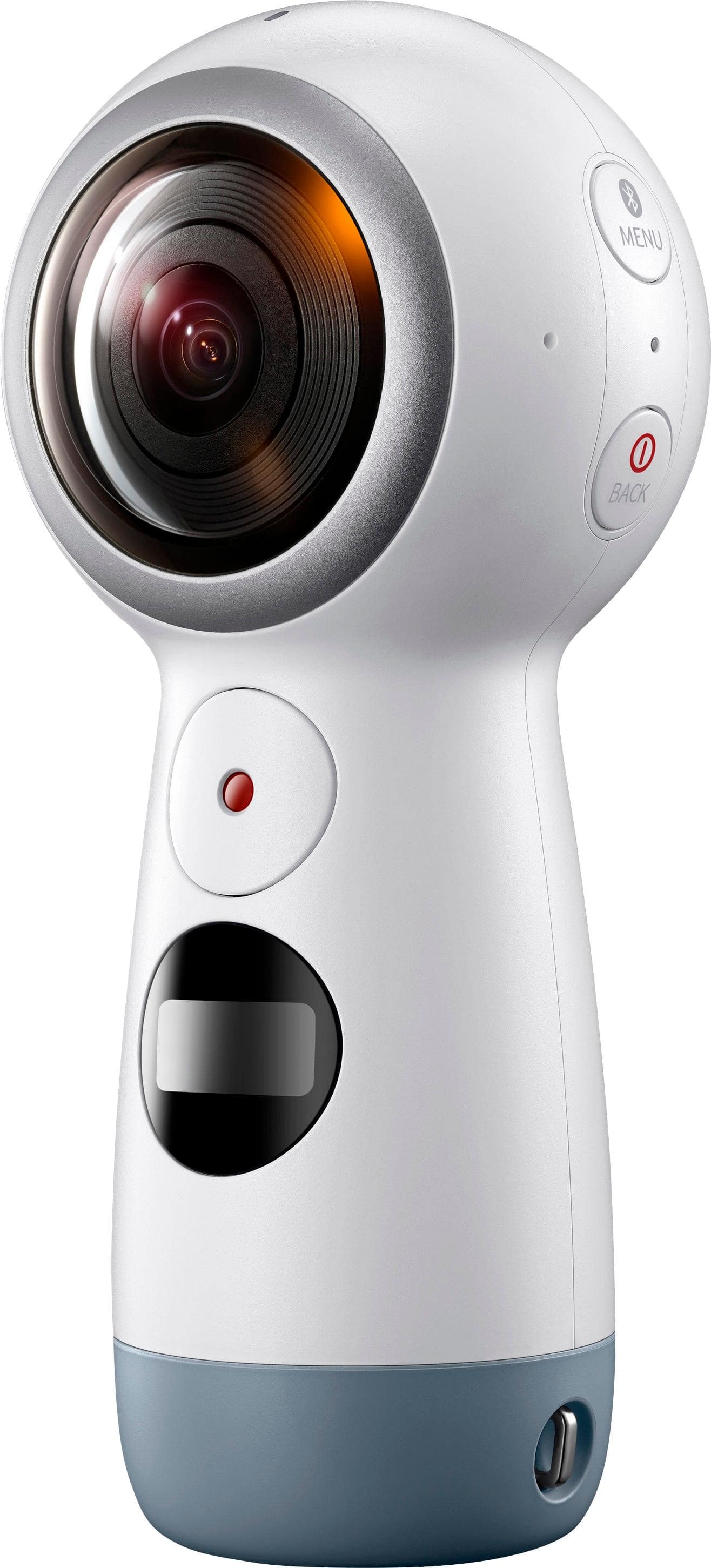
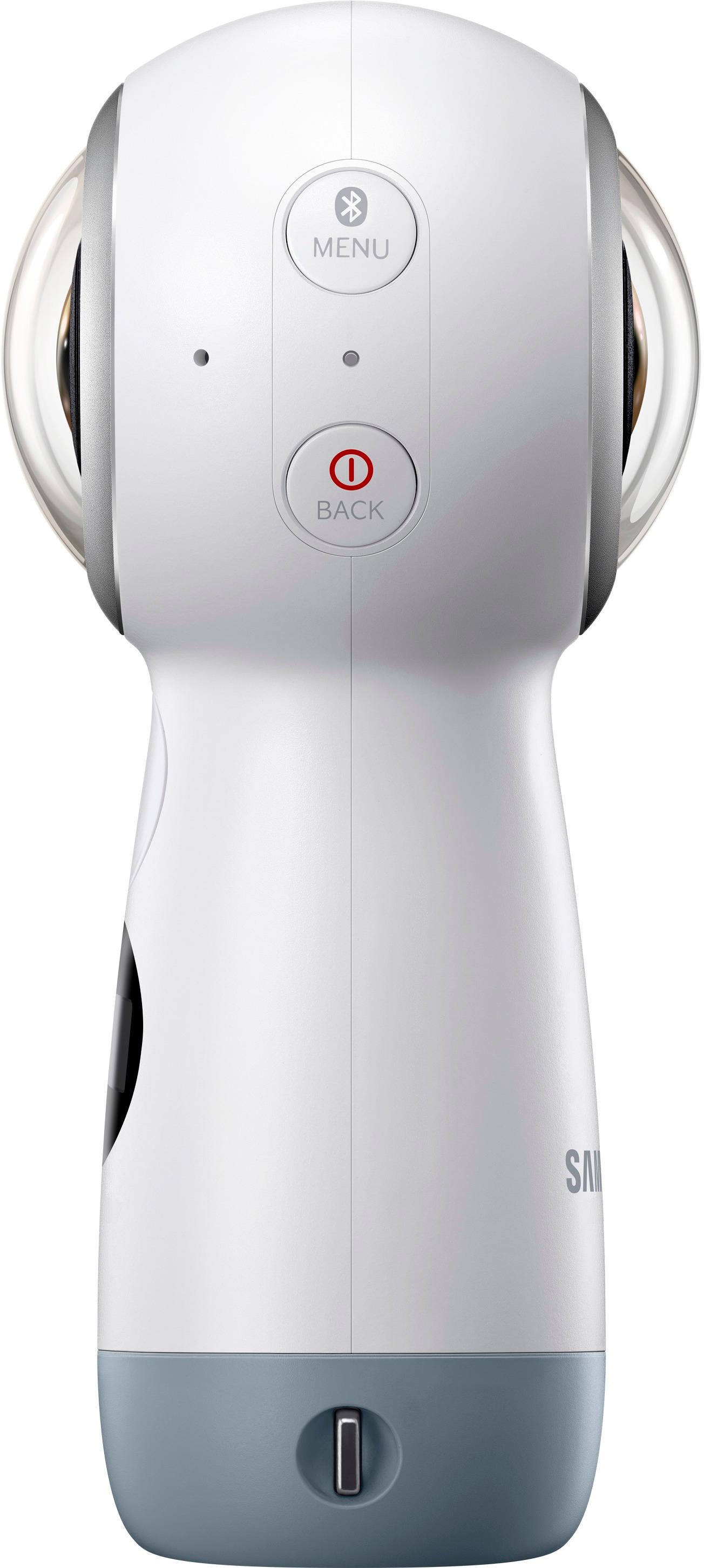
A:AnswerIf your boy wants to use it primarily for online reviews then dont go with a 360 camera of any sort. Period. You will want your audiences attention on whatever item you are reviewing in the vid. Not panning the video angle or looking around the room. If those are your needs, I would reccomend you invest a little more money and either purchase a dedicated video cam or a dslr of some sort. This camera would be more ideal for shooting say, vacation videos or something like that where you want your audience to have a more immersive experience.
But to answer your question yes. There is video stitching software which I believe is made available through Samsung. The instructions will provide the dl link. It's called action director software and is up for dl on Samsung's site.
A:Answer.mp4 vid and .jpg pics. The vid and pics come straight to your mac as two orbs raw. There is free software from Samsung for a Mac you can download to "stitch" them into a few different view types. They can be uploaded within the software, but really edited that much. I use a PC for my hardcore editing, but I'm sure the latest and greatest editing software on Macs can do it, too.
A:AnswerNo, the camera does not come with an SD card, and it will not work without one. As for the pole or selfie stick, you can purchase one at Walmart, Target, or Best Buy.
A:AnswerIt has a standard threaded camera mount in the base. You can use any camera mount with it. For instance, any gopro mounting will mount this camera as well.
A:AnswerMany are saying that it does work with an iPhone, and another more recent review said you just need to download the Samsung Gear 360 app. I plan on getting this for my boy and I to play with (he wants to be the next Youtube toy reviewer/star).
A:AnswerYou should try to download the Gear 360 app to your phone - that is used to make the connection to the Gear camera. You can transfer movies to Macs and PCs by USB cable.
^Tim