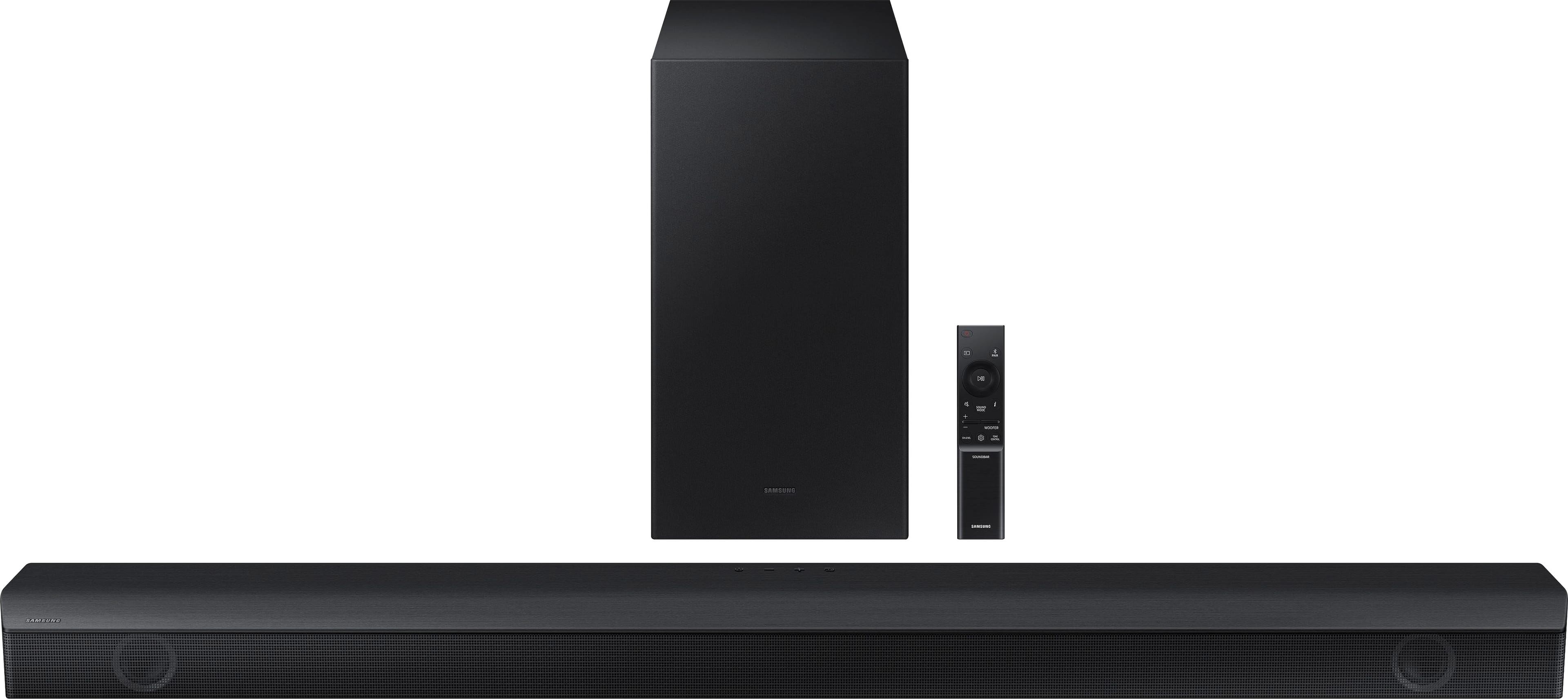
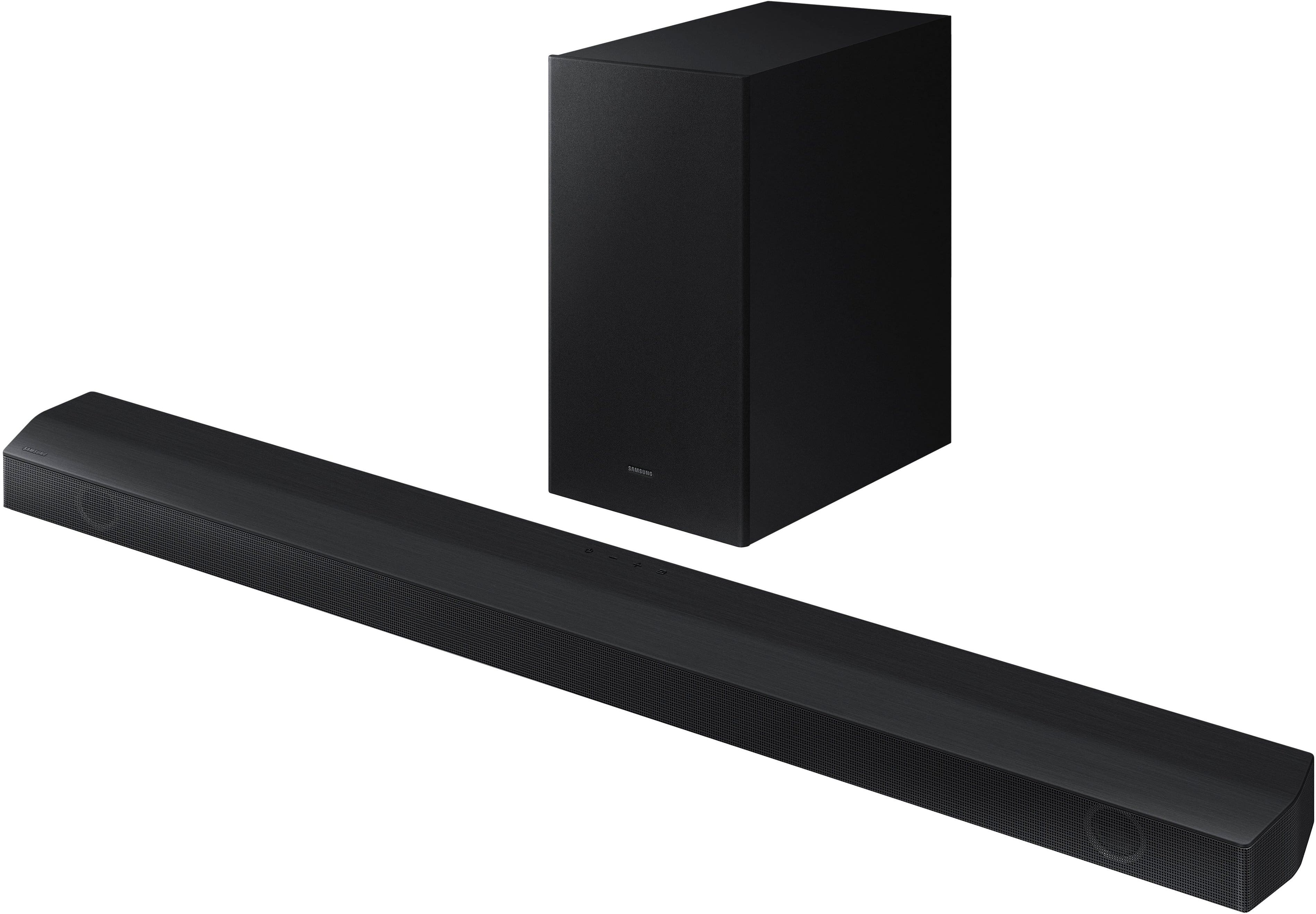
A:AnswerHello KHines121212. No, the HW-B650 Soundbar does not have the Q-Symphony feature. However, the 2025 HW-B650F does include it. ~ Samsung Solutions
A:AnswerBluetooth is universal, so yes you can connect any Bluetooth capable device to it for wireless streaming without worrying about the connection to the TV. As you stated as long as the TV is off feel free to use it as you need
A:AnswerComparable or Compatible, in both cases the answer is yes. In my experience Samsung makes sure in manufacturing that all their products work together in the most user friendly way possible
A:AnswerHi Bett! You will need to use the soundbar remote to make audio adjustments. If the soundbar is connected to the TV using HDMI ARC you should have no issues controlling the volume with your ROKU remote. ~ Samsung Solutions
A:AnswerDid you try looking on the back of the products? On mine there was a button on the back of the base that you press and hold and it would light up waiting for you to connect.
A:AnswerHi! The HW-B650 features three ways to connect to an external device: HDMI (ARC), digital optical audio, and Bluetooth wireless audio technology. If your TV is compatible with one of these three audio connections, you should have no issue connecting the soundbar to your TV. ~Samsung Solutions
A:AnswerIt would be nice! To be Honest I don't know but I do know all sets of sound bar and Sub like my own JBL 300 Watt system you Can't add ANYTHING TO!!!! Rediculous!!!!!!
Works just as is (no additional components allowed.)
That's how they Force you to purchase the high level model that includes Rear speakers to create Surround Sound!
I added a set of Bose Companion II 's that fill a Big hole in the Voice clarity and Mid-Range sounds.
Sound Great together. I simply plugged into headphone jack on back of 43" UHD Sharp!
Sounds Great !