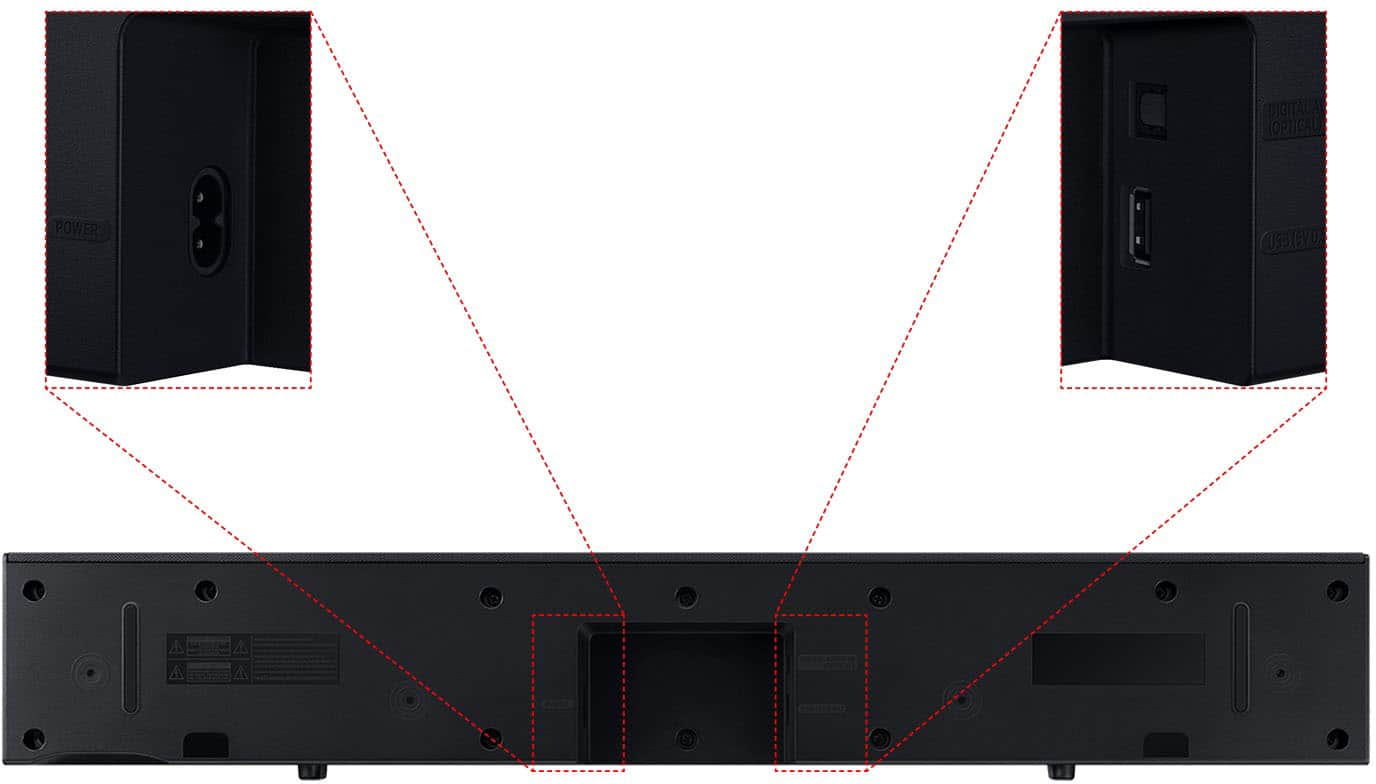
A:AnswerHello chuck! Yes, the HW-C400 Soundbar will work with your 55S90D. It features both Optical and Bluetooth which can be used to connect to your new Samsung TV. If you are looking for a small compact soundbar with more features that will allow you to utilize more of your TV's audio potential with features such as Q-Symphony which enables your TV to and Soundbars speakers to work together please see the HW-S60D Soundbar. Check it out at Best Buy: https://www.bestbuy.com/site/samsung-hw-s60d-5-0-channel-s-series-all-in-one-soundbar-dolby-atmos-and-q-symphony-black/6577565.p?skuId=6577565
~ Samsung Solutions
A:AnswerHi thewriter. The Bluetooth connection will be lost if the distance between the soundbar and the Bluetooth device exceeds 32.8 ft. ~ Samsung Solutions
A:AnswerHello bobby! You may be able to adjust the HW-C400 Soundbar volume using the TV’s remote control used for the TV by adjusting the settings within the soundbar. This function can be used with IR remote controls only. Bluetooth remote controls (remote controls that require pairing) are not supported. Set the TV speaker to External Speaker to use this function.
1) Turn Off the Soundbar.
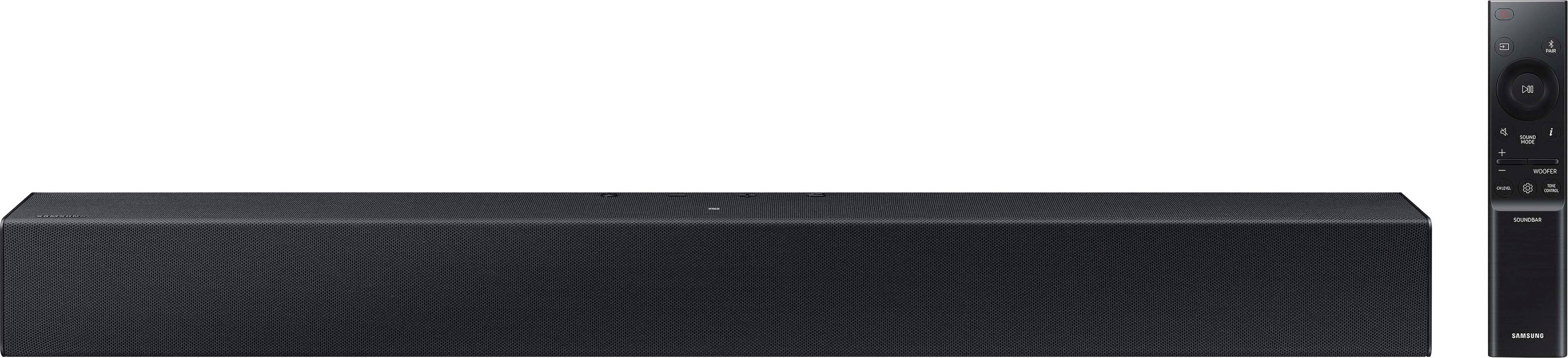
2) Push up and hold the WOOFER button for 5 seconds. Each time you push the WOOFER button up and hold it for 5 seconds, the mode switches in the following order: “Samsung-TV Remote” (Default mode), “Off-TV Remote”, “All-TV Remote”. The LED indicator status changes each time the mode is changed.
Should you need further assistance, please contact Samsung Support at 1-800-SAMSUNG (ask for Soundbars).
~Samsung Solutions
A:AnswerHello DanaB! I highly recommend the Samsung HW-B400F for anyone looking for an easy and effective upgrade from standard TV speakers. Its compact design fits nicely in smaller spaces, while the built-in woofer delivers fuller sound and surprisingly rich bass without the need for a separate subwoofer. Dialogue comes through clearly thanks to Voice Enhance, making shows and movies much easier to follow. Setup is simple with HDMI ARC and Bluetooth, and Samsung TV owners will appreciate the convenience of using One Remote. Features like Surround Sound Expansion create a wider, more immersive listening experience, while Night Mode helps keep volume levels comfortable during late-night viewing. Overall, it’s a great space-saving soundbar that offers clear, balanced sound and excellent everyday performance. ~ Samsung Solutions
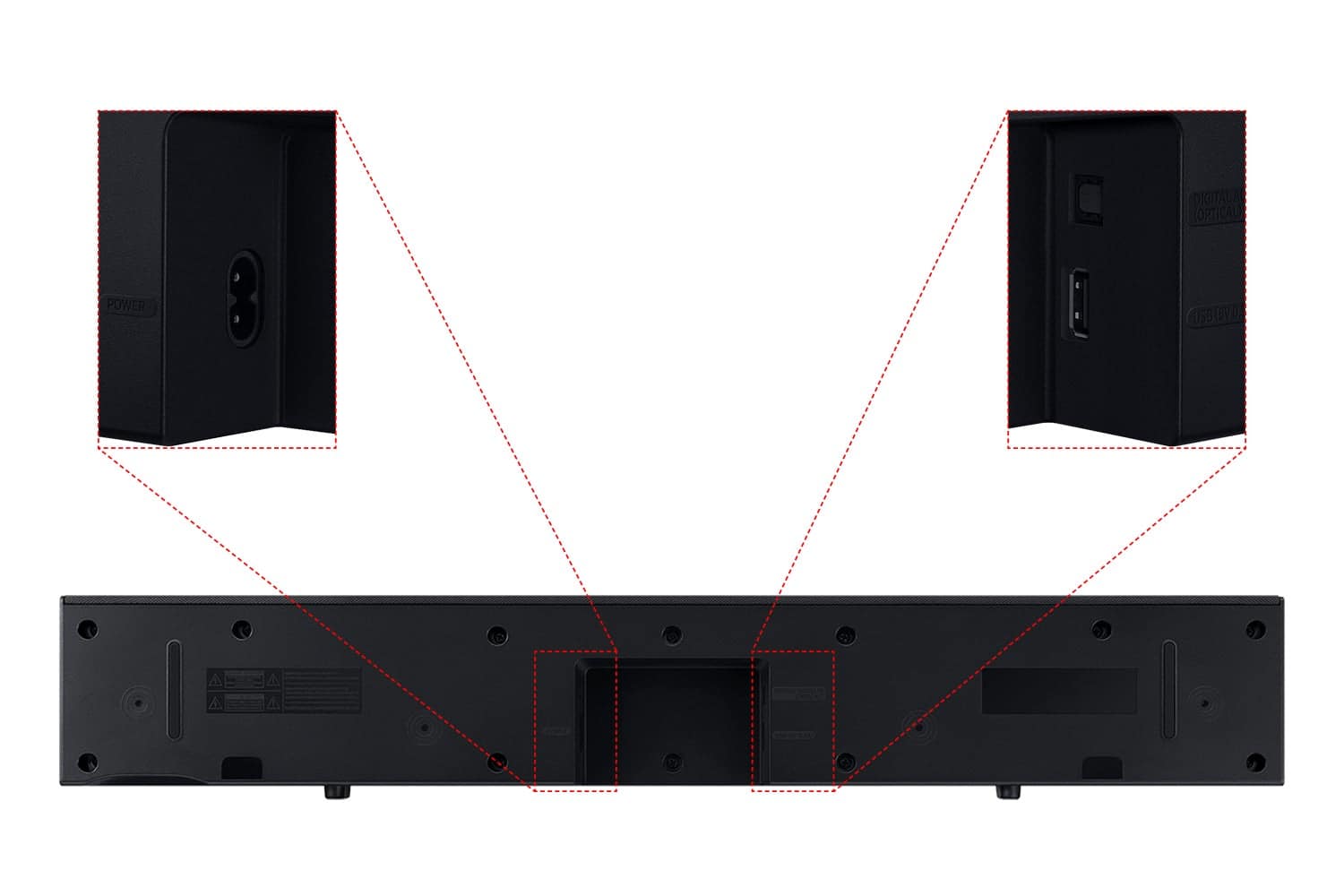
A:AnswerHi there Dusty! The HW-C400 features two ways to connect to an external device: Digital optical audio, and Bluetooth wireless audio technology. If your TV is compatible with one of these two audio connections, you should have no issue connecting the soundbar to your TV. ~Samsung Solutions
A:AnswerHi there! The HW-C400 Soundbar is not brand-specific and features an Optical port and Bluetooth connectivity; if your TV supports Bluetooth or has an Optical port, you can connect this soundbar to your TV via either. ~Samsung Solutions
A:AnswerI’m not sure what the measurements are but it’s a good size sound bar and it works with any size TV.
Now that I think about it, it might be a28inch sound bar
A:AnswerNo it doesn't if you use Bluetooth on your TV set. It does come with a optical cable in the box but I didn't know use it since I'm using Bluetooth.