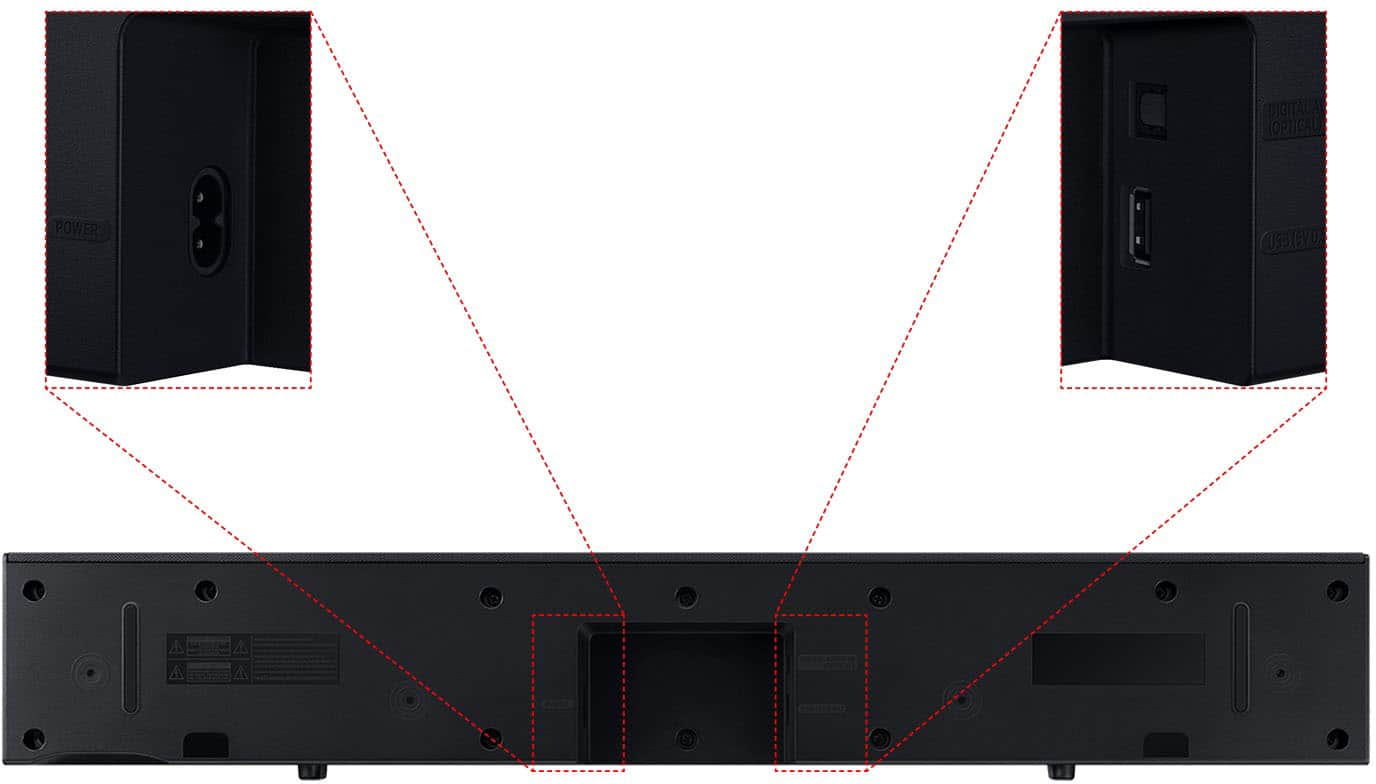
A:AnswerThe Bluetooth on the Samsung HW-C400/ZA soundbar connects devices like smartphones and speakers, but not Bluetooth headphones. Since your older Samsung TV doesn't support Bluetooth, you can't connect your Bose headphones directly. You'd need a Bluetooth transmitter for that.
A:AnswerYes, both the Samsung HW-C400/ZA and the HW-B650 soundbars will work with your 39" Samsung TV (UN39FH5000FXZA).
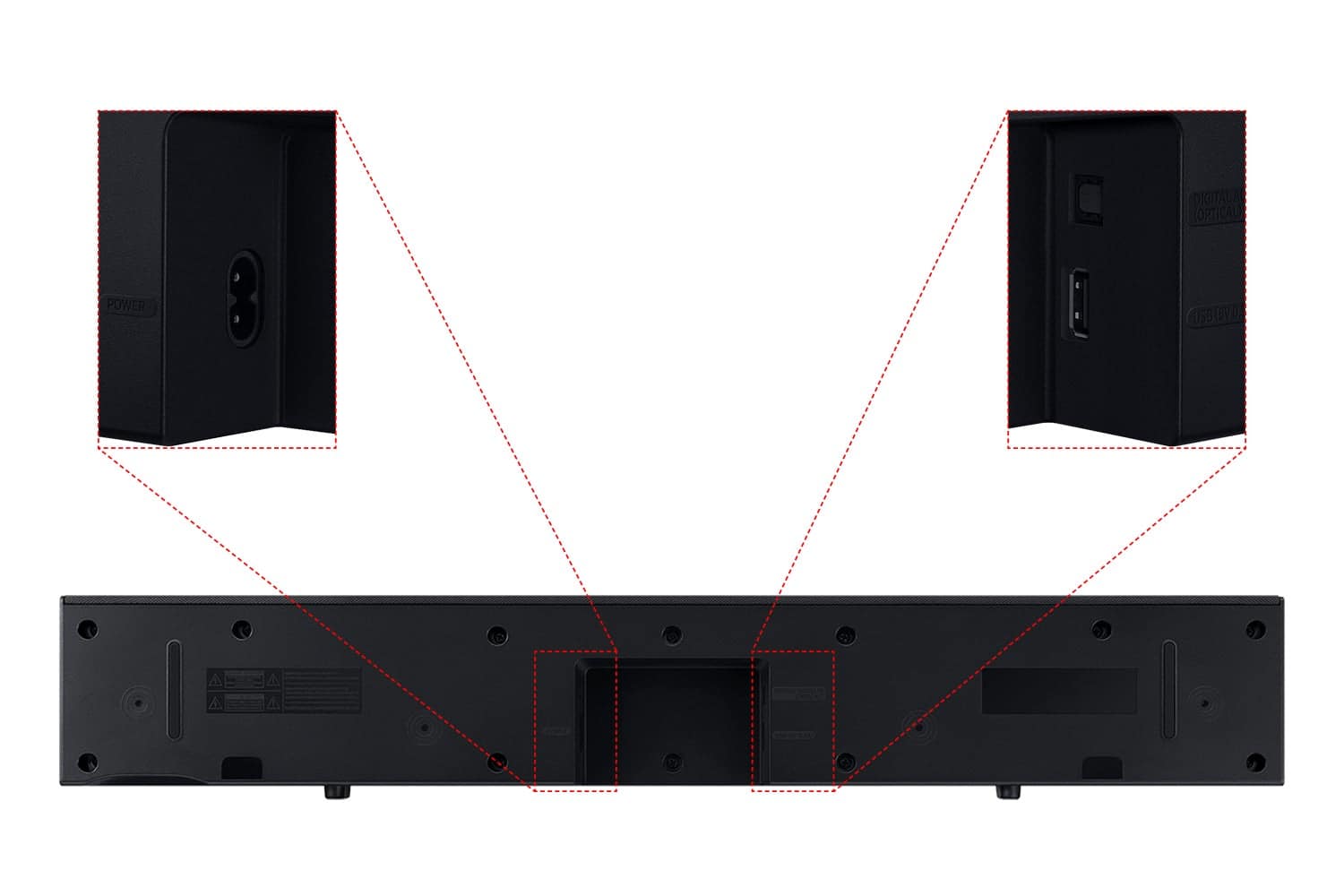
For the HW-C400/ZA, you can connect it using the digital audio out on your TV. For the HW-B650, you can use HDMI if your TV has an HDMI ARC port. If not, you can connect it using the digital audio out as well.
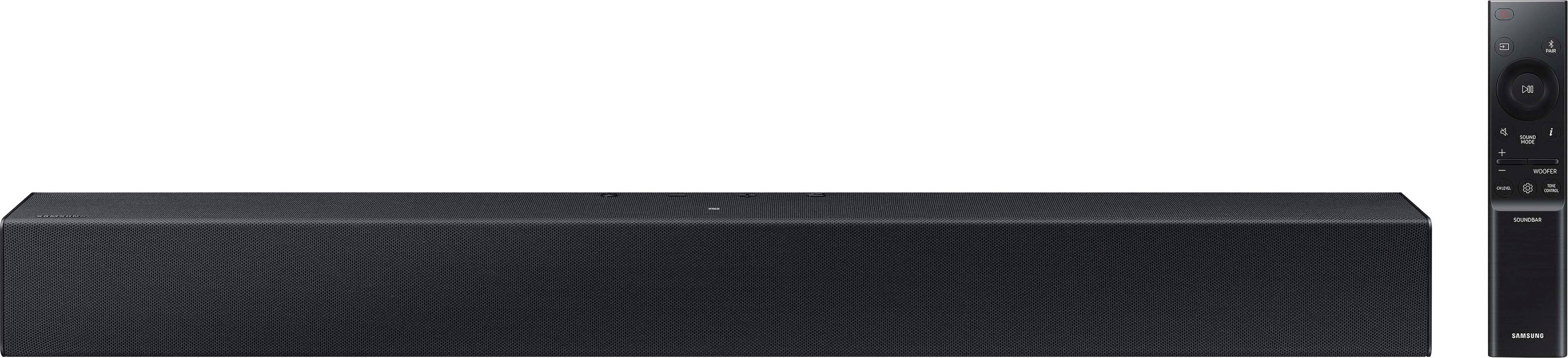
A:AnswerYes, you can use the Samsung HW-C400/ZA soundbar remote with your LG TV. The remote controls features like volume, bass, and sound modes, and it works with any TV brand.
To connect the soundbar, use HDMI ARC or an optical cable. If you use HDMI ARC, you might control the volume with your TV remote, but for other functions, you'll need the soundbar remote.
A:AnswerTo connect your Samsung HW-C400/ZA soundbar to your 55-inch Samsung DU7200 TV:
1. If using an optical cable, plug one end into the optical out port on your TV and the other end into the optical input on the soundbar.
2. If using HDMI, plug the cable into the HDMI ARC port on your TV and the other end into the HDMI port on the soundbar.
If your TV doesn't have an HDMI ARC port, use the optical cable. Make sure to change the TV audio settings to "External Speakers" or "Optical."
A:AnswerThe Samsung HW-C400/ZA soundbar weighs about 6.4 lbs. It should work with most mounts that support up to 15 lbs. Just check the mount’s weight limit before mounting.
A:AnswerYes, your Samsung UN50TU7000FXZA TV has an optical audio out. You can connect the soundbar by plugging one end of the optical cable into the TV and the other end into the soundbar. This will make the sound louder and clearer.
A:AnswerNo, you cannot connect wired external speakers directly to the Samsung HW-C400/ZA soundbar. It only supports wireless connections or wired connections to the TV, but not additional wired speakers.
A:AnswerHi! The HW-C450 features two ways to connect to an external device: Digital optical audio, and Bluetooth wireless audio technology. If your TV is compatible with one of these two audio connections, you should have no issue connecting the soundbar to your TV. ~Samsung Solutions
A:AnswerThe USB port on your Samsung C27HG7X monitor is for power or data, not audio. Plugging the soundbar's USB into the monitor won't make the speakers work.
To hear sound, connect the soundbar using an optical cable, 3.5mm audio jack, or Bluetooth (if your monitor supports it). Make sure your monitor has an audio output for the connection.
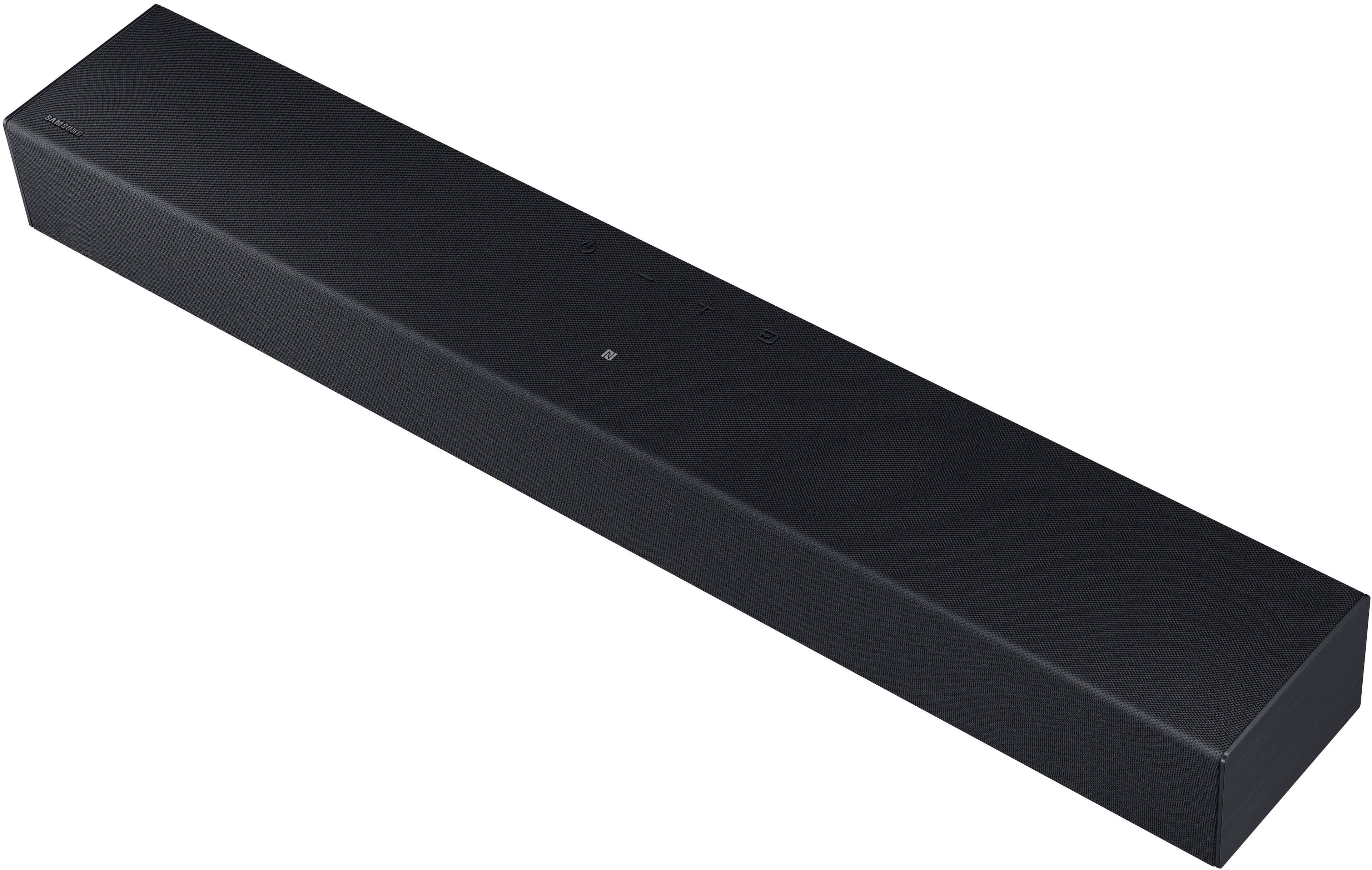
A:AnswerThe use of NFC is an option on this soundbar. The NFC can be used by choosing that option on your phone and, placing your phone over or on the NFC logo on top of the soundbar.
A:AnswerHi Tim! To mount it under a TV you would need a soundbar mount like the one offered at Best Buy: https://www.bestbuy.com/site/rocketfish-universal-soundbar-mounting-system-black/6354301.p?skuId=6354301 ~ Samsung Solutions