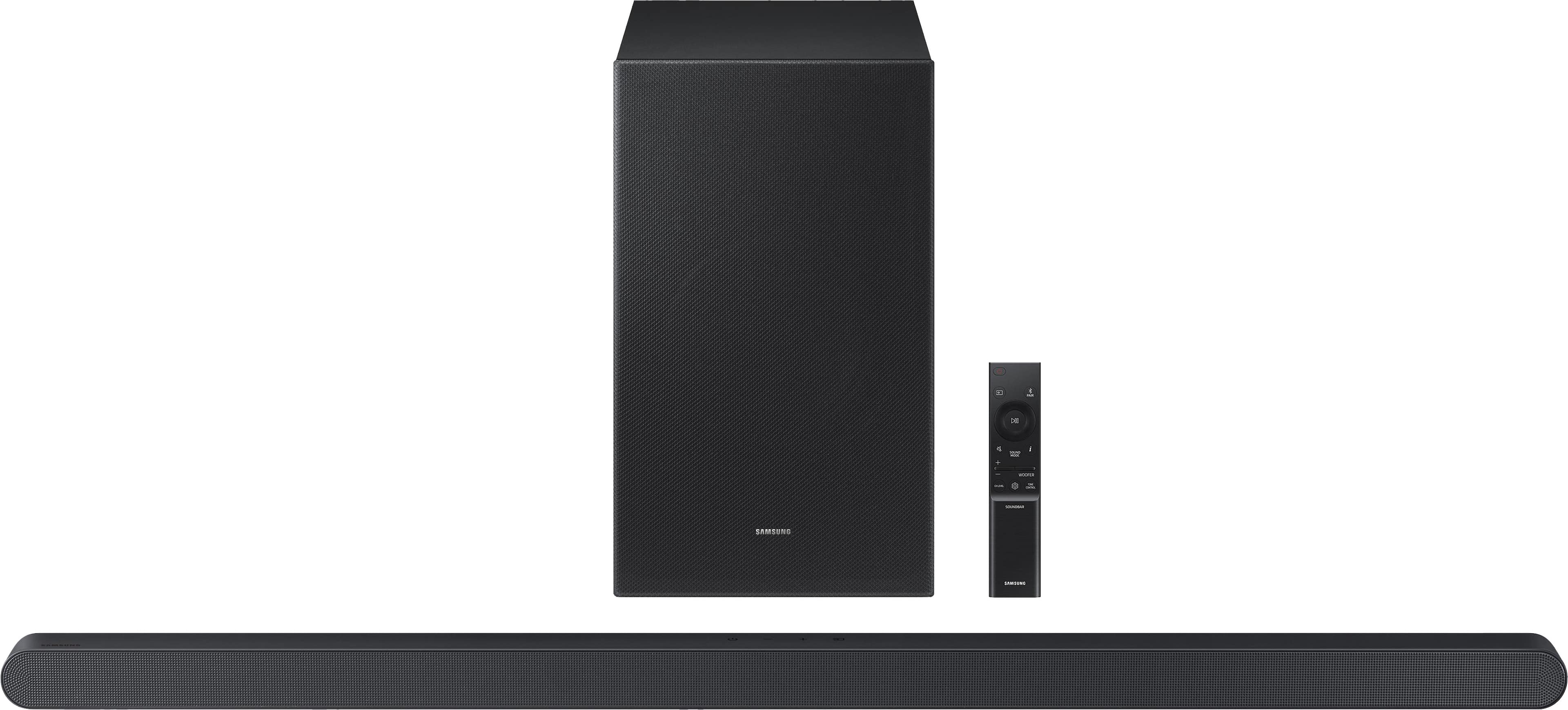
A:AnswerHi Bds! The HW-S700D features four ways to connect to an external device: Wi-Fi, HDMI (eARC), digital optical audio, and Bluetooth wireless audio technology. If your TV is compatible with one of these four audio connections, you should have no issue connecting the soundbar to your TV. ~Samsung Solutions
A:AnswerHi RickB! The HW-S700D features four ways to connect to an external device: Wi-Fi, HDMI (eARC), digital optical audio, and Bluetooth wireless audio technology. You should have no issue connecting the soundbar to your TV. ~Samsung Solutions
A:AnswerHello DC957! Yes, the HW-S700D features four ways to connect to an external device: Wi-Fi, HDMI (eARC), digital optical audio, and Bluetooth wireless audio technology. If your TV is compatible with one of these four audio connections, you should have no issue connecting the soundbar to your TV. ~Samsung Solutions
A:AnswerHello JizzleMizzle! Yes, you can mount the HW-S700D Soundbar using either the included wall mounting kit or attach it to your TV using a 3rd party mount like the following, found at Best Buy: https://www.bestbuy.com/product/best-buy-essentials-rear-bottom-soundbar-wall-mount-for-most-15-lb-soundbars-black/J2FPJKPJJR
~ Samsung Solutions
A:AnswerHello Brad, The Q80T does support Dolby Atmos, but not wirelessly. To get the full benefit of Dolby Atmos, you'll need a compatible soundbar like your HW-S700D (which supports Dolby Atmos) and a connection via HDMI eARC to achieve the best experience. ~ Samsung Solutions
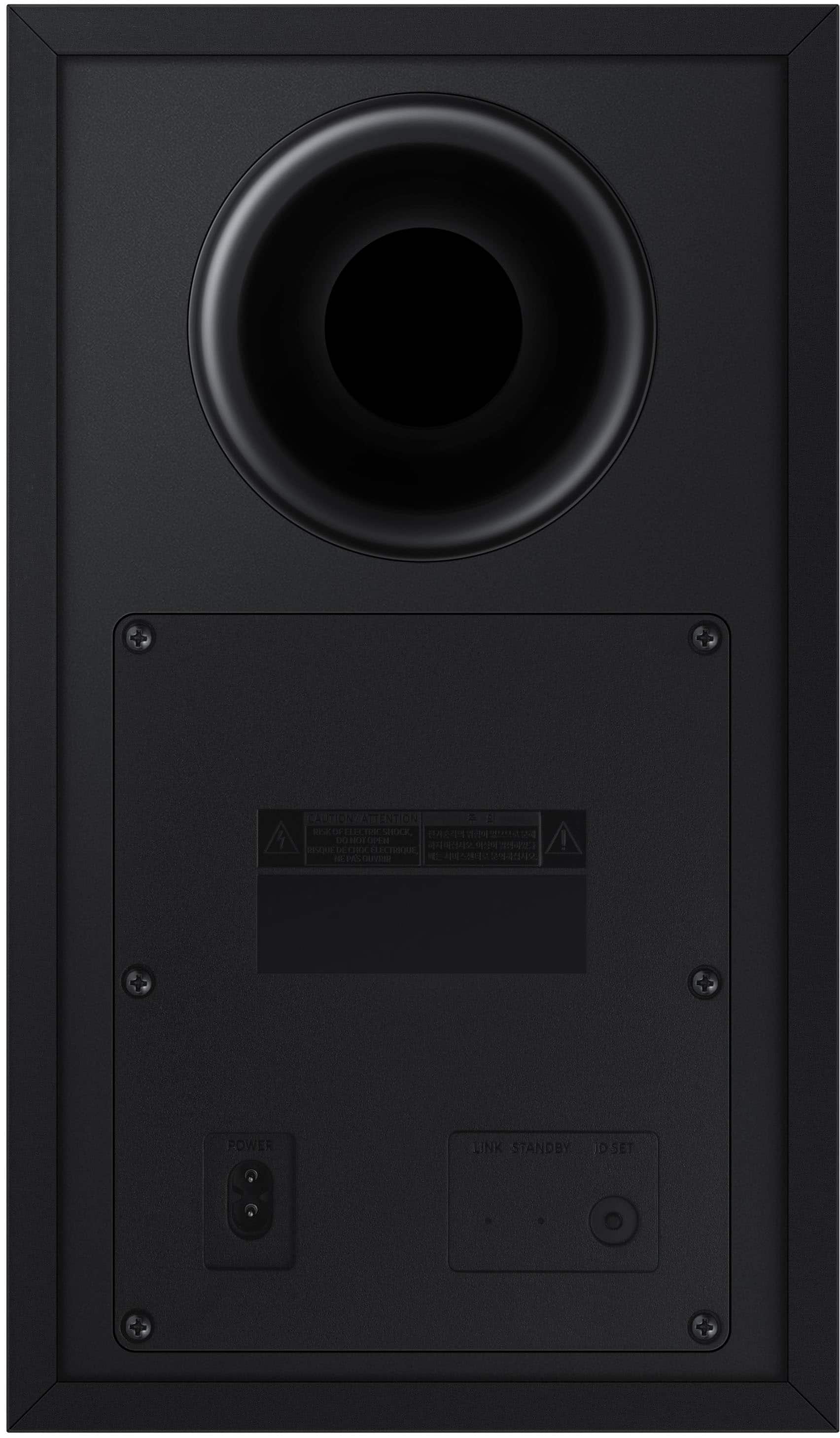
A:AnswerHi sle, You can connect the HW-S700D using the included HDMI cable, Bluetooth, or WiFi with a compatible Samsung TV. The included power cord and power adapter together are 59" long. ~ Samsung Solutions
A:AnswerHi Buddy. Some Samsung soundbars, like the HW-S700D, use a special Dolby Atmos codec to provide a virtual 3D audio experience. For an enhanced 3D audio experience, check out the HW-S800D with top-firing speakers built-in providing more powerful overhead audio.
~ Samsung Solutions
A:AnswerHello Beavis, if the feature is missing, the most common reason is that the soundbars' built-in microphones are turned off. SpaceFit won’t appear or activate unless the mics are enabled. Try turning on the microphone, then refresh the SmartThings app.
Also, make sure the soundbar’s firmware is up to date, since certain SpaceFit controls only show after updates.
~ Samsung Solutions