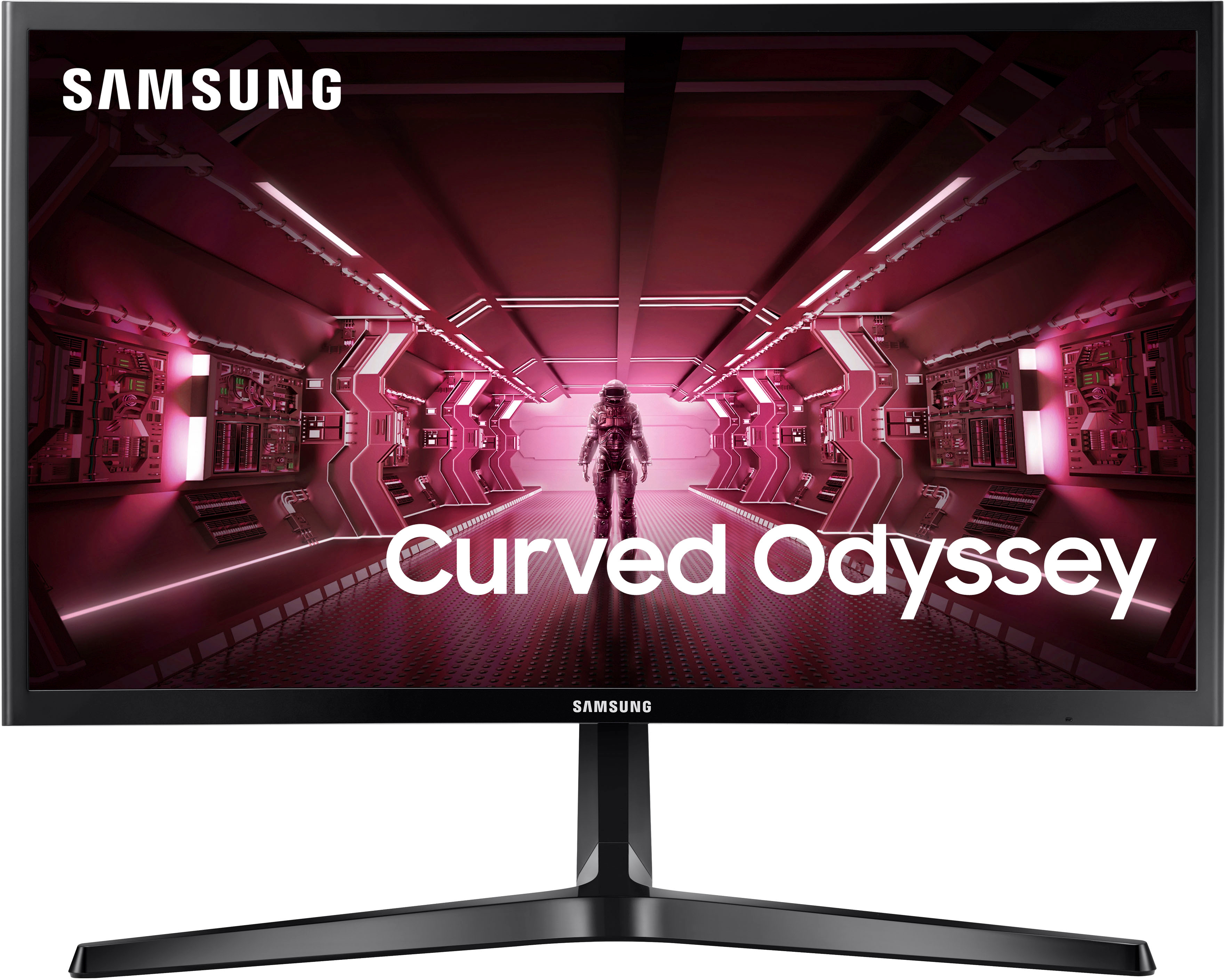
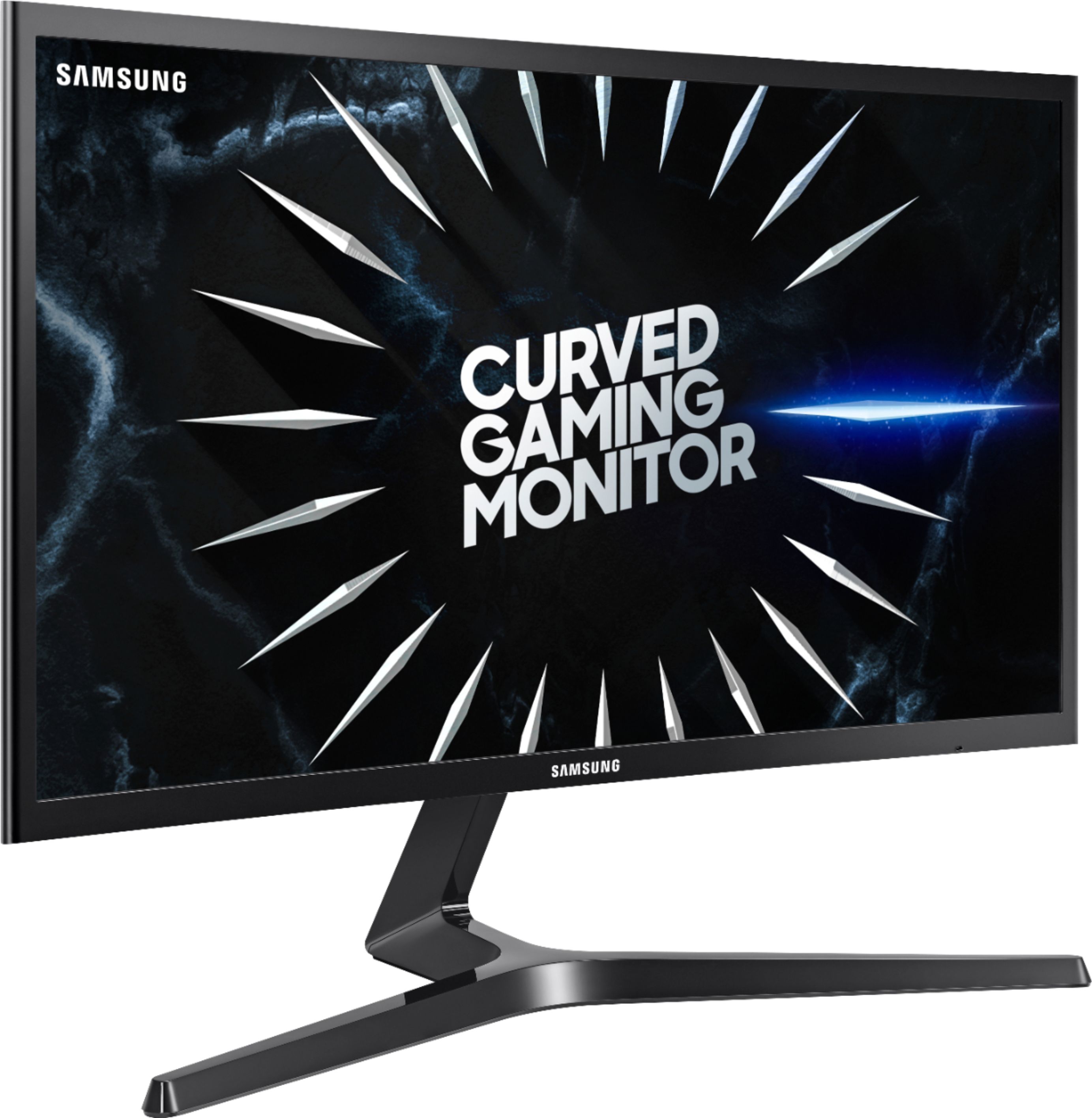
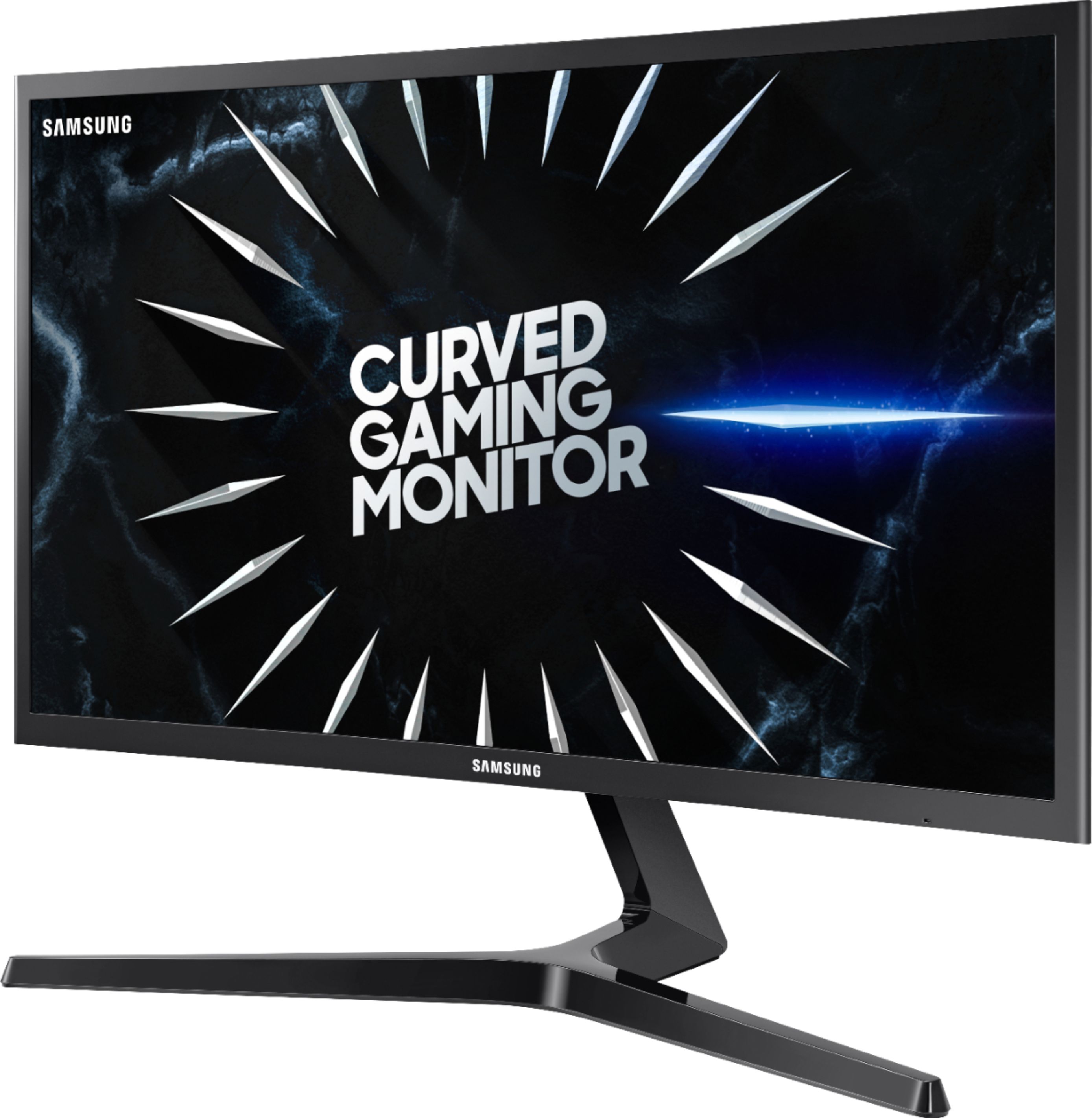
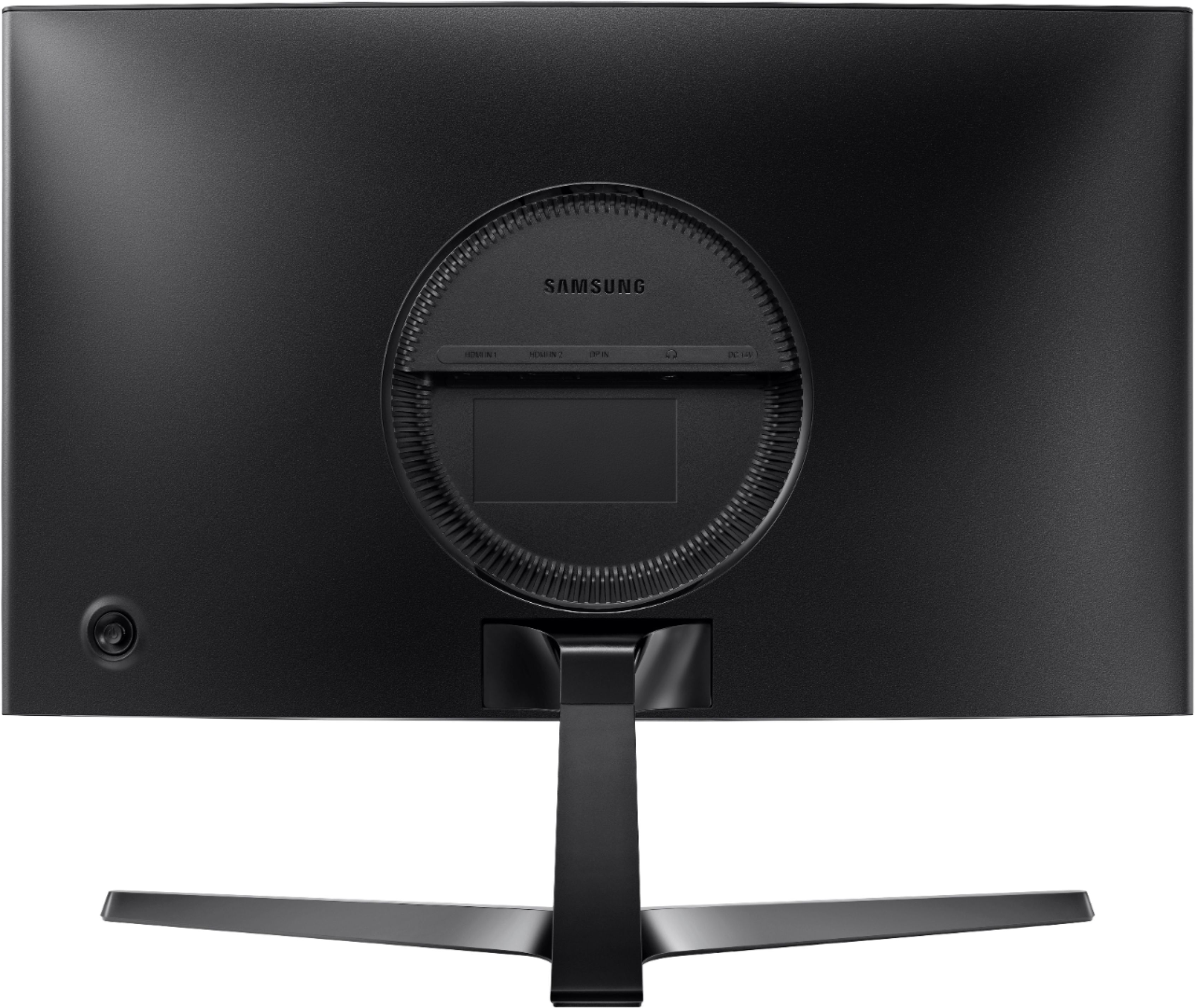
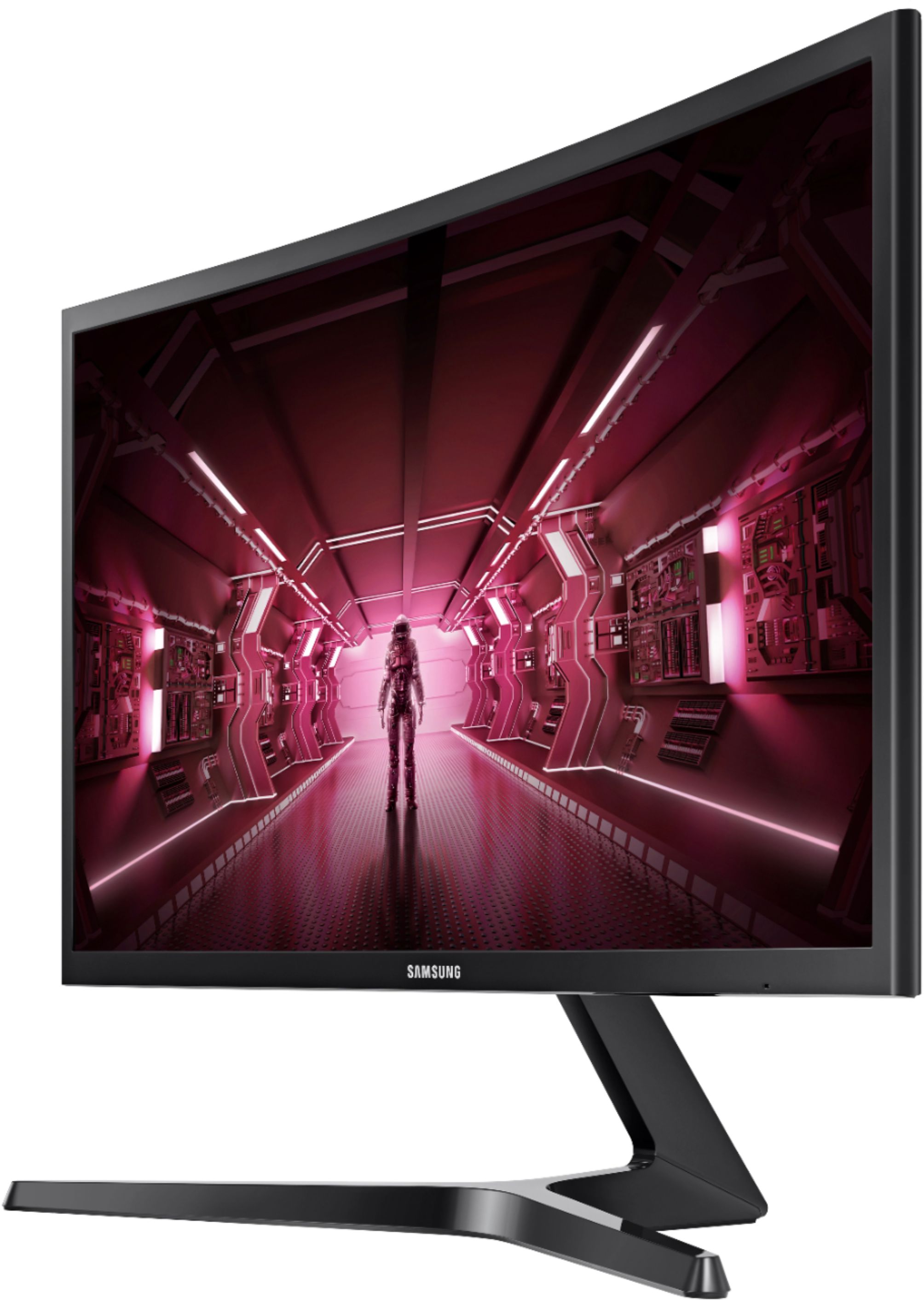
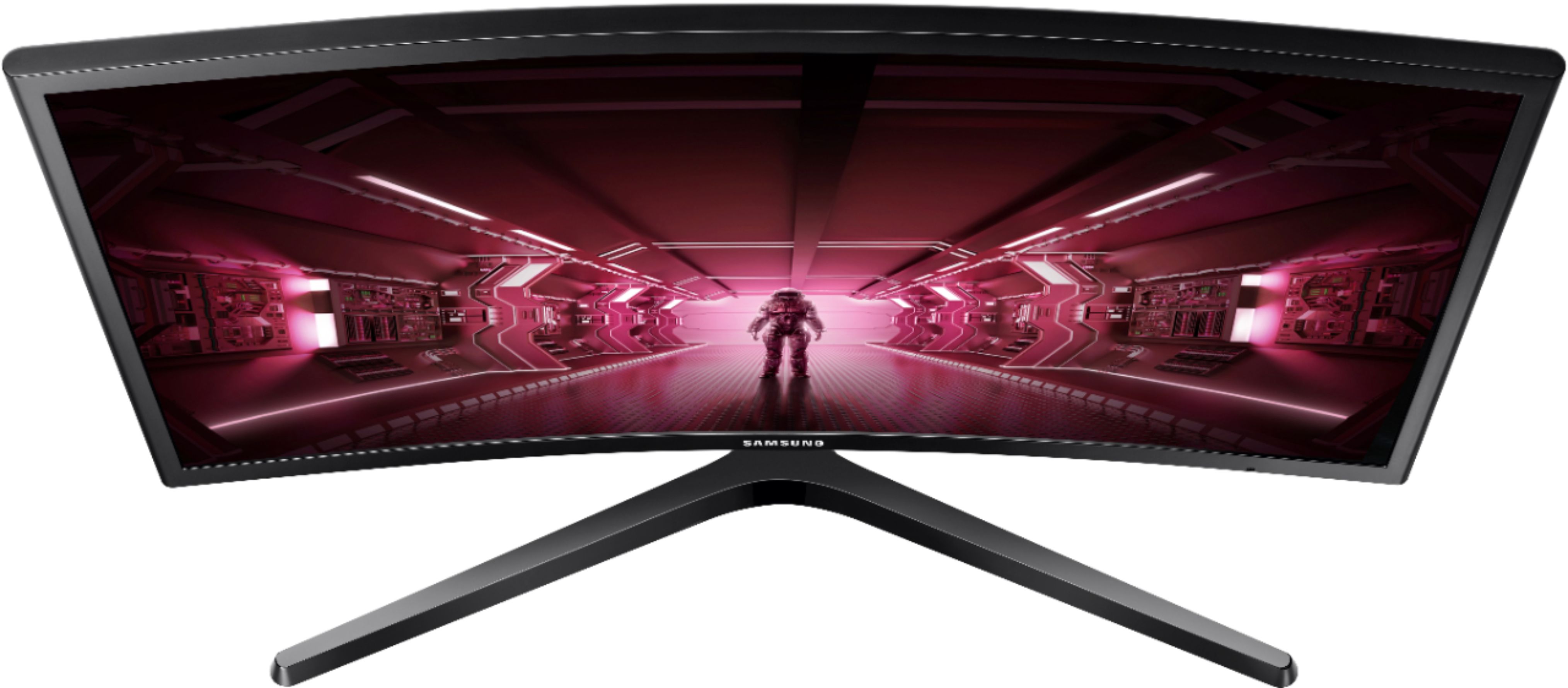
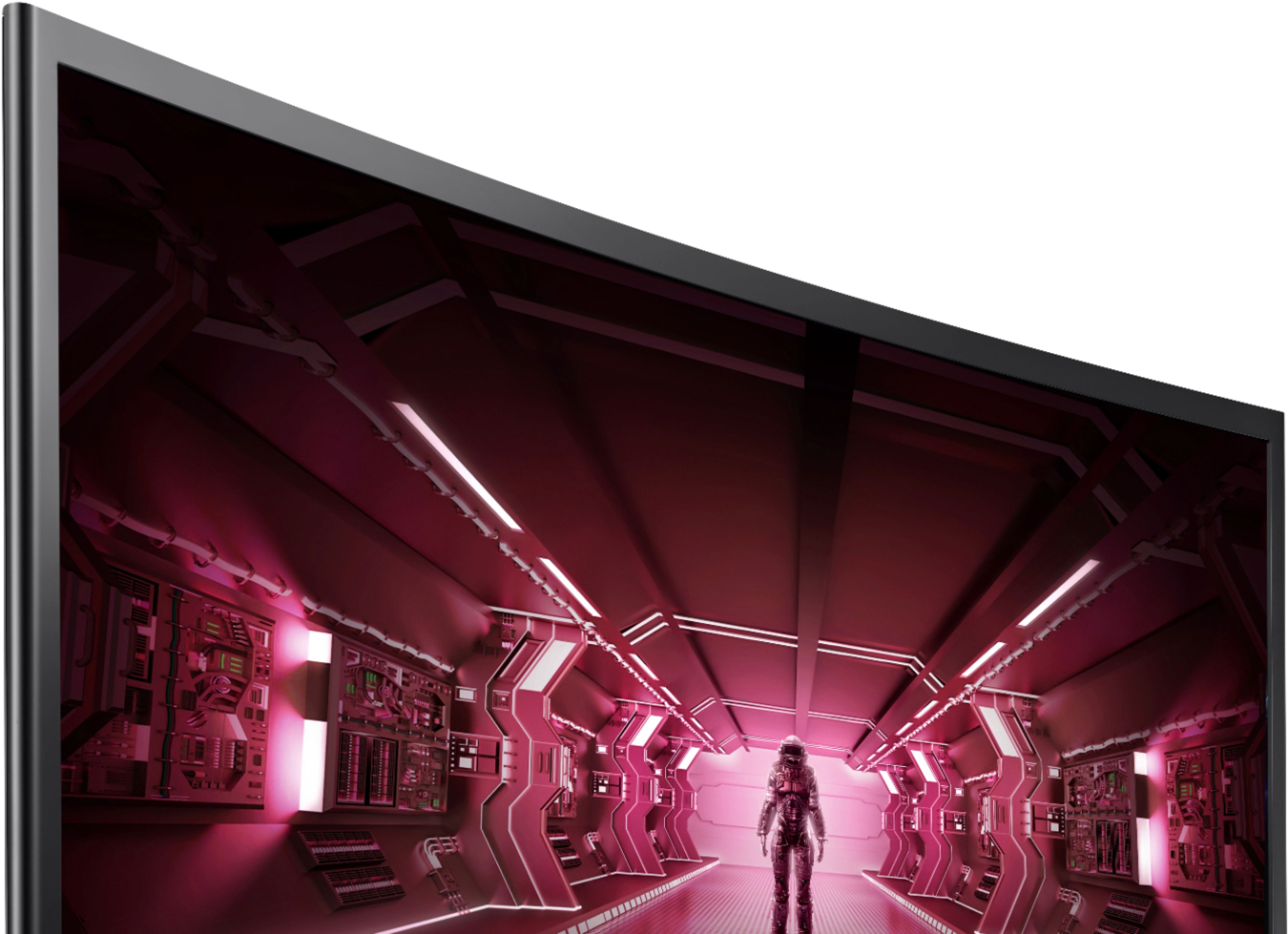
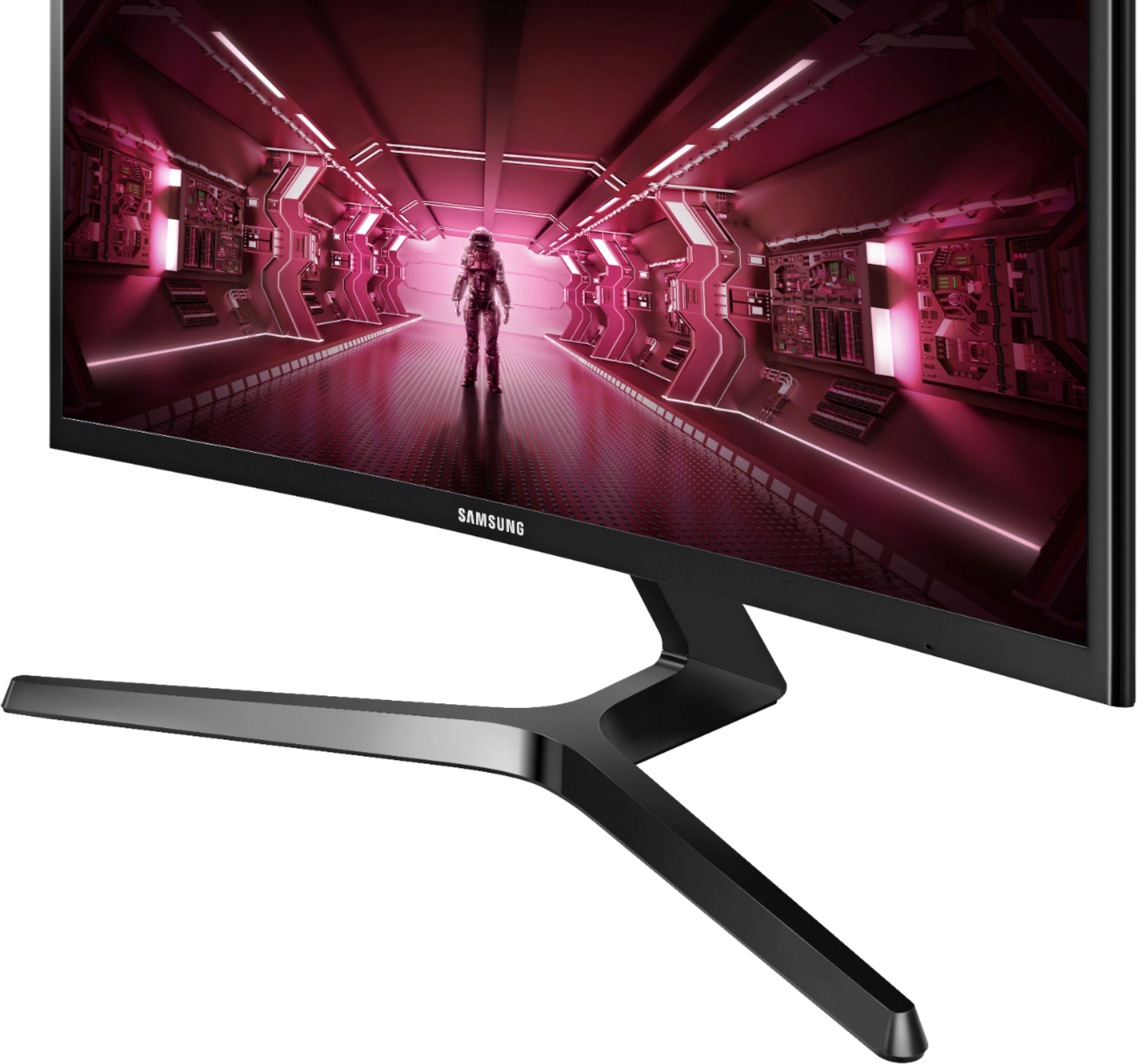
A:AnswerI bought this monitor for my brother and had to help him set it up. Before you can select 144 hz in the settings, you have to download the drivers from Samsung.(https://www.samsung.com/us/support/owners/product/curved-led-monitor-cf39x-series). Once you download the drivers from the support page, run the file. Then you have to go into your settings for your graphics drivers (e.g. Nvidia or Radeon) and the option for change to 144 hz should be around the area for resolution.