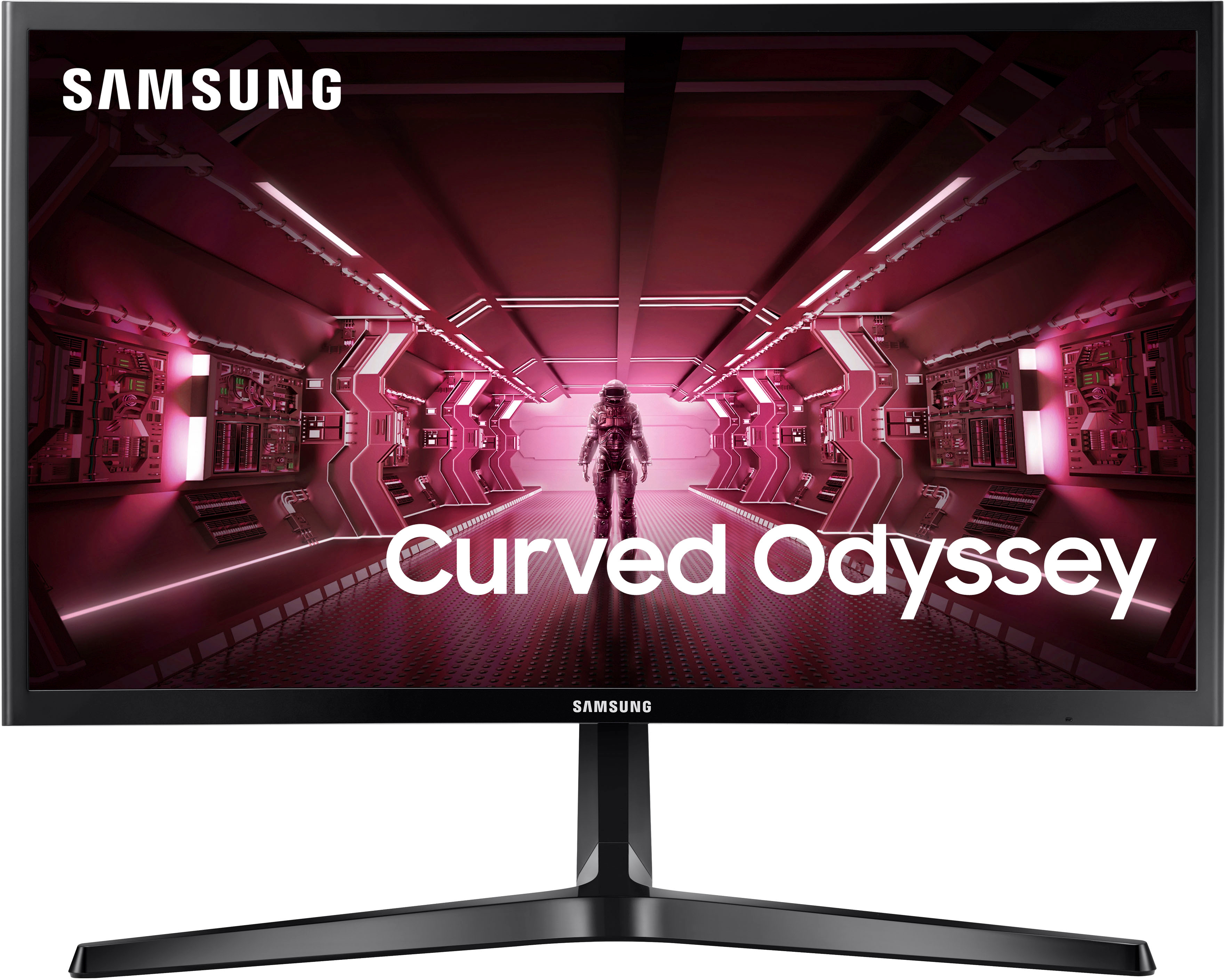
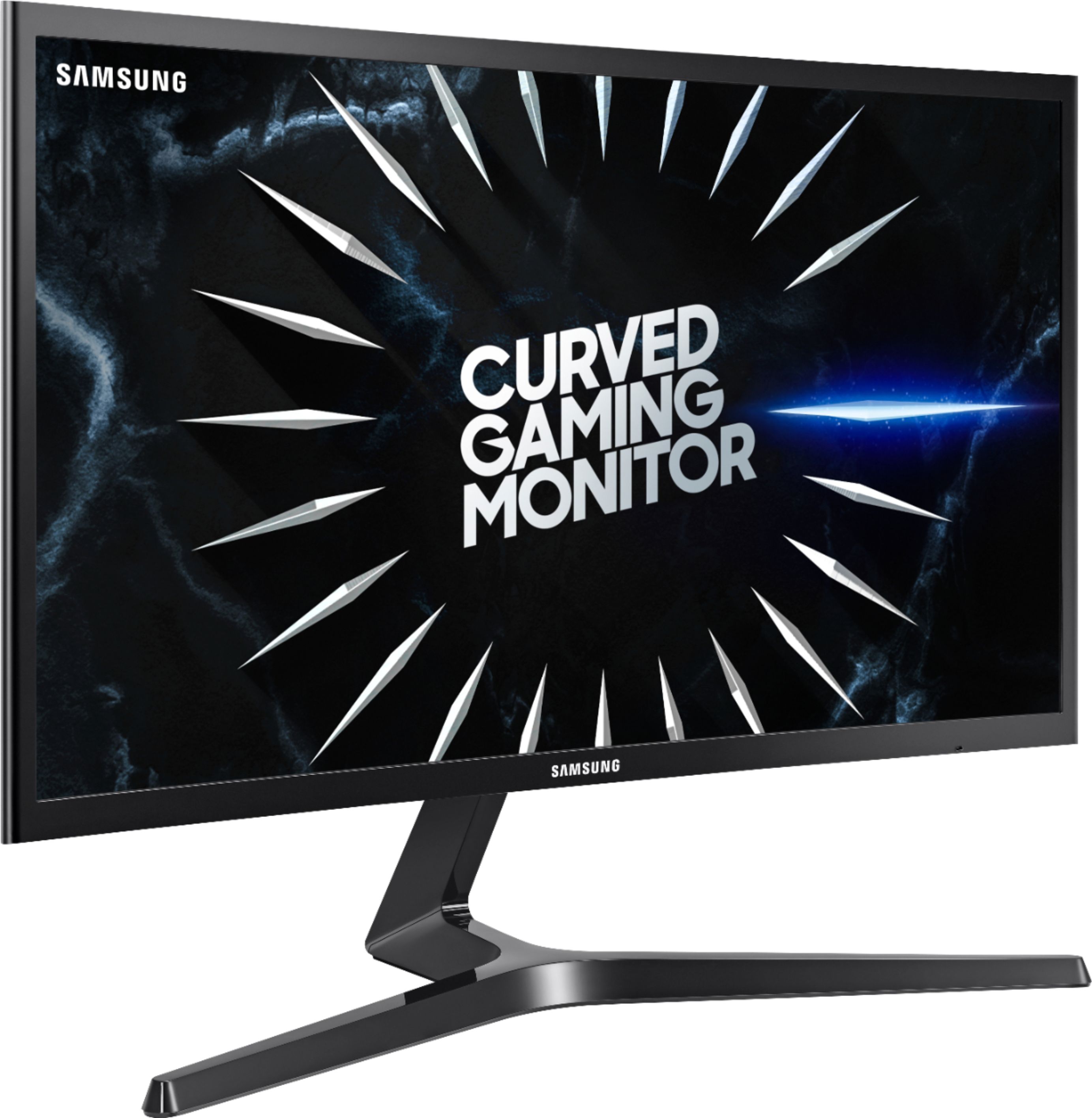
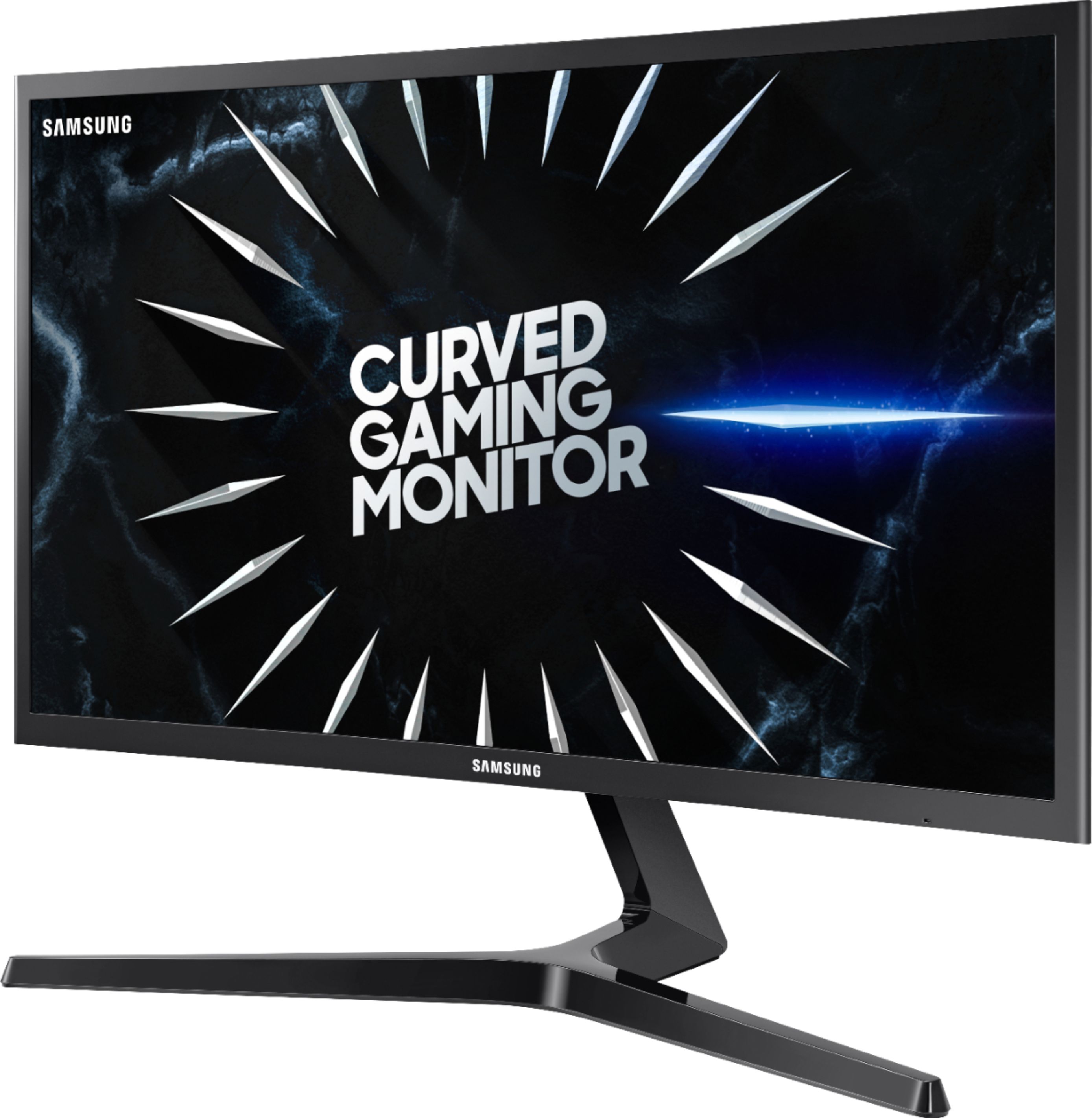
A:AnswerIt *should* work. You will need to toggle it in Nvidia control panel.
I have three Gsync monitors, personally, and I lock the refresh rate at maximum (240hz in my case) and disable Gsync.
I like the monitors to run at full throttle all the time.
That is just my preference, however.
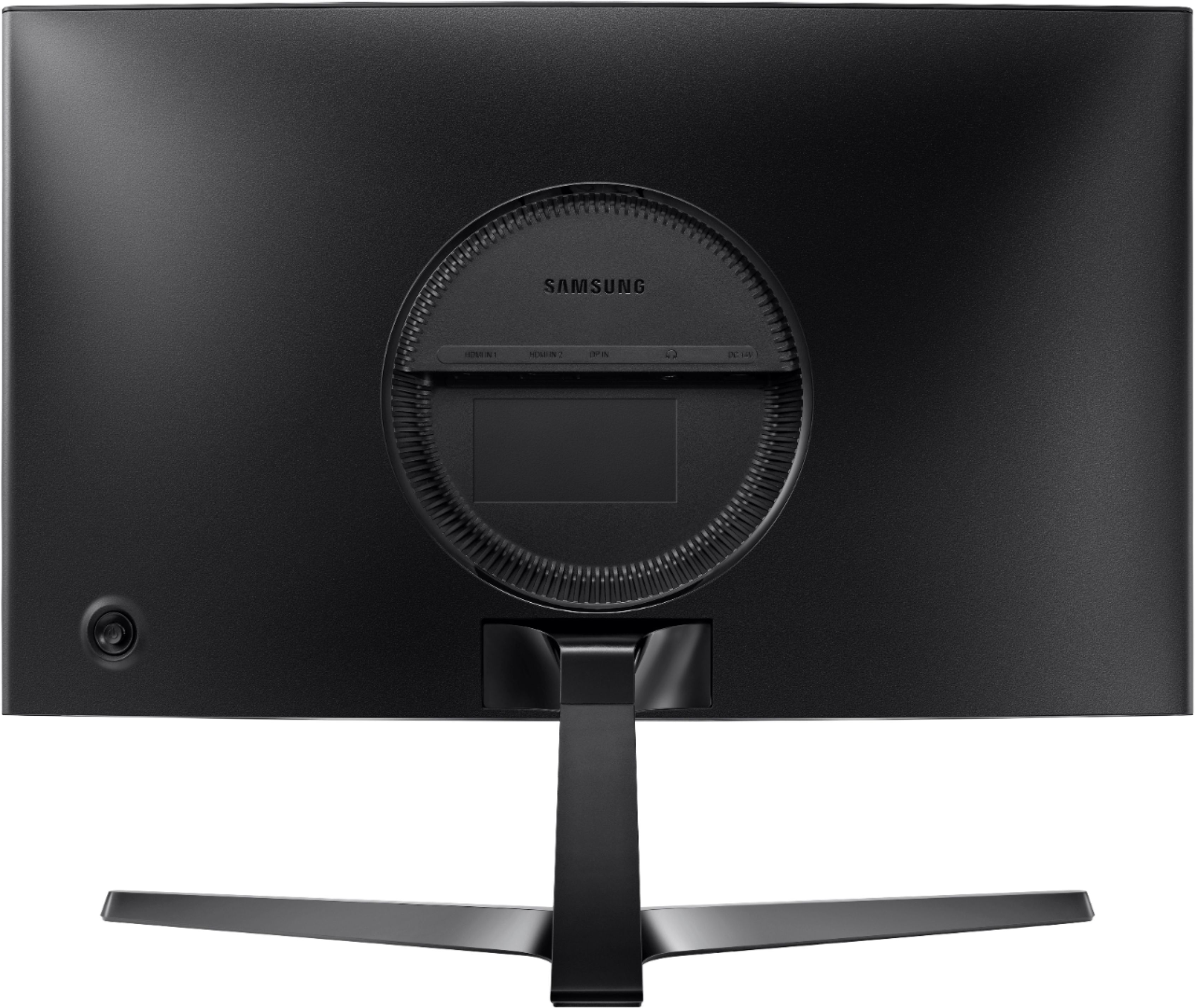
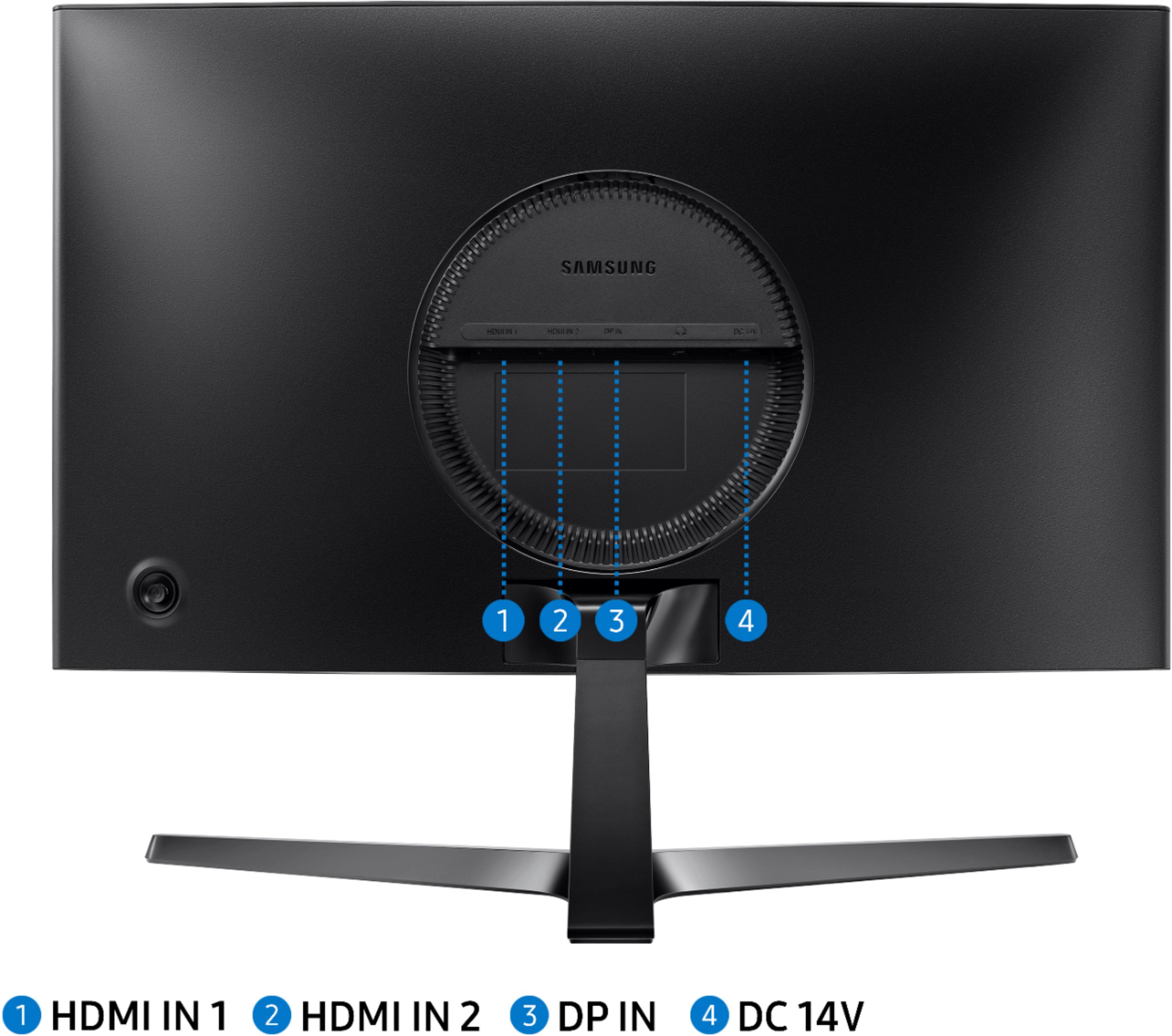
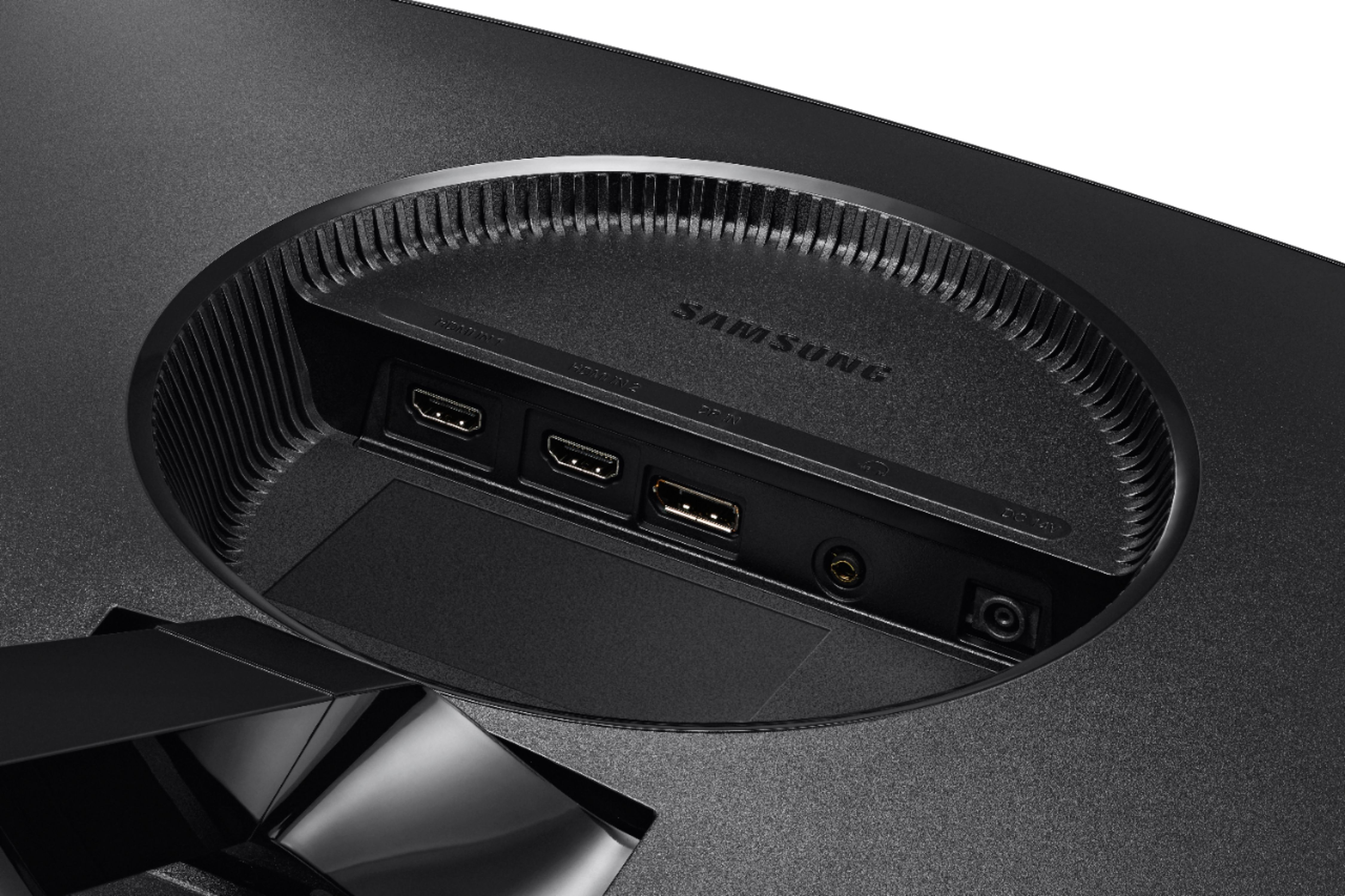
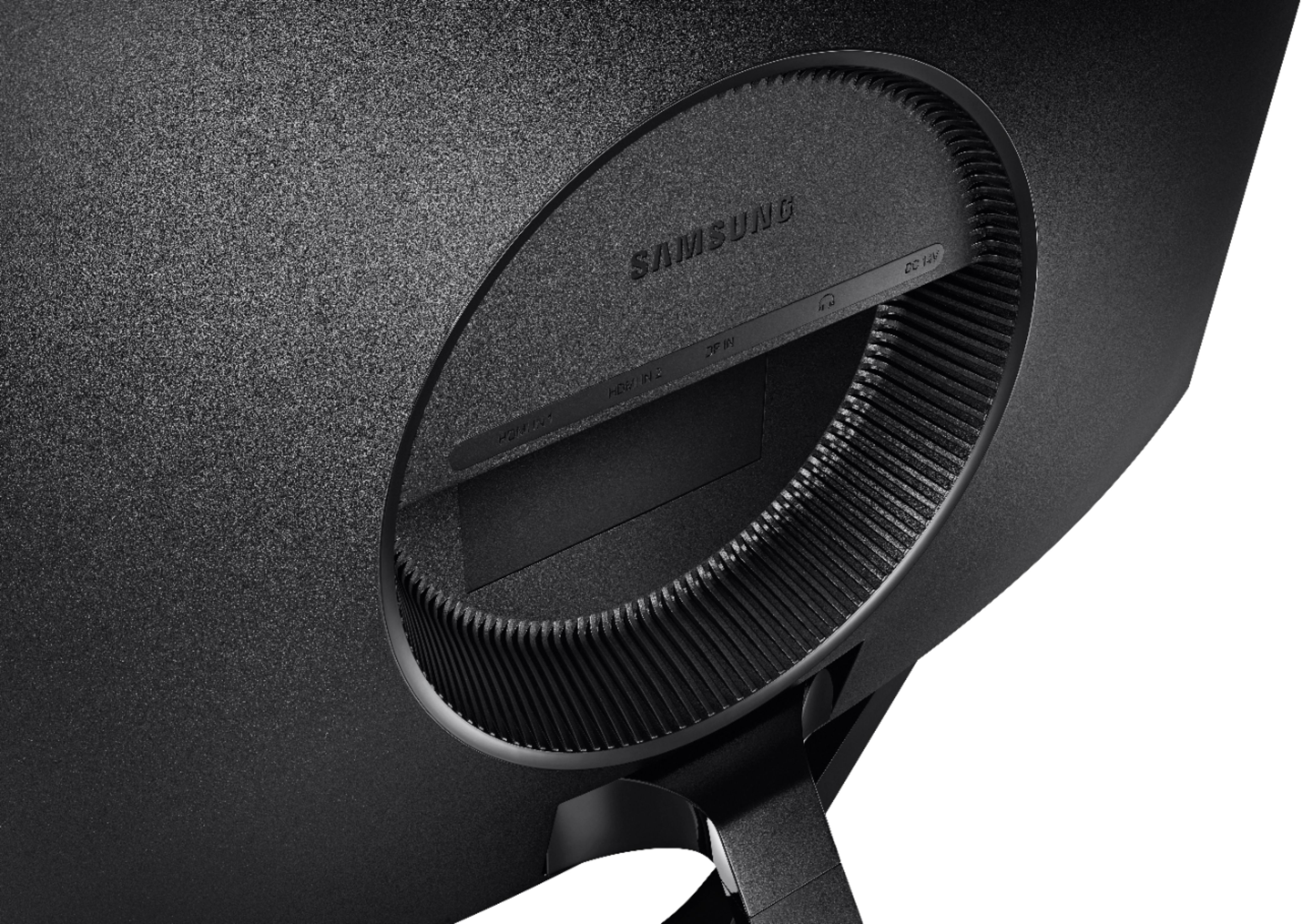
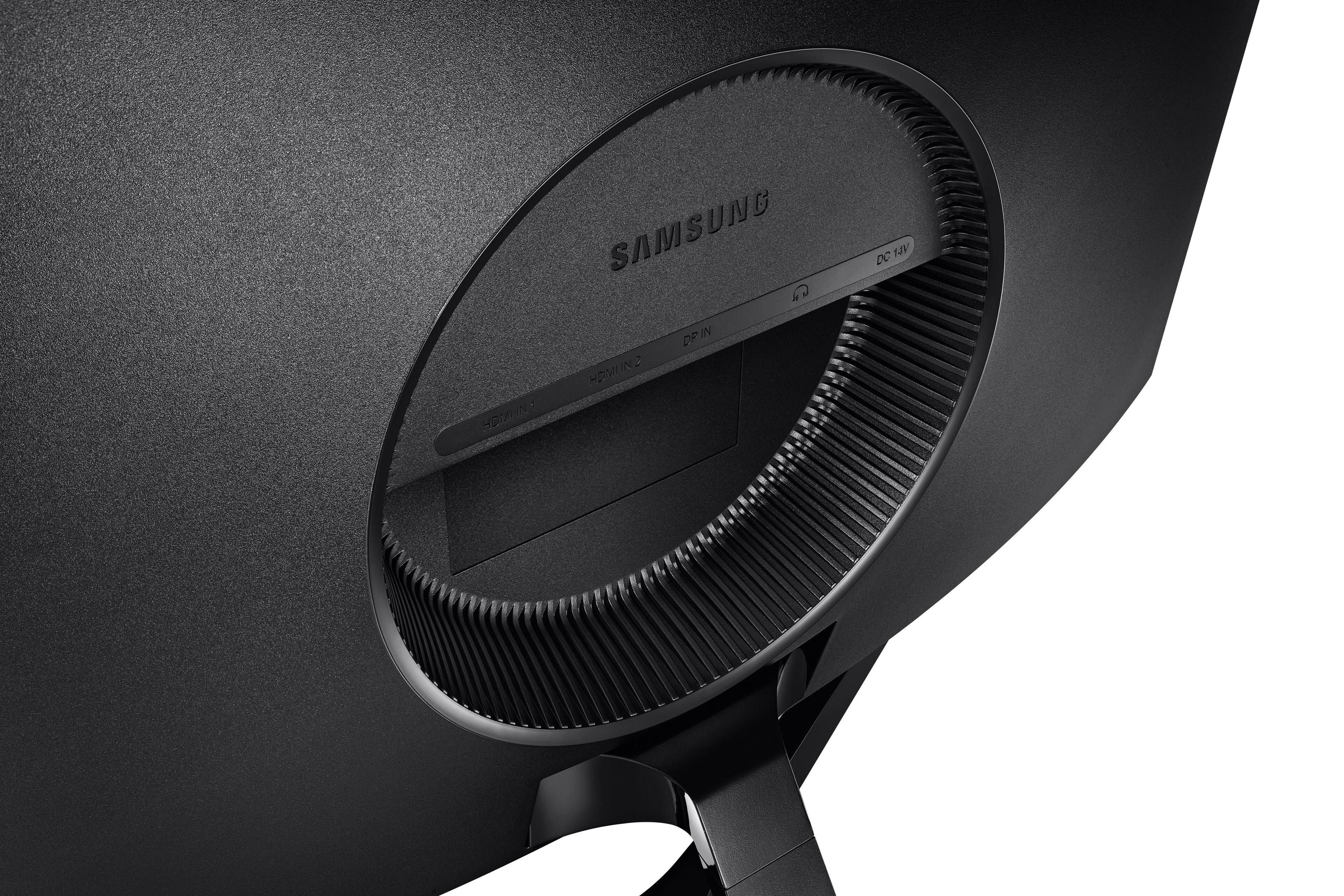
A:AnswerThis is far better than a VGA cable. Your video card will need to support either HDMI or (preferably) Display Port. You can possibly use an adapter if you have HDMI or VGA ports on your video card, but you may not have access to full resolution of the screen and you may not have access to the high refresh rate.
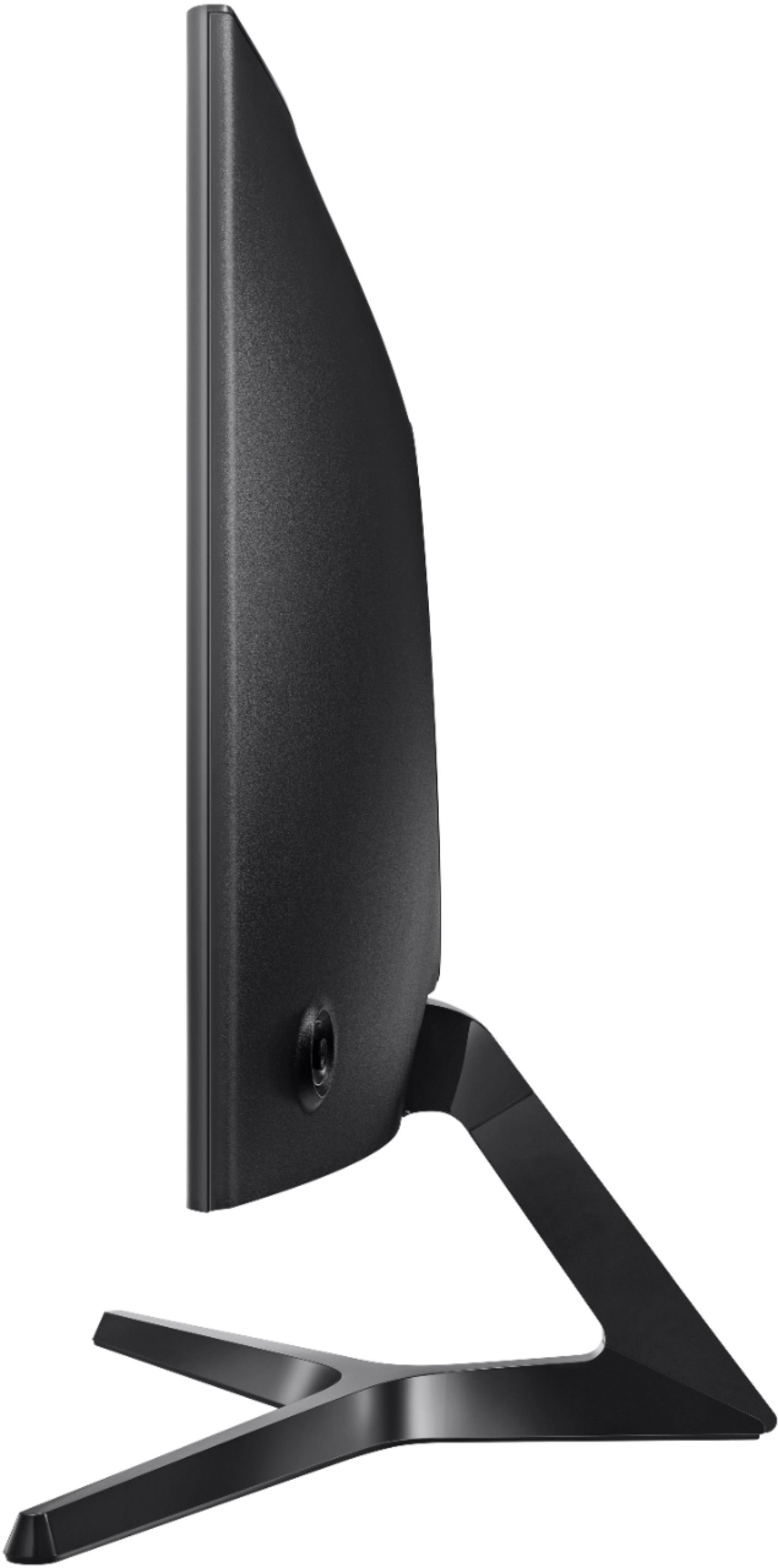
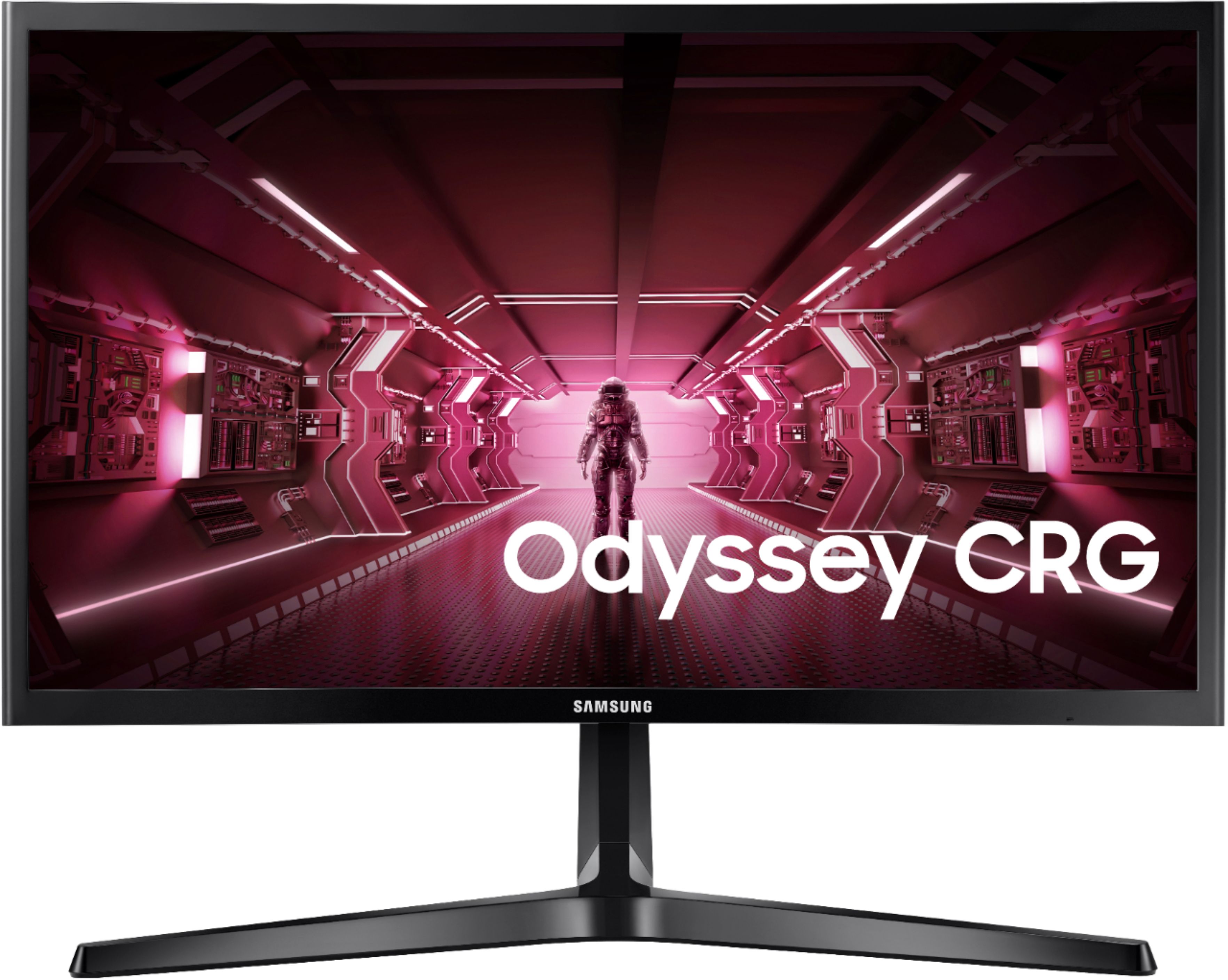
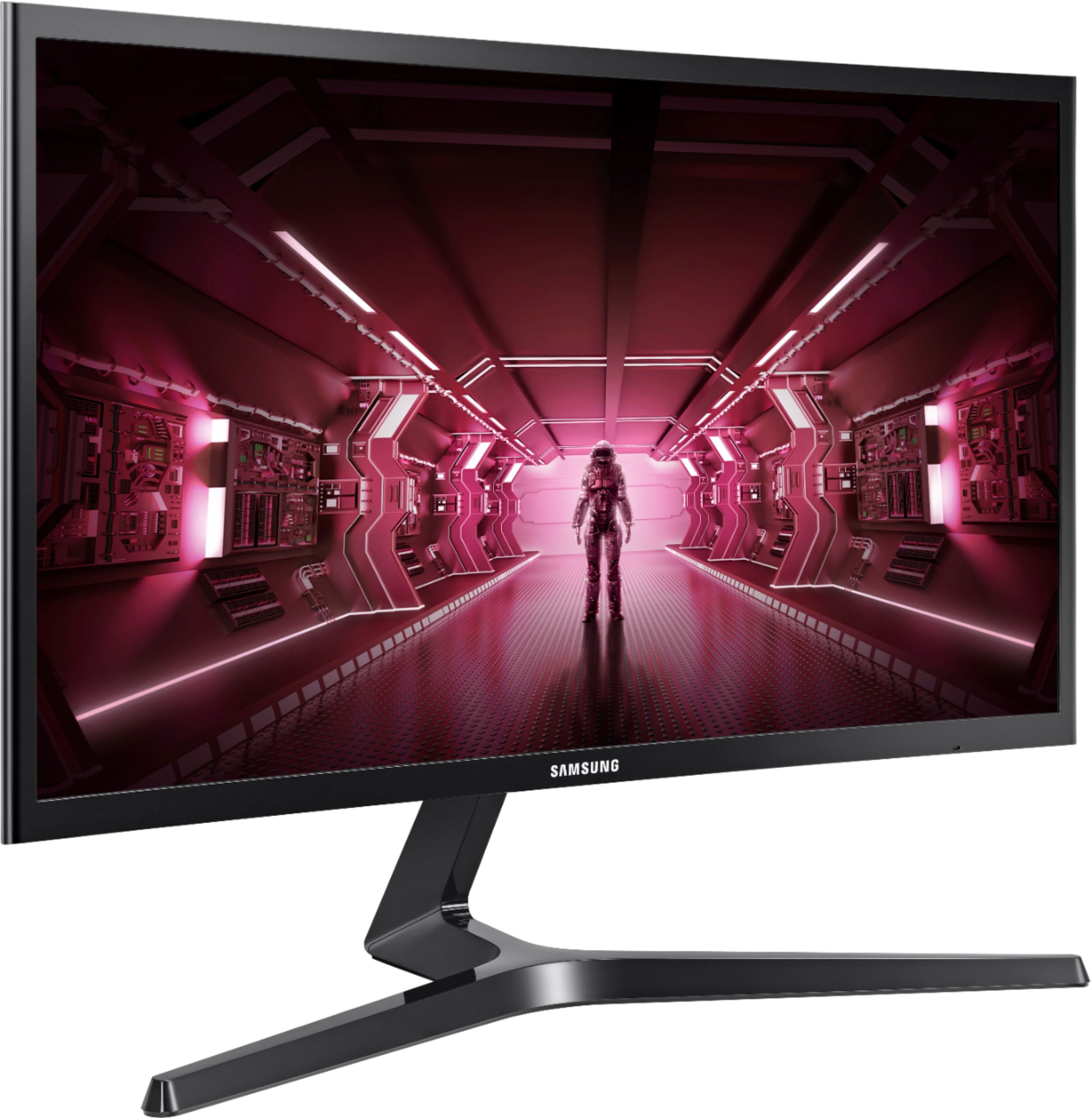
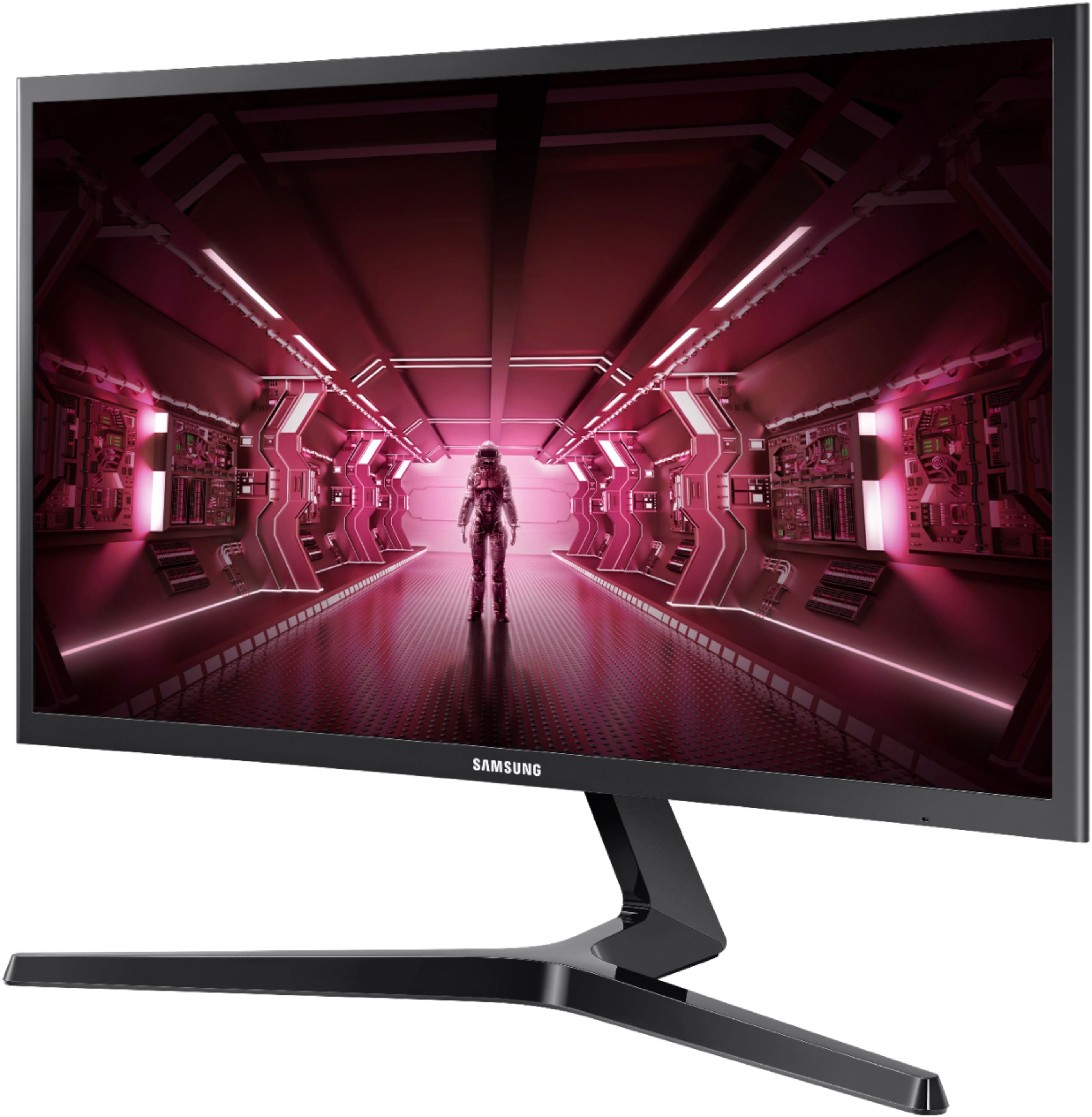
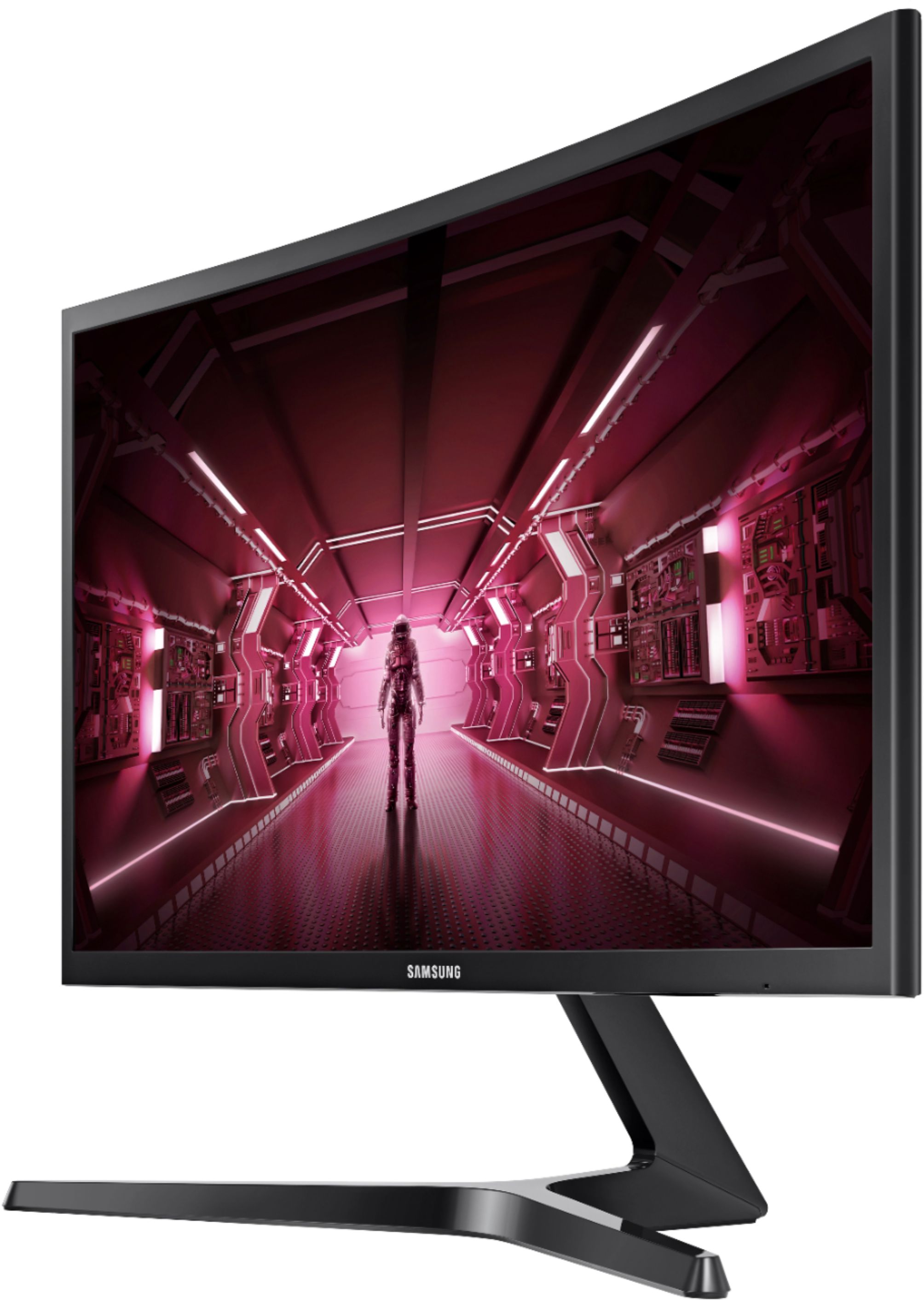
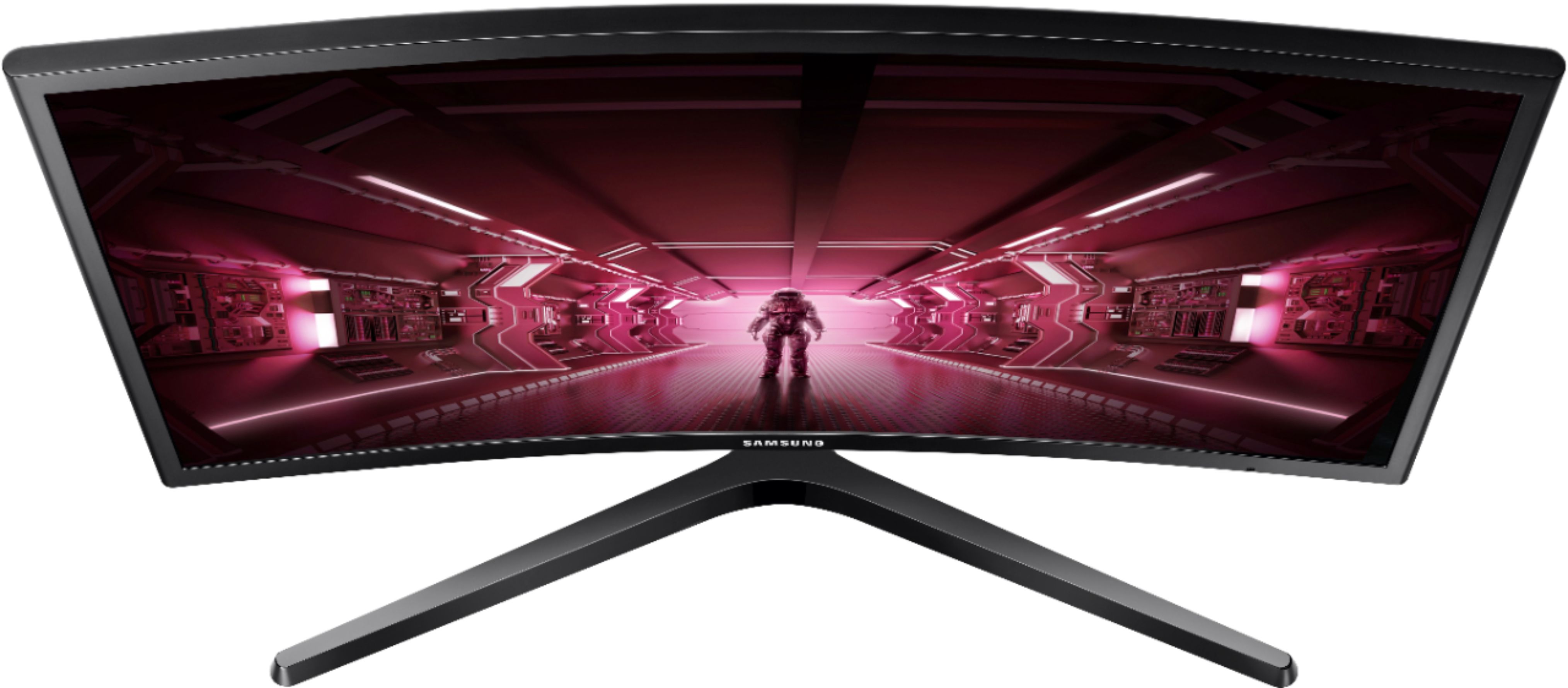
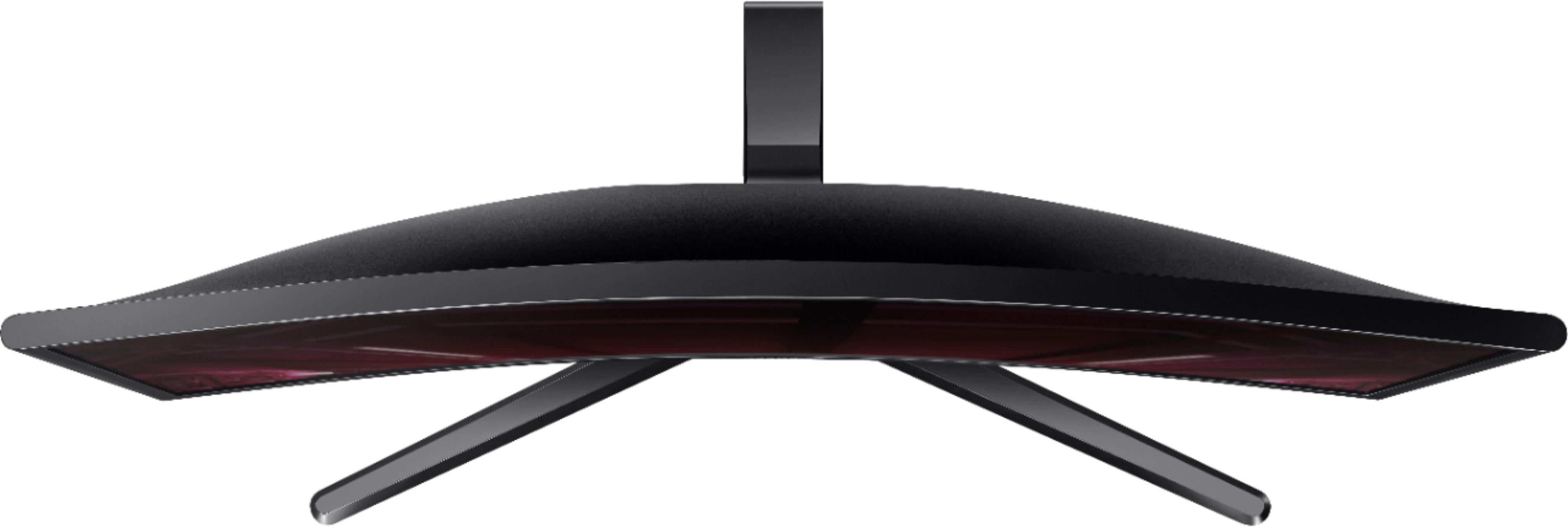
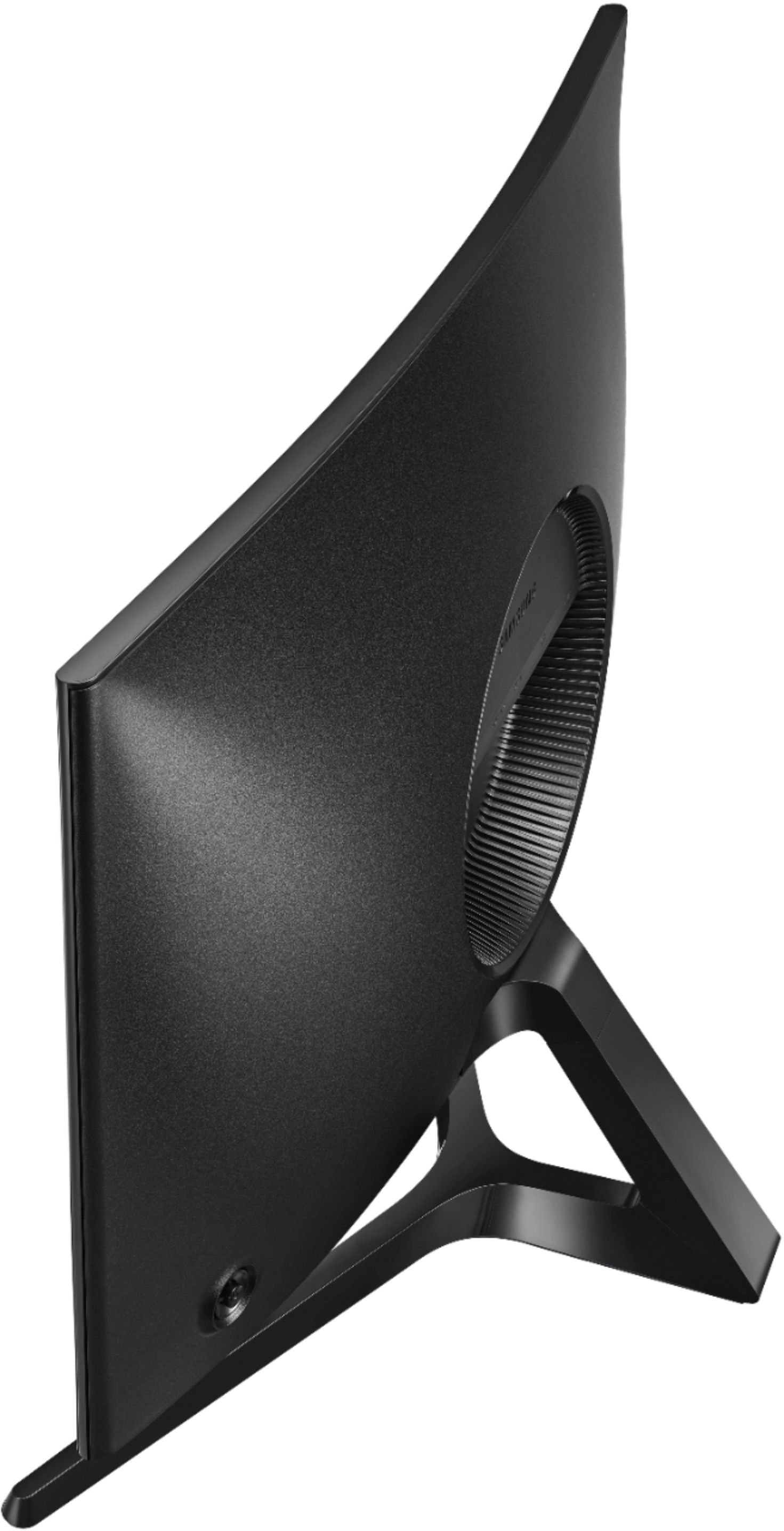
A:AnswerIt does not have a camera.
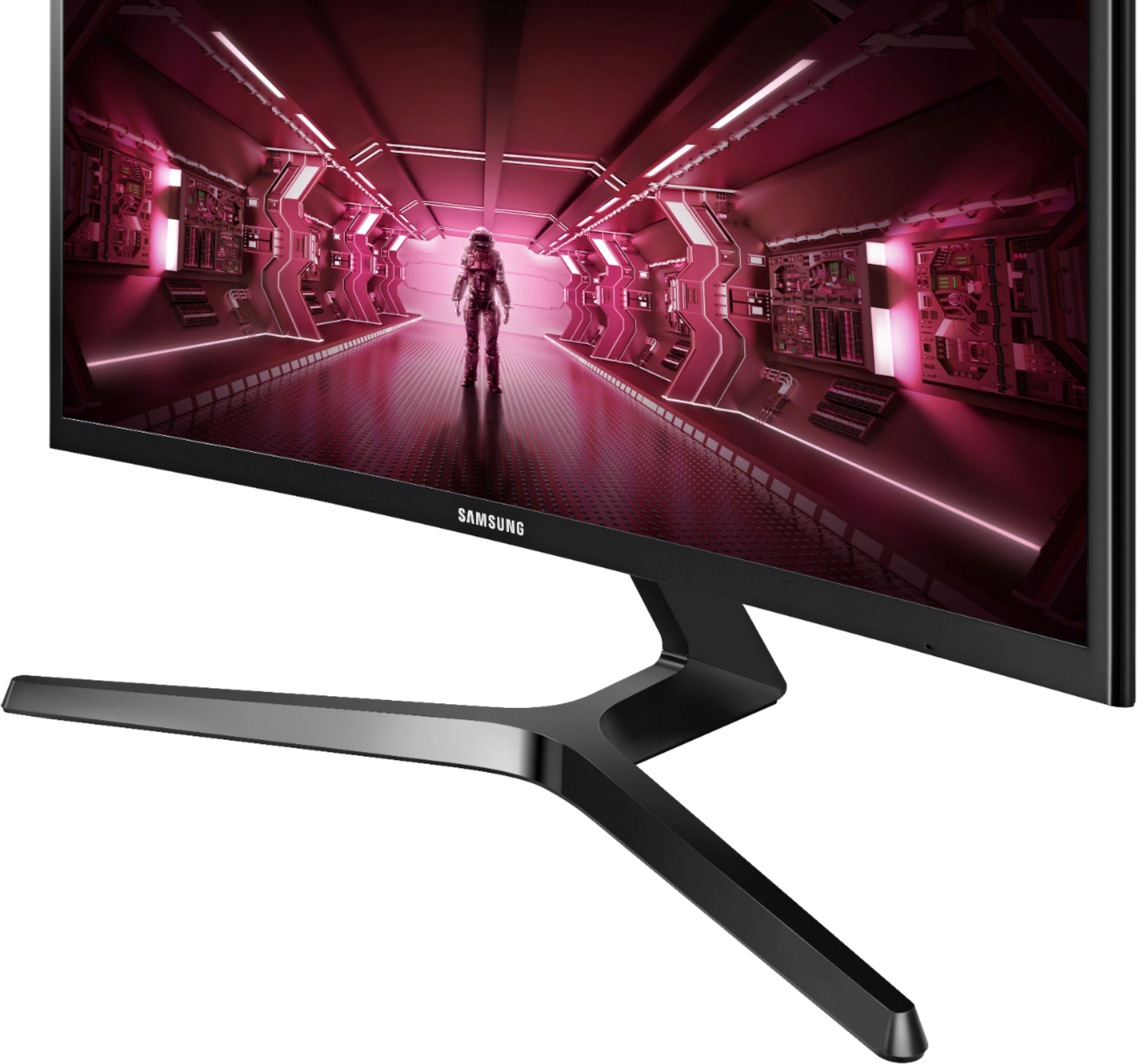
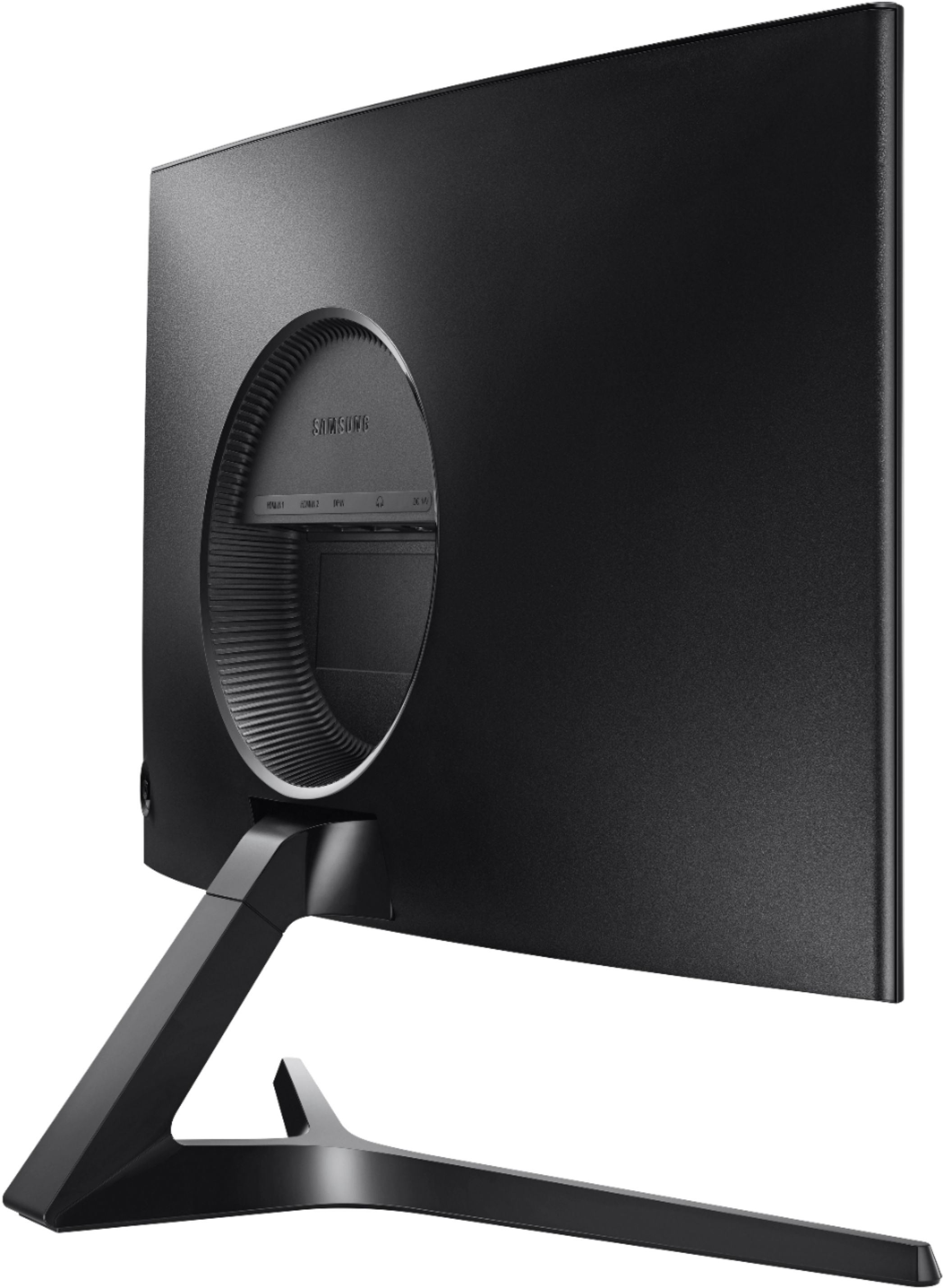
It will output sound through a headphone jack, so you can plug your speakers or headphones into the monitor (on the back), but there are no speakers built into the monitor.