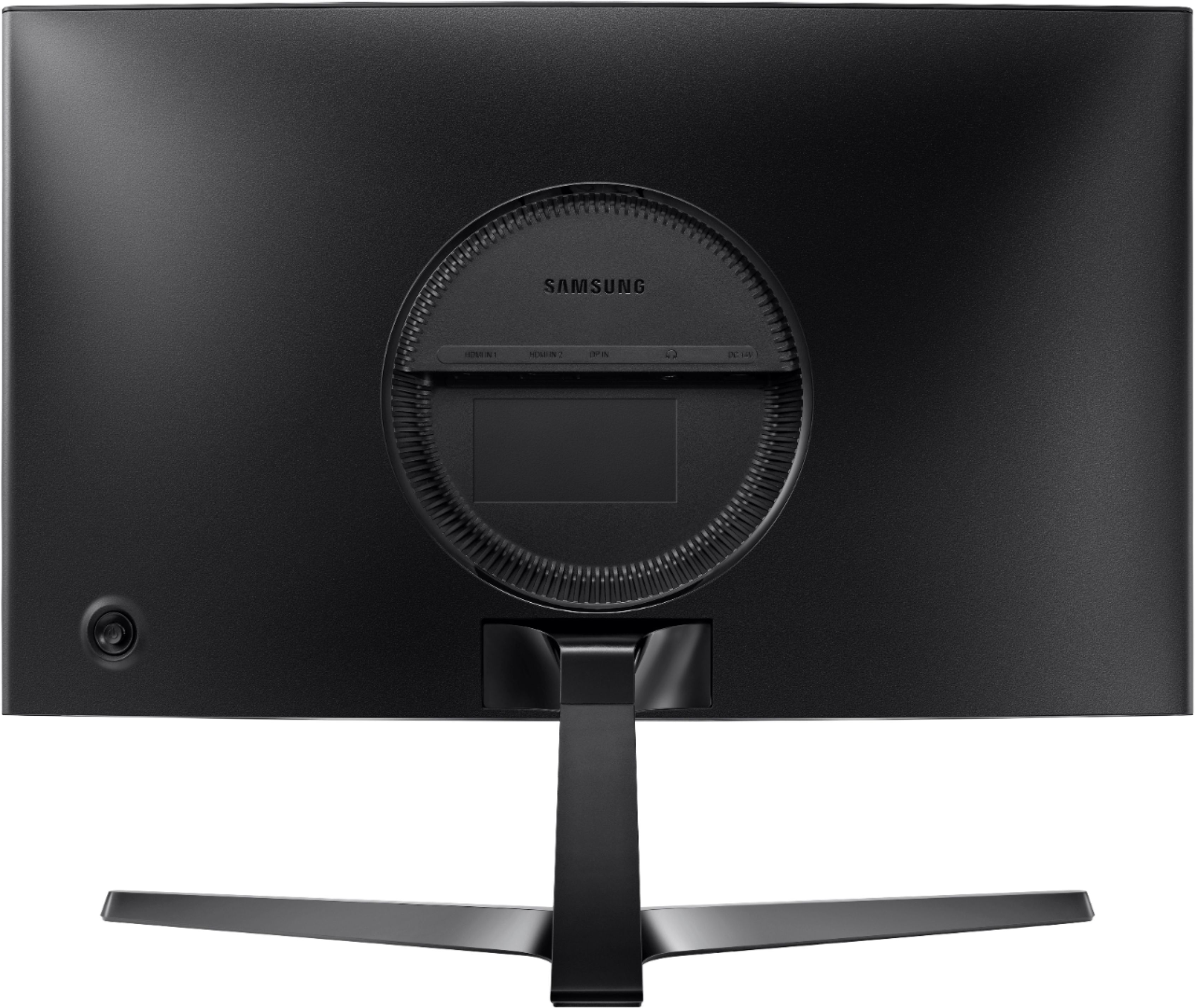
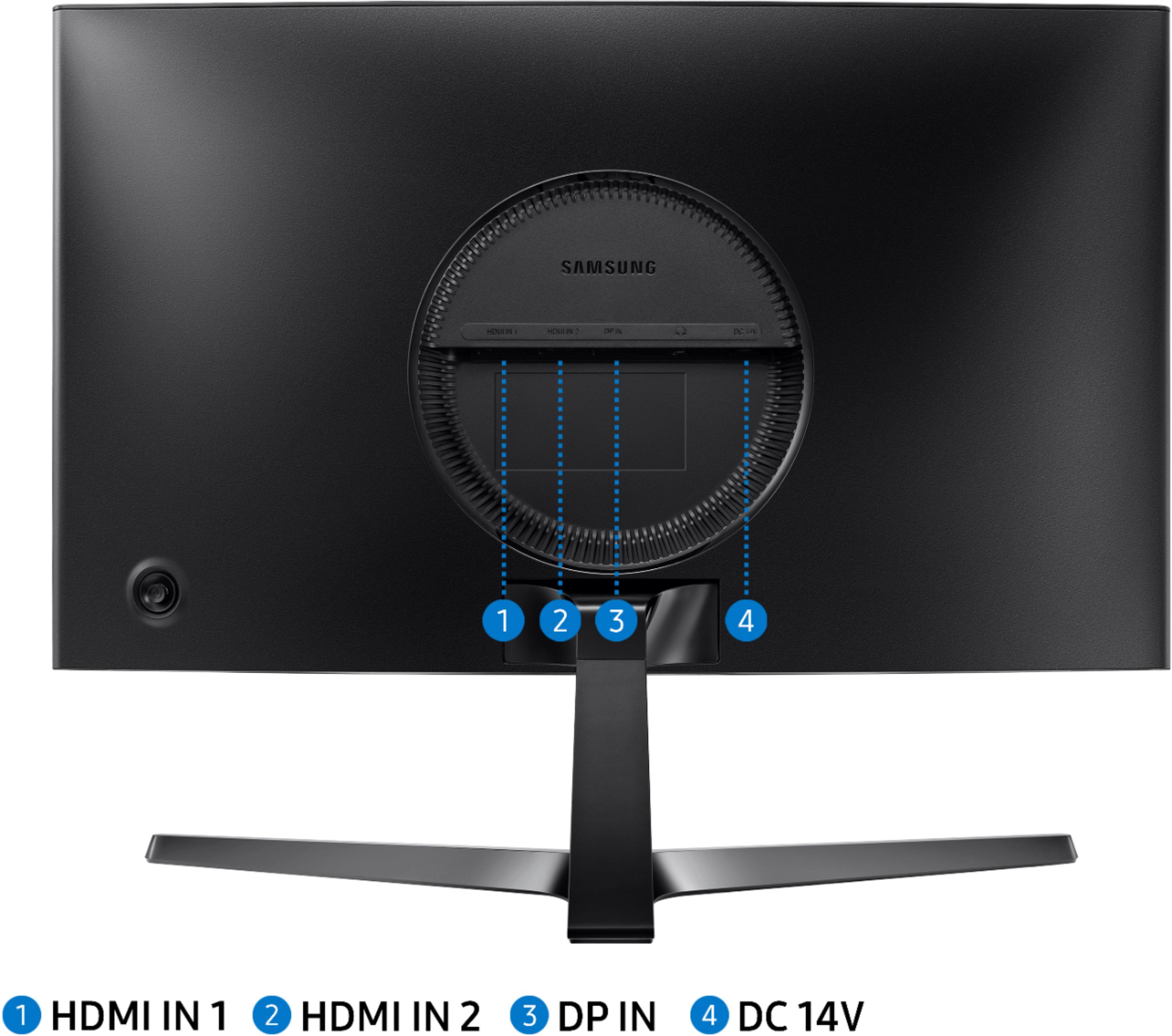
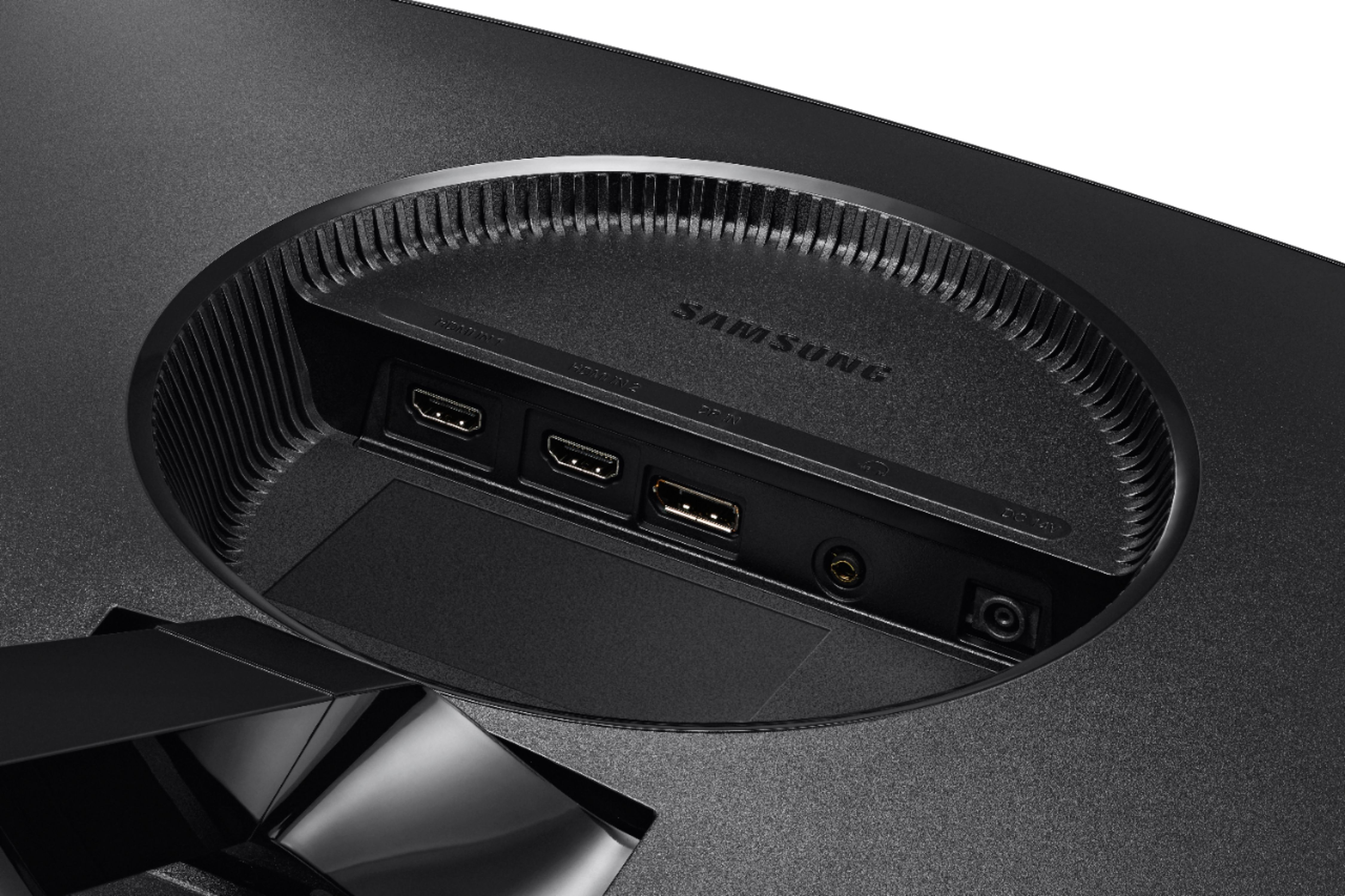
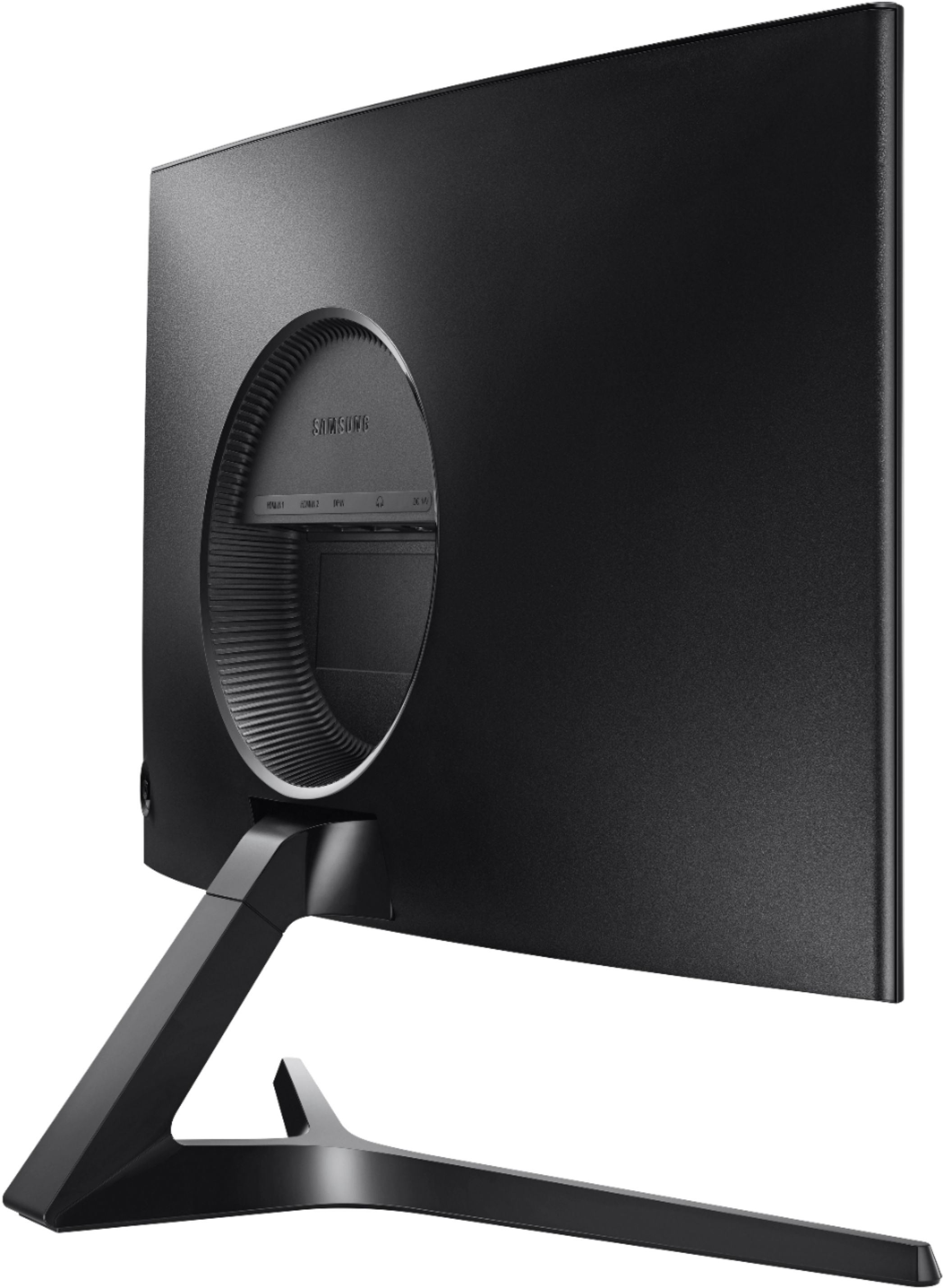
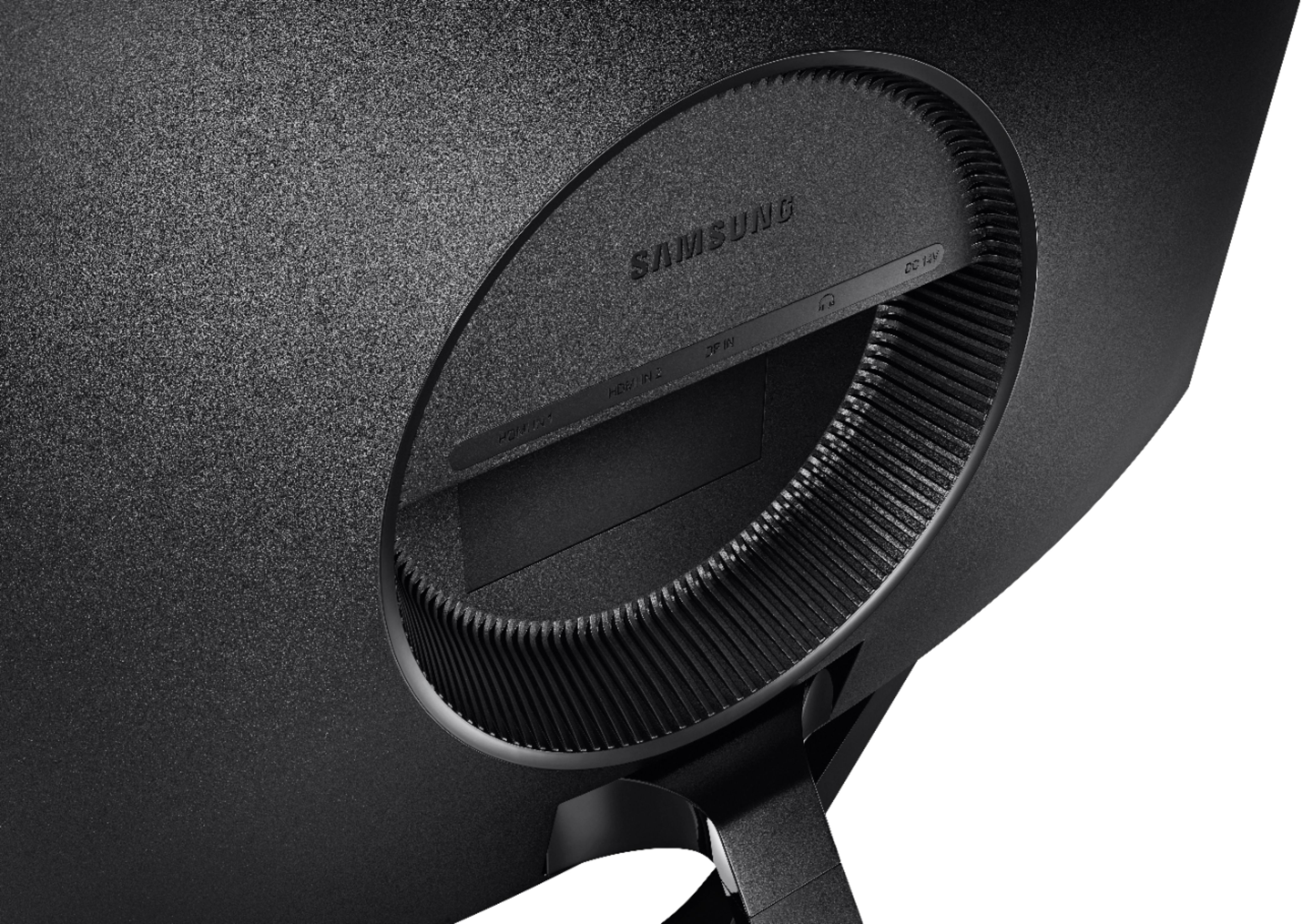
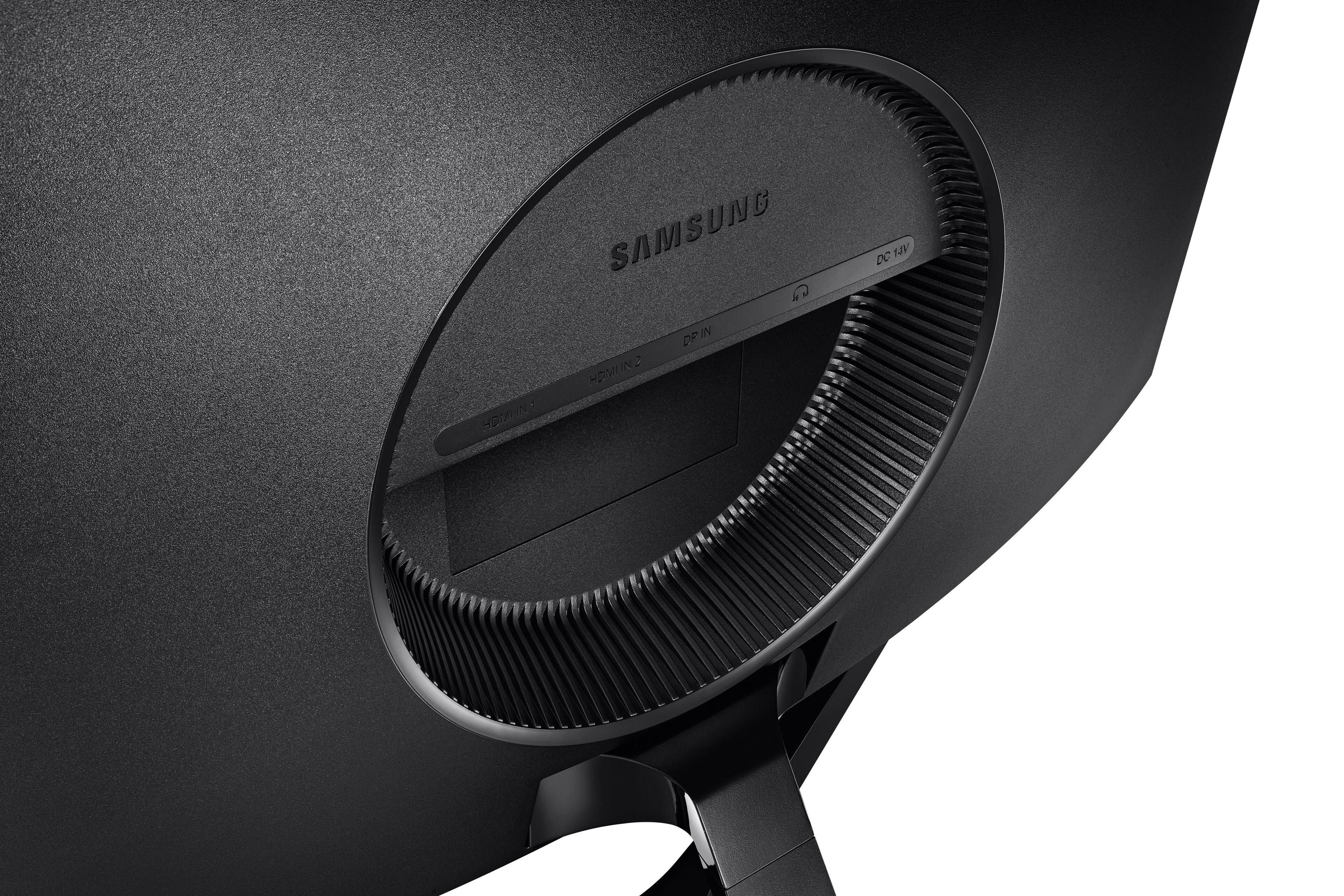
A:AnswerPress UP on the jog button, and then move the jog button to the LEFT to select the icon with the ARROW. Press UP on the the jog button again, and then select the input source you desire. Once you select the input you desire, move the jog button to the LEFT to exit the menu.
A:Answeritll depend on your computer, xbox, ps4, etc.
you can change the FPS and HZ settings there. you can view in the monitor screen settings what it is currently running at Hz wise.
Check display settings on PC, Xbox, Ps4, etc.
Hope this helped.
A:AnswerYou could only use an hdmi, but I hope you know that you can’t use the Xbox at 144, let run any game past 60. Also, the 120hz option doesn’t mean you can play any game at 120fps as that’s a common misconception.
A:AnswerIt all depends on the game regardless of what you get it will depend on the game . Some games still run 60 FPS. Ps5 is Over hyped. Better off with a pc