A:AnswerHi Mandy,
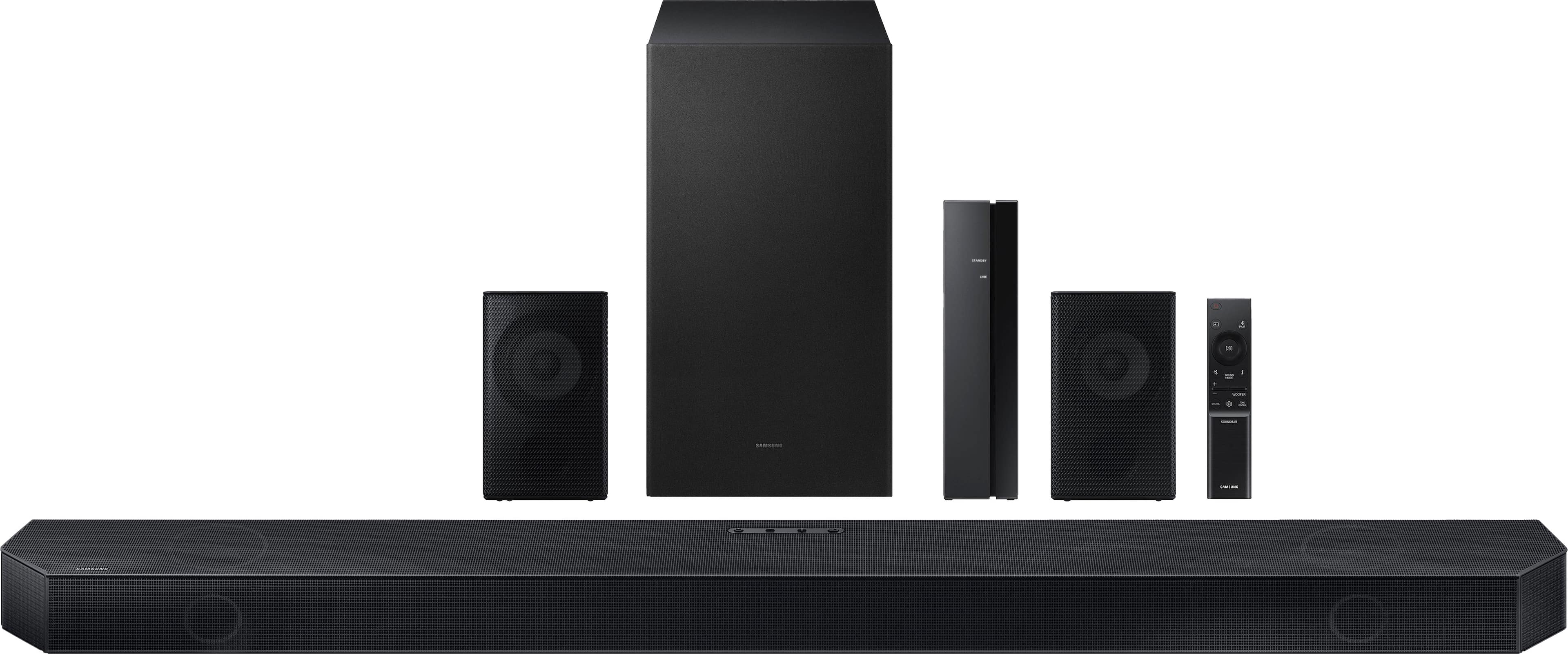
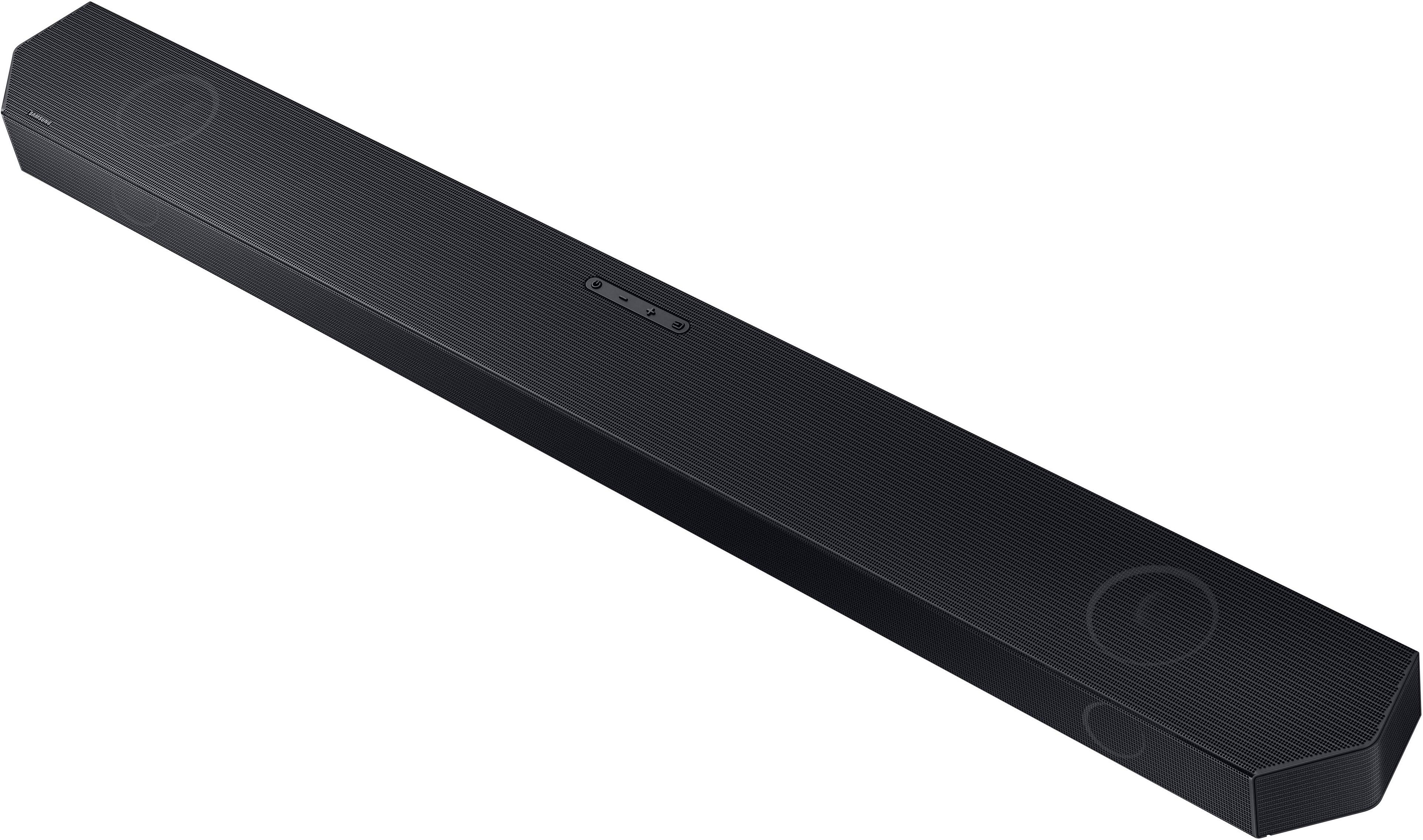
The HW-Q750C Soundbar will definitely work with the 65MU8000F Samsung TV. We do recommend using a HDMI cable as this will offer the best audio and user experience possible.
~Samsung Solutions
A:AnswerHi there,
Please contact Samsung Customer Support at 1-800-SAMSUNG (ask for Soundbars), available 8 AM – 12 AM EST, 7 days a week.
LiveChat with an agent by clicking the ‘Support’ link on the Samsung website.
~Samsung Solutions
A:AnswerThis sound bar, as almost all others, is device and brand agnostic. It doesn't care what brand you have, you can connect your phone to it through Bluetooth. You may not have a few special features today work only with certain Samsung TVs, but it will function just fine with any other brand TV.
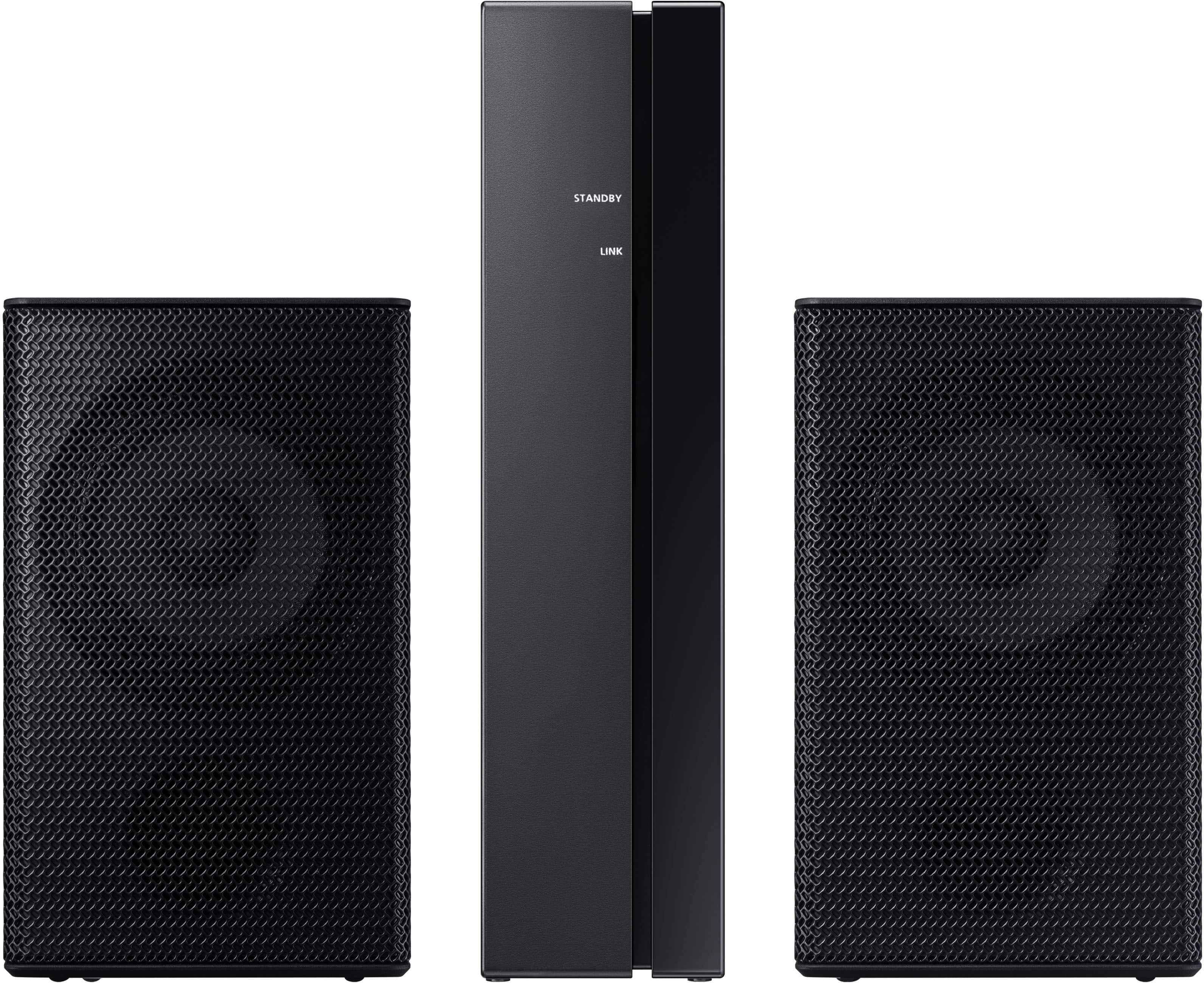
A:AnswerYes. The rear speakers suck. They can hardly be heard and need to be connected to the Wireless Fidelity (WiFi) but to be honest, they are a complete disappointment. On the other hand, the soundbar by itself is pretty good.
A:AnswerGoogle, Google, Google. And, of course, manual (page 14).
"3. Configure “ID SET” using the Soundbar’s remote control Turn off the Soundbar main. Press the Up button on the remote control for 5 seconds. • The ID SET message appears on the display of the Soundbar for a moment, and then it disappears. • The Soundbar will automatically power on when ID SET is complete."