A:AnswerHello Headhunter! At this time, there isn’t a way to turn shuffle on or off or control how files are played beyond basic functions. The soundbar does not support folder navigation, custom playback order, or advanced controls like fast-forward or repeat customization through USB. Playback is handled in a simple, automatic sequence based on how the files are read from the flash drive.
If you’re looking for more control over your music (such as playing songs in a specific order or disabling shuffle), we recommend connecting a device via Bluetooth. This allows you to manage playback directly from your phone or tablet with full control over playlists and track order.
~ Samsung Solutions
A:AnswerHello Vic! Yes, the Samsung HW-Q600F Soundbar is compatible with your Samsung UN58TU700DFXZA TV. You can connect the soundbar to your TV using either an HDMI ARC connection or Bluetooth wireless. ~ Samsung Solutions
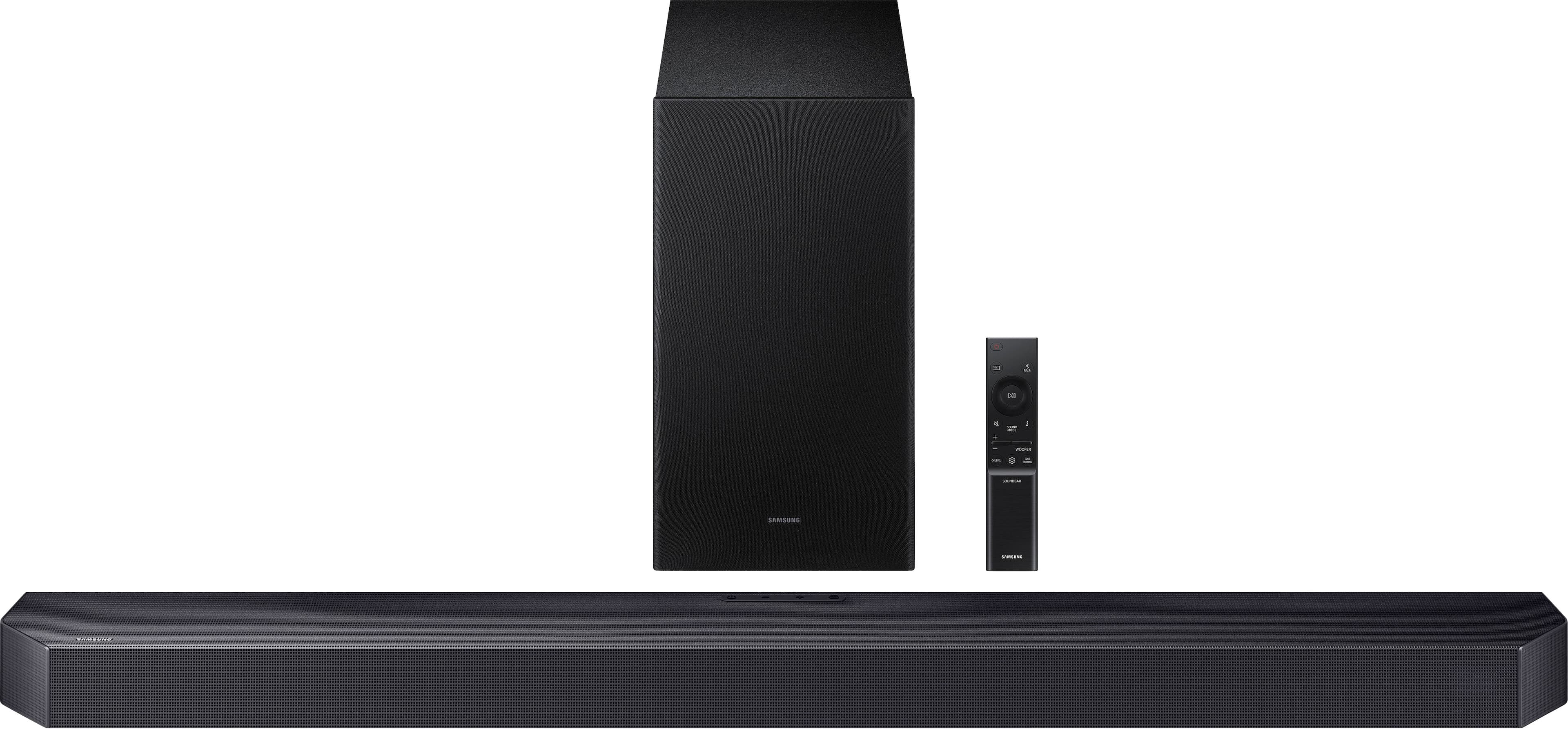
A:AnswerHello ThomasD! You can press and hold the SOUND CONTROL button for about 5 seconds to adjust the sound for each frequency band. 150Hz, 300Hz, 600Hz, 1.2kHz, 2.5kHz, 5kHz, and 10kHz are selectable using the Left/Right buttons and each can be adjusted to a setting between -6 to +6 using the Up/Down buttons. (Make sure the Sound mode is set to “STANDARD”.)
Press the CH LEVEL button so you can adjust the volume of each speaker. CENTER LEVEL or TOP LEVEL can be adjusted using the UP/DOWN buttons from -6 to +6.
I hope this tip helps improve your enjoyment. For more help, please call us at 1-800-SAMSUNG (Ask for Soundbars), 8 AM – 12 AM EST, 7 days a week. Live Chat with an agent as well as manuals, software, creating a service ticket, and warranty info can be found at the ‘Support’ link on our Samsung website.
~ Samsung Solutions
A:AnswerThat 2012 Monster cable will stifle the audio sound quality of the soundbar because of obsolete, archaic cable standards, features & capabilities, i.e. (1080p TV panels were transitioning from 720p.)
A:AnswerHi there, for assistance, you can call Samsung support at 1-800-SAMSUNG (Ask for Soundbars) from 8 AM to 12 AM EST, 7 days a week. Our Live Chat agents are also available by clicking on the ‘Support’ link on our website.
~ Samsung Solutions
A:AnswerOf course to both! I played my Latino Christmas Carol playlist with eargasmic glory! The bar sought out every instrument & vocals in those soundtracks!
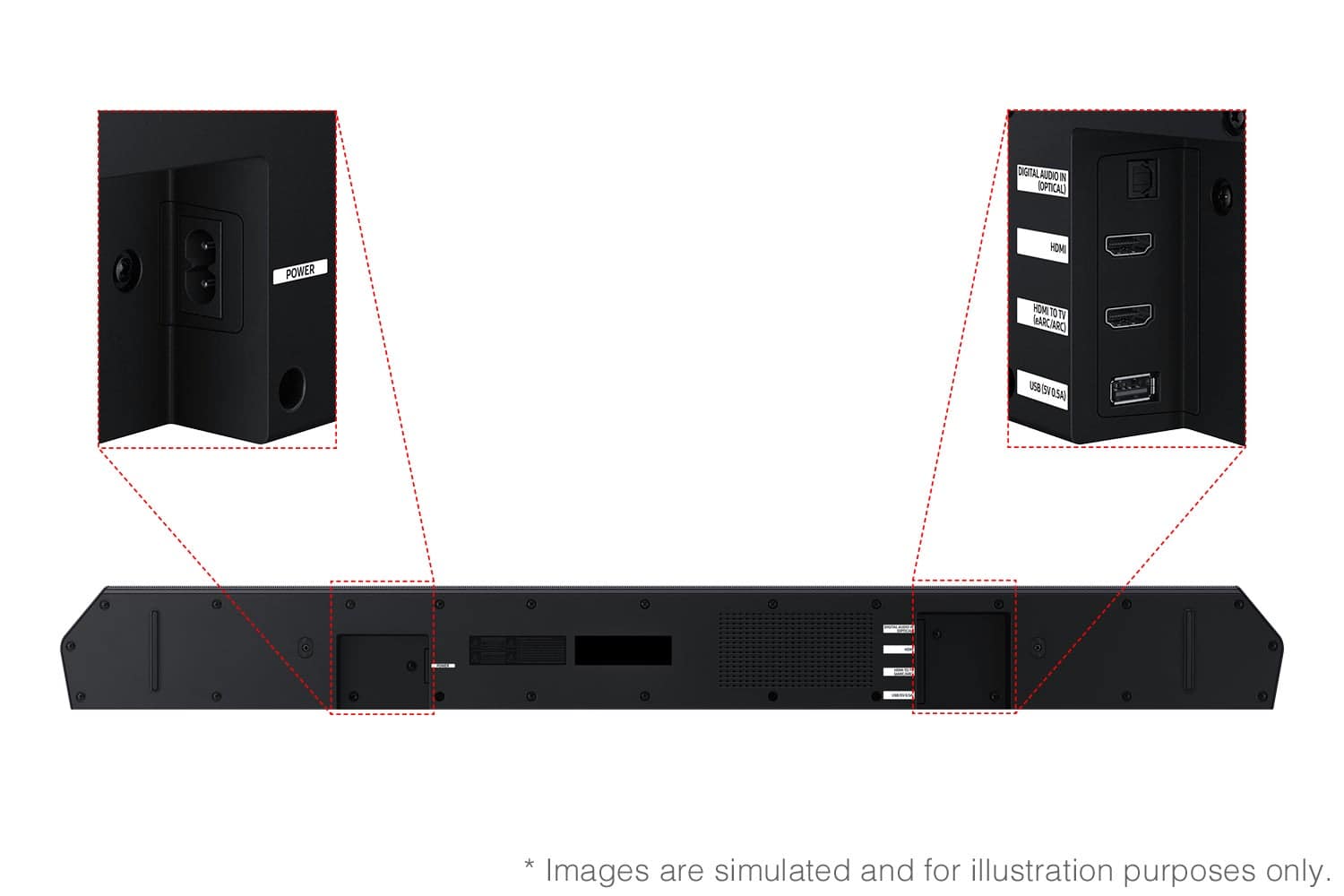
A:AnswerHello Itstheluis94! Yes, the HW-Q600F features three ways to connect to an external device: HDMI (ARC), digital optical audio, and Bluetooth wireless audio technology. You should have no issue connecting the soundbar to your TV. ~Samsung Solutions
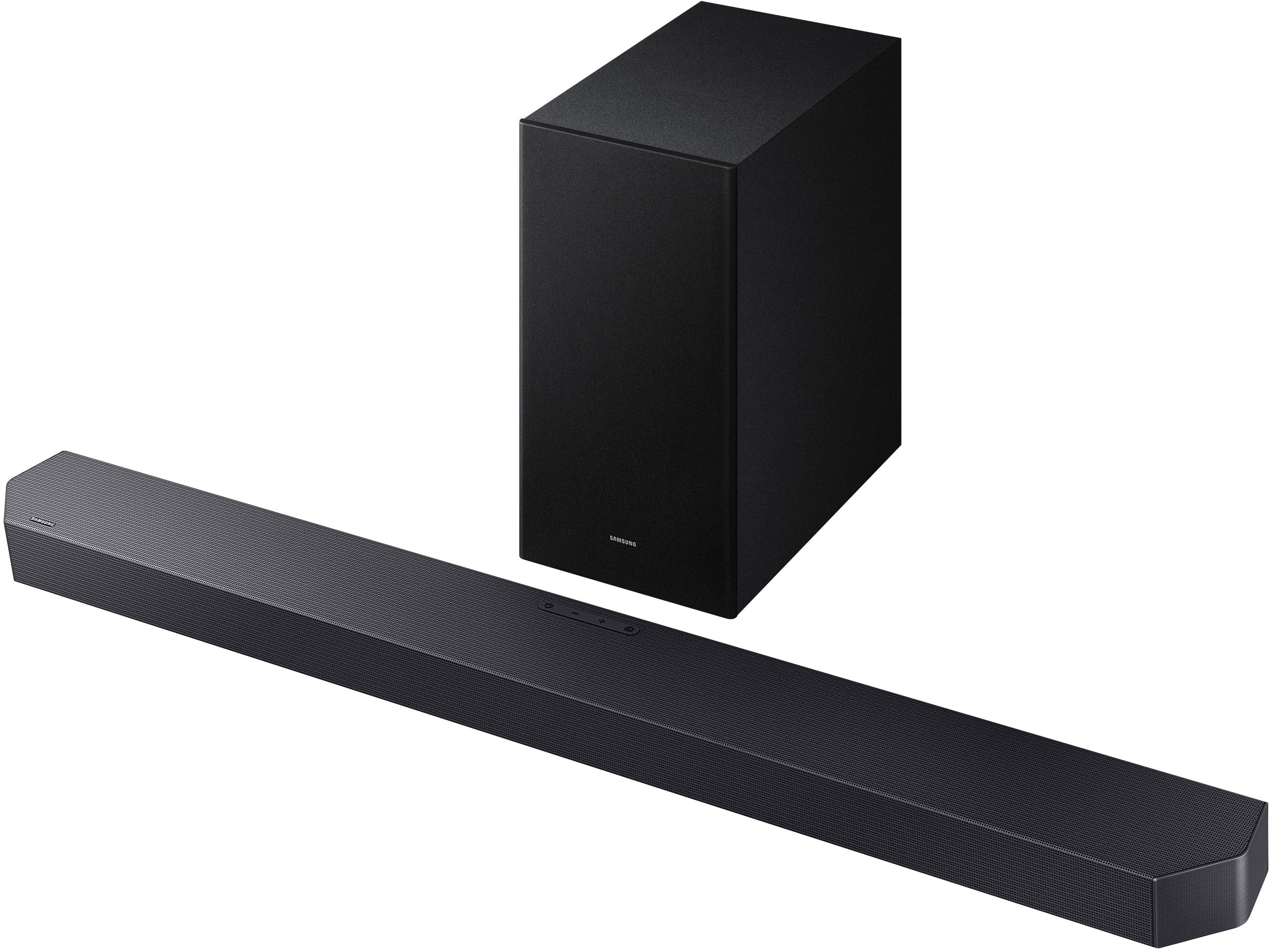
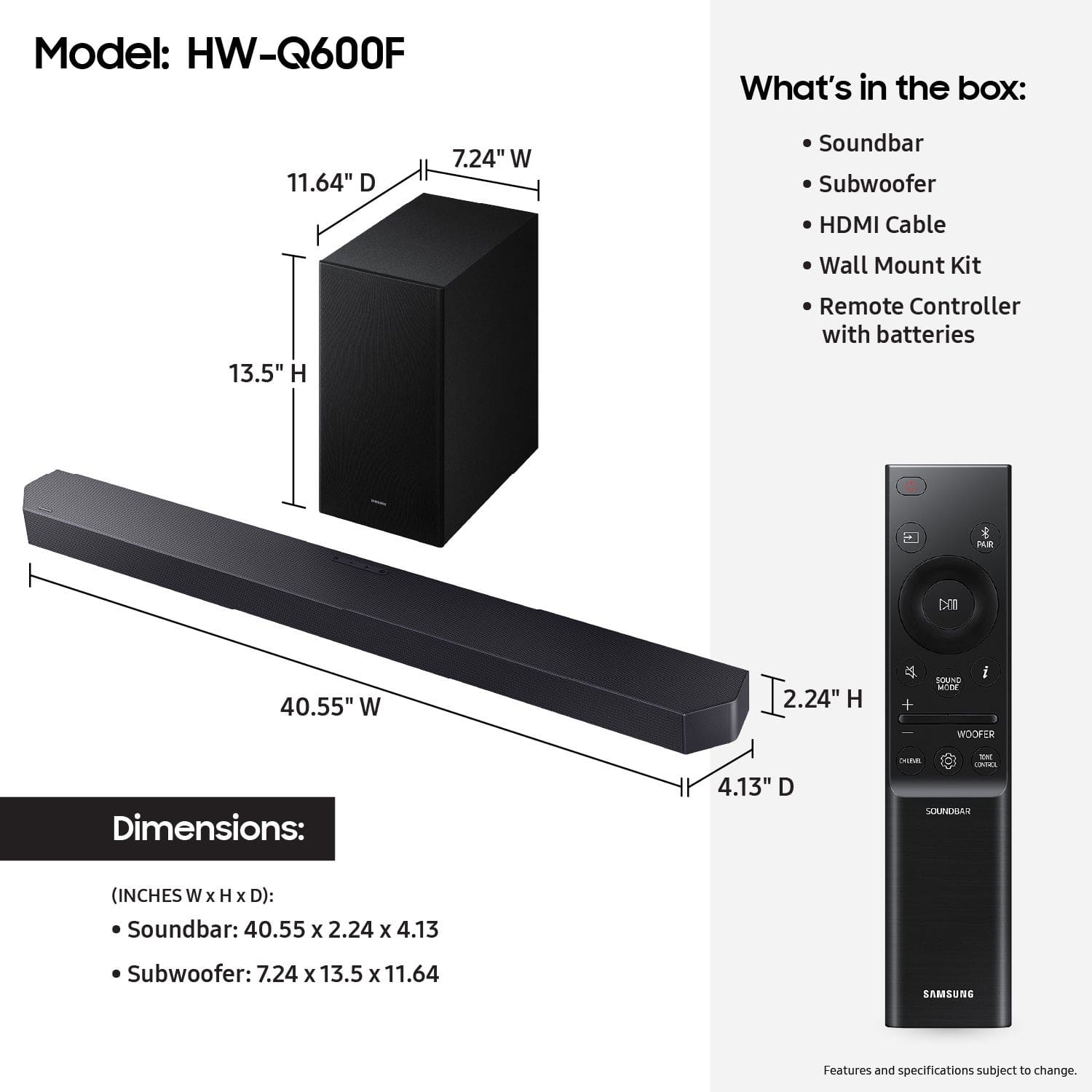
A:AnswerHello Framer! Yes, the Q600F can connect via Bluetooth. The subwoofer also connects wirelessly to the soundbar; it only needs to be plugged into a power outlet.
~ Samsung Solutions
A:AnswerHi there! When powered on for the first time, the subwoofer should automatically connect to the soundbar wirelessly. If the auto-connection process fails, you can try manually connecting the sub to the soundbar.
Before performing the manual connection procedure, check whether the power cables for the Soundbar and subwoofer are connected properly and make sure that the Soundbar is turned off.
Press and hold ID SET on the rear of the subwoofer for at least 5 seconds. The red indicator on the rear of the subwoofer turns off and the blue indicator blinks. Press and hold the Up button on the remote control for at least 5 seconds. The ID SET message appears on the display of the Soundbar for a moment, and then it disappears. The Soundbar will automatically power on when ID SET is complete. The LINK LED indicator stops blinking and glows a solid blue when a connection is established between the Soundbar and the Wireless Subwoofer.
~ Samsung Solutions
A:AnswerHello auniauni72! First, try doing a soft reset, unplug the soundbar from the outlet for roughly 30 seconds and then plug it back in.
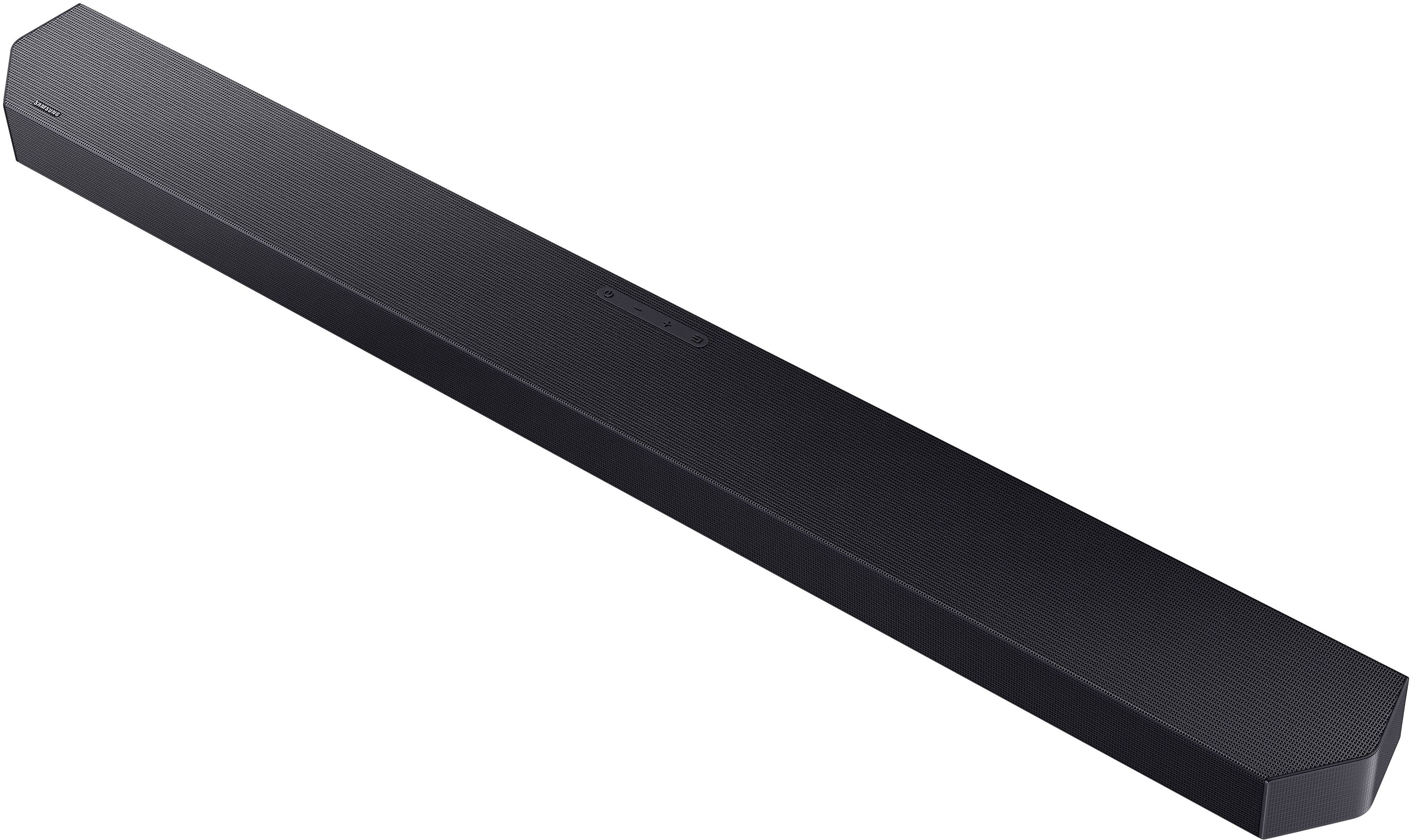
If this still does not correct your issue, then do a hard reset. With the Soundbar on, press the + & - Volume buttons on the body of the soundbar at the same time for at least 5 seconds. INIT OK” appears on the display and then the Soundbar is reset.
While the Soundbar is On, press both the Vol+ and Vol- buttons on the unit simultaneously until the display shows "INIT", then release. If this doesn’t work, then try using the remote control: While the Soundbar is ON, press and hold the SOUND CONTROL ("Gear") button on the Soundbar remote for 10 seconds. You will see "150HZ" on the display. Keep pressing until you see "INIT" on the display, then release.
If you need more help, Samsung is here for you. Please call us at 1-800-SAMSUNG, 8AM - 12AM EST (Ask for Soundbars), 7 days a week. Live Chat with an agent as well as manuals, software, creating a service ticket, and warranty info can be found at the ‘Support’ link on our Samsung website.
~ Samsung Solutions