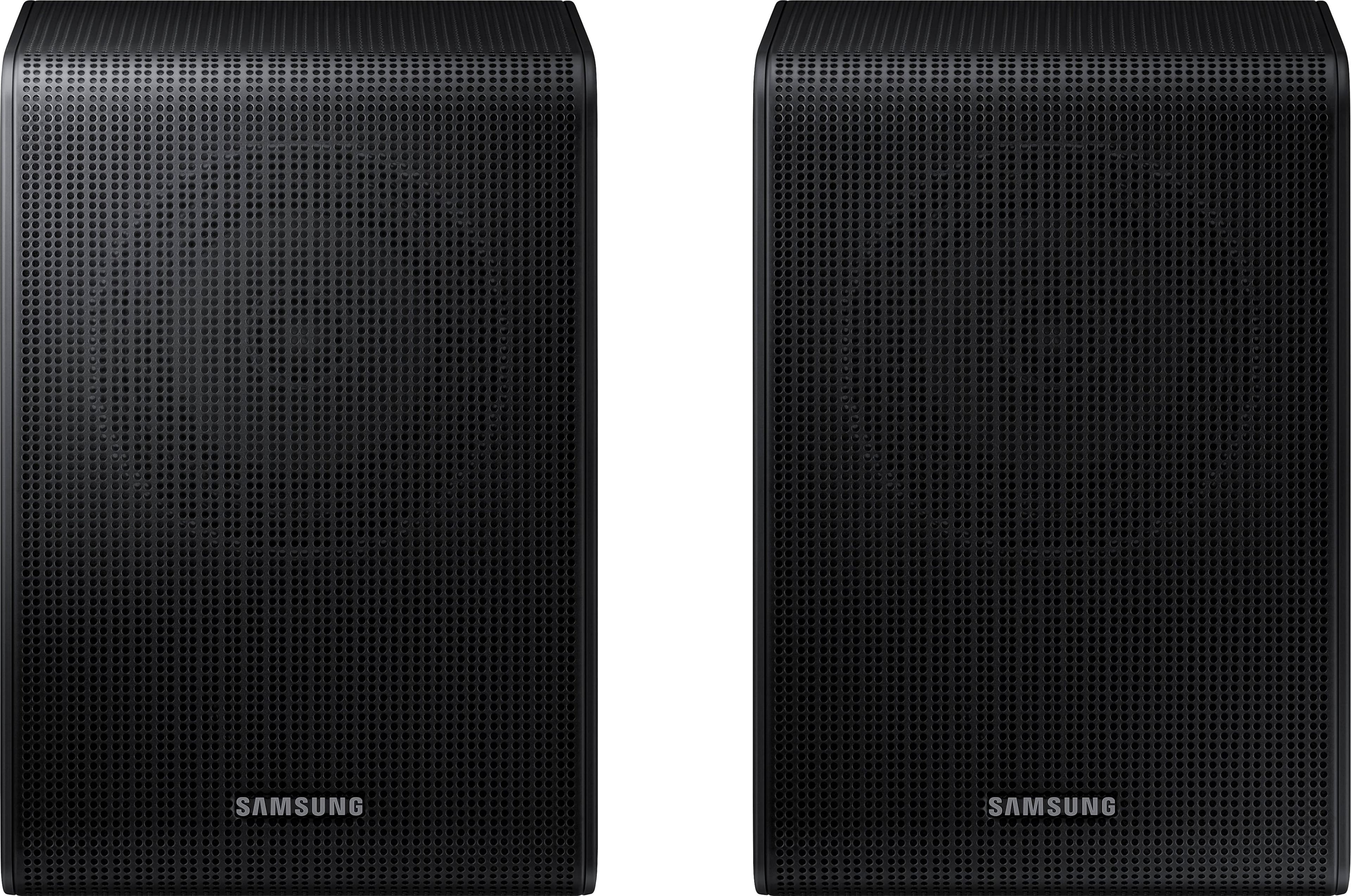
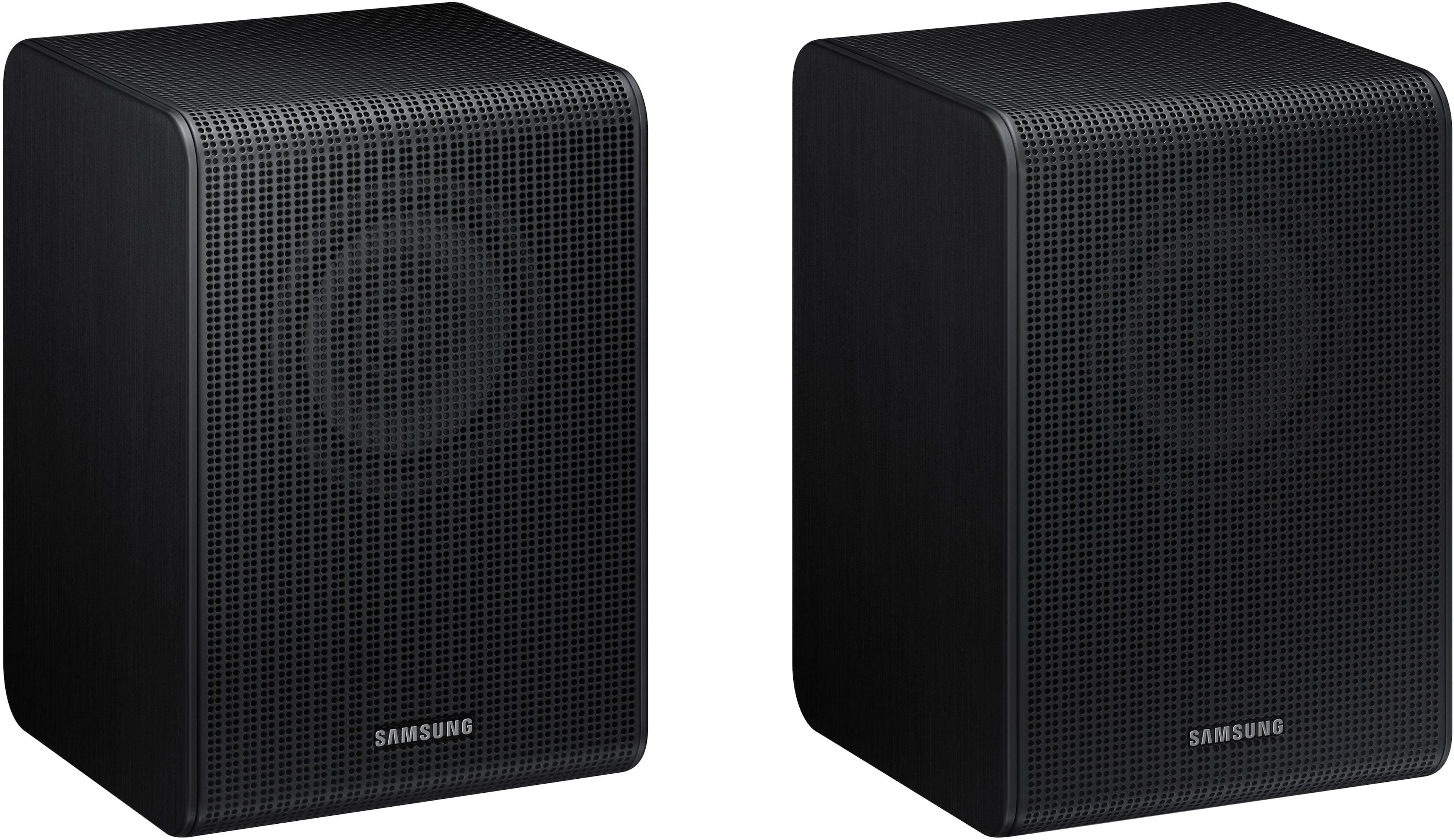
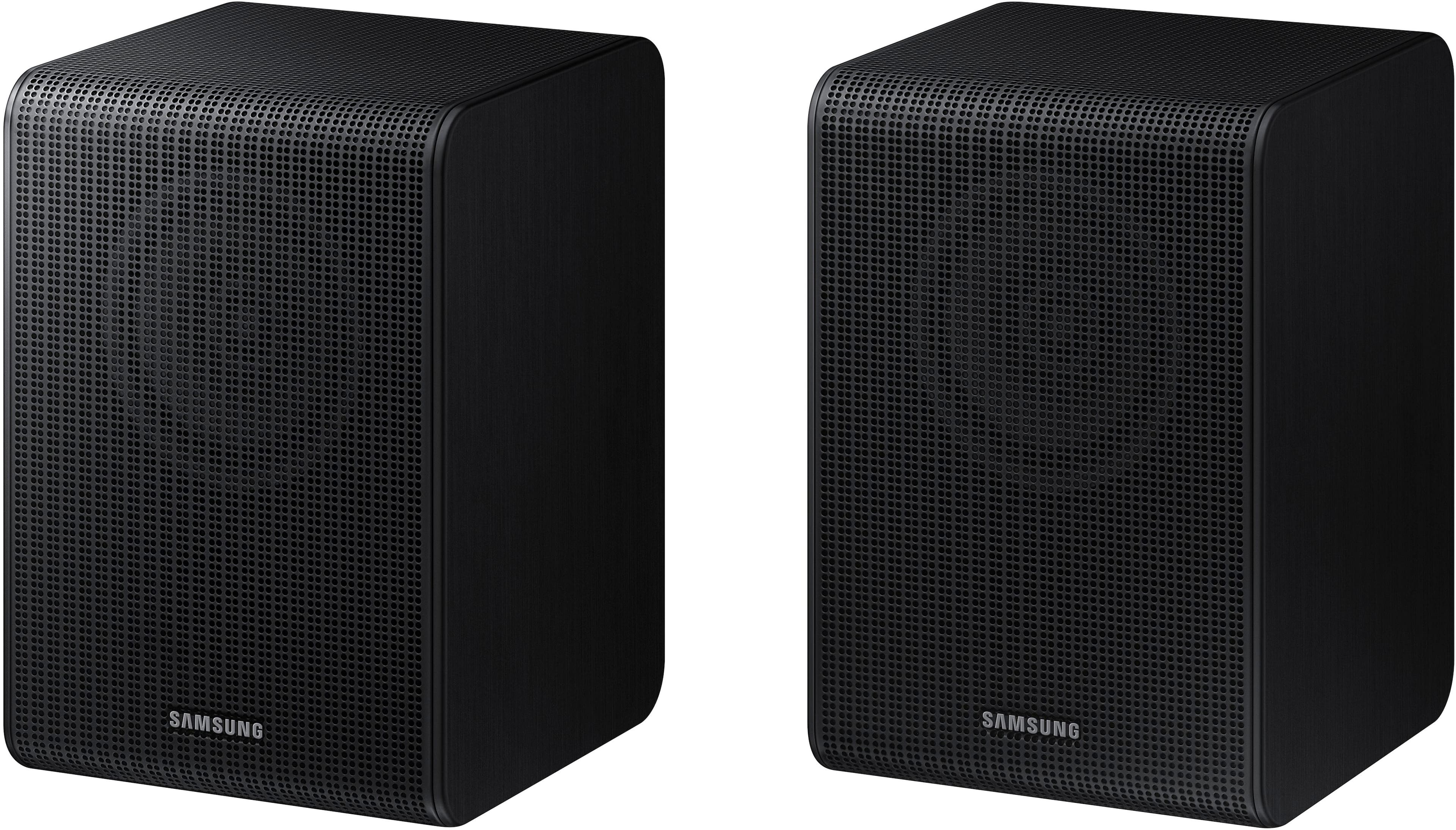
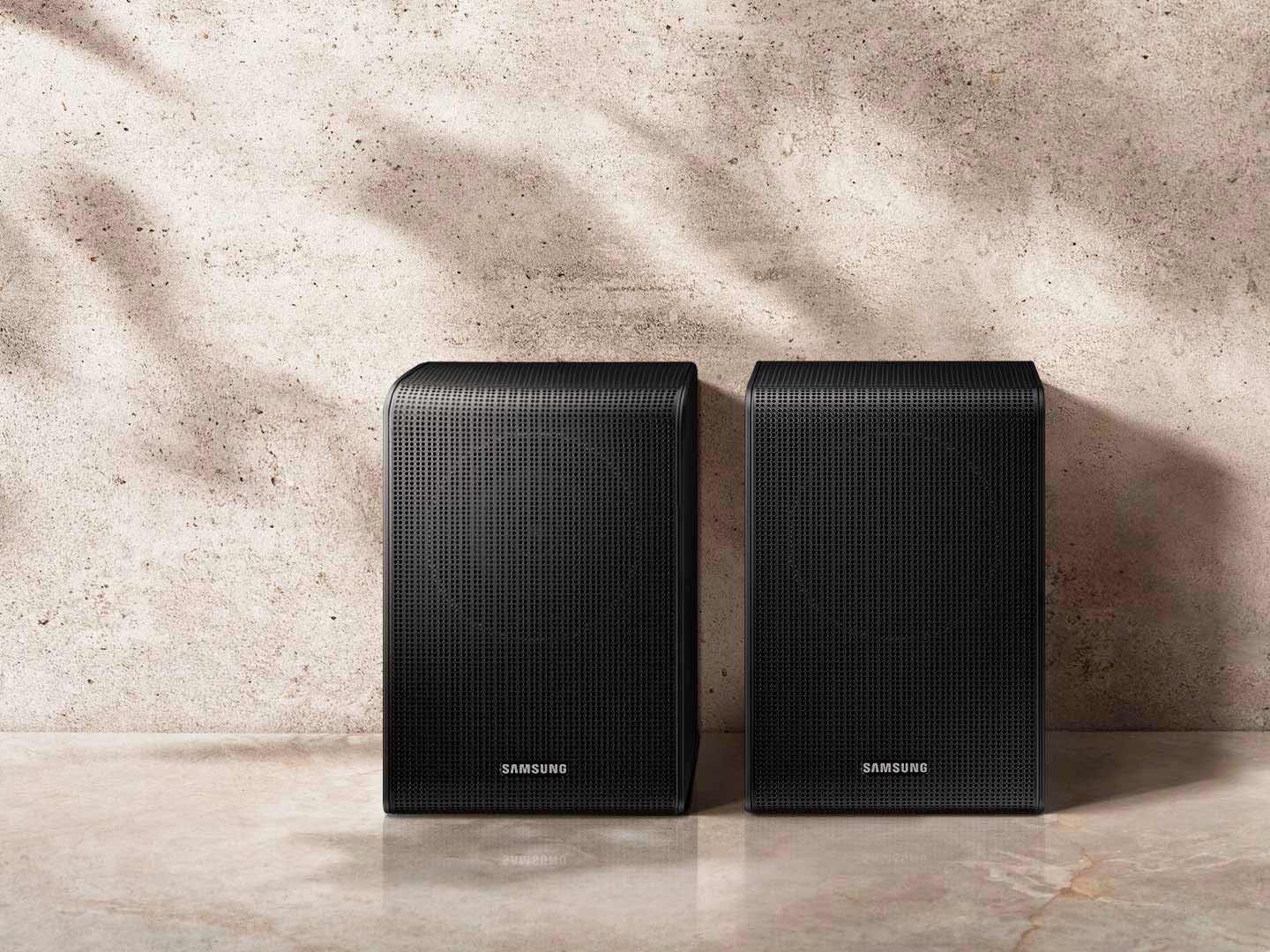
A:AnswerHi Emanator! The Samsung SWA-9200S Wireless Rear Speaker Kit does include 6 meters of speaker wire and the power adapter with cable.
~ Samsung Solutions
A:AnswerHi Dan! Hi there! The HW-S68CB Soundbar is compatible with both the SWA-9200S Rear Kit.
Check it out at Best Buy: https://www.bestbuy.com/site/samsung-swa-9200s-za-2-0ch-wireless-rear-speaker-kits-black/6510790.p?skuId=6510790
~Samsung Solutions
A:AnswerHi! When powered on for the first time, the rear speakers should automatically connect wirelessly. If the auto-connection process fails, you can try manually connecting the rears to the soundbar.
1. Connect the Surround speaker cables Use the speaker cables to connect the two surround sound speakers.
• When connecting the speaker cable, connect the core wire to the speaker.
• Insert the wire fully, taking care not to insert beyond the wire insulation
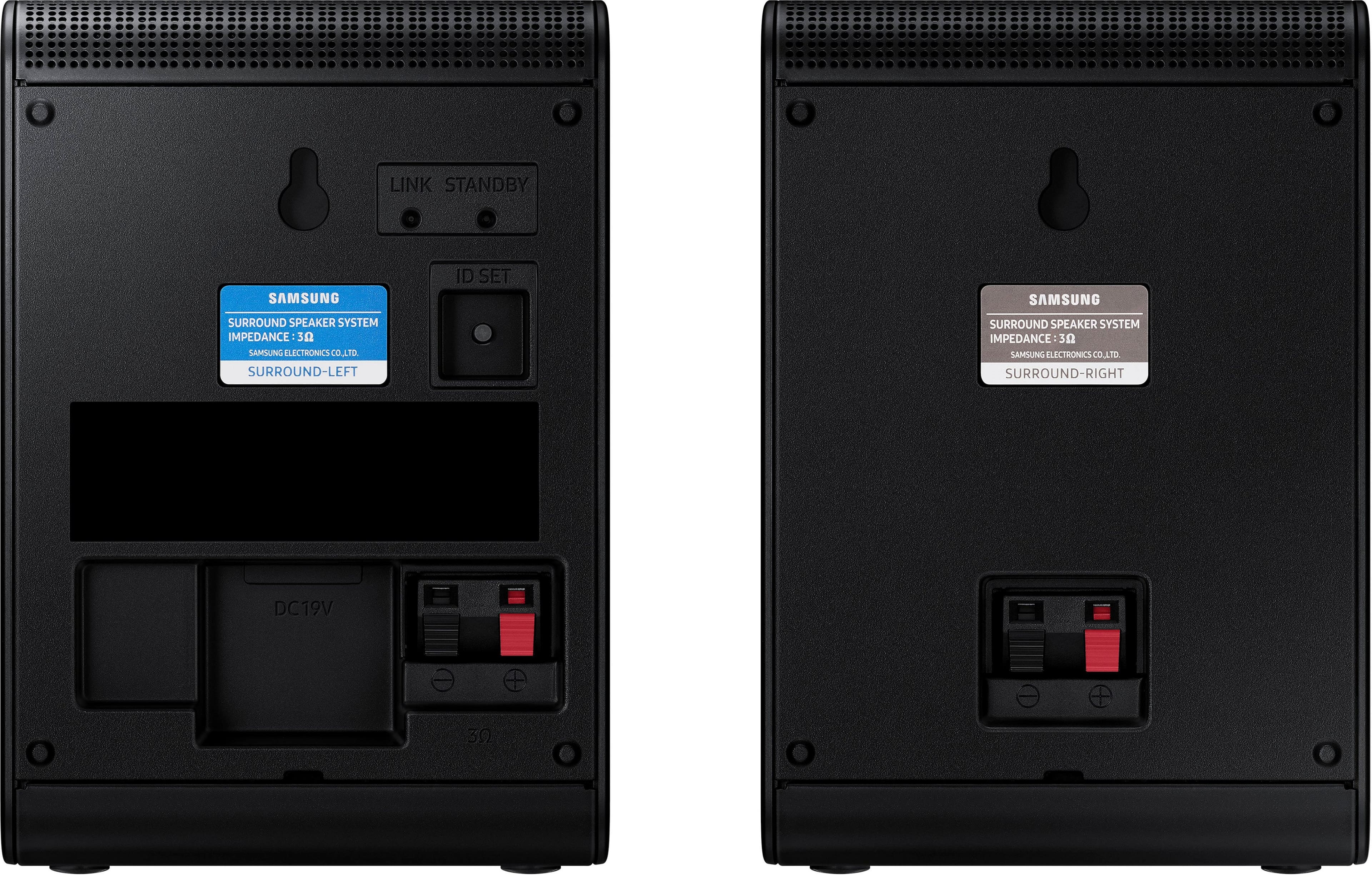
• When connecting the speaker cables to the surround speakers, follow these steps: insert the red and black colored ends of each speaker cable into the red and black jacks of the appropriate speaker. The labels are on the backs of the speakers.
2. Plug the Surround speakers’ power cord into an electrical outlet to turn on the Surround speakers. The LINK LED indicator (blue LED) on the rear of left surround speaker will blink quickly. If the LINK LED does not blink, please see step 6.
3. Turn off the Soundbar If the Soundbar is turned on, please turn off the Soundbar by pressing the (Power) button on the Soundbar or remote control.
4. Connect Soundbar and Surround Speakers Press the Up button on the remote control for more than 5 seconds until the “ID SET” message appears on the Soundbar’s display. The message will disappear shortly. (If your Soundbar does not have a display window and only LED indicators, please refer to the LED information below.)
• After the ID SET process is successful, the Soundbar will turn on automatically.
5. Check the connection complete The LINK LED stops blinking and changes to solid blue when the Soundbar and surround speakers are successfully linked. Please turn off the Soundbar and turn it back on. Confirm that the LINK LED is blue. (It may take a minute depending on the environment.)
6. LED Indicator’s status LINK (Blue) On: Connected with the Soundbar.
LINK (Blue) Blinking fast (at an interval of around 0.5 second) : Surround speakers are in ID SET mode.
• Check if the Soundbar is turned on and in ID SET mode.
• Repeat steps 3 through 5. LINK (Blue) Blinking slow (at an interval of around 1 second) : Previously connected to a Soundbar but cannot currently find it.
• Check if the Soundbar is turned on.
• If the LINK LED keeps blinking slowly even when the Soundbar is turned on,
1. Press the ID SET button on the rear of the left surround for more than 5 seconds until the LINK LED starts blinking fast in blue.
2. Repeat steps 3 through 5.
STANDBY (Red) On : When the Soundbar turns off or connection has failed.
• Follow the instructions for “Link (Blue) Blinking slow (at an interval of around 1 second)” above.
I hope these tips help resolve the issues you are experiencing. If you would like additional assistance with the setup of your rear speakers, please contact Samsung Customer Support at 1-800-SAMSUNG, 8AM - 12AM EST (Ask for Soundbars), 7 days a week. Our LiveChat agents are also available by clicking on the ‘Support’ link on our website.
~Samsung Solutions
A:Answer@Samsung, wouldn't it be easier to explain what gauge wire someone would need? What if you wanted to make a longer run and needed to buy longer wire? If you would have just explained what gauge the wire is, you'd probably answer a bunch of questions pre-emptively
A:AnswerHi Prakash,
The HW-Q900A Soundbar will use the SWA-9500 Wireless Rear Speakers giving you an additional 2.0.2 channels for your system.
The rear speakers do not come with marketing hardware, to mount the SWA-9500 Rear Speakers, you will need two 6.3mm (.3") screws with 1.3mm (.1") pitch & 18mm (.7") length.
^Andrew
A:AnswerHi There,
The HW-A445 Soundbar is exclusively compatible with the SWA-8500S Wireless Rear Speaker Kit. It is not compatible with the SWA-8500S Wireless Rear Speaker Kit.
~Samsung Solutions
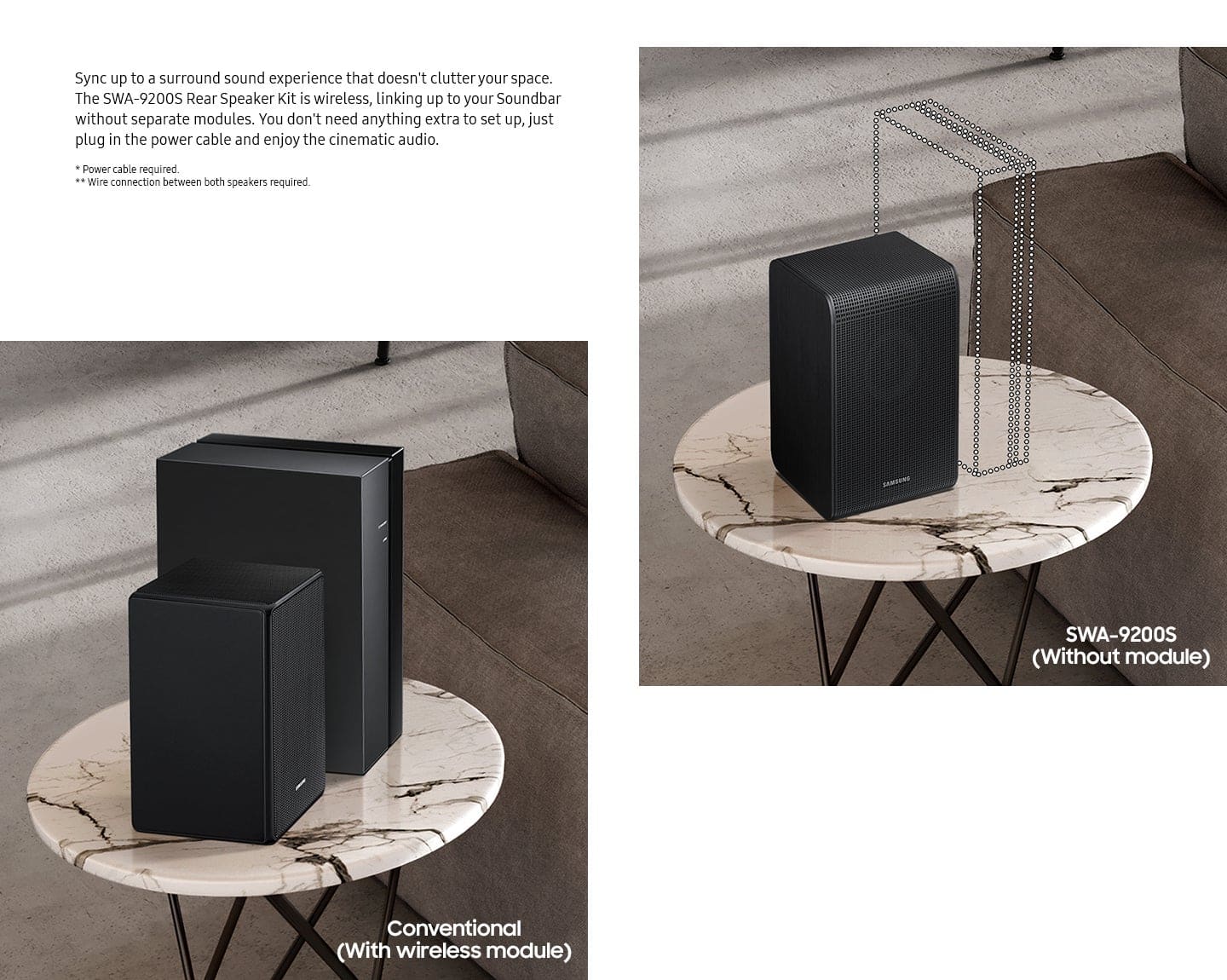
A:AnswerHello miphins1, Occasionally, customers have trouble hiding and running speaker wires from the front of the room (where their soundbar is) to the back of their room (where they have their rear speakers). The Rear Speaker Kit eliminates that hassle. Connect the rear speakers to its wireless module and place these three in the back of your room. One wire is required to connect each rear speaker to the wireless module. Then plug in the power cable to the module. The “wireless” convenience is in connecting your soundbar and any other speakers at the front of the room to the rear speakers – this can now be done via Wi-Fi through the wireless module, eliminating any clutter of long wires running the length of your room. ~ Samsung Solutions
A:AnswerI just bought these speakers 11/14/2024 and it took a while but here's the important step that Samsung left out. Yes, make all the steps ch. level etc BUT....When you reach the rear speakers you MUST adjust the volume with the UP on the round circle and not the volume control.