A:AnswerHi ConnectionOptions,
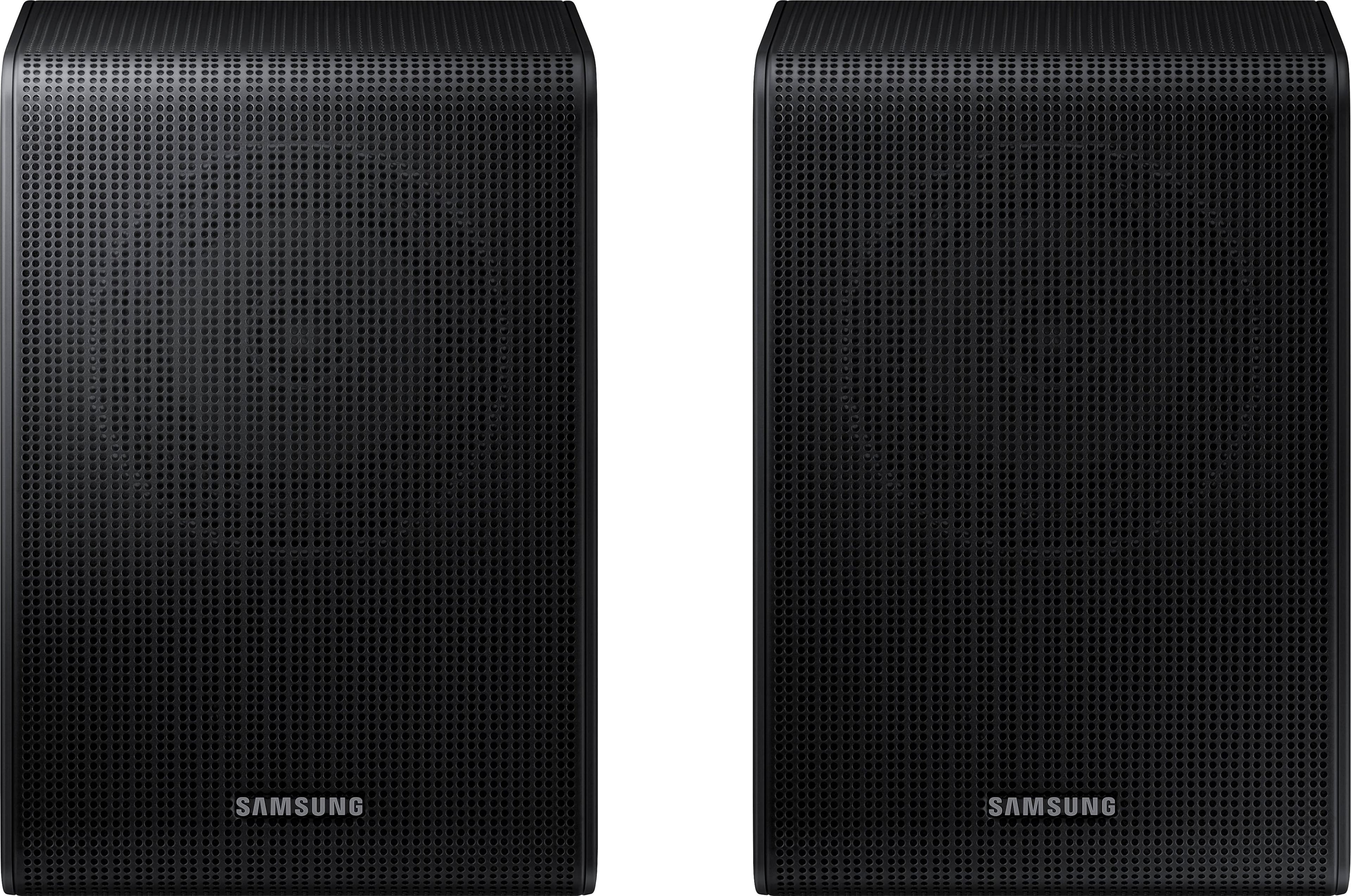
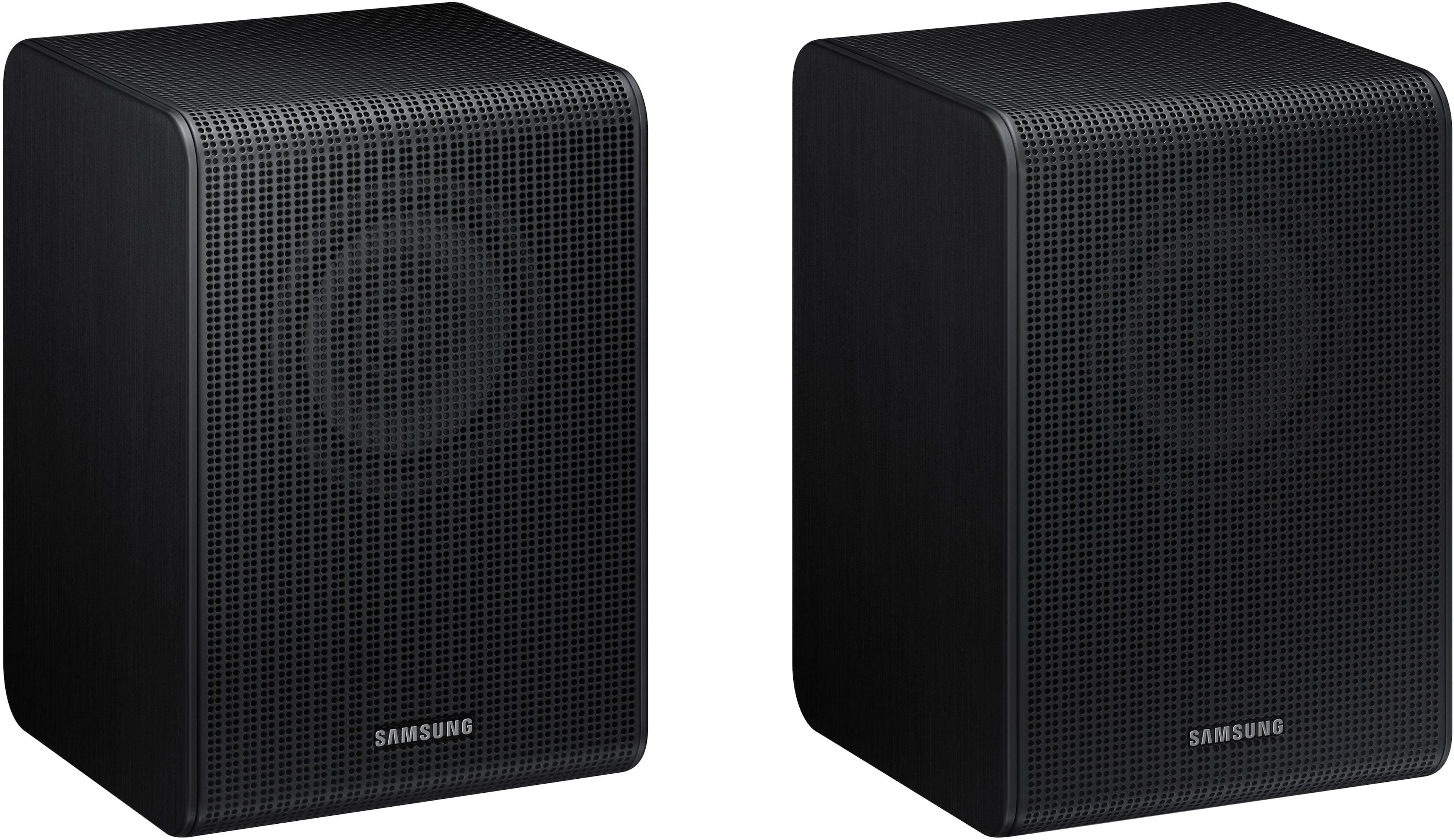
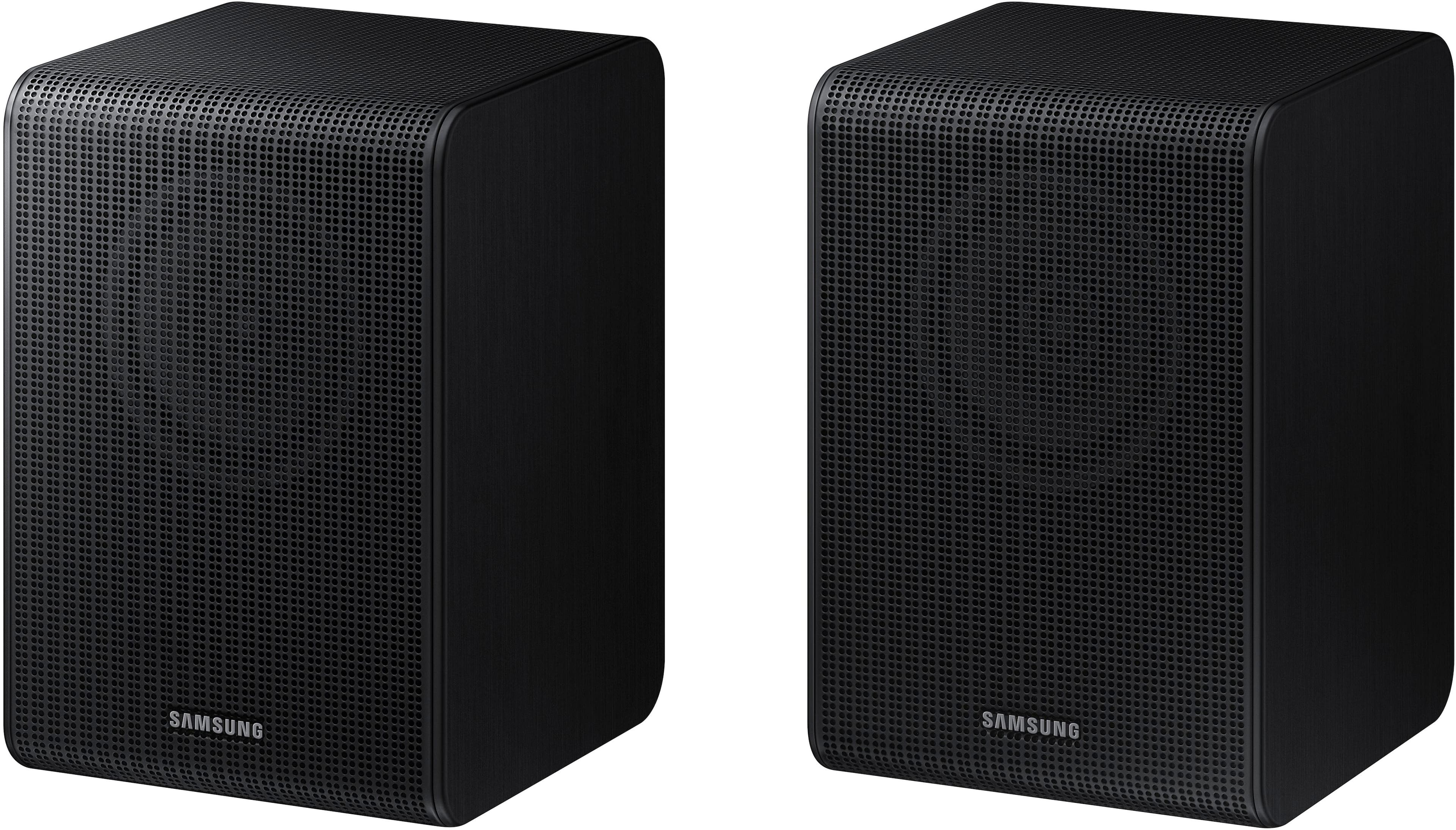
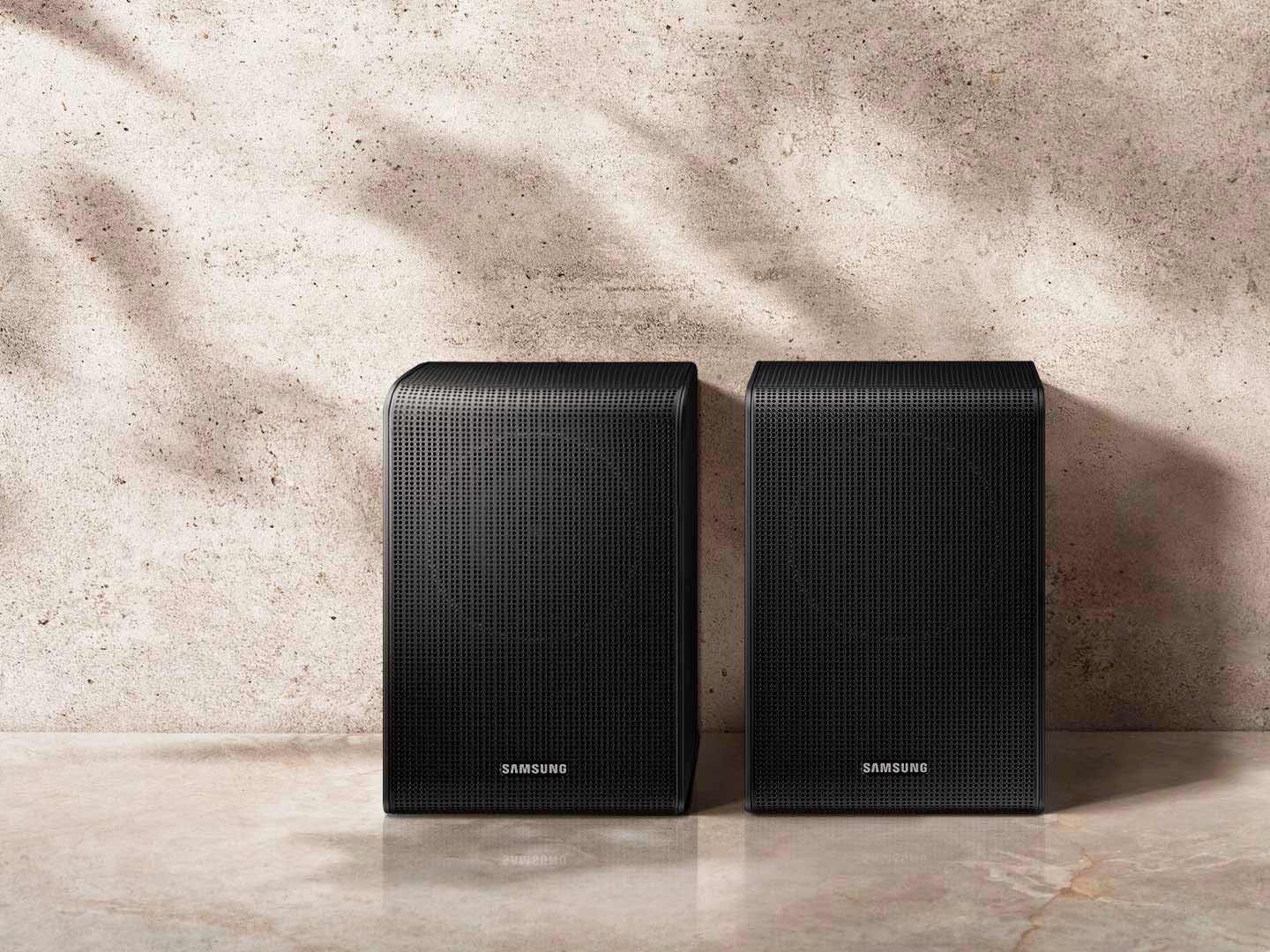
The SWA-9200S Wireless Rear Speaker Kit will have everything required inside of the box for them to connect with compatible Samsung Soundbars.
~Samsung Solutions
A:AnswerHi MARK,
The SWA-9200S is exclusively compatible with select 2022 Samsung Soundbars.
The HW-Q800T Soundbar was compatible with the SWA-9100S.
^Andrew
A:AnswerHi Brandon,
The SWA-9200S Wireless Rear Speaker Kit is compatible with the HW-B650, HW-B550 HW-B450, HW-S60B, HW-S50B, HW-Q600B and HW-Q60B.
^Andrew
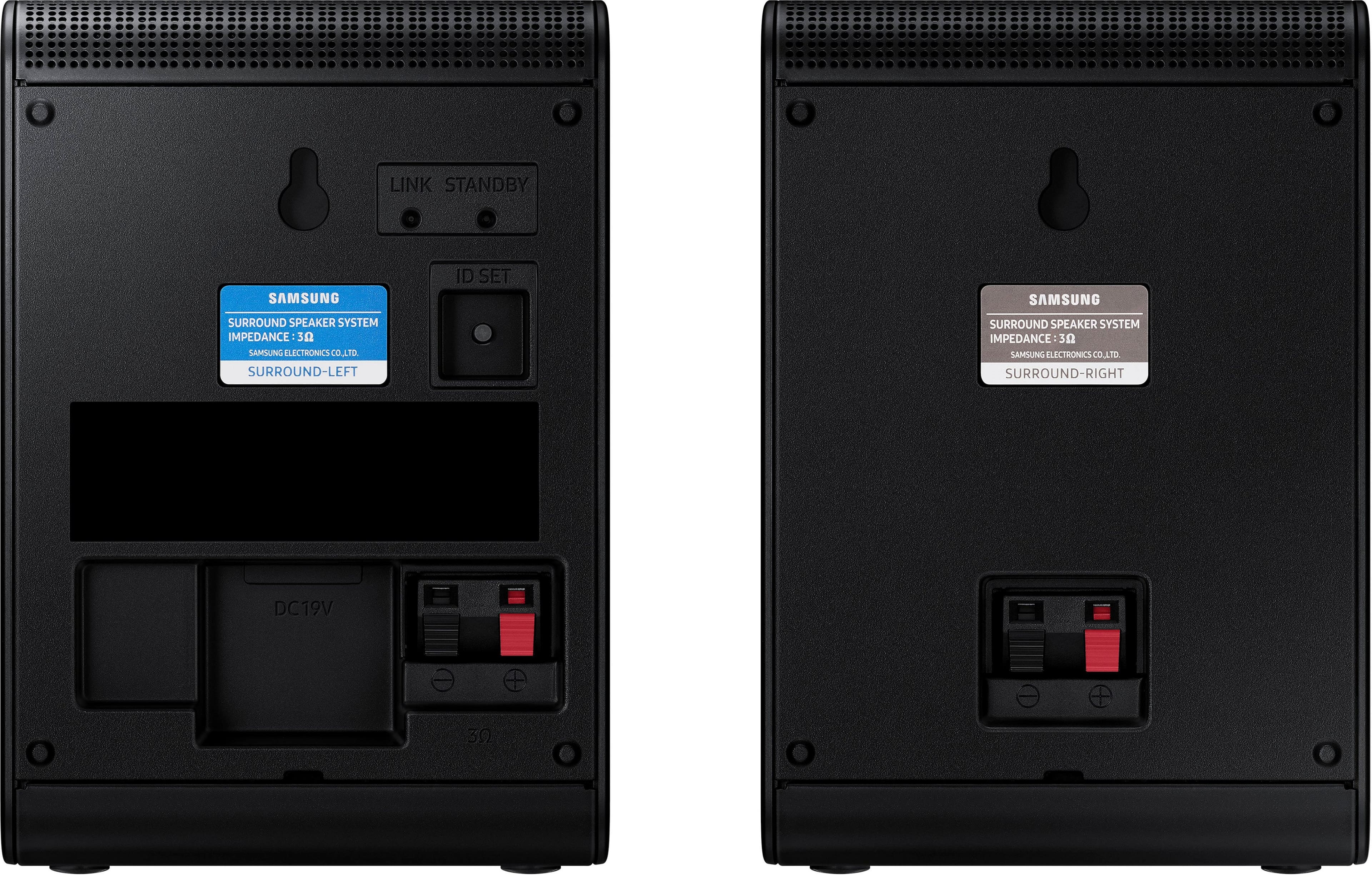
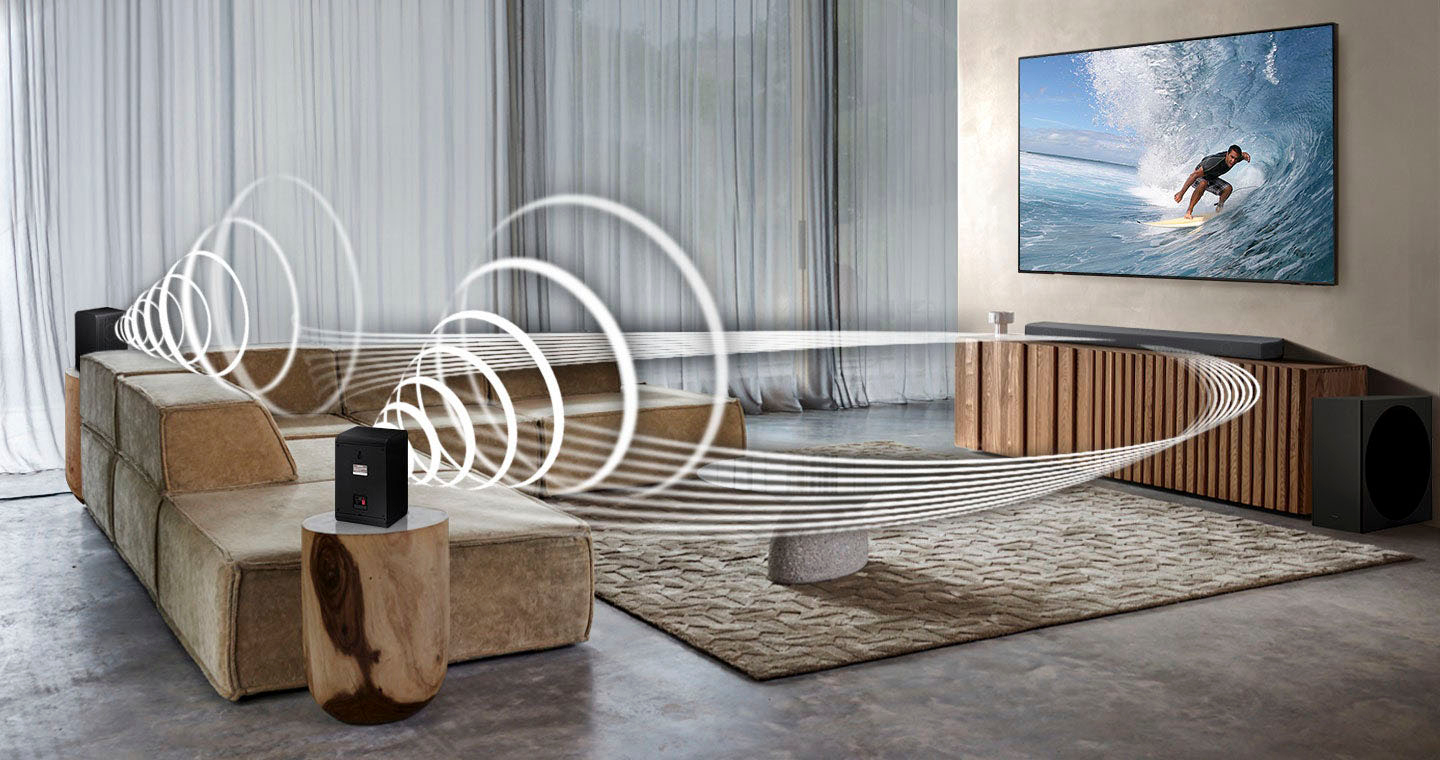
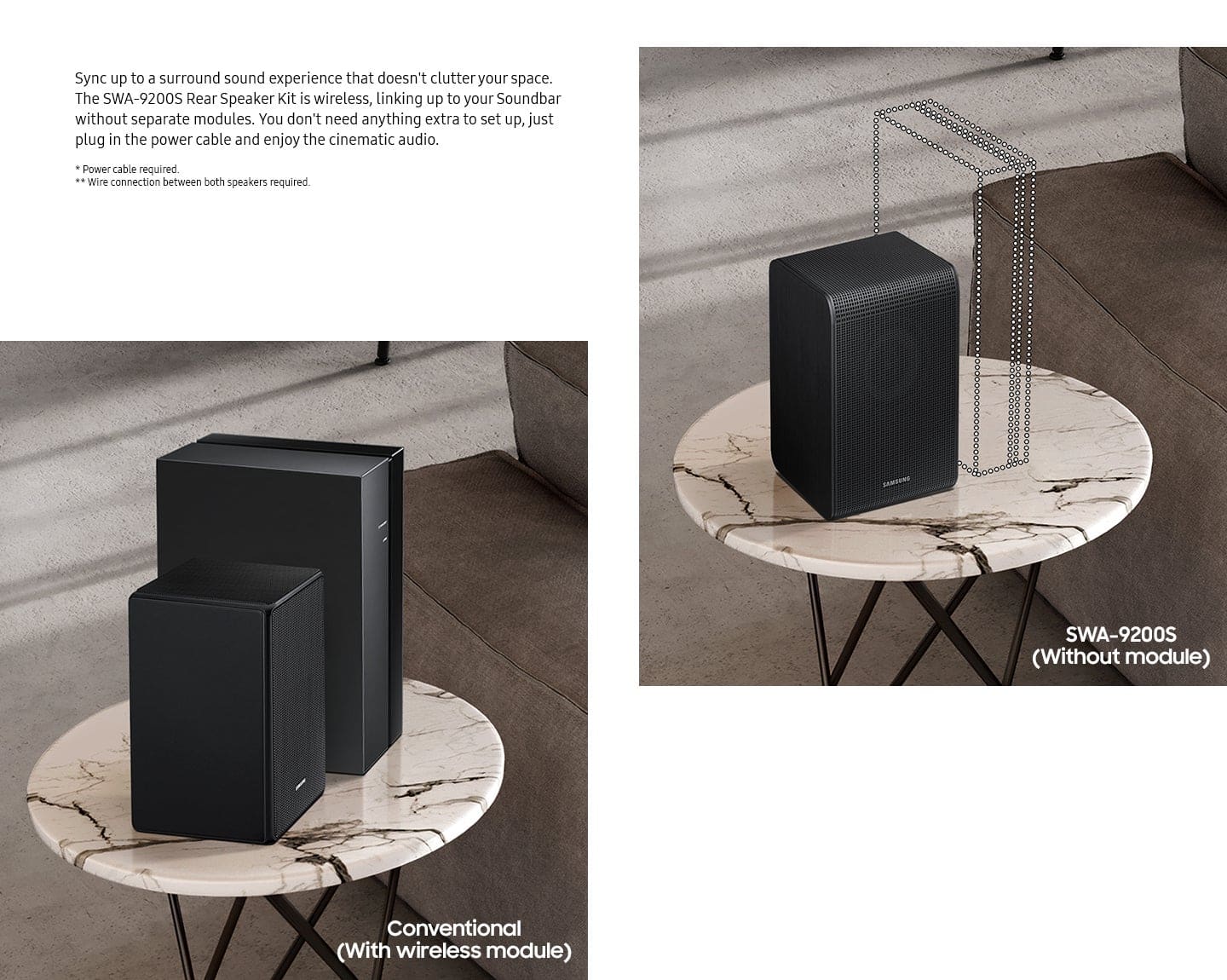
A:AnswerHi CoreyF, Occasionally, customers have trouble hiding and running speaker wires from the front of the room (where their soundbar is) to the back of their room (where they have their rear speakers). The Rear Speaker Kit eliminates that hassle. Connect the rear speakers to its wireless module and place these three in the back of your room. One wire is required to connect each rear speaker to the wireless module. Then plug in the power cable to the module. The “wireless” convenience is in connecting your soundbar and any other speakers at the front of the room to the rear speakers through the wireless module, eliminating any clutter of long wires running the length of your room. ~ Samsung Solutions
A:AnswerHi there! Thank you for taking a moment to share your feedback with us regarding the SWA-9200S Rear Speaker Kit connectivity with your soundbar. The SWA-9200S is compatible with HW-S700D, HW-S60D, HW-S61D, HW-B750D, HW-C445, HW-Q600C, HW-Q60C, HW-Q6CC, HW-C450, HW-C47M, HW-C43C, HW-Q600B, HW-Q60B, HW-Q6CB, HW-S60B/HW-S61B, HW-S50B, HW-B650, HW-B550, HW-B450, HW-B63C, HW-B63M, HW-B53C, HW-B53M, HW-B43C, HW-B43M. ~ Samsung SOlutions
This information above is not 100% Accurate.
I ordered re kit speakers SWA 9200 through amazon for my samsung HW-C450-ZA and they would not connect at all using all the different tips and tricks out there on youtube including the manual that came with it.
Sending them back because they were expensive and do not work.
A:AnswerLike i said, I was gifted the hw-b650... unfortunately recommending a different sound bar isn't a solution or answer the question I asked. I'm aware there are other, more expensive, soundbars with more features. I assume your answer is, unfortunately, "no".
A:AnswerHello Tony, If the auto-connection process to the rear speakers was unsuccessful, you can manually pair the rear speakers to the soundbar. Press the ID SET button on the back of the Left Rear Speaker with a pen tip for 5~6 second or until the LINK LED indicator blinks fast (in Blue).
Next, with the soundbar powered OFF, press and hold the UP button on the remote control until ID SET message appears on the Soundbar’s Display. If the Soundbar does not have a display window then the LEDs will blink RED – Green – Blue (in that order) The LINK LED indicator stops blinking on the left rear speaker and glows a solid blue when a connection is established between the Soundbar and the Wireless Rear Speakers.
I hope these tips help resolve the issues you are experiencing. If you would like additional assistance with the setup of your rear speakers, please contact Samsung Customer Support at 1-800-SAMSUNG (Ask for Soundbars), 8AM - 12AM EST, 7 days a week. Our Live Chat agents are also available by clicking on the ‘Support’ link on our website.
~ Samsung Solutions
A:AnswerHello Brabbit! Unfortunately, you cannot add a second subwoofer to the HW-B650. Each soundbar is designed to be exclusively compatible with the subwoofer included.
~ Samsung Solutions