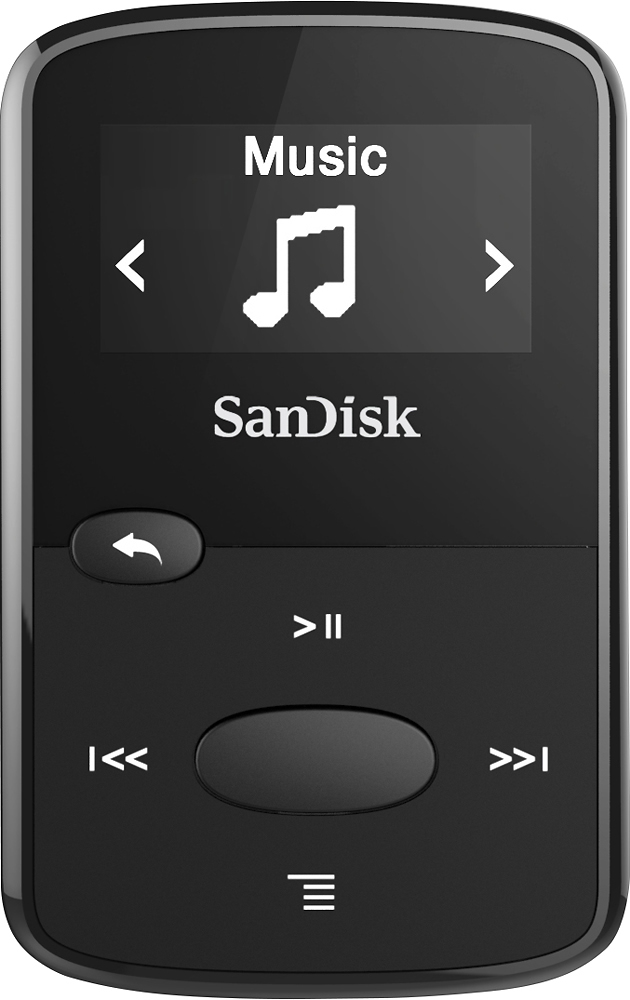
A:AnswerYes, files in the Audiobooks, Music and Podcasts folders play in numerical or alphabetical sequence depending on how the files are numbered or named. Also, after turning off and then on again, the player starts at the exact spot where the player was stopped even if part way through a file. NOTE: This info applies only to the Audiobooks, Music and Podcasts folders and may also apply to the Audible folder but we don’t use Audible books and do not have experience with those files and that folder.
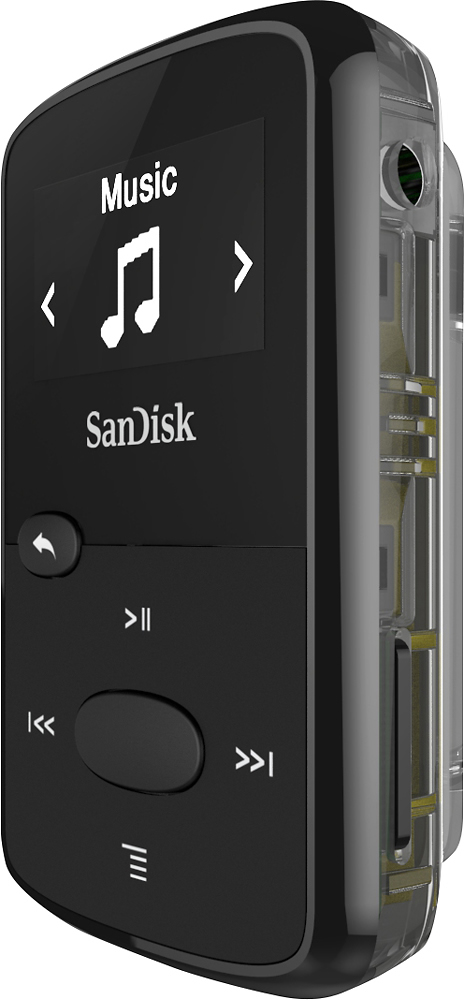
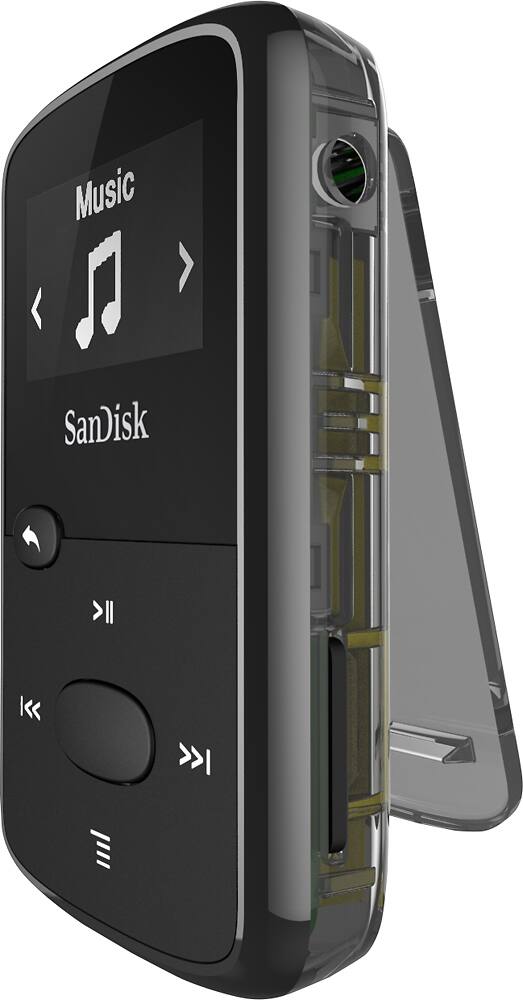
F.Y.I. This player works very well and it is the second we have purchased. The player is very small and smooth and can slip from hands easily if not careful. We installed silicone skins on our players which makes them easier to hold securely and provides cushioning if dropped. The skin also prevents the micro SD card from possibly falling out and being lost but allows easy access to controls, earphone jack and charge port. We use iGadgitz brand skins which fit perfectly, have excellent tactile feel, and don’t collect dust the way some silicone skins do. Hope this helps.
A:AnswerIt is on the web. Google "sandisk clip jam mp3 player user manual" and you should find it. That's what I had to do. It will be a PDF file that you must download.
Here is the URL, but not sure if Best Buy will allow this to appear here = http://downloads.sandisk.com/downloads/um/clipjam-um.pdf
A:AnswerIf you are a Spotify user, you may find that you can't listen to Spotify songs on SanDisk Clip Sport or Clip Jam. However, if you can download the Spotify songs as MP3 without DRM protection, you can then transfer and enjoy them to any Sandisk mp3 player just like ordinary songs.
A:AnswerYou can buy a USB wall charger anywhere that you can plug the included USB adapter into. But the player runs for 20 hours on a charge so you only need to plug it in to charge it up or to download songs.
A:AnswerJust like any lithium battery you can only charge it so many times before it finally goes kaput. My last one lasted several years before it finally died. For the price it can’t be beat for a basic music player.
A:AnswerPlug your old mp3 player into your computer, open the file and transfer your music to the computer. Now plug in the new one, open the file on it, now open the file on your computer of the old music and drag the music into it.
A:Answergo to your primary music player ( I use windows music player) . select individual songs or cds and drag to add to playlist. connect mp3 to computer and enter sync. when light turns green hit start button. very quick and efficient