A:AnswerYou can buy the music from itunes or another electronic music store, or you can take the music from a CD you own, or you could download a song from youtube using one of various legal downloading methods.
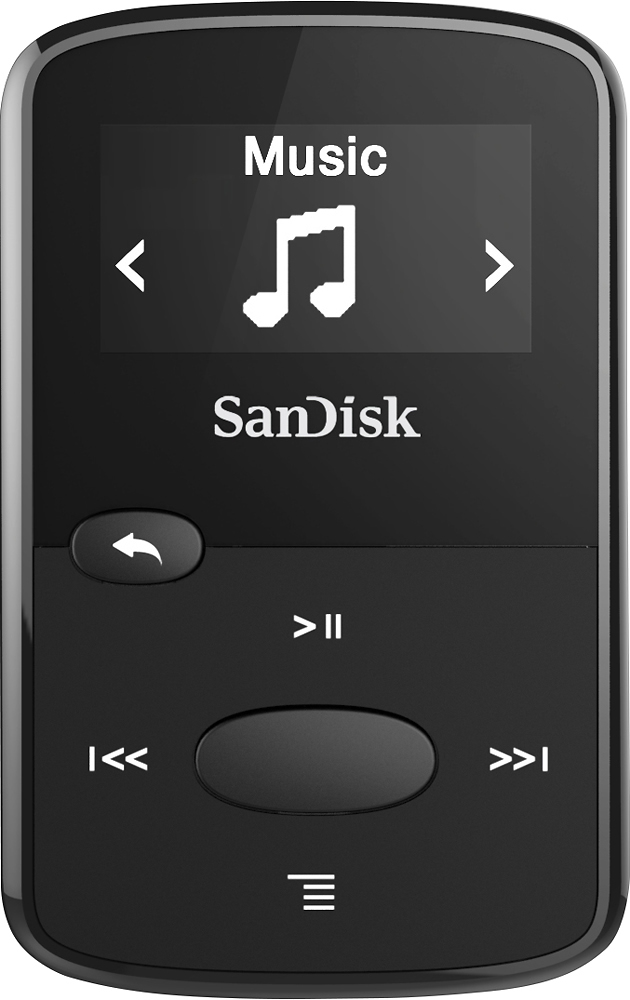
A:AnswerDirectly transfer the files between the two .MP3 players? I somehow doubt it. The normal method is to use your computer to make the copies from it to the media player. When you plug it into the USB port of your computer, it should simply see the .MP3 player as a USB Flash drive. You can opt to copy or move your supported files to the media player.
A:AnswerYes, I have used an aux cord to play through the radio - but my car has an "aux" button along with the radio and CD buttons. And it has a place to plug in the aux cord.
A:AnswerI have not tried that. usually, I make a a cd from my Itunes downloads and copy it to my music player. after that you can just follow the directions from the pamphlet in the box
A:AnswerI have no problems uploading any type of music files, pics, etc. . I just Drag & drop it could not be any easier than that.straight from my C drive. It's a little difficult to select prefered songs, and does not have bluetooth capability. But other than that ...... I would buy again.
A:AnswerYou have to plug one end into your computer and set the item up from there.. Once set up, click on the word music and it will automatically transfer,