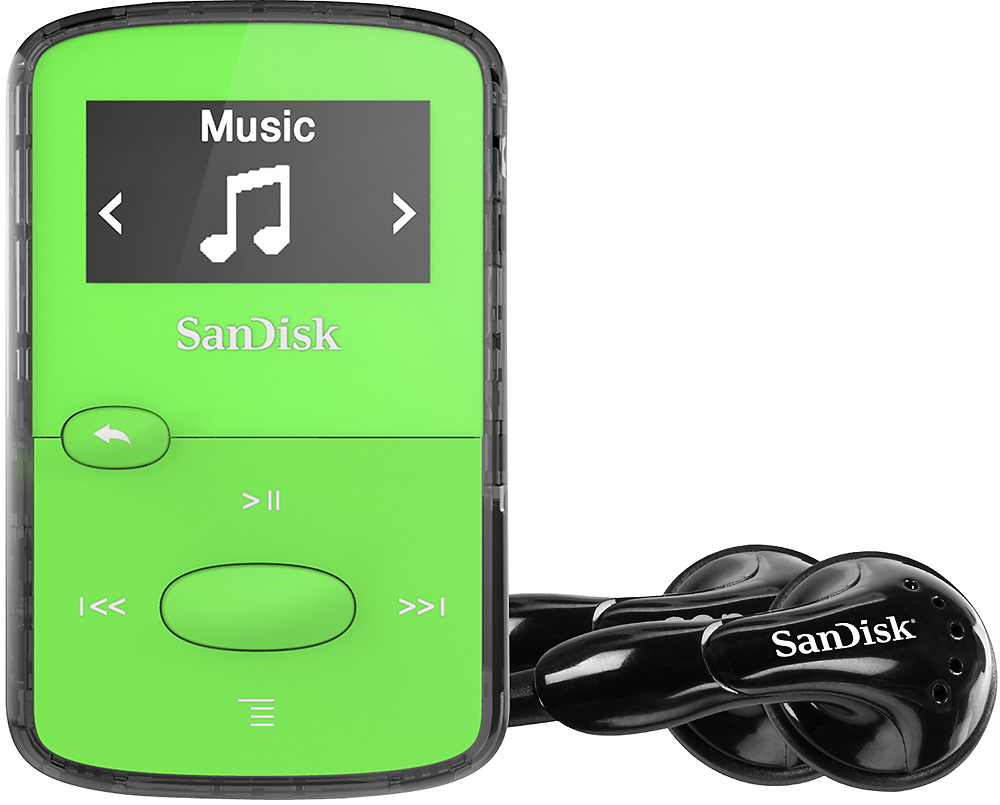
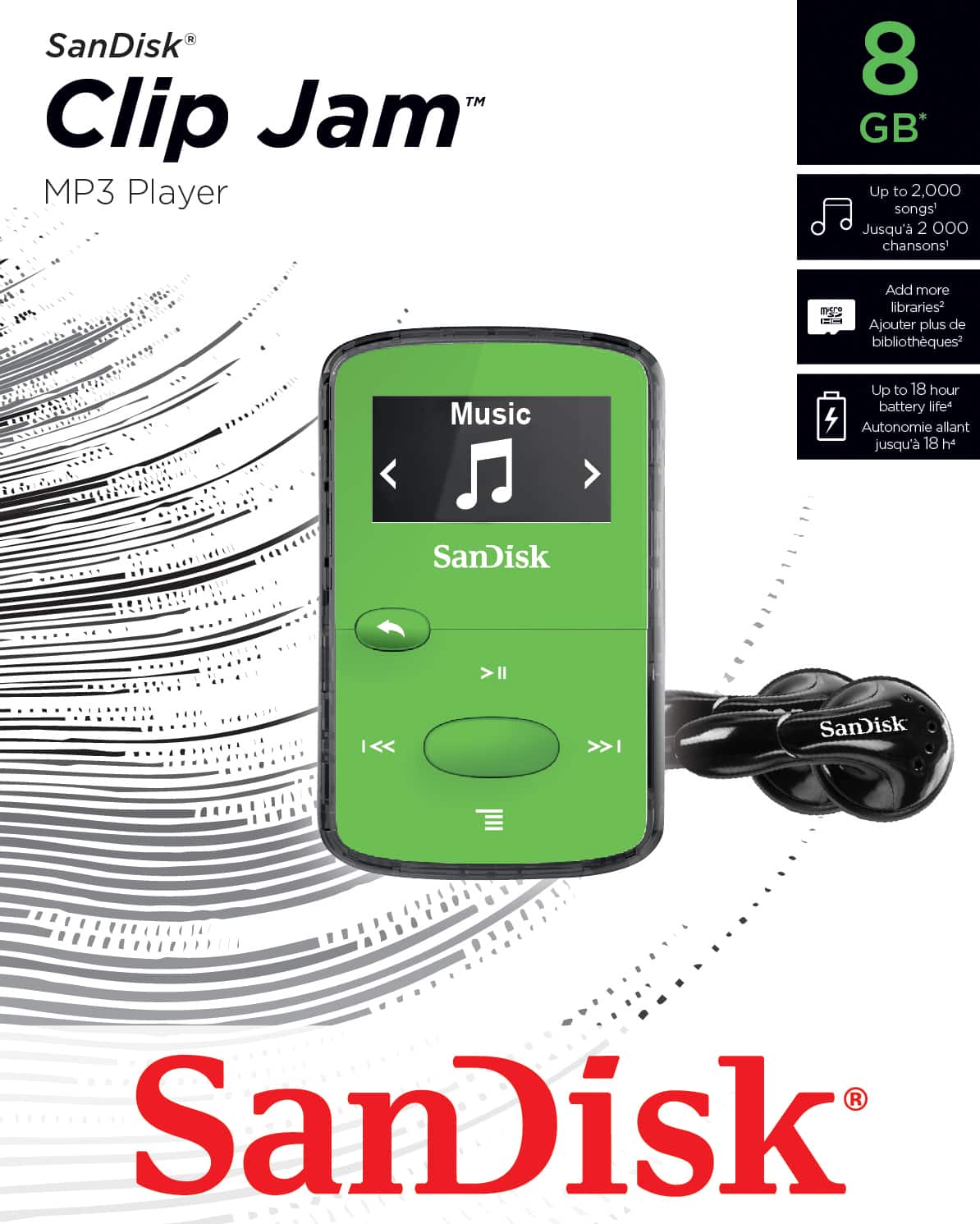
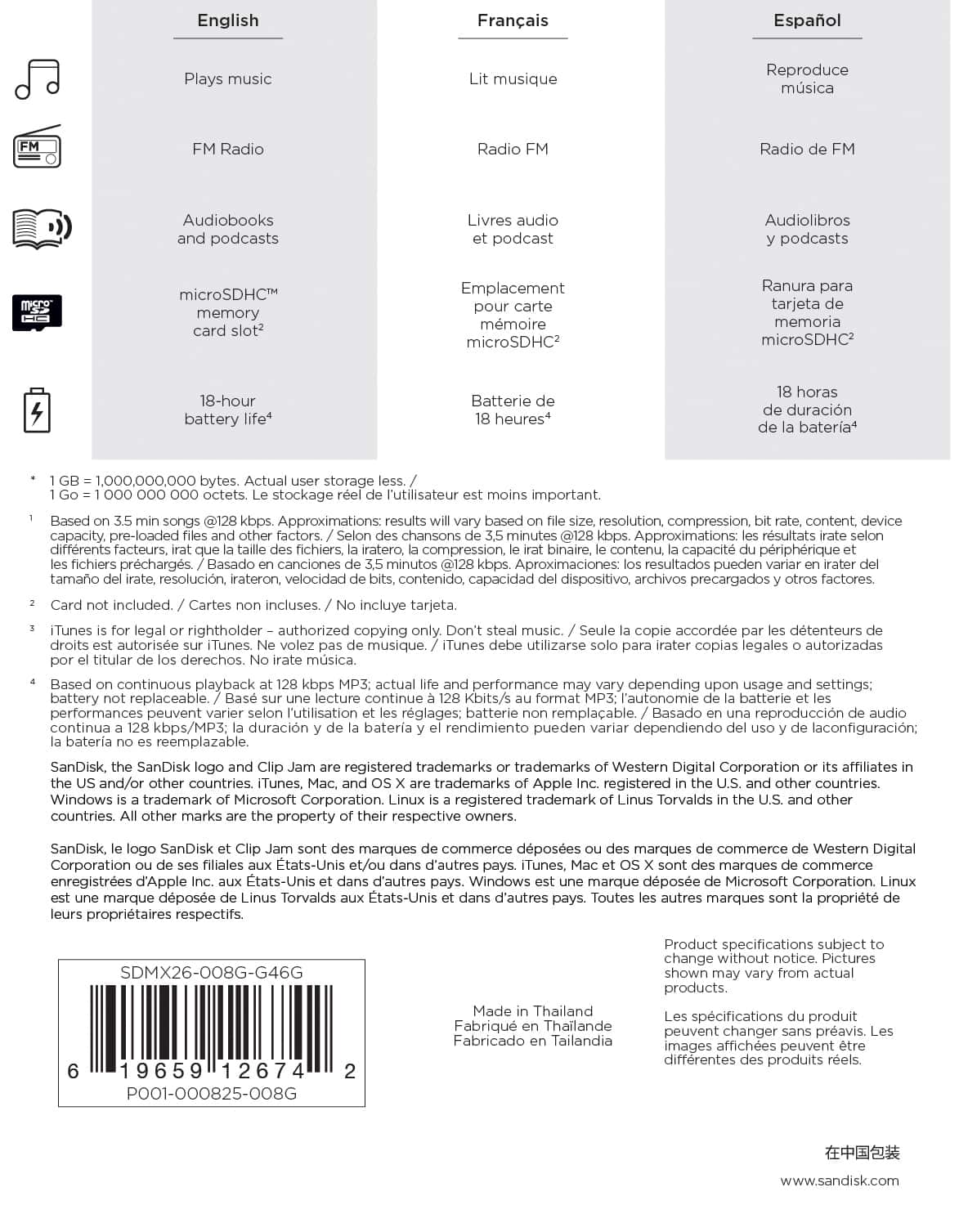
A:AnswerHi, just check out the user manual online at this spot - http://downloads.sandisk.com/downloads/um/clipjam-um.pdf - for all the information you need on this item. Good Luck!
A:AnswerPush and hold the rewind or FF button and it will not skip to the next song or the beginning. If you just tap it though you will lose your place.
A:AnswerYou have to activate the device on the app "Audible Sync." Open the app, connect the device and a little icon will appear under your Audible library. Click on that and on the top right will appear a link that says "activate device" and you'll be required to sign in to your Amazon account from there. Once you get a little notification from your pc that says something like activation data transfer complete, you can start downloading onto the clip jam.
If your books aren't working, i noticed some of mine that are more than 10 hours don't, then you'll need to go into the settings and select where it'll split it up into parts, then download it in parts like that. The clip jam will keep them in order, and they don't use extra space, but you just have to deal with the weird extra intros and outros by Audible. Not all of them do that. I have one book that's 19 hours that i don't have to split up, but others that are like 10.5 hours that i do. If they don't show up in the device list, but show up in your clip jam, they aren't going to play correctly. They'll start at like the middle, and only play for 30 minutes. So make sure you see them in the device list.
Hope this helps
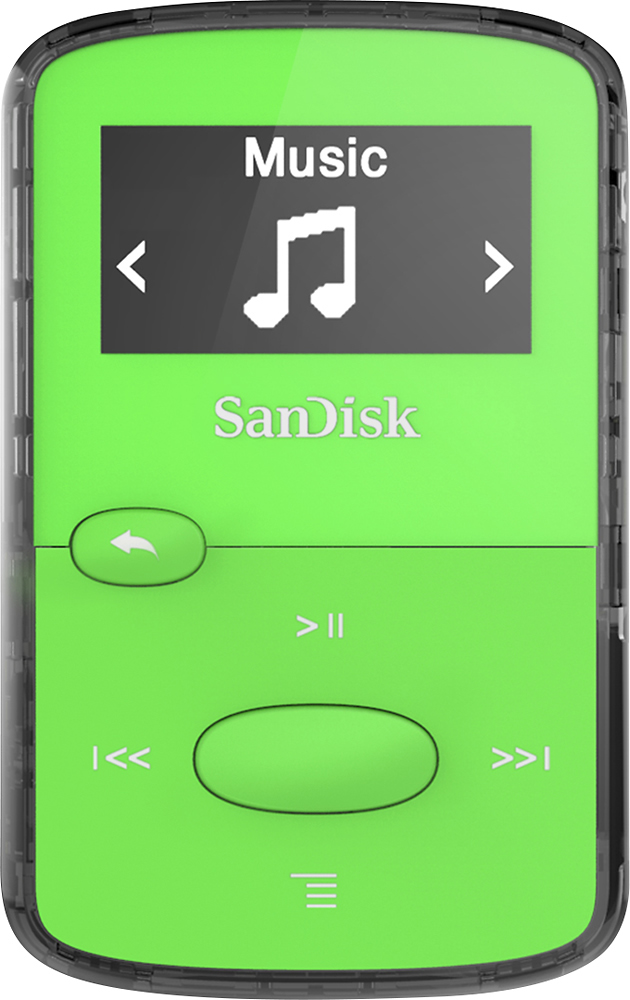
A:AnswerHello, Please be informed that SanDisk - Clip Jam 8GB* MP3 Player has a option to set time. Please refer to the page number 27 from the following user manual link: https://downloads.sandisk.com/downloads/um/clipjam-um.pdf For any further assistance please submit a support ticket at https://support-en.wd.com/app/askweb.
A:AnswerNot knowing what kind of ports you have, and how your vehicle is set up for auxilliary devices, I would suggest that you ask the dealership. That being said, there is a hole for a pin type cable, and it comes with a USB cable. I have ports for both in my vehicle and it works.
A:AnswerYour Clip Jam™ player will keep playing for up to 18 hours2 on a single battery charge. For any further assistance please submit a support ticket at https://support-en.wd.com/app/askweb.
A:AnswerTo get audio from the .MP3 Player through the speakers of your car, you will need a Male-to-Male stereo 3.5 mm cable. I assume there is an input on the car's stereo marked "AUX" with a small round input connector for this sort of use. The USB 2 connector on the .MP3 player is for data transfer into the player and to charge the internal battery. You could try using it with an aftermarket FM transmitter, where you connect the audio output from the player to the audio input of the FM transmitter. Then, after supplying power to the FM transmitter, tune to one of the supported FM stations to see if it isn't in use by a radio station. But you might be able to get the car's stereo to recognize the music on the player as though it were a USB Flash Drive by connecting a Type A USB-to-Micro USB cable between the two computers. No harm in trying.
A:AnswerIt shouldn't matter. You don't need to use the Windows Media Player software to copy or move files between folders, computers, or portable music players. When you plug this into your PC, it will see it as a USB 2 Flash Drive.