A:AnswerSimply hook up the unit via the included usb cable. Copy and paste mp3 files into the units window that opens on your computer screen. Super easy.
A:AnswerYou can set the date and time but there is no alarm clock function.
There is a sleep function to turn if off after a certain amount of time, but not to turn it on after a set amount of time.
A:AnswerYou should be able to. We put all our music on a micro SD card and then put it in the player. Then you can have different songs on different cards. But we have downloaded music before from computer to player, just not sure how much it holds.
A:AnswerI download library audiobooks onto the Sansa Clip Jam all the time. Check the HELP section of your download library system for OVERDRIVE APP & choose the appropriate version for your OS. I use Overdrive for Windows on my PC to download the books, which I then transfer to my Sansa Clips. That said, when choosing *where* to transfer the audiobook, always choose ADVANCED OPTIONS, then in "player folder" area Browse to Audiobooks folder and then type: \author\title . This is important to remember because this Sansa Clip version does not understand that each book needs its own folder.
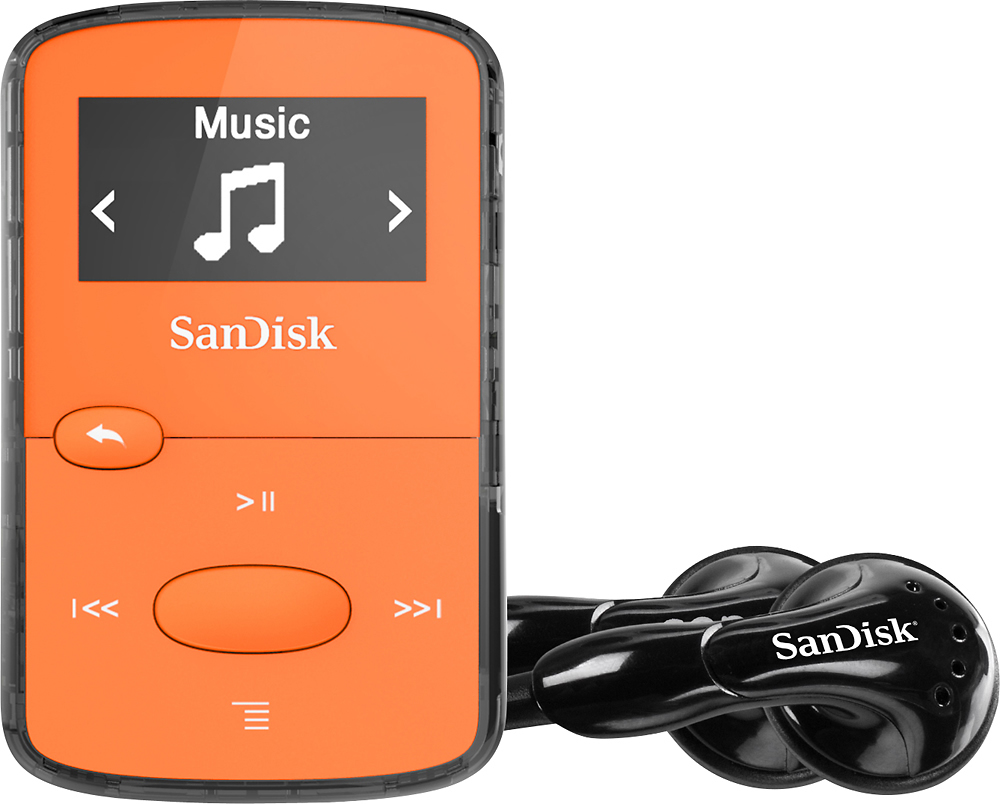
The clips come with their own earbuds, which are good.
A:AnswerWe connect our Sandisc to our vehicle thru an auxillary input port, using an audio cable such as this one: https://www.bestbuy.com/site/insignia-3-3-5mm-audio-cable-black/5019113.p?skuId=5019113 It plugs into the auto and then into the earphone jack. Works great! But I'm not sure about plugging into the USB port. I believe I tried it thru the usb, but couldn't get it to work, but can't remember now.
A:AnswerYou can use this for audiobooks. I get them from Overdrive and my library. Just download onto your computer and hit transfer. Easy and it will hold numerous books at a time. hope this helps.
A:AnswerI use overdrive to download audio books. They work ( pause, back up and go forward ) just like you think they would.
If you are having problems, it may be the download software..? I've had no trouble with mine.
A:Answerneed to download your music to your computer. make sure they are mp3. then plug your clip to your computer and transfer them over. takes a while the first time but then it is easy to manage. for its size its very good. there is also bluetooth version for about $50 but i like wired speakers.
A:AnswerTo transfer songs from Spotify to a SanDisk, you'll need to first download the tracks to your PC or Mac. I recommend using the NoteBurner Spotify Converter for this. It allows you to download Spotify music in high quality and save it to your computer, from where you can easily transfer it to your SanDisk for offline listening.
https://www.noteburner.com/sp-music-converter-windows.html