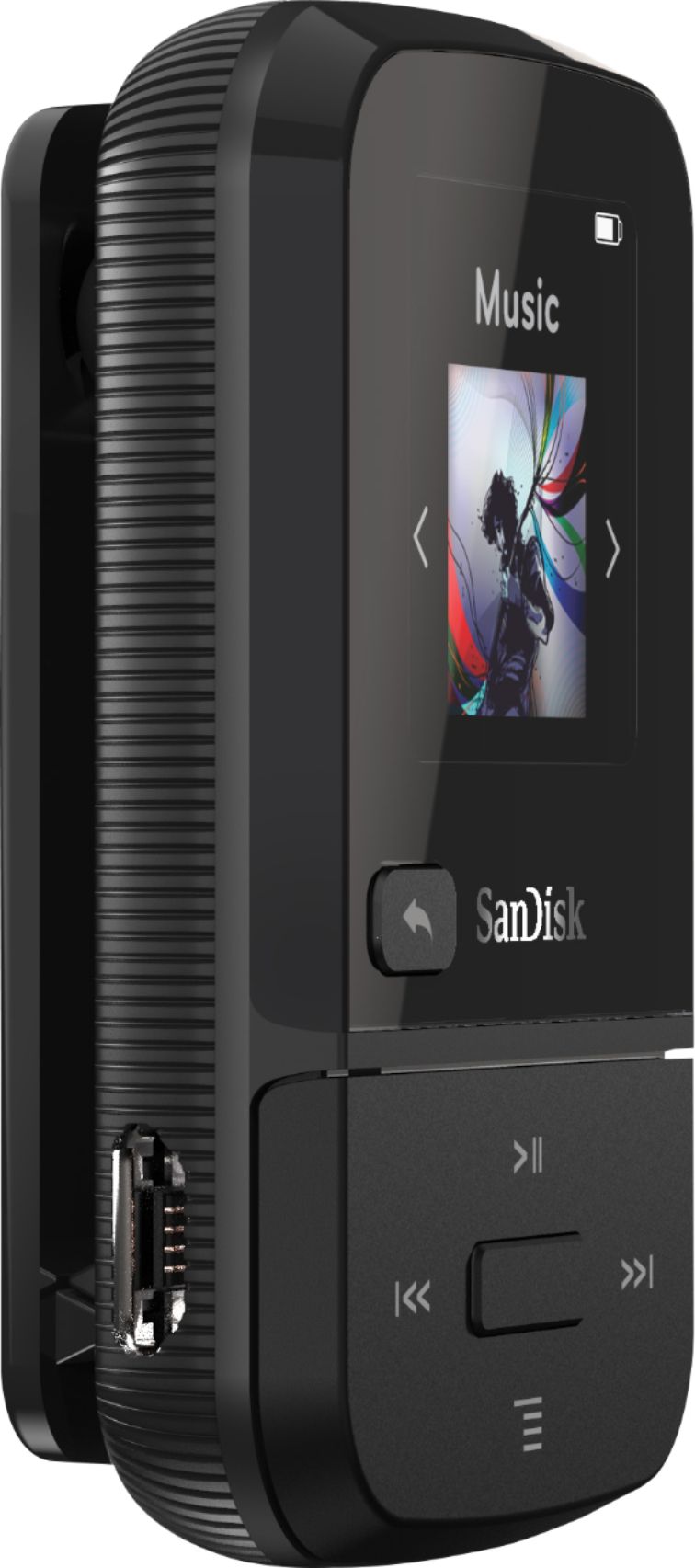
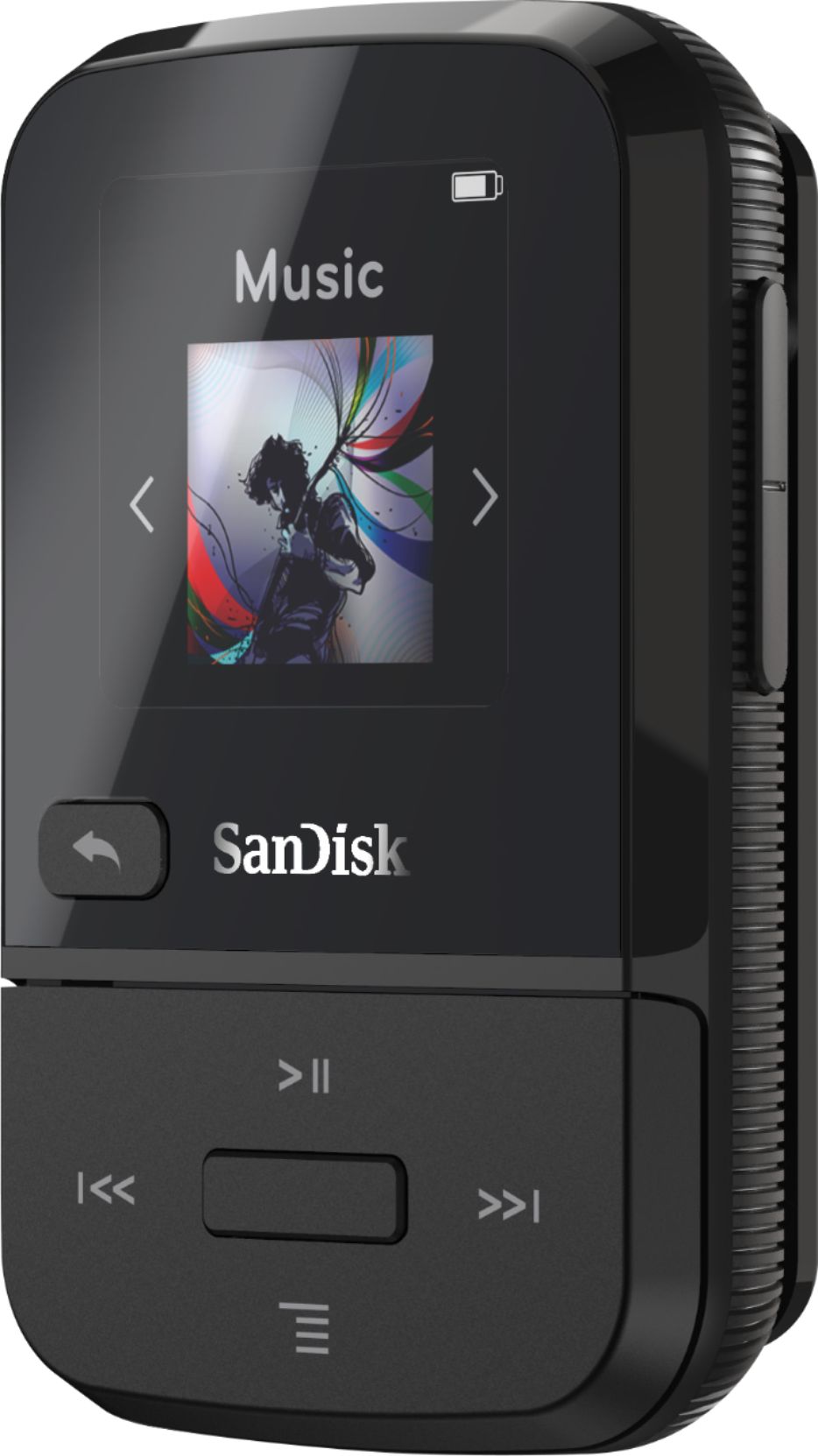
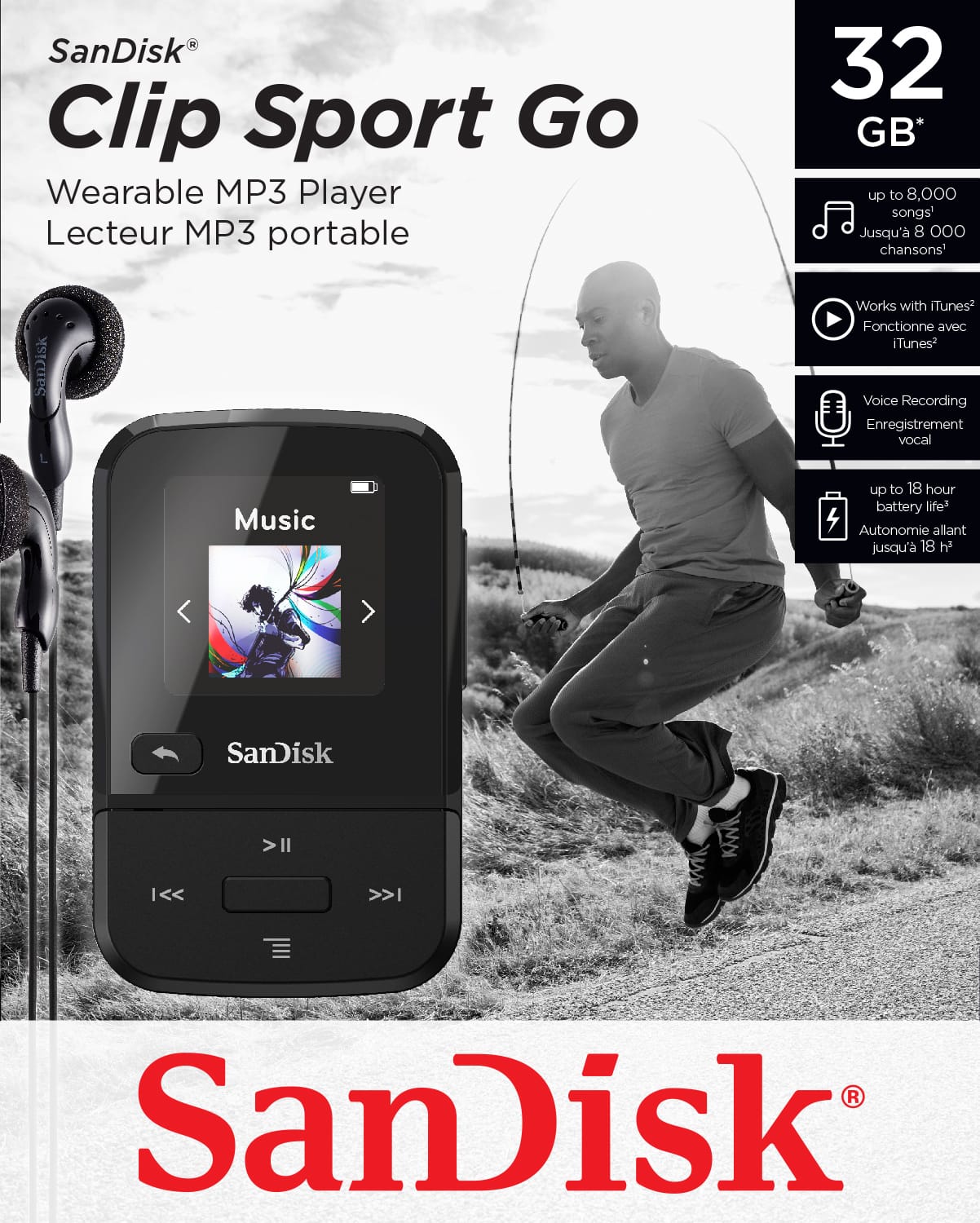
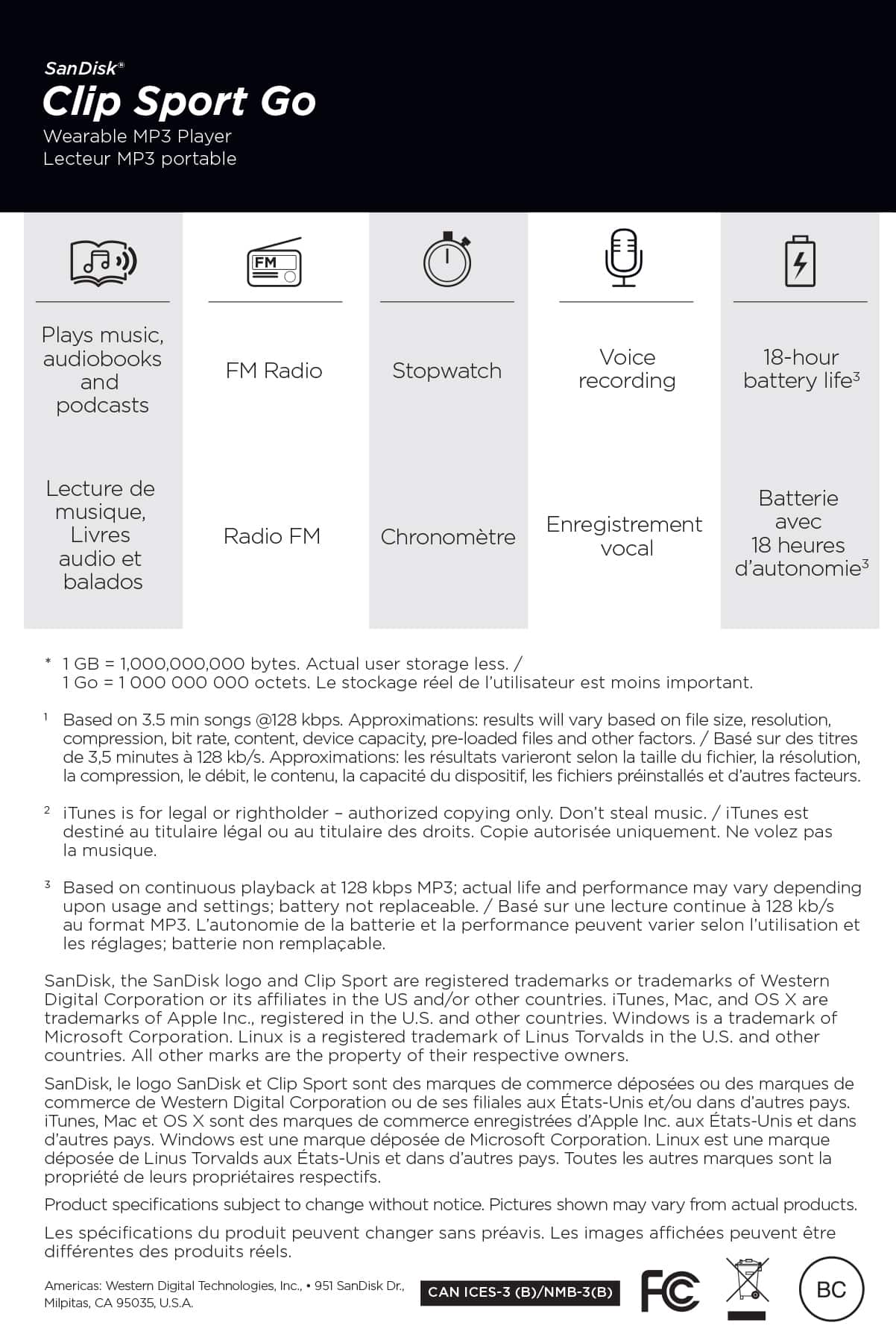
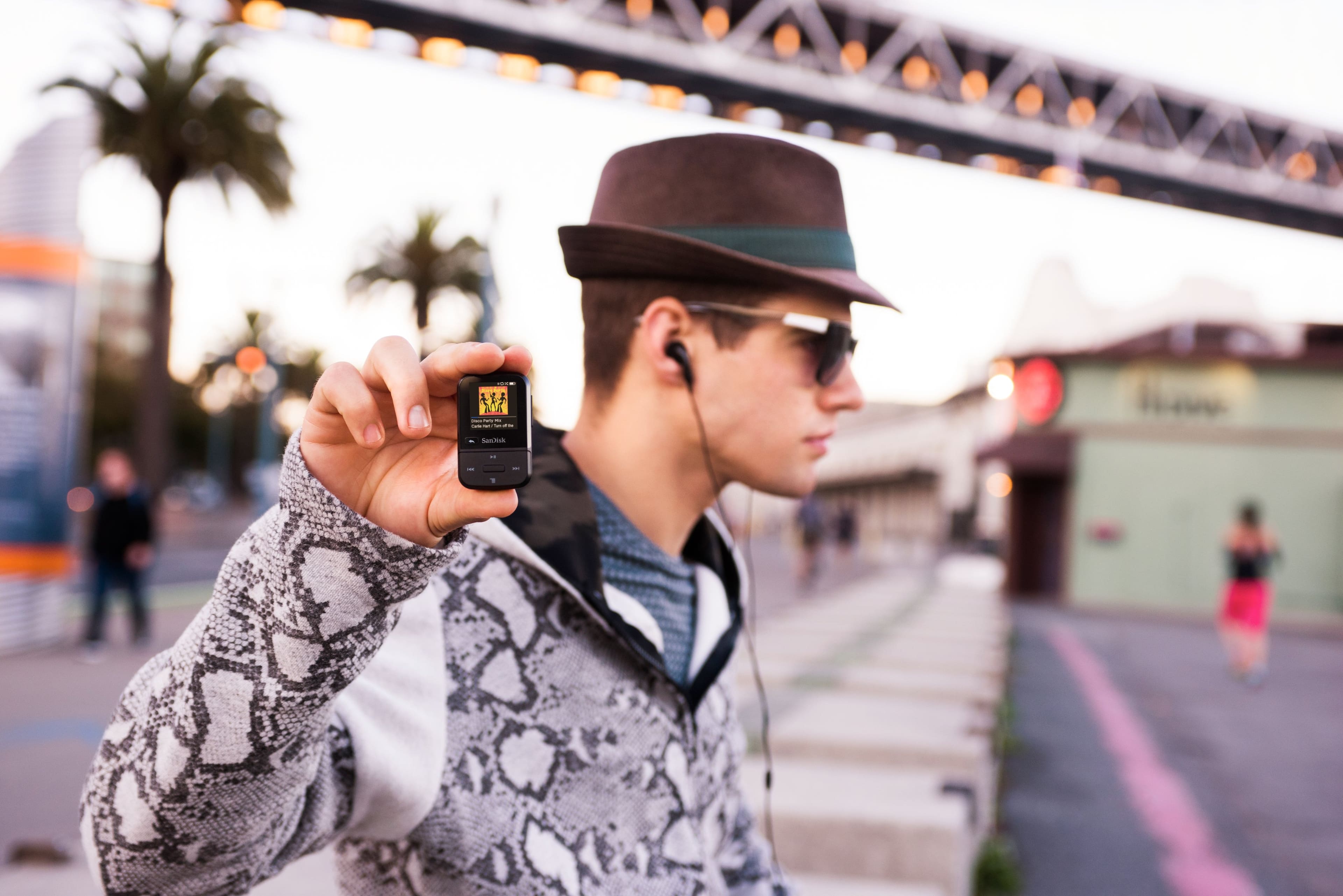
A:AnswerYes. A PC will treat the clip player as a USB 2.0 drive. Open the "drive" and copy from the audio folder to PC- or directly attach the file to an email.
A:AnswerNavigate to the Folders > Music
options and select songs that way.
I normally upload songs via my PC through the file explorer. Open the device through windows file explorer, then click the music folder. inside the music folder make new folders (i usually do it by Artist Name and inside the artist name make a new folder of the album name and dump the songs from that album there). Label the song like this "Artist Name - Track number - Song Name"
A:AnswerYou first need to rip your CDs to a computer file (WMA or MP3 format) using an application like Windows Media Player. Once you create that file, you transfer it to the SanDisk using its USB cable. Windows Media Player has a Sync function to manage the transfer.
A:AnswerOne reason I bought it was so I could transfer over 1,000 songs I have organized in iTunes (on my laptop) to this product. I transferred my entire library to iTunes for the ease of transferring to an mp3. Yes -- iTunes music will transfer to this.
A:AnswerHook each player to a USB port (its USB 2.0 so a multi port is cheap). PC will see these as separate "drives" (as if you plugged into 2 USB drives). Open Explorer then drag and drop from one "drive" to the other.
A:AnswerI know it is compatible to download songs from iTunes, but you have to plug in the player and copy them. The device won't just appear in your iTunes list at all.
You plug into a PC or Mac, the device comes up in a separate window. Click on the device window and choose where to send the songs you want to copy.
I personally create a playlist on iTunes 1st just for the player, then highlight all the songs from it at once and then drag it to the gile set up to copy them.
It takes some time for the copying process to complete. Usually finishes a large file download in about 5 to 8 minutes.
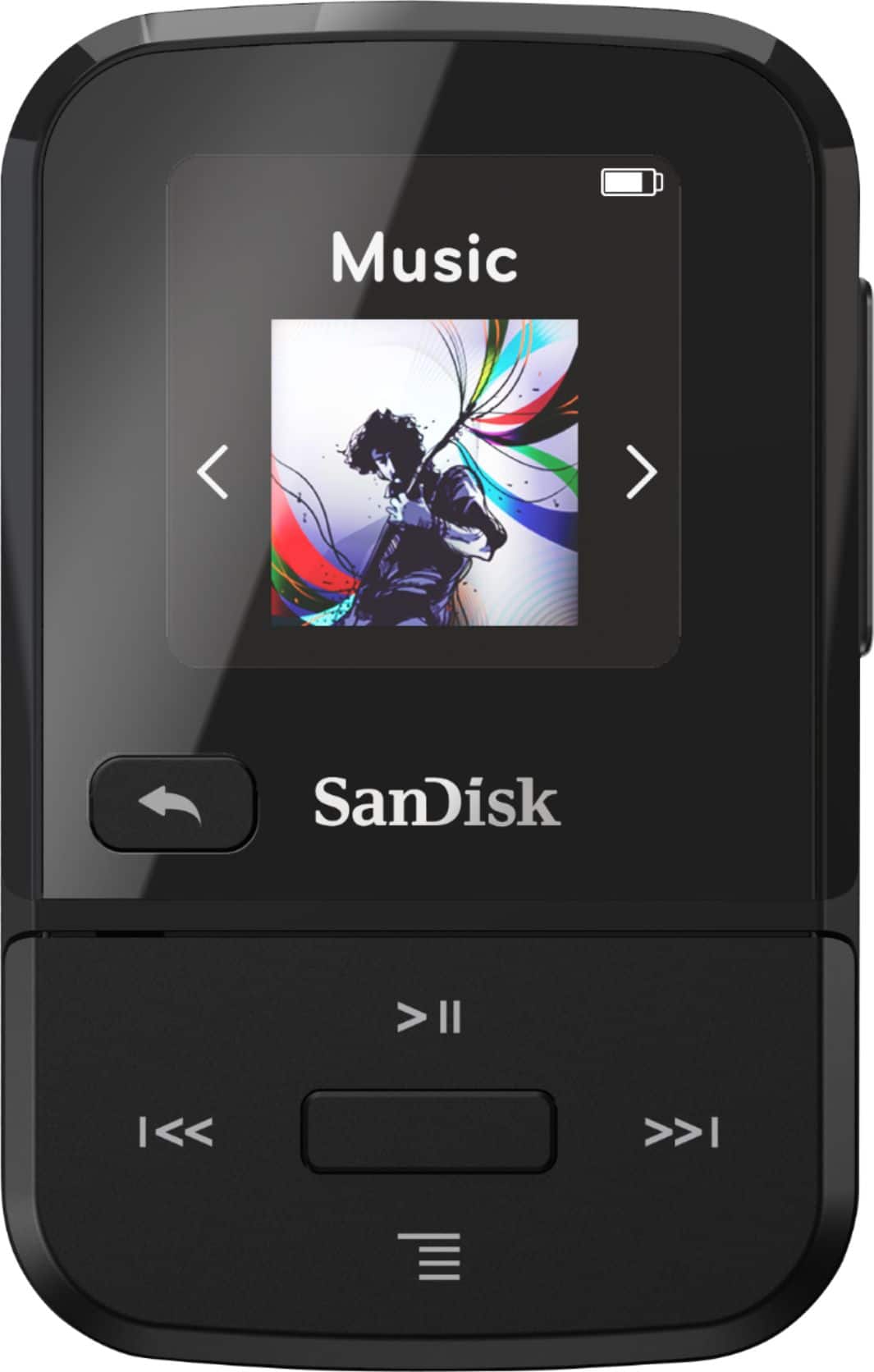
A:AnswerYes, you can transfer your songs from iTunes on the device. You could even transfer from Windows Media Player if you’re feeling adventurous. Keep note of the supported audio format
A:AnswerIf they're MP3 then it should play with no problem- There's no technical difference between an audio book and an MP3 song- they're both just MP3 audio files.