A:AnswerHi, we would be happy to help, but it would be best to contact us directly so that we can investigate further and provide you with an appropriate resolution. You can use the Ask form at https://kb-eu.sandisk.com/app/ask/ and there is also a phone number you can call available at https://www.sandisk.com/about/contact/customer-care.
A:AnswerHi, we would be happy to help but it would be best to contact us directly so that we can investigate further and provide you with an appropriate resolution. You can use the Ask form at https://kb-eu.sandisk.com/app/ask/ and there is also a phone number you can call available at https://www.sandisk.com/about/contact/customer-care.
A:AnswerHi, we would be happy to help, but it would be best to contact us directly so that we can investigate further and provide you with an appropriate resolution. You can use the Ask form at https://kb-eu.sandisk.com/app/ask/ and there is also a phone number you can call available at https://www.sandisk.com/about/contact/customer-care.
A:AnswerHi, we would be happy to help, but it would be best to contact us directly so that we can investigate further and provide you with an appropriate resolution. You can use the Ask form at https://kb-eu.sandisk.com/app/ask/ and there is also a phone number you can call available at https://www.sandisk.com/about/contact/customer-care.
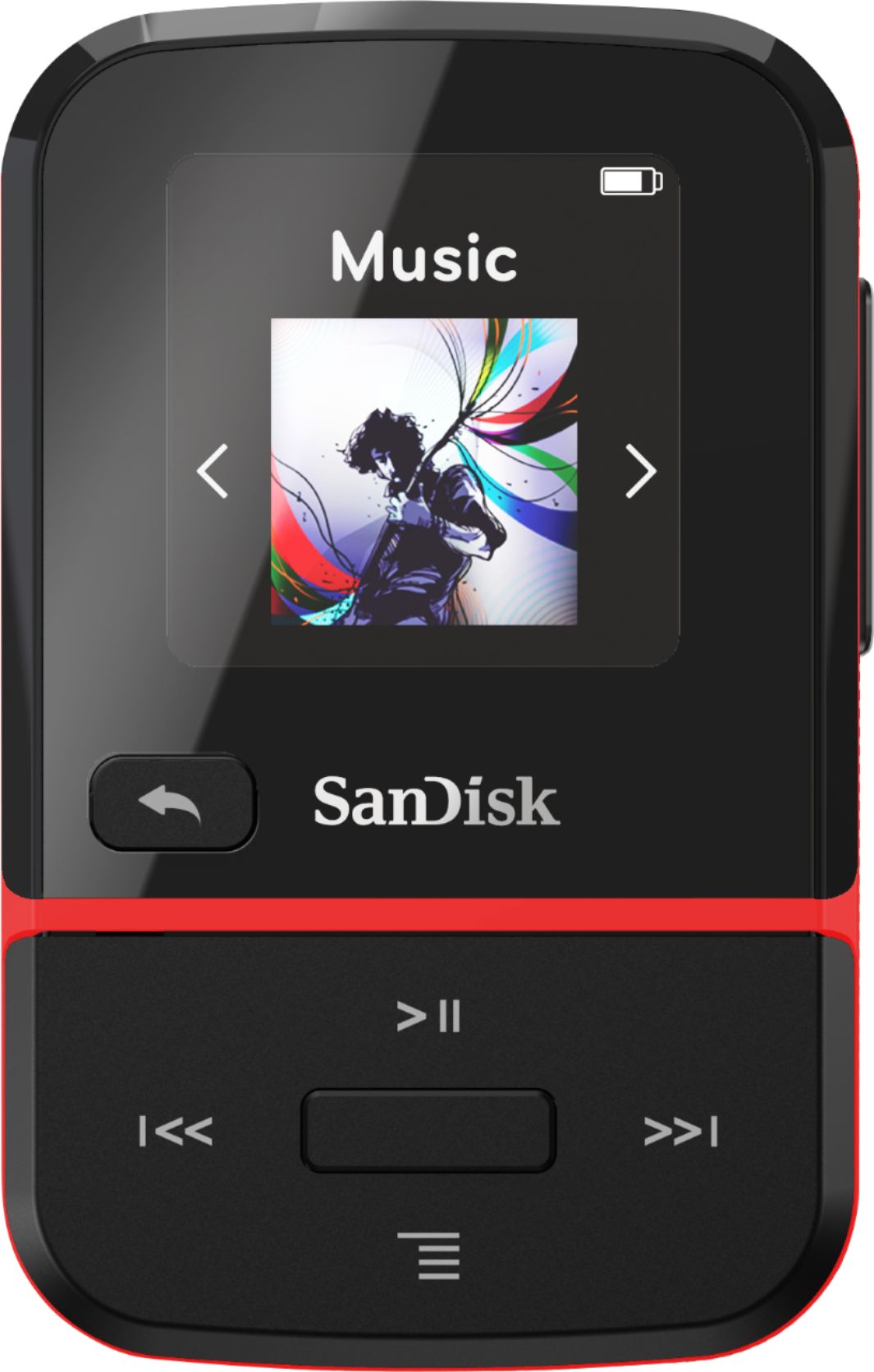
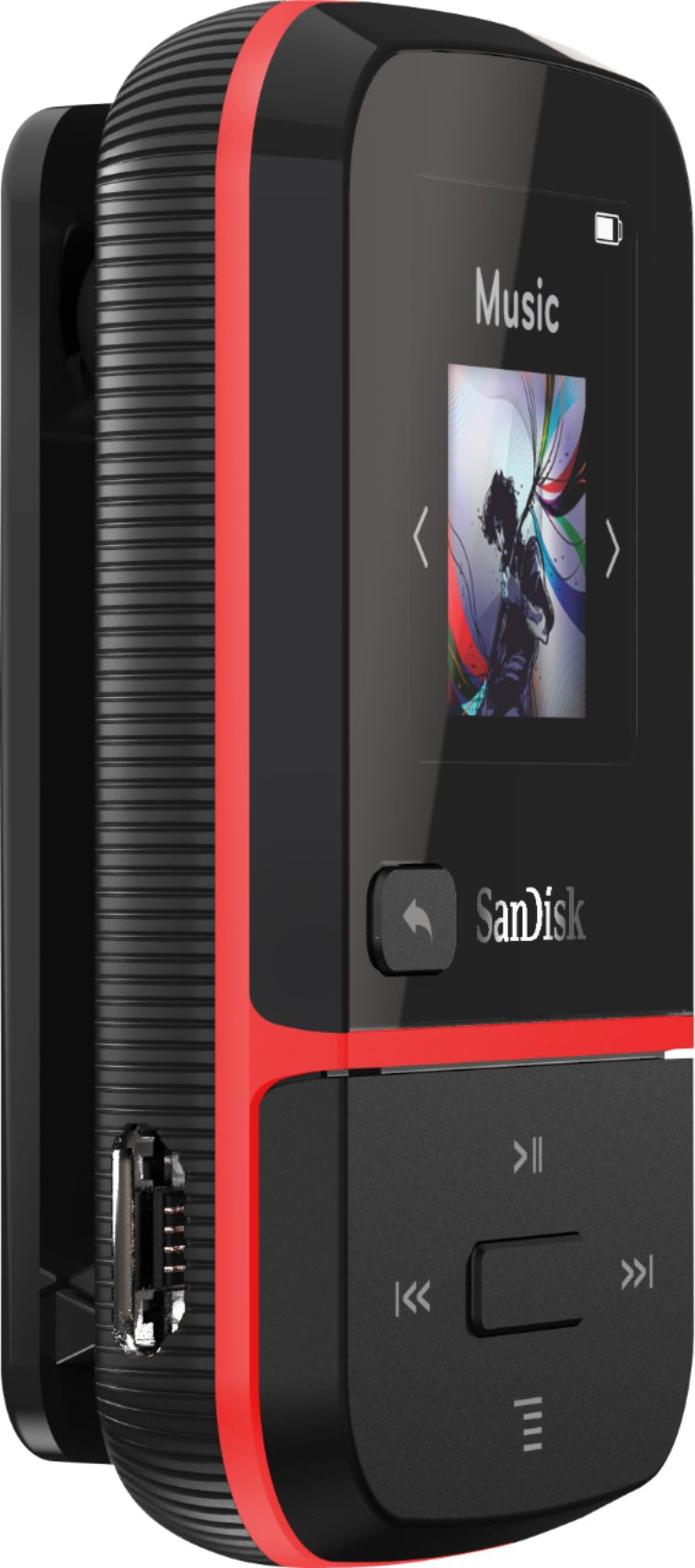
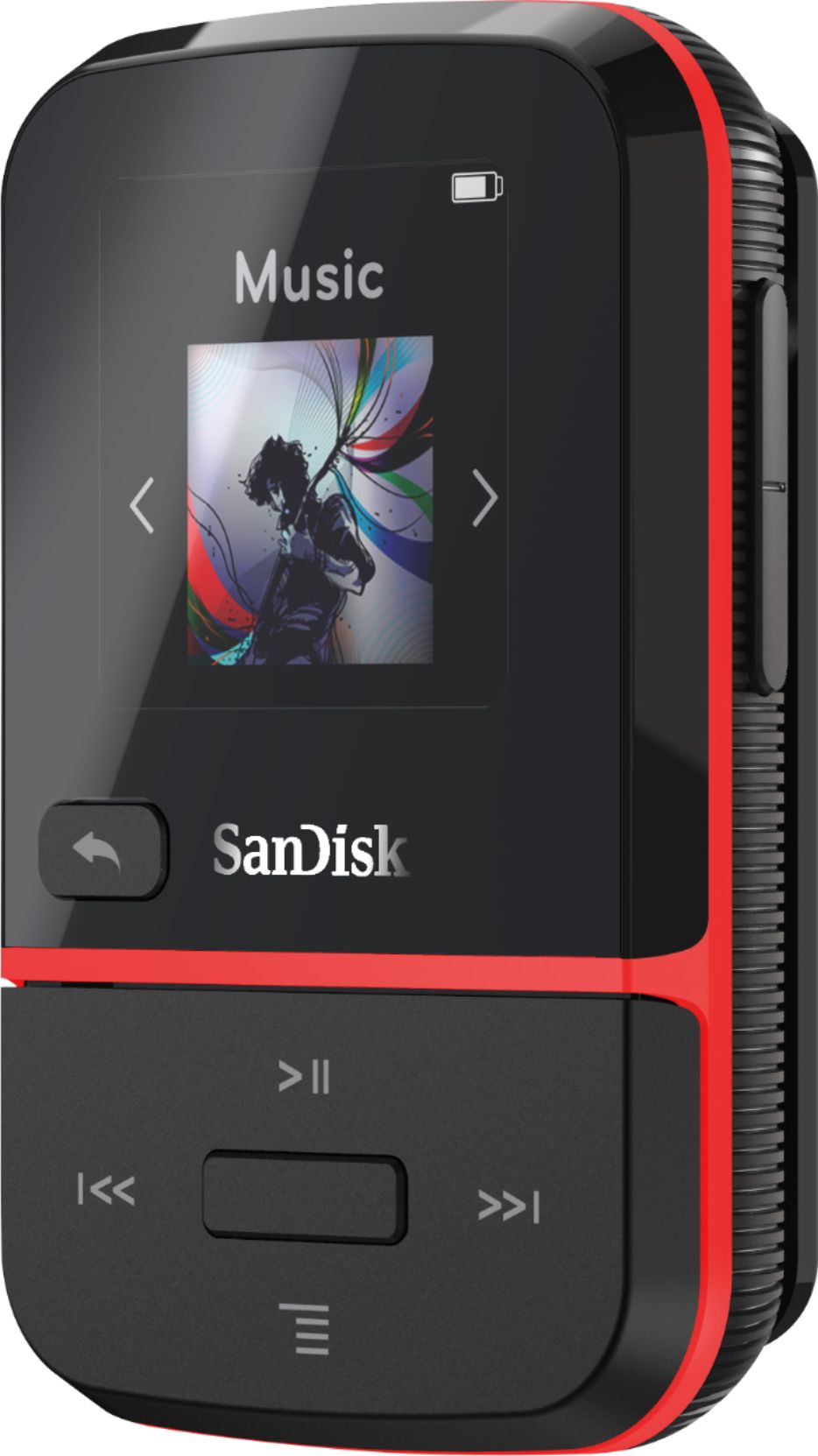
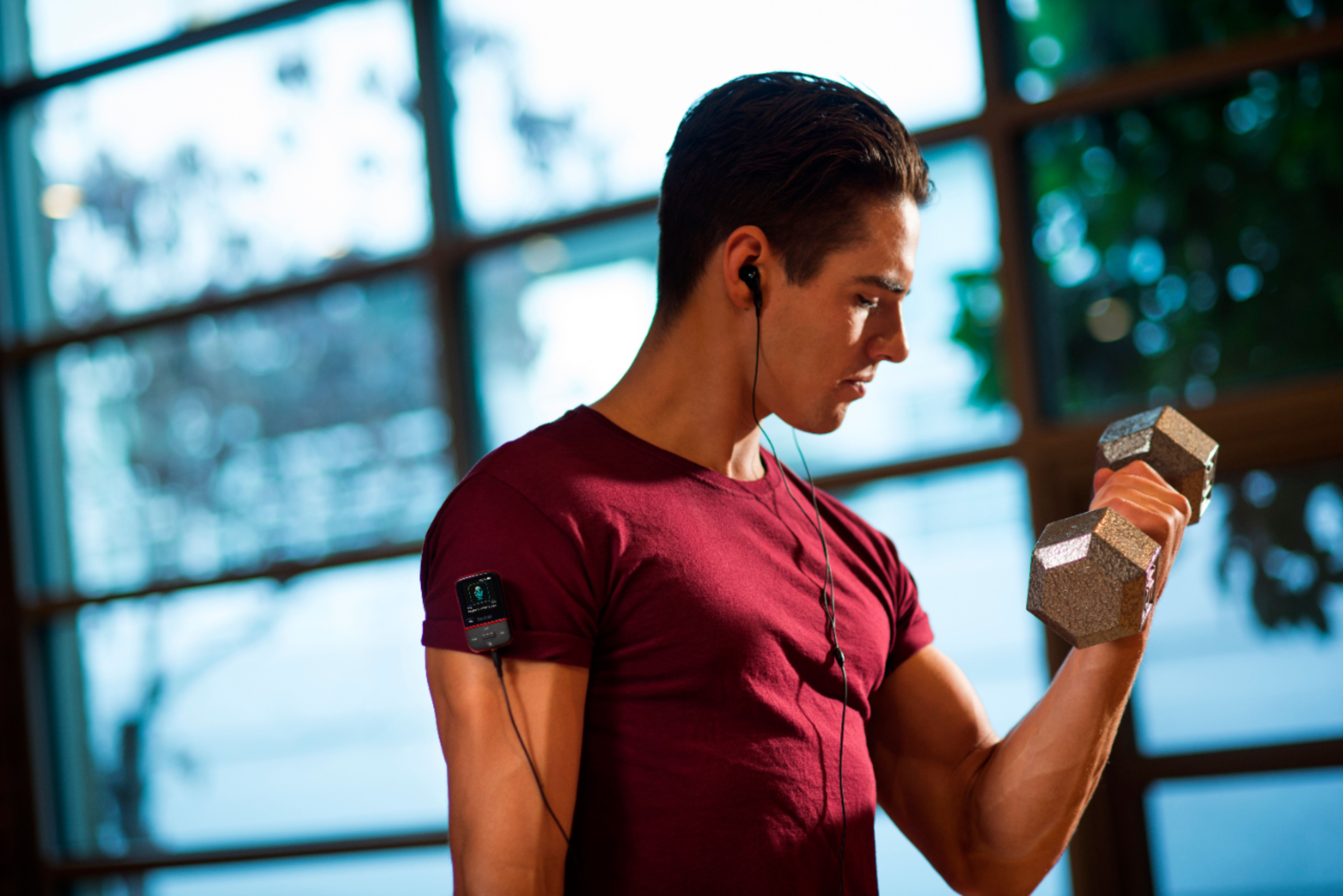
A:AnswerPlease be informed that SanDisk® MP3 Player can connect with stereo, headphones and earbuds using bluetooth. However, SanDisk® Clip Sport Go MP3 Player does not comes with bluetooth functionality.
A:AnswerYes, you can transfer files from iTunes to the SanDisk® Clip Sport Go MP3 player. However, you need to contact Apple customer support in order to know how to transfer songs from iTune to MP3 player.
A:AnswerHi, please be informed that the exact speed measurement number is not published for our MP3 Players. The SanDisk® Clip Sport Go 32GB MP3 Player has three playback speed options namely the Slow, Normal and Fast which you can use for playing audiobooks.