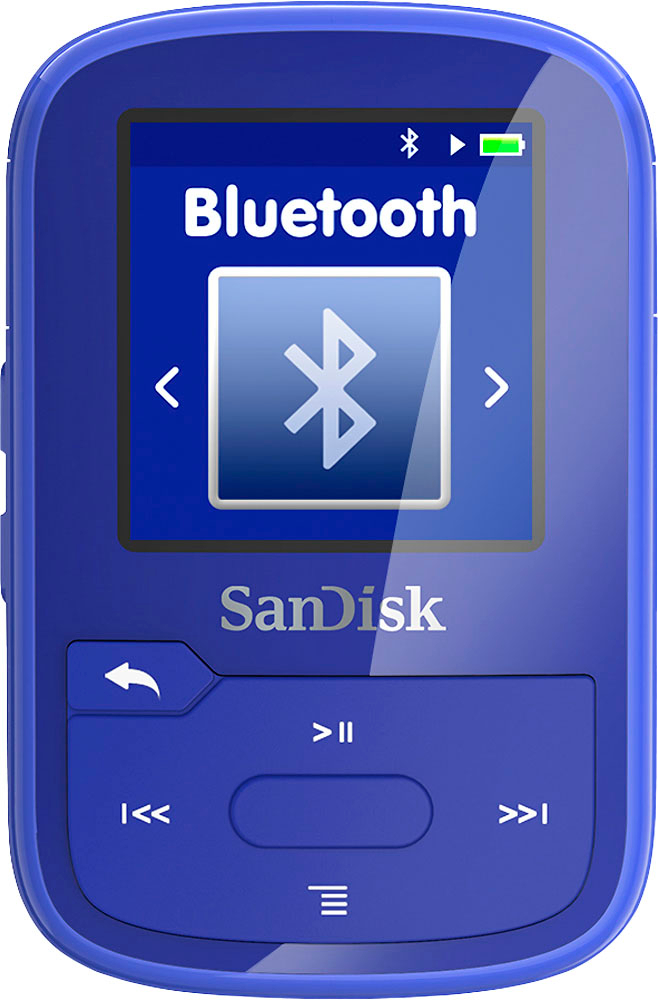
A:AnswerAndy, to date I have only used my computer to add songs to the Scandisk. All of my music is there, so between CD's and Itunes that's my source. Have not had to think about an alternate method but let me do that and see if I come up with something.
A:AnswerConnect to a computer using the provided usb cord. Then you can download from your music files. When you open up your music file, right click on an album or song, then send to, and should bring up the mp3 to send the music to.
A:AnswerYou need to transfer the songs to a computer by using the computer music player/management software (e.g., iTunes, WinAmp, etc.) to convert the songs to your computer music player format, e.g., aac, mp3, wma, etc., and then transfer the songs to the Sandisk Clip Plus by manually drag and dropping them (copy) from the computer to the Sandisk.
Yes, it has a shuffle mode.
A:AnswerYes you can, but first you have to open your Apple Music in the Groove App than load it to the MP3 player. https://kb.sandisk.com/app/answers/detail/a_id/4431/~/downloading-and-launching-the-sansa-media-converter
You can fine more info on their website by following the link above.
A:AnswerCheck that you have the latest firmware for both devices. If so, contact Sandisk support for further troubleshooting. Be certain to include the make and model of wireless speaker.