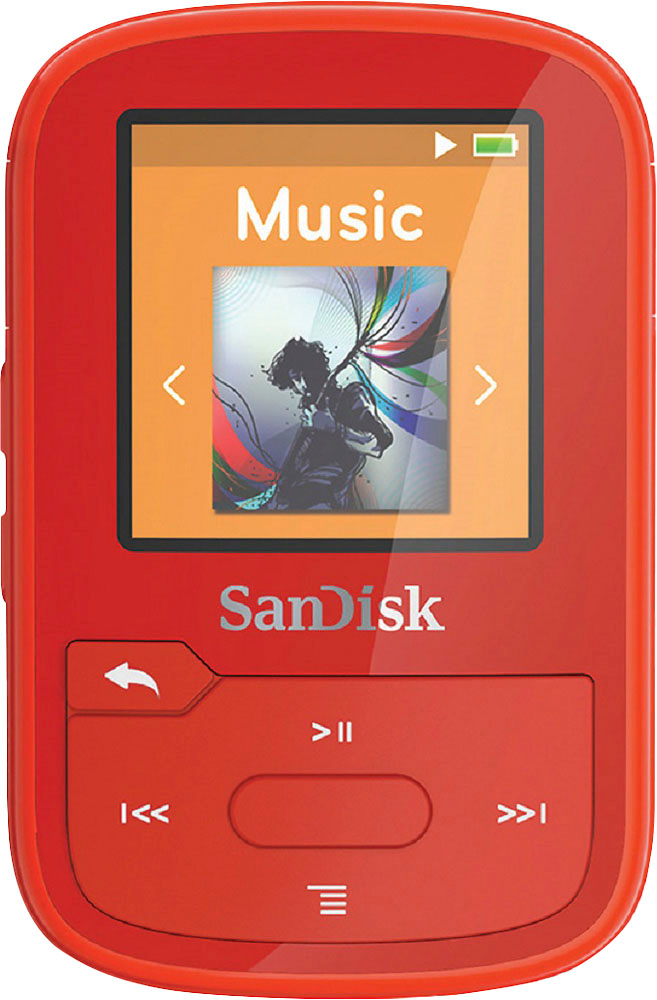
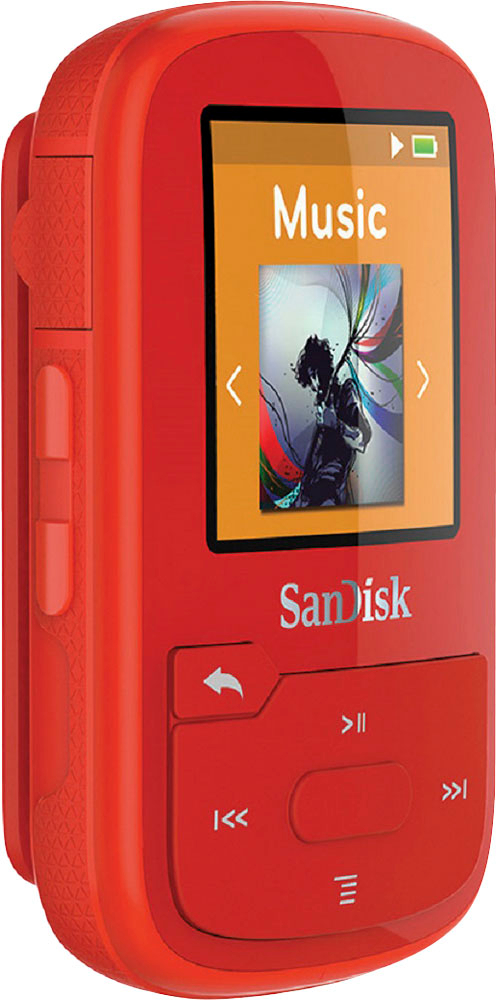
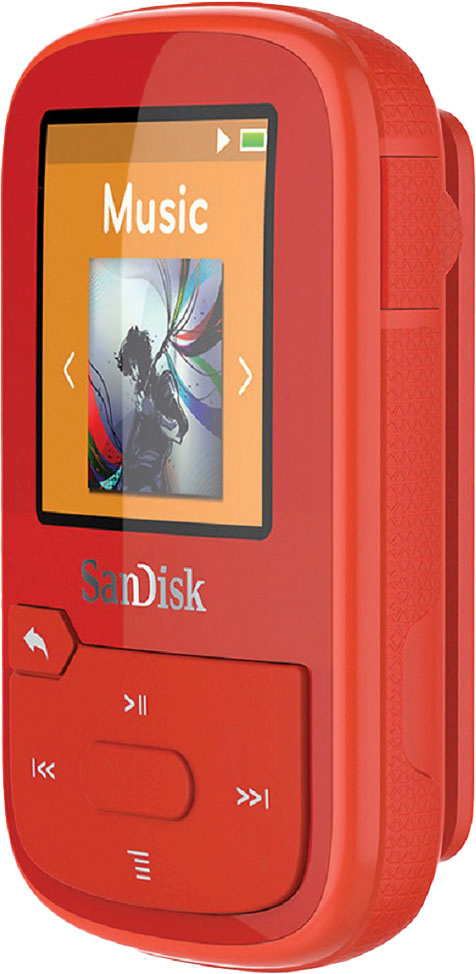
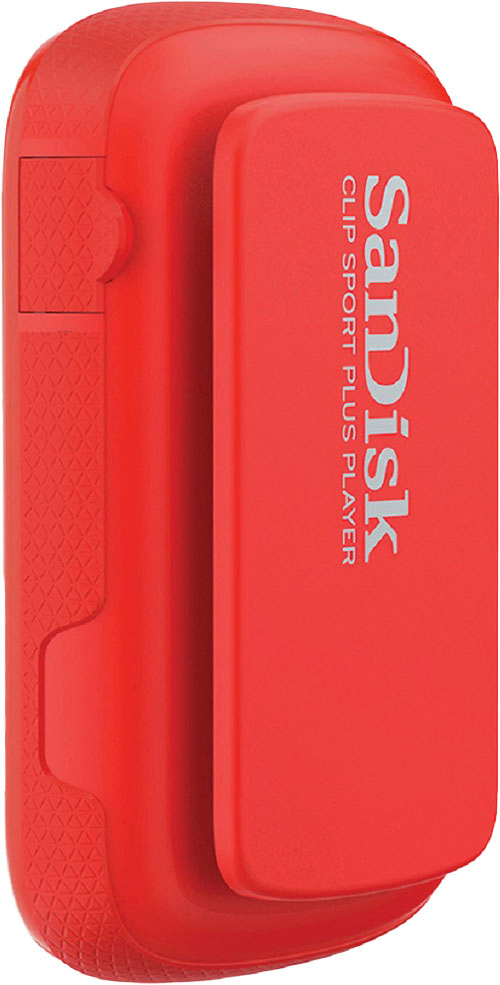
A:AnswerAll of your ipod music files are stored on your computer. You need to find them stored in the Music folder, Itunes, Itunes Media, Music and then you can drag them onto the Sandisk after you plug it in.
A:AnswerAs far as locking the FM Stations. It has a quick auto scan that you can run anyplace you want and it finds all the channels at what ever location your at. Then it locks on each one that you tune in with an easy to use button. So say if your on a trip and want to listen to radio, you can re-scan at any time and all the in range stations will lock on, I've had great results with the FM. All digital and great quality, good stereo. It has a built in antenna but I found if you use the USB cord plugged in it also uses that and gives you better range. The USB cable is very short so can be used with no problem.
A:AnswerI'm sorry, but I've not tried FLAC audio files on the player yet. I can answer the second half of your question though. You can convert any unencrypted audio file to pretty much any other format/quality with free software. I personally use Audacity, but there are so many for you to choose from.
A:AnswerI had the same problem about a week ago. Took it back to the store and they replaced it. Now its happened again. Not sure if its a glitch or what. Guy at the store didn't know either. I had it in my pocket both times, fully charged, and when I went to turn it on for the walk home, nothing. Wont charge, no display onscreen. Hope the store tells you something. Sorry I couldn't help.
A:AnswerI Would Have Exchanged at The Store if I Had Time Still on My Receipt or if You Bought Best Buy Warently Then Go File a Cliam and if Your Player is New It Has a 1 Year Warenty Through Sandisk Contact Them.