A:AnswerHi, we would be happy to help, but it would be best to contact us directly so that we can investigate further and provide you with an appropriate resolution. You can use the Ask form at https://kb-eu.sandisk.com/app/ask/ and there is also a phone number you can call available at https://www.sandisk.com/about/contact/customer-care.
A:AnswerHi, please note that we do not recommend using any Flash Drives/ Memory Cards other than our SanDisk® High Endurance Memory Cards to be used with devices like Dashcams, Video Monitoring, Security/ Surveillance Devices, and In-Car Recording Devices as these devices perform constant read and write operations while recording continuous videos. Please use a SanDisk® High Endurance Memory Card since these Memory Cards are specifically designed for constant Read/ Write Operations. You can purchase the SanDisk® High Endurance Memory Cards for the above applications from our official online store or from Best Buy.
A:AnswerHi, please be informed that this SSD can be connected as an external drive connected to your XBOX Series X Gaming Console. If your XBOX allows playing games that are installed on an externally connected disk drive, then you should be able to play games on your XBOX using this SSD Drive. However, in order to know how to do the same if possible, we suggest you to contact Microsoft customer support.
A:AnswerHi, we would be happy to help, but it would be best to contact us directly so that we can investigate further and provide you with an appropriate resolution. You can use the Ask form at https://kb-eu.sandisk.com/app/ask/ and there is also a phone number you can call available at https://www.sandisk.com/about/contact/customer-care.
A:AnswerHi, please be informed that we have not tested using our SSD Drives with a car stereo. In order to know if your car stereo supports accessing media from an externally connected SSD Drive, we would suggest you to contact your car stereo manufacturer.
A:AnswerYou should be totally fine running this with any of those OS setups. If you run into any issues, just look for the latest drivers and you should be good after installing them.
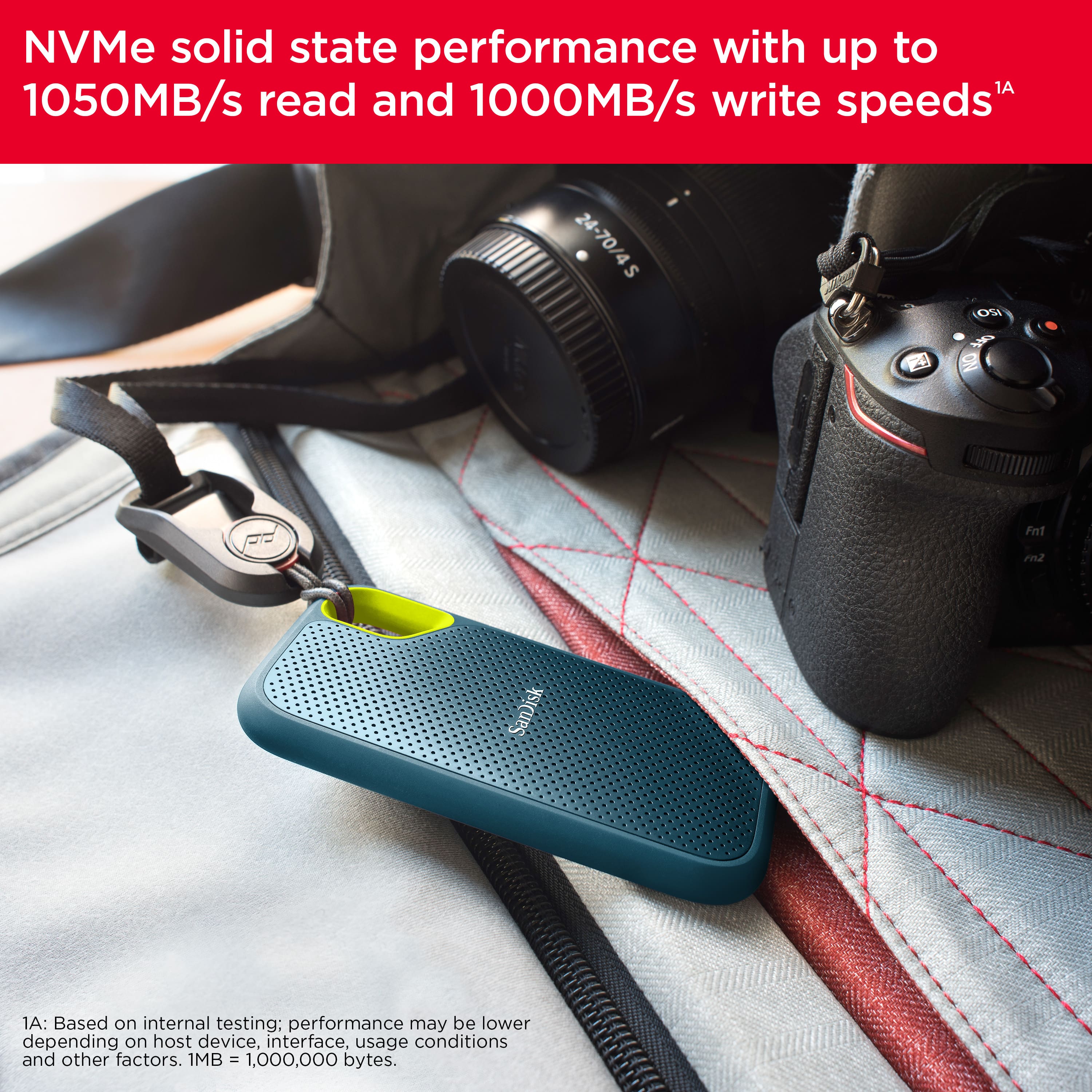
A:AnswerHello, Please be informed that poor or slow speeds can be caused by: Host device port speed, Format and file system, Directory with lots of small files, Deeply nested directory etc. Please refer to the mentioned link to know the Common Causes of Slow External Performance: https://support-en.wd.com/app/answers/detailweb/a_id/17047/related/1 You may open a support ticket in brief at https://support-en.wd.com/app/askweb, the customer support team will contact you as soon as possible.
A:AnswerHello, Please be informed that the SanDisk Extreme Portable V2 1TB SSD can be directly connected to your iPhone if it has a Type-C connector on it. For any further assistance please submit a support ticket at https://support-en.wd.com/app/askweb.
A:AnswerHello Deck, Please be informed that Iphone 14 Pro Max comes with lightning port and SanDisk - Extreme Portable SSD is compatible on USB Type-C devices so, SSD might work with the iPhone 14 pro max or might not work with the iPhone 14 pro max. We would suggest you to refer to the following drive: https://www.westerndigital.com/en-in/products/usb-flash-drives/sandisk-ixpand-luxe-usb-3-1-type-c?sku=SDIX70N-064G-GN6NN -Need Help? Please see our "'Contact Us" page for information.
A:AnswerPlease allow us to inform you that we have tested the SanDisk Extreme Portable V2 1TB SSD with the Windows 10 and above Windows operating system versions. For further assistance please reach out to our support team available at: https://www.westerndigital.com/support/international-phone-numbers.
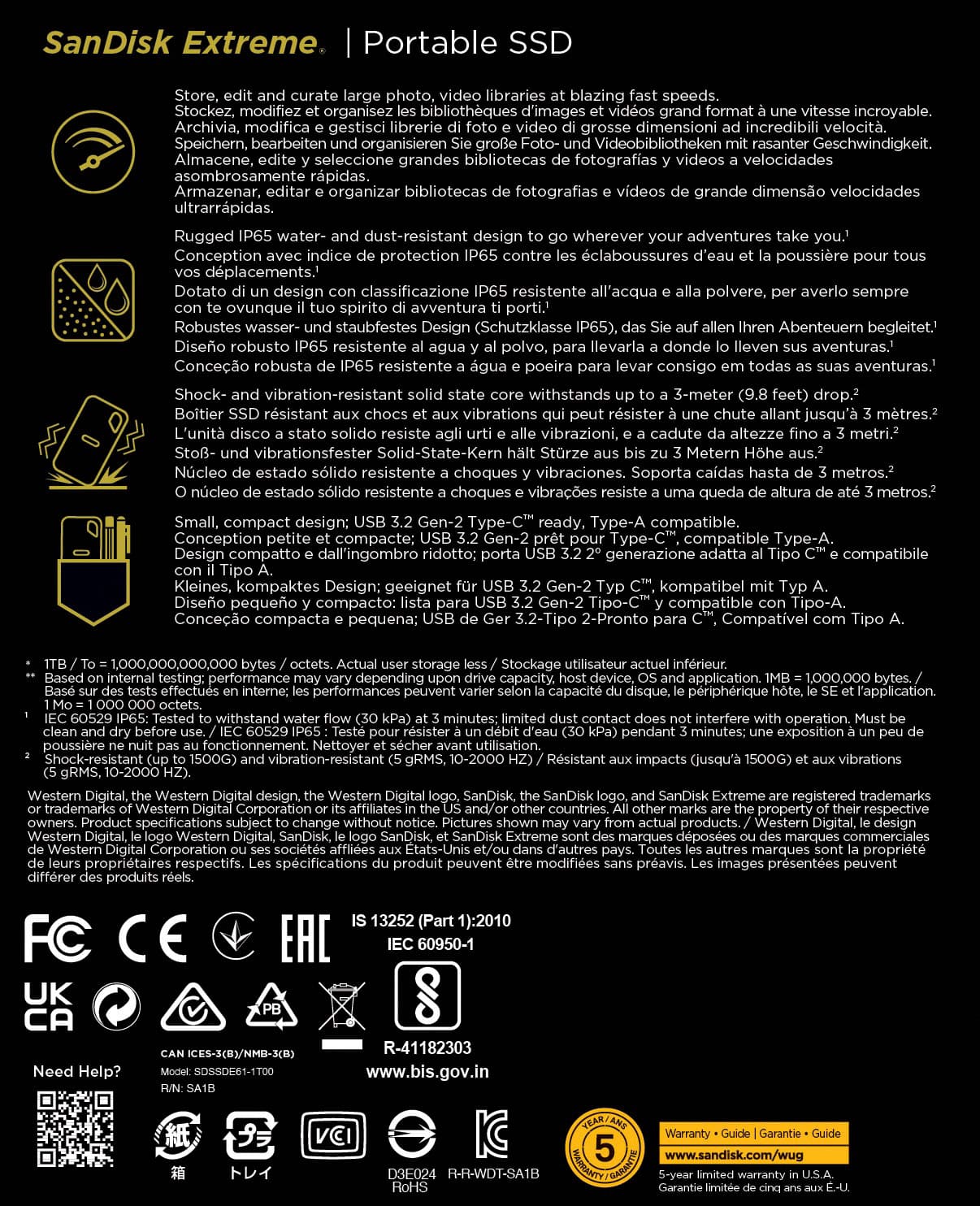
A:AnswerPlease allow us to inform you that all the SanDisk®️ portable SSDs are a plug and play devices. You can connect the drive to the computer and start transferring the data using drag and drop or copy/paste method. You do not require any special driver, firmware update or software to use the drive on computer. However, this device does not comes with GPS.
A:AnswerThere is no place in any phones specs that say how much power. However i now believe that most phones give out .5 amps so the answer is prob no. However i did move a file or two withiut an external power source.
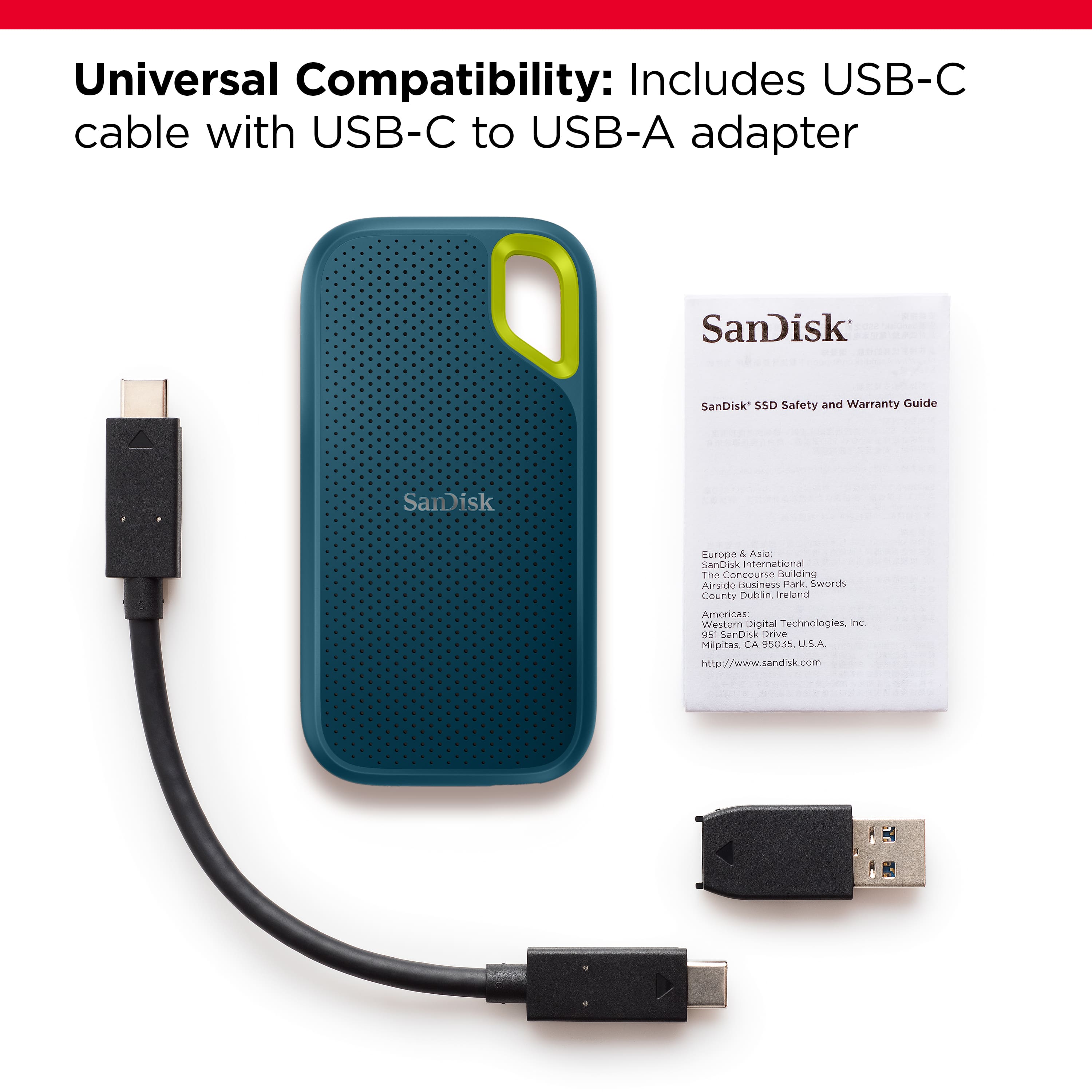
A:AnswerHi, please be informed that all our storage devices including the SSD Drives are simple plug and play storage devices which you can connect to your Mac computers using the USB Type-C/A ports. However, please note that you might not get optimal data transfer speeds when connected to a USB interface older than USB 3.1 Gen 2.
A:AnswerHi, we would be happy to help, but it would be best to contact us directly so that we can investigate further and provide you with an appropriate resolution. You can use the Ask form at https://kb-eu.sandisk.com/app/ask/ and there is also a phone number you can call available at https://www.sandisk.com/about/contact/customer-care.
A:AnswerNope you cannot boot from any external drive, at least not on 11.1 Big Sur, do not upgrade if you like compatibility, this 11.1 big sur update deemed a lot of software and apps i had worthless and i cannot install nearly anything i tried