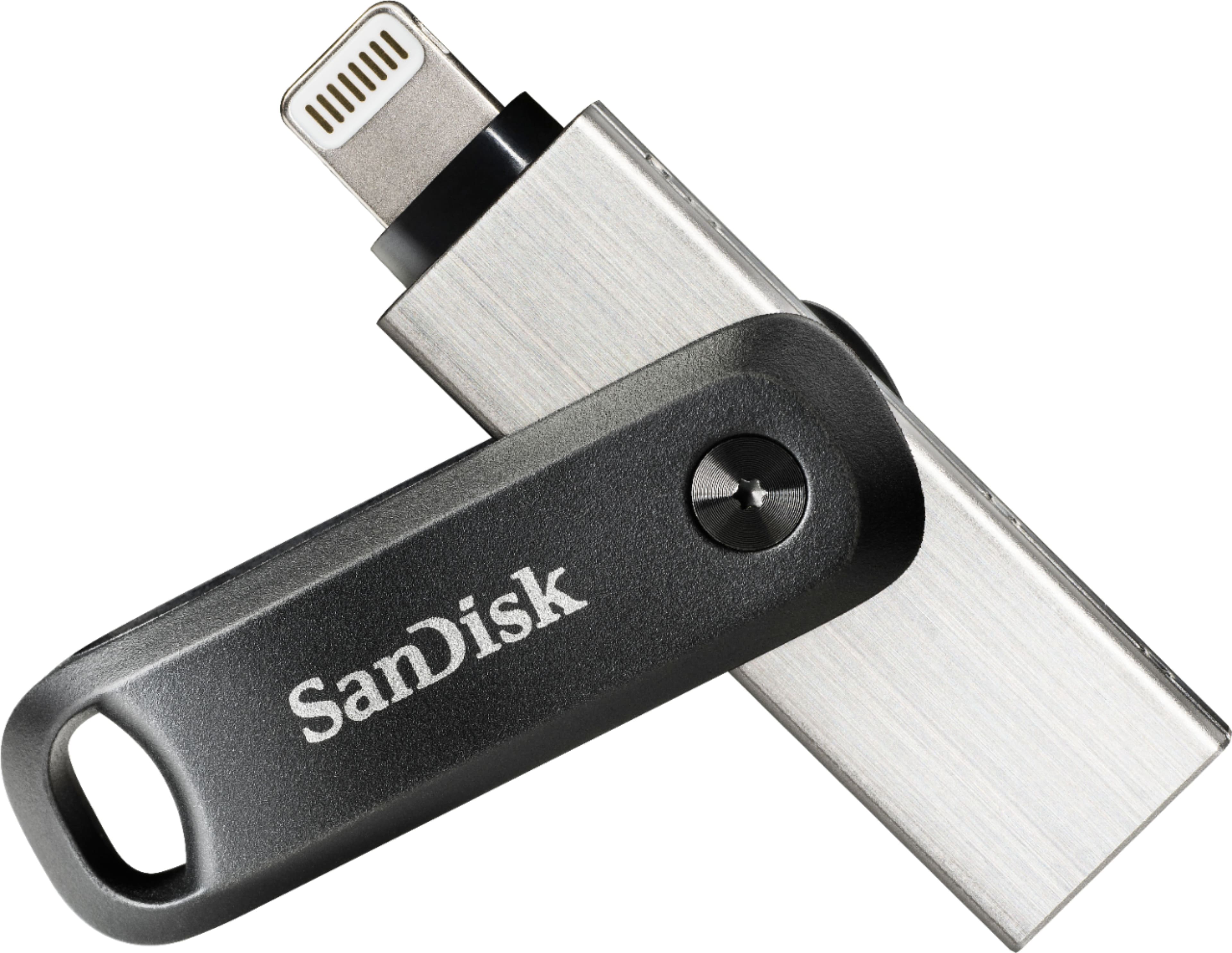
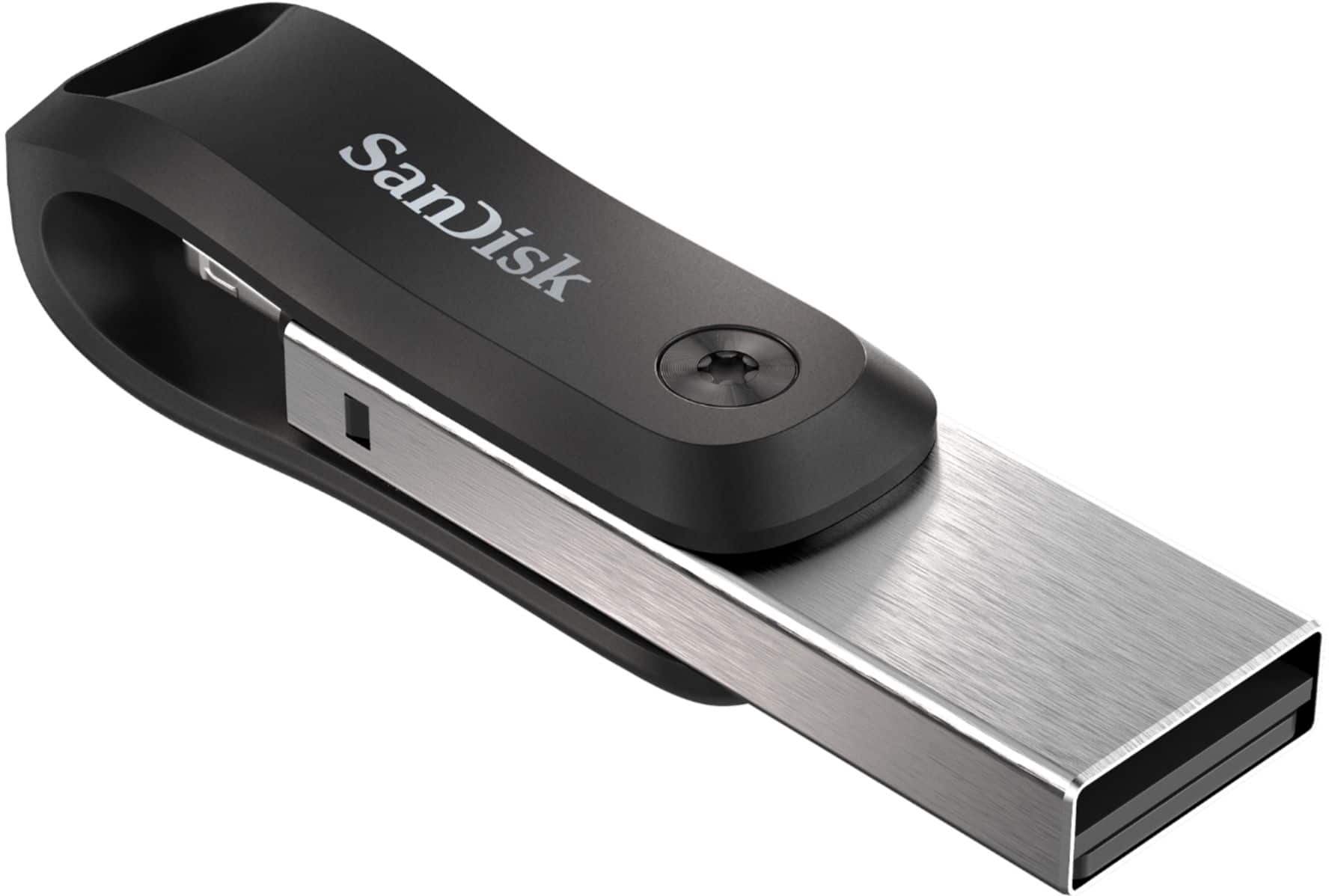
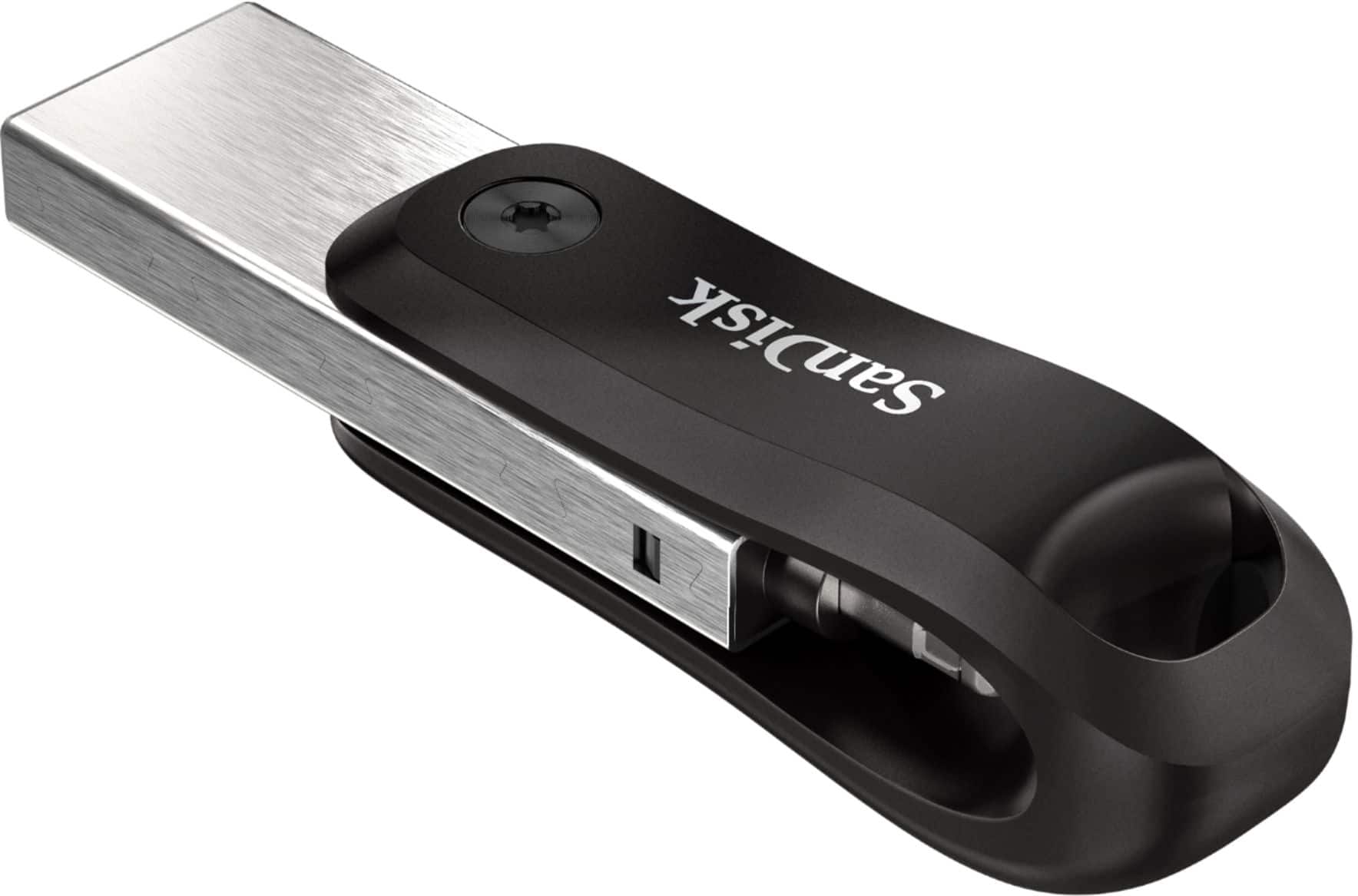
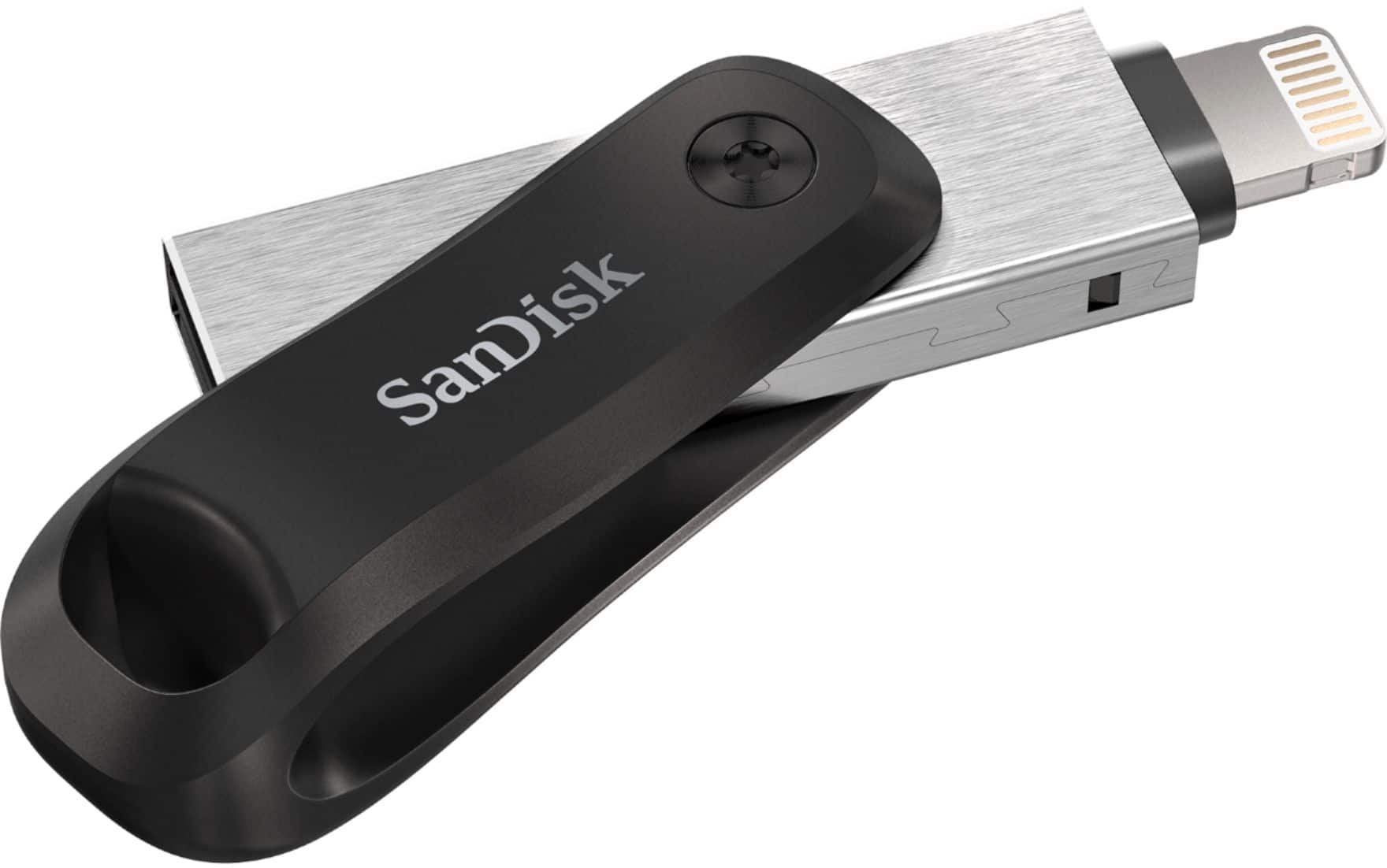
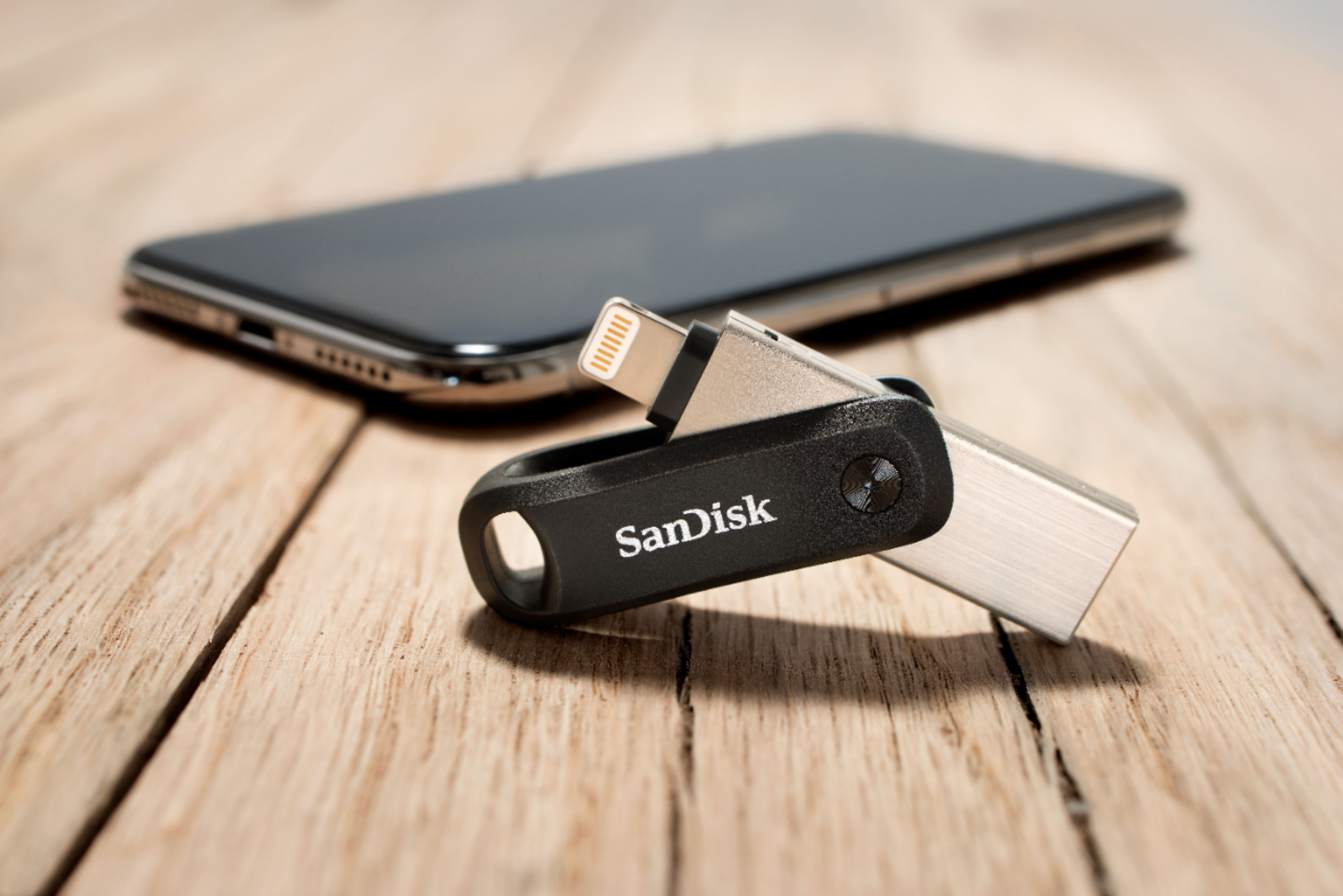
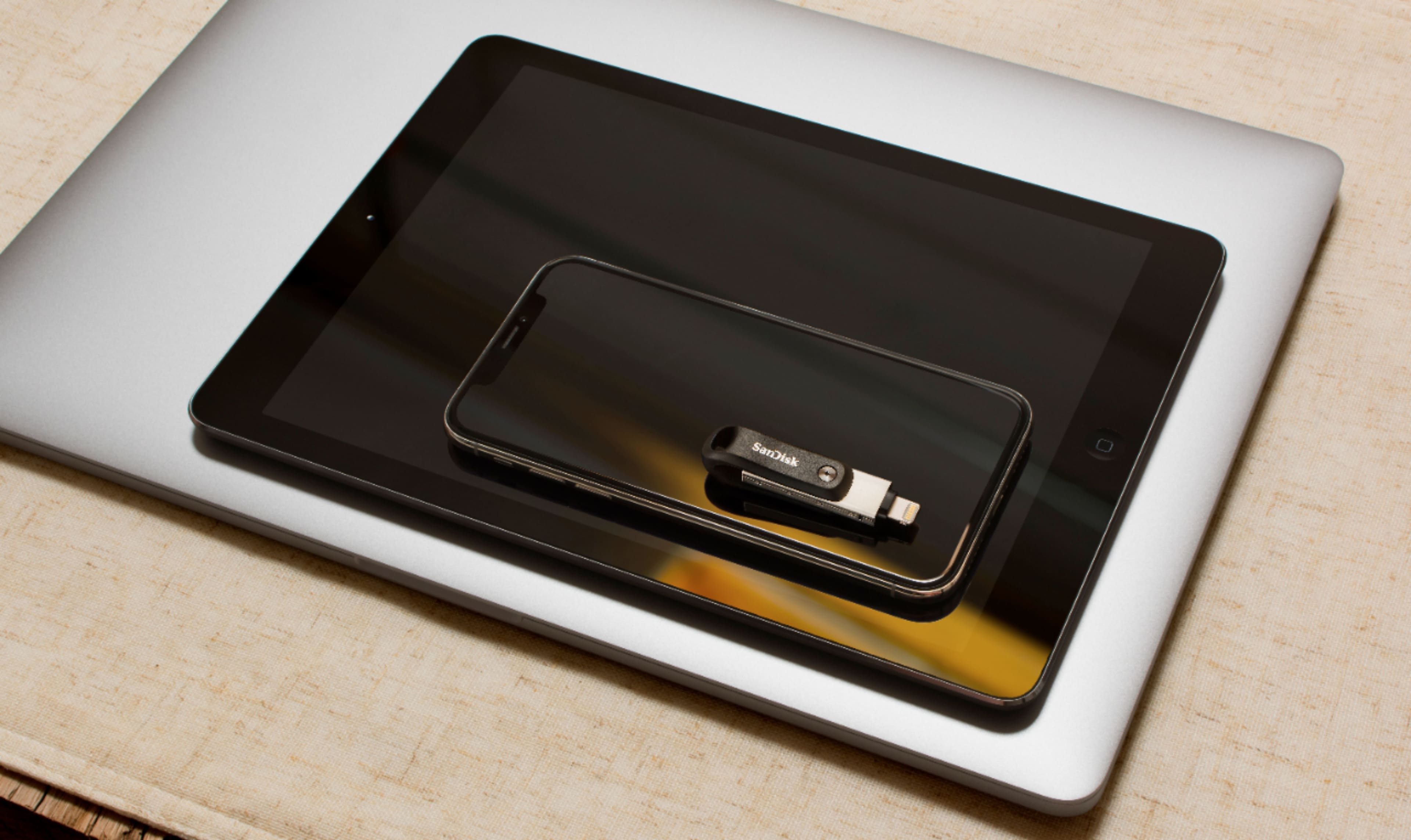
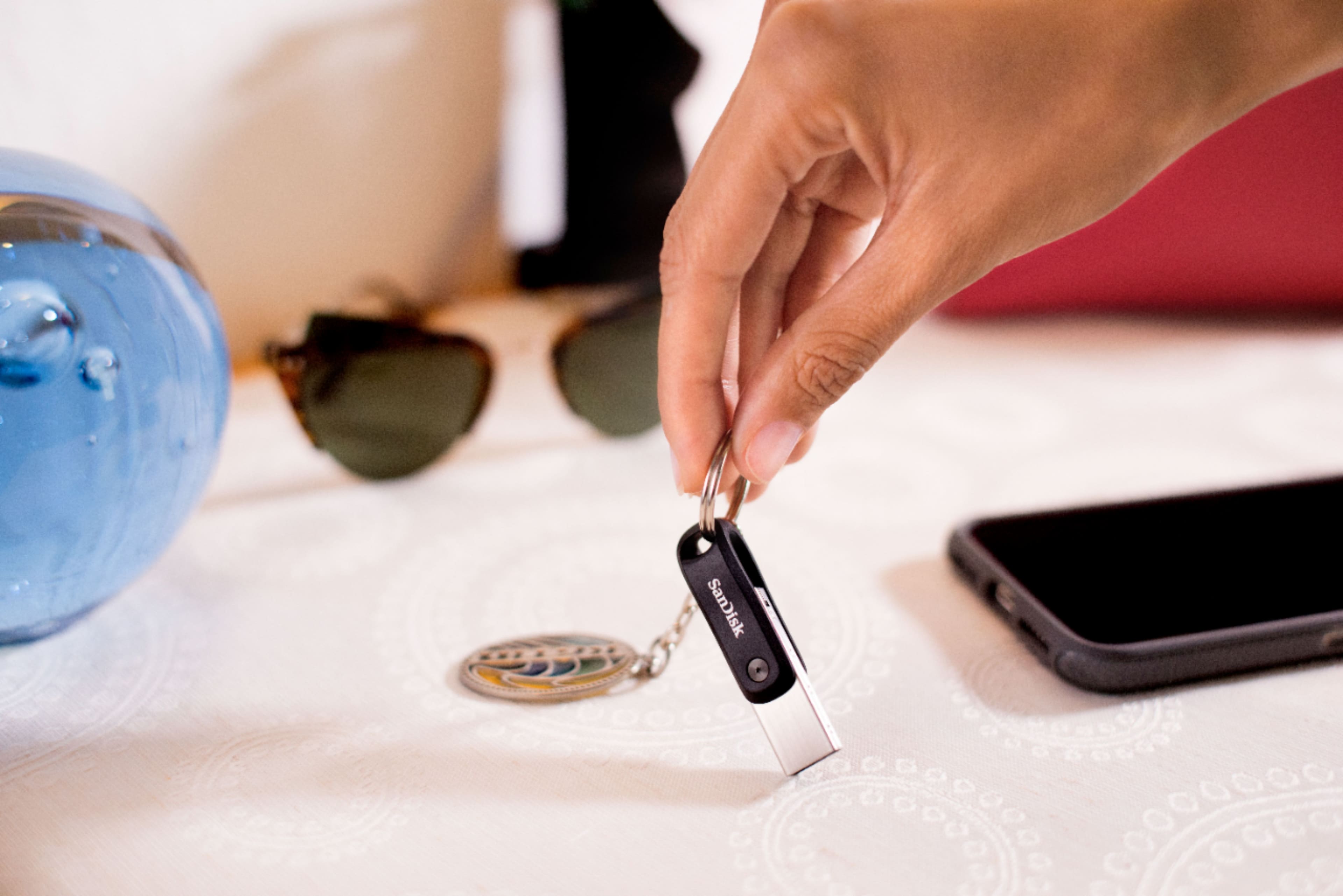
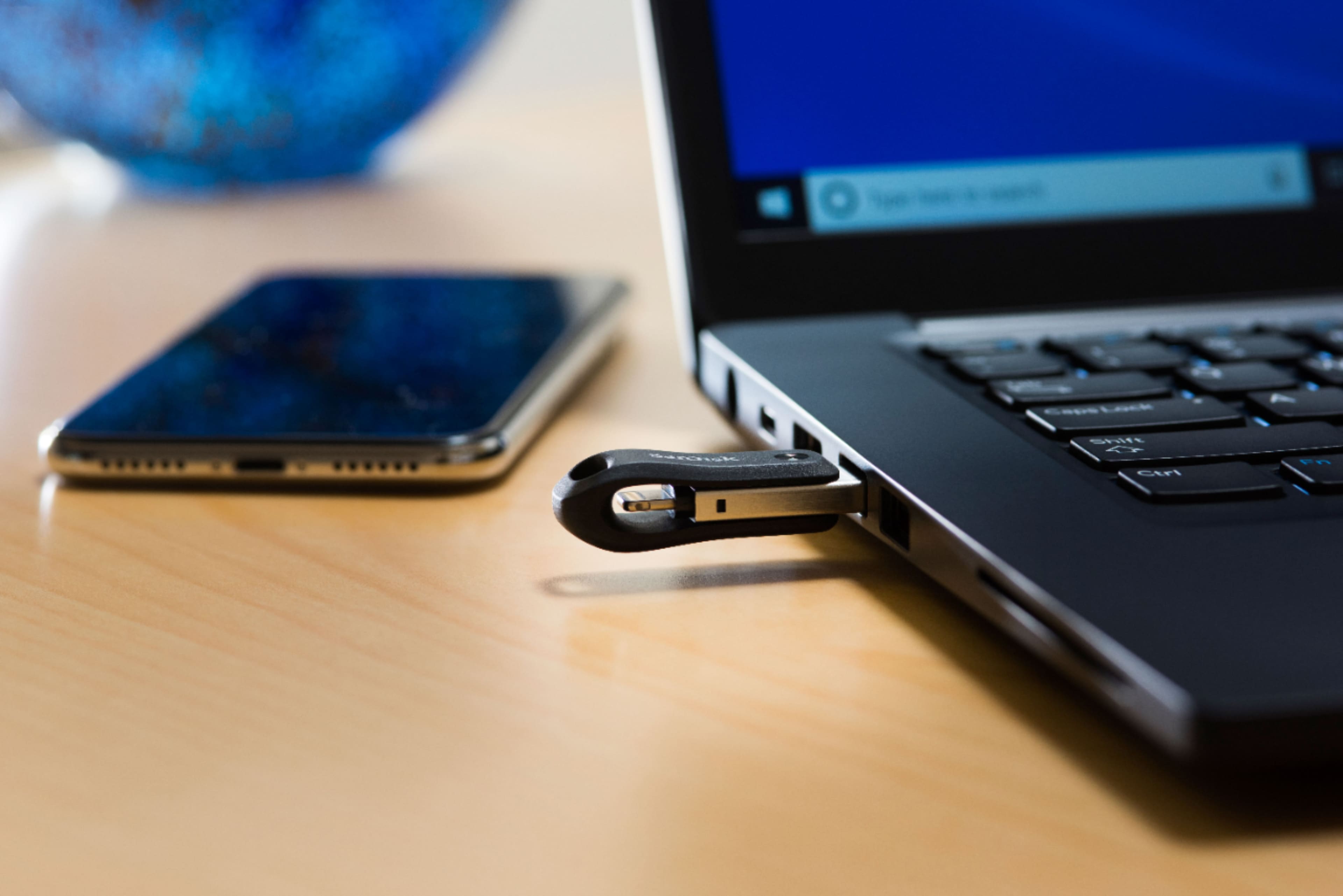
A:AnswerI do not have a iPad Pro but it was so easy to use I bet it would, the people at Best Buy are so knowledgeable they will be answer your questions.
A:AnswerYes, the SanDisk iXpand Flash Drive is compatible with the iPhone 11 as long as you get the version with the Lightning connector. It plugs directly into the iPhone 11 charging port and works with the SanDisk iXpand Drive app for backing up photos, videos, and transferring files.
A:AnswerThe SanDisk iXpand Flash Drive is great for storing photos and videos long-term, but no flash drive is guaranteed to last a century. Most quality flash drives can reliably hold data for many years if stored properly, but over time memory cells can wear out or files can become corrupted. For important memories, it’s best to keep multiple backups — for example one on the iXpand drive, one on a computer, and another in cloud storage like Apple iCloud.
A:AnswerYes, the SanDisk iXpand Flash Drive can save photos, videos, and attachments from iMessages, but it cannot directly back up your entire iMessage conversation history from an iPhone 11.
A:AnswerHi John, please be informed that the SanDisk iXpand Go USB 3.0 flash drive is compatible with iPhone 14 and can work with the Apple Files app. You can also refer to the link (https://support-en.sandisk.com/app/answers/detailweb/a_id/44572) for information about the iXpand application that can be downloaded to use the drive and other useful options like updating the firmware (if needed).
Also, we would like to inform that the iXpand Drive app will end support in April '2025 and you will be able to download SanDisk Memory Zone for iOS. If you face any issues, you may open a ticket at (https://support-en.sandisk.com/app/askweb)
A:AnswerYes, an iPhone 14 Pro can save videos directly to the SanDisk iXpand Flash Drive using the SanDisk iXpand Drive app. You can record videos on the phone and quickly transfer them to the drive to free up storage space. However, most iXpand models do not support recording straight onto the drive in real time through the iPhone camera app — the videos are usually recorded to the phone first and then moved to the flash drive afterward.
A:AnswerThank you for reaching out to us. Please be informed that the SanDisk iXpand Go Flash Drive is not tested with the Apple iPod. The flash drive may work with the Apple iPod Device or may not work with it. For any further assistance please submit a support ticket at https://support-en.wd.com/app/askweb.
A:AnswerIs Apple Notes the name of Apple's word processing Program?
Files should transfer, However, If you transfer them to a PC you may need to convert them to a format / file type recognizable to the OS and programs loaded on your PC.
I recommend Open Office for your PC's Word processing and spreadsheet needs. It is a Free Office program created and managed by Apache, while Microsoft wants to charge you a yearly subscription fee to have access to Office 365.