A:AnswerPlease allow us to inform you that we provide PrivateAccess which an optional software for data encryption and password protection. In order to know more about this software, please refer to the below mentioned link :
-- https://kb.sandisk.com/app/answers/detail/a_id/21996
A:AnswerYes, the backup files are saved on the drive as it is. However, you can also use the sorting option to arrange the files by date, size, name etc. For further assistance, please reach out to our support available at https://www.sandisk.com/about/contact/customer-care.
A:AnswerThe challenge for iOS devices is being able to find the files because many of the areas are protected from access. If you can see the file in the iOS device, you should be able to copy it to the Sandisk.
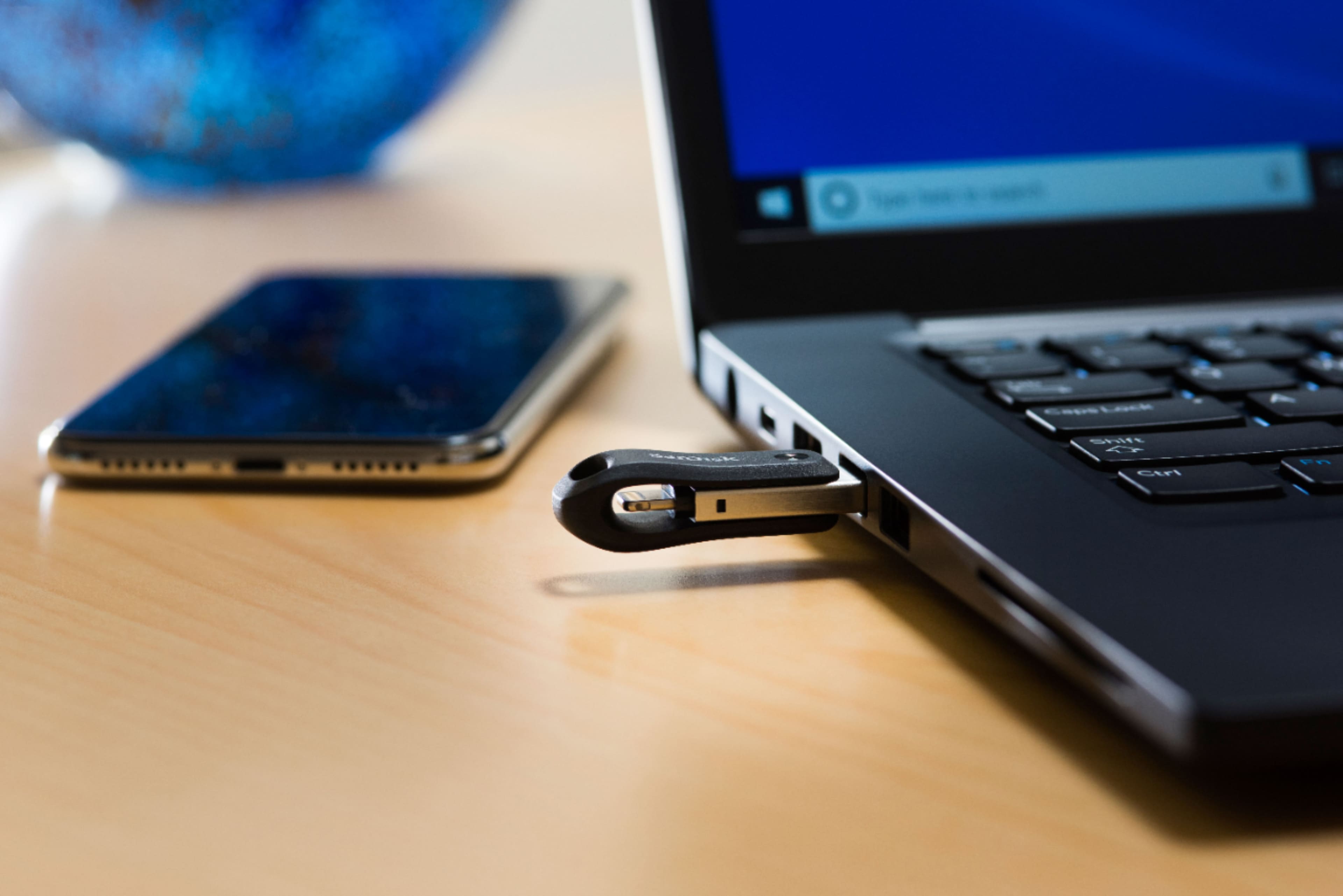
A:AnswerPlease allow us to inform you that this Flash Drive works as regular plug and play USB storage device when connected to a computer. However, in order to know the supported file format on this Flash Drive, you may refer to the below mentioned link:
-- https://kb.sandisk.com/app/answers/detail/a_id/18911
A:AnswerYes, you can also backup and restore contact on this iXpand Drive from iOS devices. Please refer to the below mentioned link to know steps :
-- https://kb.sandisk.com/app/answers/detail/a_id/19310
A:AnswerPlease allow us to inform you that the SanDisk® iXpand Go Flash Drive works as regular plug and play USB storage device when connected to computers.
A:AnswerPlease allow us to inform you that this Drive will work as regular plug and play USB storage device when connected to a computer. For further assistance, please reach out to our support available at https://www.sandisk.com/about/contact/customer-care.
A:AnswerPlease allow us to inform you that the SanDisk® iXpand Drive Go does not supports DRM protected files. For further assistance, please reach out to our support available at https://www.sandisk.com/about/contact/customer-care.
A:AnswerI have not tried that particular maneuver myself, but one can load photos onto a flash drive from an iPhone and then reload them onto the same iPhone.
I have done that with an iXpand flash drive by Sandisk without difficulty.
A:AnswerYes, you can copy movie onto this iXpand Flash Drive and then connect it to the lightning port of your iPad and watch the movie using the iXpand Drive Application. In order to use this iXpand Drive with your iPad, please install the iXpand Drive Application from the Apple App Store on your iPad. If you wish to get help from our support staff for the same, please feel free to contact SanDisk® Support at 1-866-SANDISK and we would be glad to assist you.
A:AnswerYes, the information including the date/ time the picture were taken are preserved as the data is only copied from your iOS Device to the iXpand Drive. The data does not get modified by the iXpand Drive. For any assistance with the product, please feel free to contact SanDisk support at 1-866-SANDISK and we would be glad to assist you.