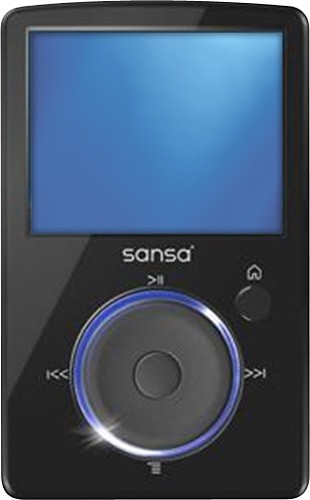
A:AnswerYou just need to very very lightly press the wheel in the middle and turn it clockwise or counterclockwise to put the volume down. Now, if what You mean is how to control the volume when a song is playing and You are in the main menu(which btw I had this problem since I bought the item refurbished and did not have instruction manual).......When You have a song playing, and You go back to the main menu and want to change the volume, You need to press the small button to the right, the "menu" button once and it will take You straight to the song in the "playing now" section, and then You can control the volume there. Hope I helped. Good luck.
Note: Make sure You are not using headphones with volume control on the cable running to your mp3 player. Make sure that that is set to high.
A:AnswerSansa players are plug-and-play devices with Windows Vista and Windows 7. Windows XP requires SP2 and Windows Media Player (WMP) 10 or higher. There are no additional drivers required. However, if the player is still not detected then you may feel free to reach SanDisk Technical Support through 866-SANDISK (726-3475).
A:AnswerTo reset the Sansa Fuze, slide and hold the Power Switch up for approximately 20 seconds. Once the player is off, you may try to turn it back on to see if it's working again. If the issue persists, you may reach SanDisk Technical Support through 866-SANDISK (726-3475).
A:AnswerThe Sansa Fuze uses a charger that has an output of 5V DC (500mA or 1000mA). It looks like an adapter that can be plugged in to a wall outlet and has a USB port where you can connect the Sansa using the cable that it came with. You may check local retailers or search online for chargers with the same specifications or look for a Sansa USB/AC Adapter.
A:AnswerIf you are asking why there is not exactly 8GB on it without anything on it, it is because the software on your MP3 player takes up some of that space. I hope that was what you where asking.