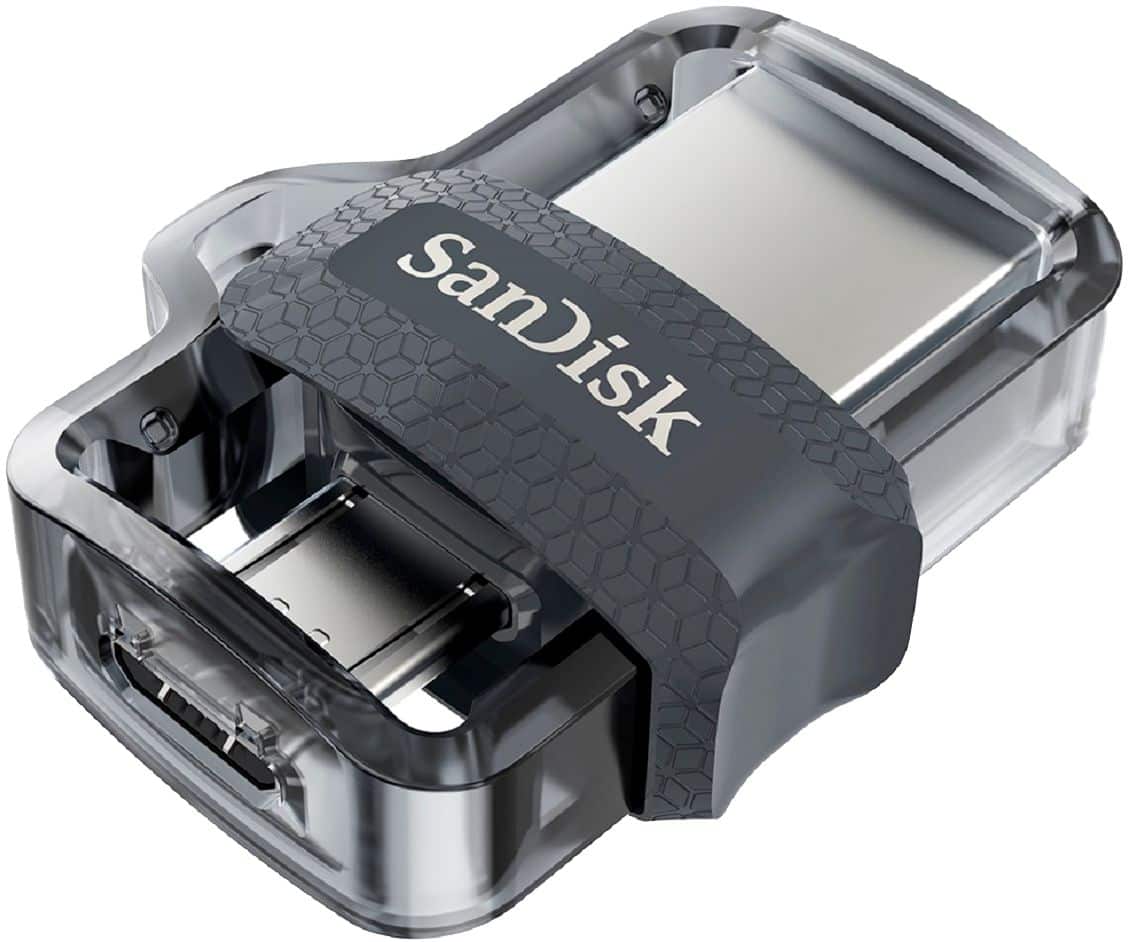
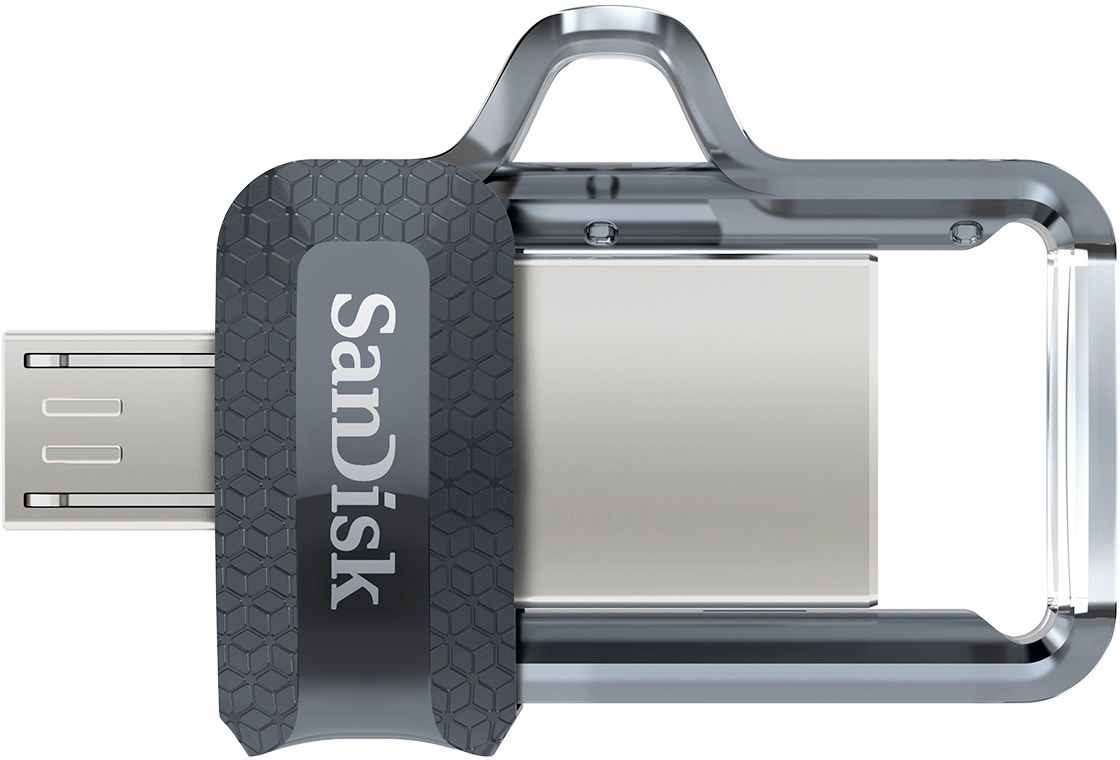
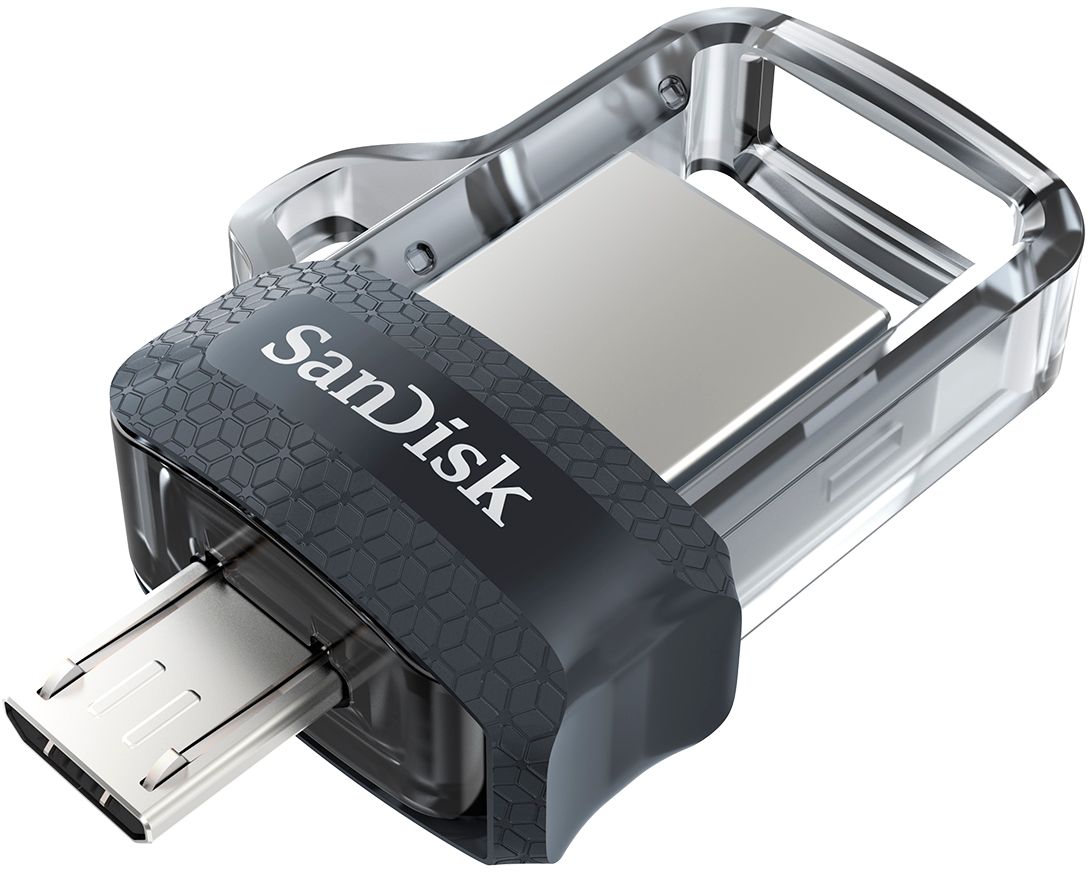
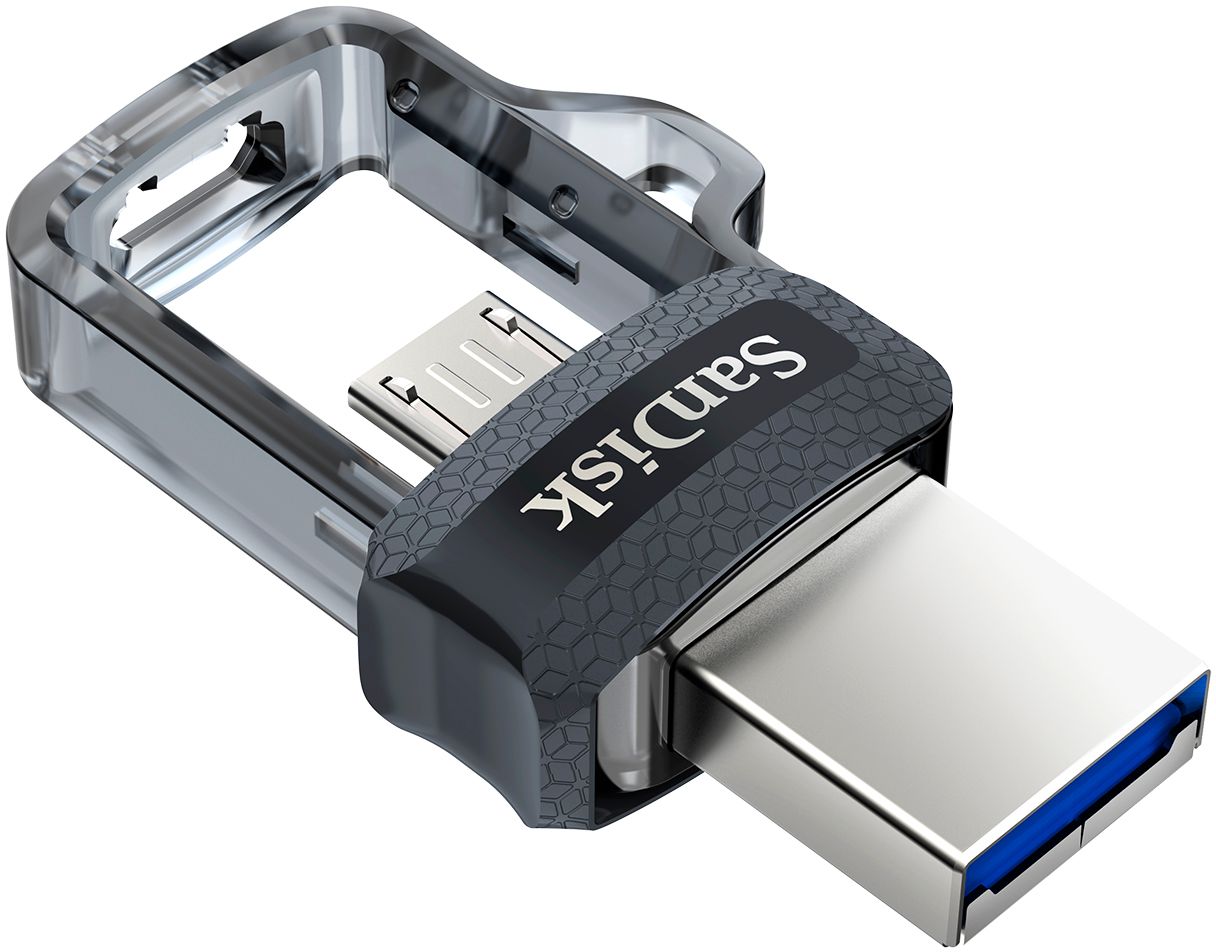
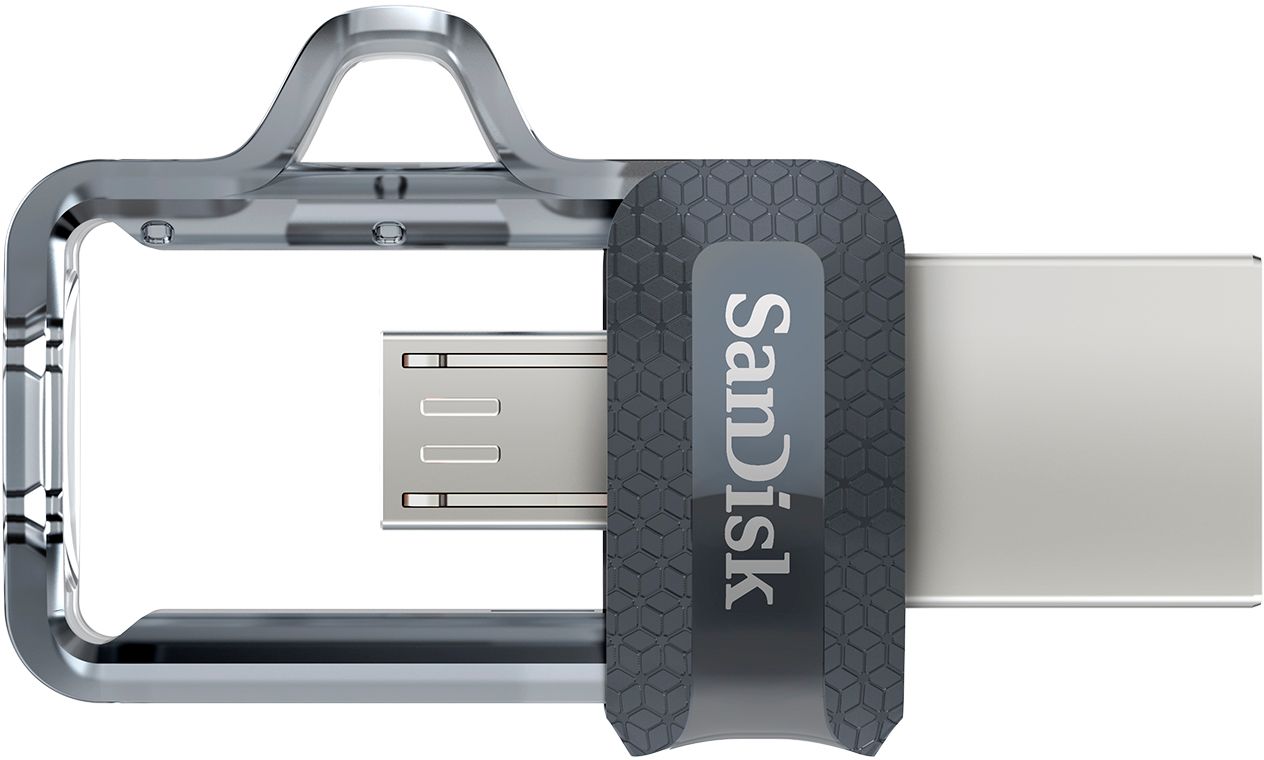
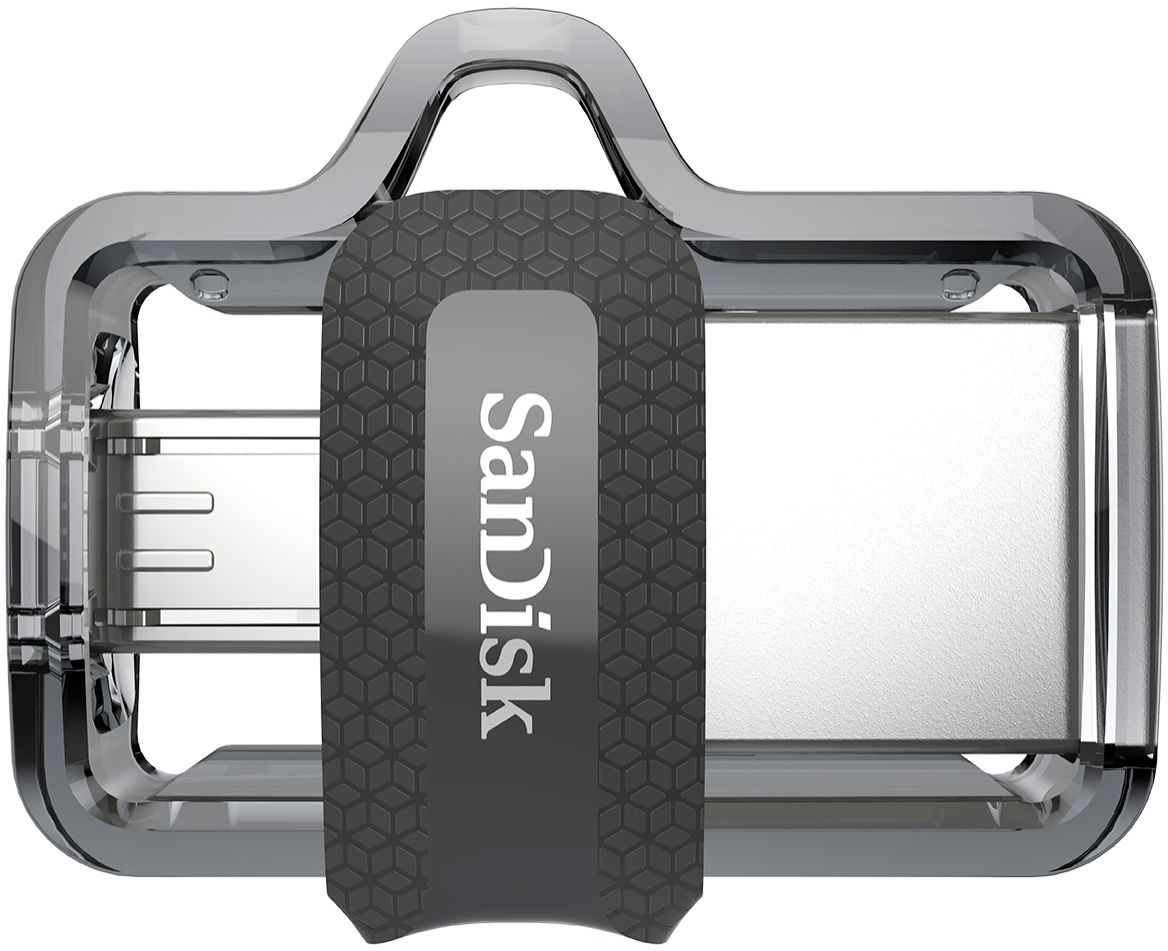
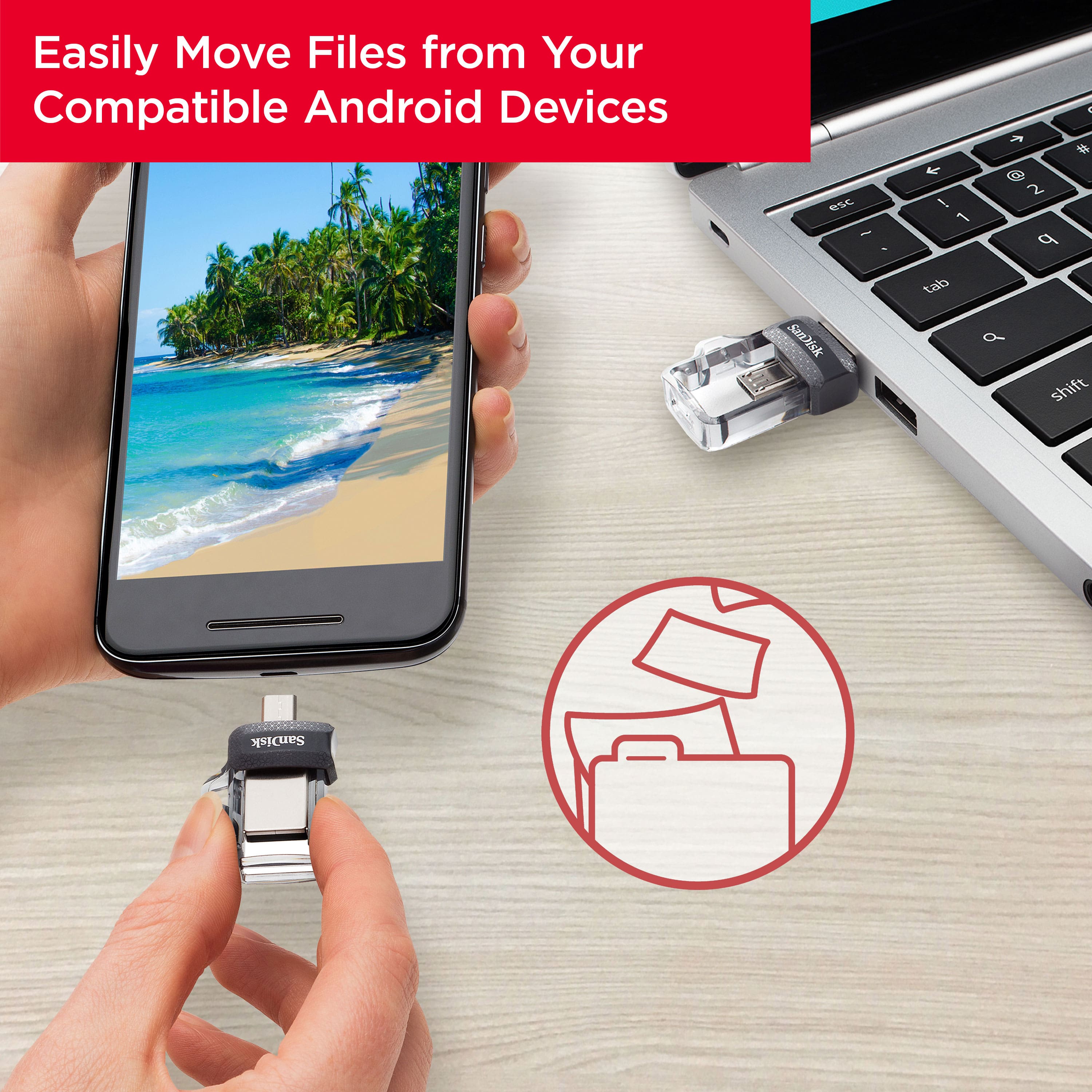
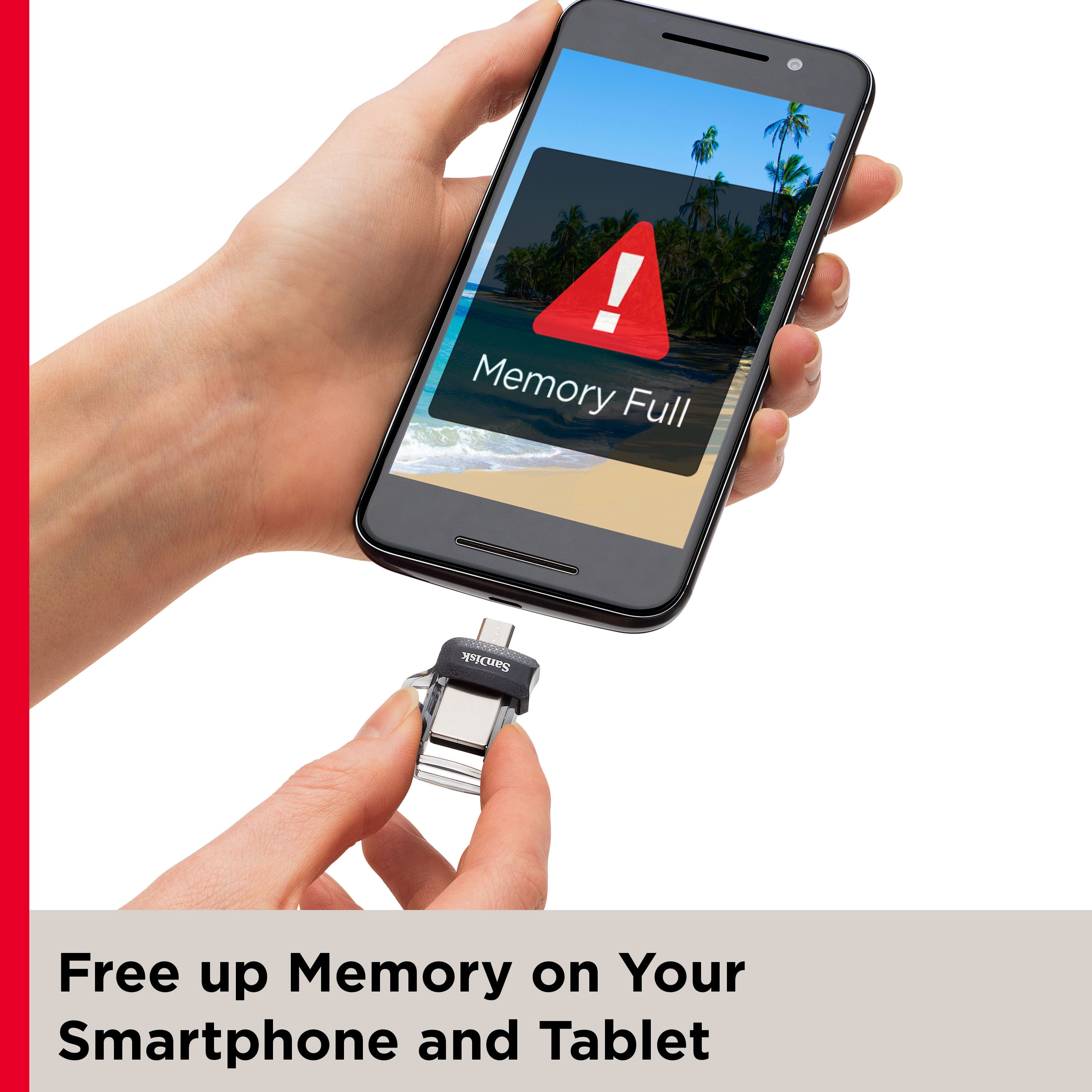
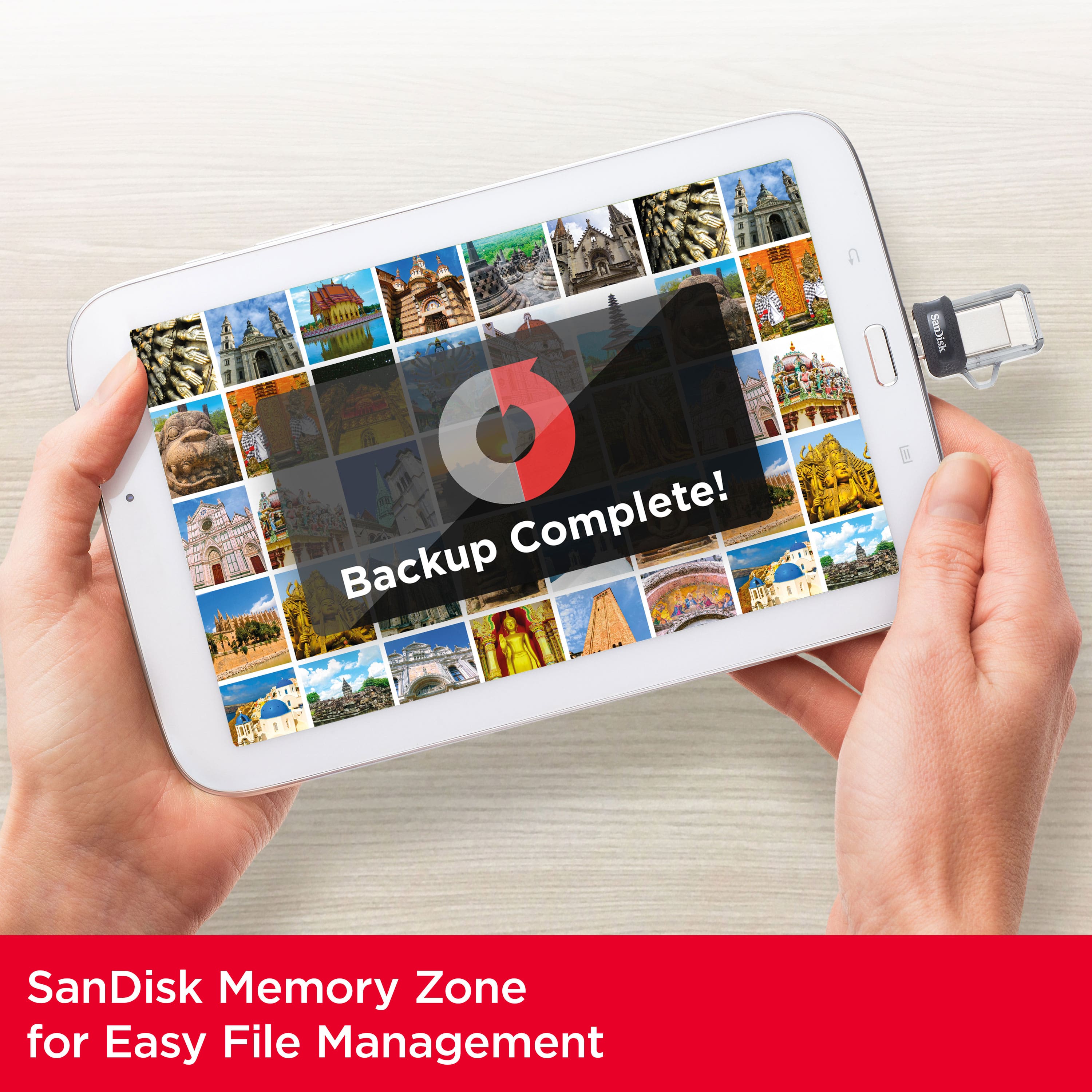
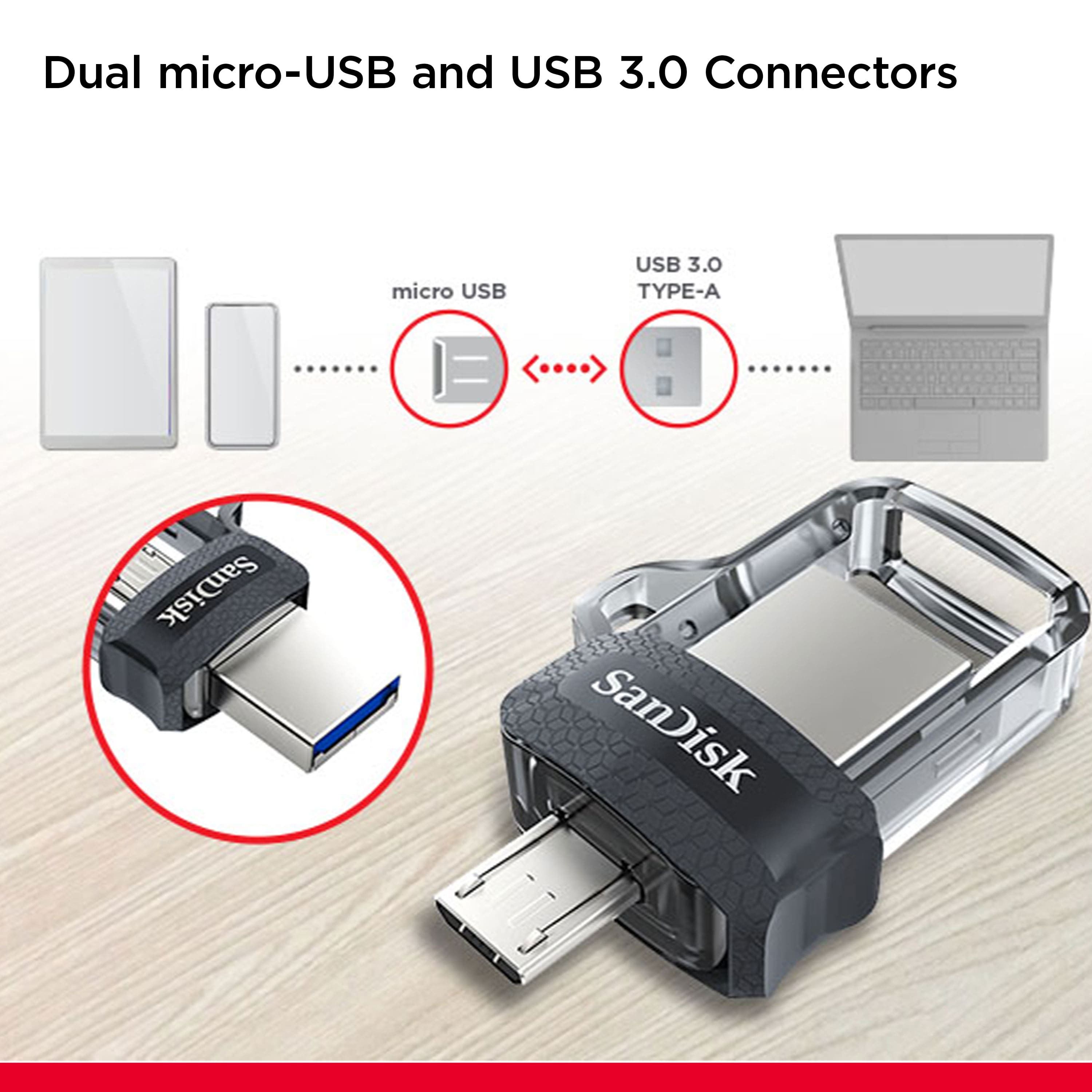
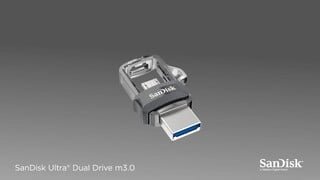
A:AnswerYes, the SanDisk® Ultra Dual Drive is compatible with the Samsung Galaxy J3 Emerge and Galaxy Tab 4 10.1 as these devices has microUSB port and supports OTG (On-The-Go).
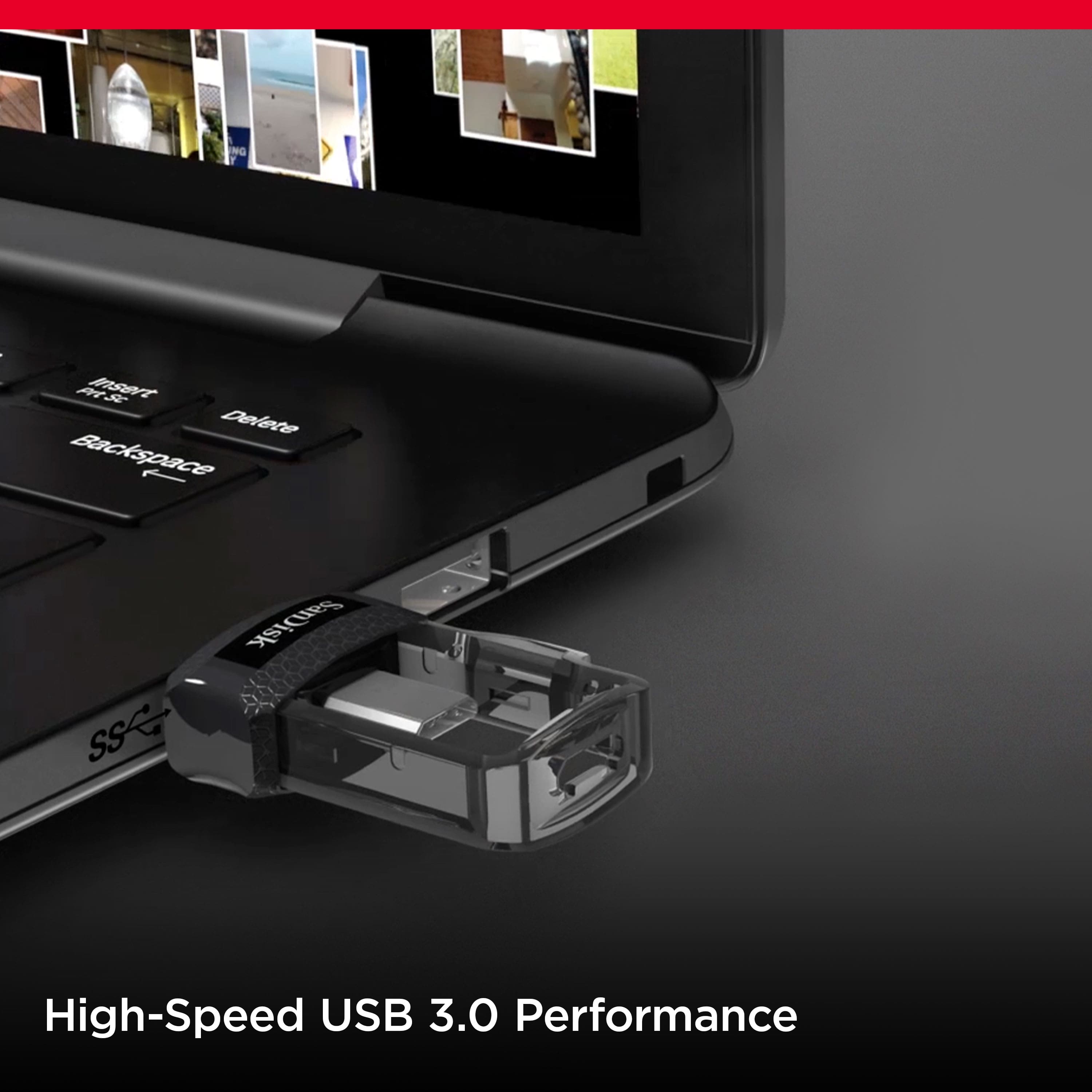
A:AnswerYes, the SanDisk® Ultra Dual Drive m3.0 256GB is backward compatible with USB 2.0. It will works as expected if your host device supports plug and play USB storage device.
A:AnswerHi!
All I can tell you is that I plugged the DRIVE into my COMP. and then I downloaded some video and pics to watch on my T.V. I plugged the drive into my SONY Blu-Ray player and watched the video and looked at the pics.
It couldn't be simpler! No phone format and no B.S.
Take care!
A:AnswerHello, we would be happy to help but it would be best to contact us directly so that we can investigate further and provide you with an appropriate resolution. You can use the Ask form at https://support-en.wd.com/app/askweb.
A:AnswerMy reply to SandiskTeam's answer:
Thx, but then why do pretty much all the sites say that the PHONE itself must be "OTG compatible" or "OTG-enabled"? Why do all the sites tell the customer to make sure their phone is OTG capable?
Are you 100% sure that my Samsung phones, even though they clearly are NOT "OTG-enabled", will work with this Flash drive? If a flash drive doesn't need my phone to be OTG-enabled, why do all the sites imply it does?
I really don't want to buy this item and then have to return it, a royal pain. Please double-check on this and or explain to me why all the sites are wrong...
A:AnswerHi, please be informed that if your mobile phone supports OTG (On-The-Go) USB Drives, then you can connect and use this USB Drive in your mobile phone. In order to know if your mobile phone supports this USB Drive or not, it would be best to contact Huawei Customer Support as they would have all the technical specifications of your Huawei camera.