A:AnswerI would buy an external hard drive or an external SSD. While this might work it is not meant for as many read/writes as you are expected to have with a video game.
A:AnswerIf you have USB port, can download the rescue files from Toshiba, and can boot to ISB in Boot order menu, this should work. Most Windows PC offer an an option to create a rescue boot disk or password recovery disk. Toshiba should offer support, Microsoft offers support, and Best Buy should pay someone to answer these questions.
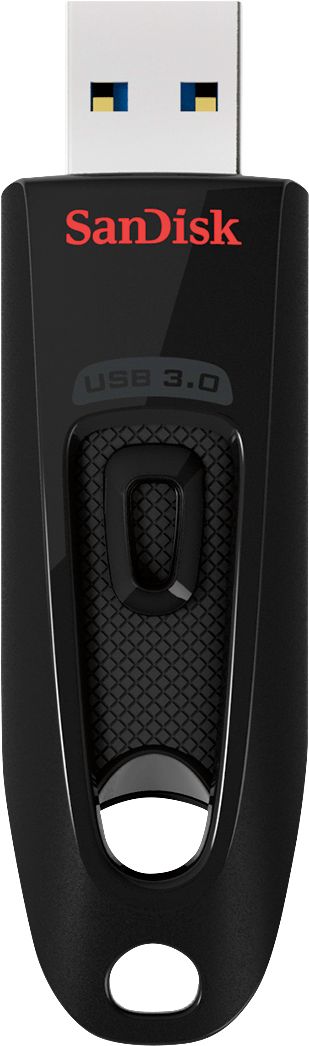
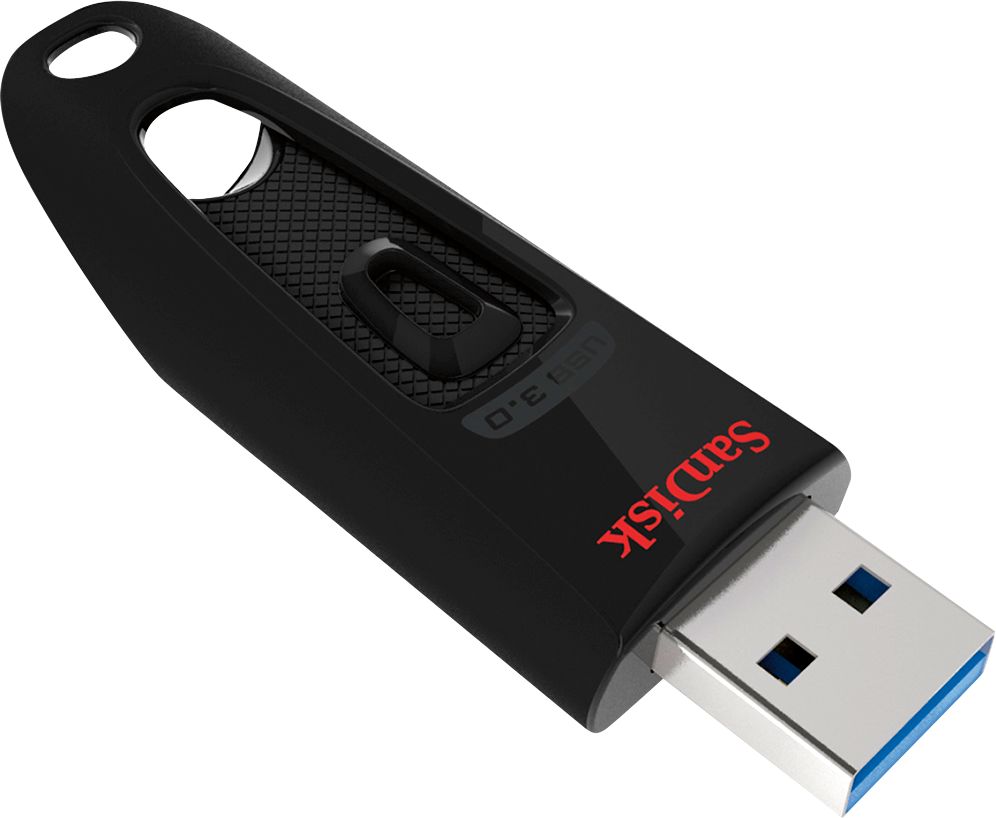
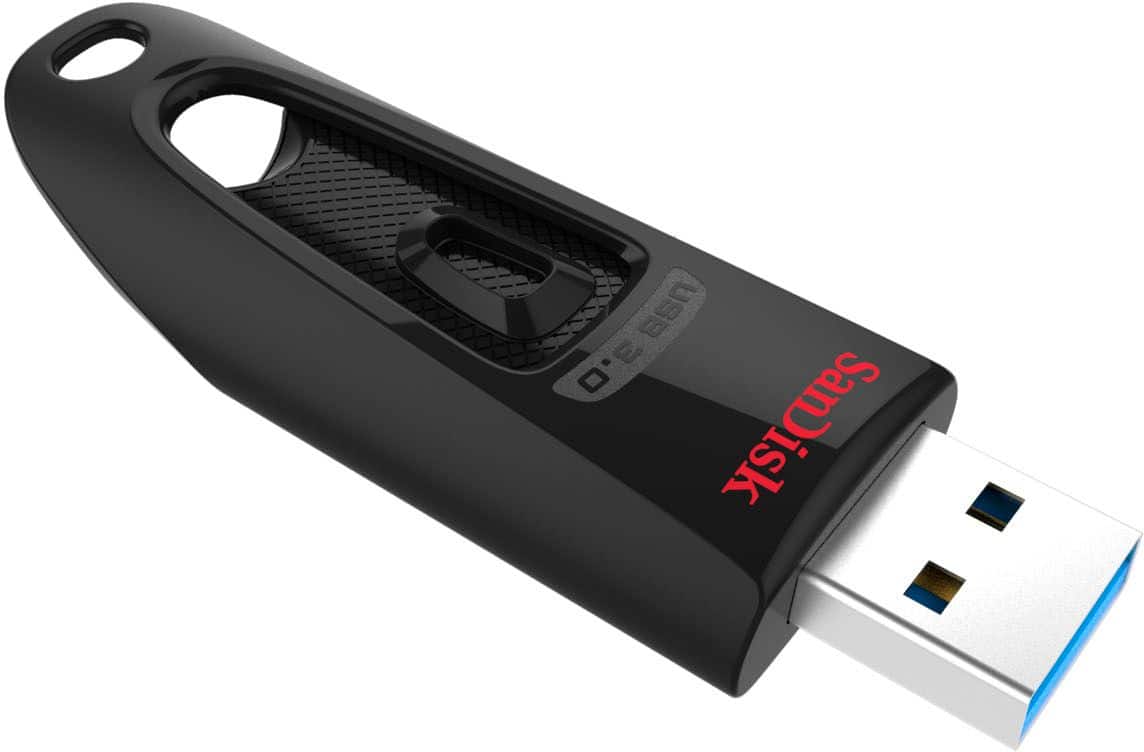
A:AnswerYes. I have just put a brand-new shrink-wrapped genuine SanDisk Ultra USB 3.0 Flash Drive in my PC (Windows 10) and Properties says it is formatted with FAT32.
A:AnswerSince the first two respondents failed to understand the question--their replies being complete non sequiturs--let me try to clarify. If you have not attempted to reformat this flash drive with an ext4 primary partition, I don't want to hear from you. If you have attempted to reformat the flash drive with an ext4 primary partition, please state whether you encountered any problems, and if so what happened. Examples of problems include failure to mount, corruption of data, output from "dmesg | tail" such as "JBD2: no valid journal superblock found" or "EXT4-fs (sdx1): error loading journal," or "sudo badblocks -w -s" reporting read, write, or comparison errors. The reason I ask is that some cheap 64 GB thumb drives tend to malfunction in these ways.