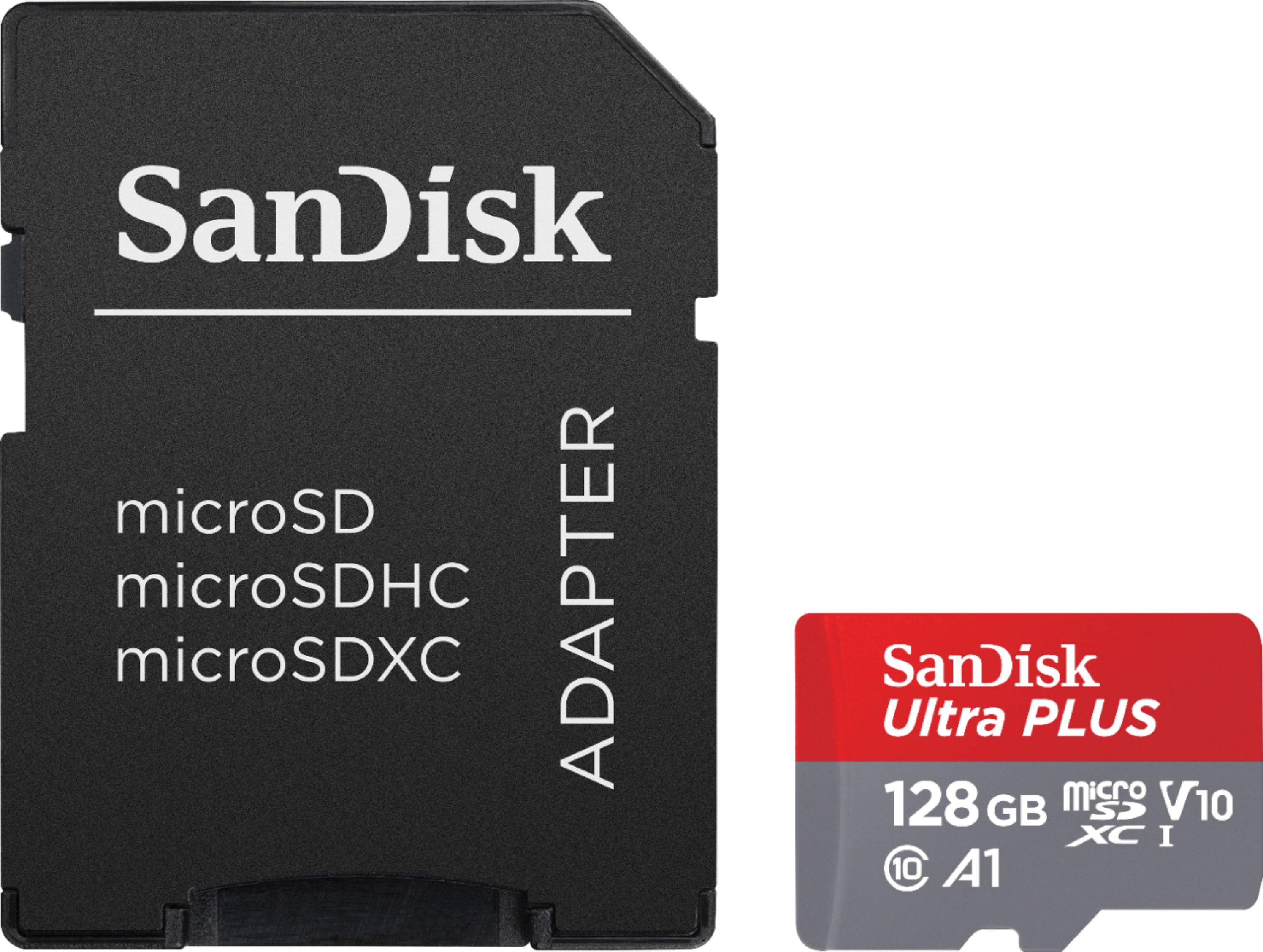
A:AnswerNo, the SanDisk®️ microSDXC Ultra PLUS 128GB Memory Card will not work in the Nintendo Wii U as it supports only the SDHC Memory Cards of upto 32GB capacity. In this case, you can purchase any of our SDHC Memory Cards from Best Buy.
A:AnswerHi, please note that we do not recommend using any Memory Cards other than the SanDisk®️ High Endurance/ MAX Endurance Memory Cards to be used with devices like Dashcams, Security/ Surveillance Devices, and In-Car Recording Devices as these devices perform constant read and write operations while recording continuous videos. Please use a SanDisk®️ High Endurance/ MAX Endurance Memory Card in the Home Surveillance Digital Wireless Security System since, these Memory Cards are specifically designed for constant Read/ Write Operations. You may purchase these Memory Cards from our official online store or from BestBuy.
A:AnswerNo, the SanDisk®️ microSDXC Ultra PLUS 128GB Memory Card will not work in the DSMOBILE DS-940DW as it supports only the microSDHC Memory Cards of upto 32GB capacity.
A:AnswerYes, the SanDisk®️ microSDXC Ultra PLUS 128GB Memory Card will work in the GoPro Hero 7 as it supports the microSDXC Memory Cards. However, we recommend to use SanDisk Extreme Line of card with GoPro's.
A:AnswerYes, you can use the SanDisk® Ultra PLUS 128GB microSDXC card in the Yuntech Typhoon Drone. However, we recommend you using the SanDisk® Extreme Pro microSDXC Memory Card with this Drone as it supports data transfer speed for recording videos in higher resolutions.
A:AnswerPlease be informed that if your Digital Picture Frame supports the 128GB microSDXC Memory Cards, then you can use the SanDisk® microSDXC Ultra PLUS 128GB Memory Cards without any issues.
A:AnswerHi Renee, please be informed that you cannot directly connect this SanDisk® Ultra Plus microSDXC Memory Card in your Sony a6400 Camera as this camera supports only the regular sized SD/SDHC/SDXC Memory Cards. Therefore, we recommend using a regular sized SD Memory Card with this scanner. However, if you still wish to connect a microSD Memory Card in this camera, you may do the same by using a microSD to SD Card Adapter. Also, please note that since this is a professional camera we would suggest you to use our Extreme-Line of Memory Cards as these Memory Cards support faster data transfer speeds which required while using a professional camera.
A:AnswerHi Sam, please be informed that you cannot directly connect this SanDisk® Ultra Plus microSDXC Memory Card in your Canon IXUS 185 Camera as this camera supports the regular sized SD/SDHC/SDXC Memory Cards. Therefore, we recommend using a regular sized SD Memory Card with this camera.
However, if you still want connect a microSD Memory Card in this camera, you may do the same by using a microSD to SD Card Adapter.