A:AnswerIf the printer has the same size slot as this disk it should work for that purpose. The photo quality would not be affected, maybe the speed of downloading a LITTLE bit. Software programs can enhance the quality-but takes some time and expertise.
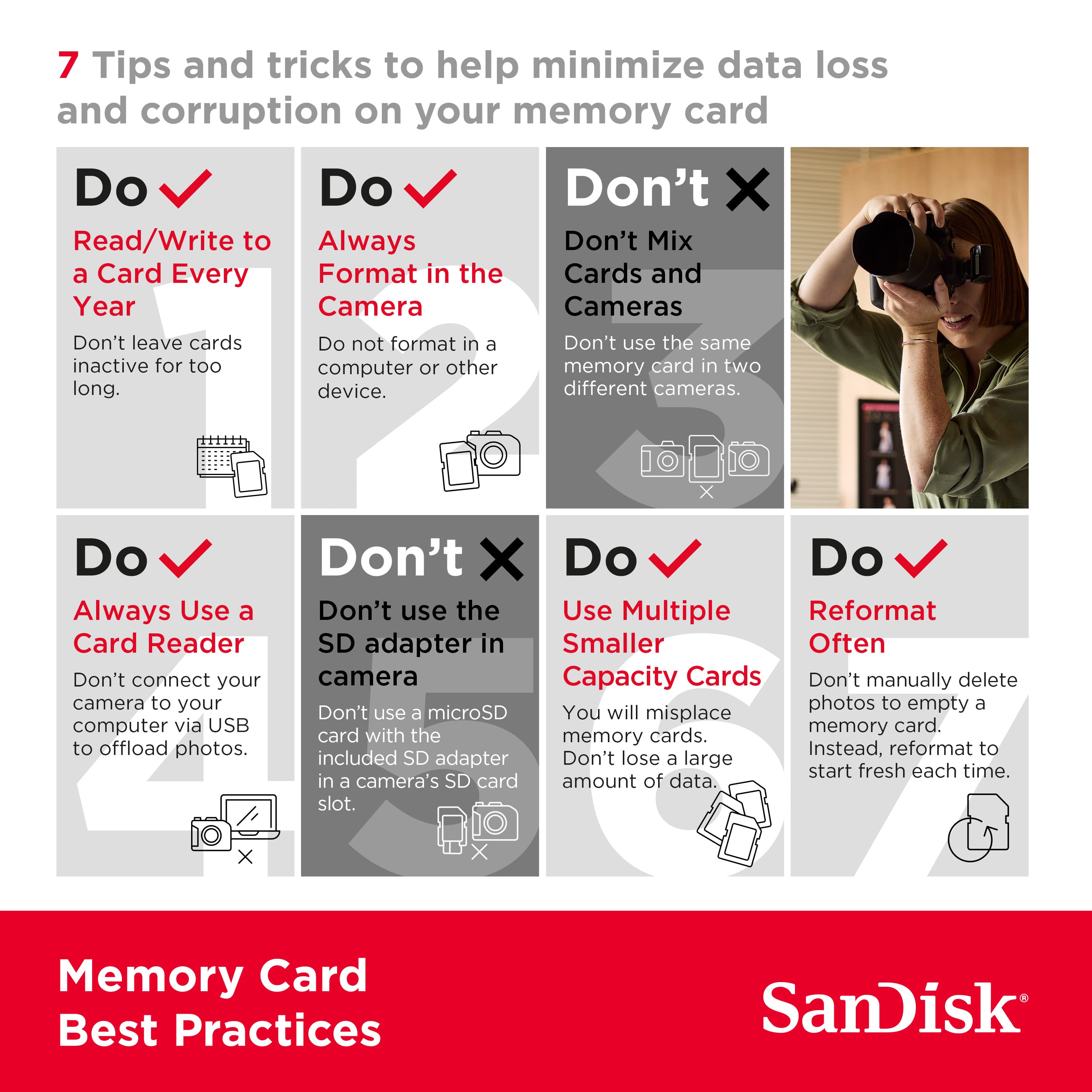
A:AnswerI get a file error when my file is too long-like when copying an album while digitizing and I forget to stop the recording for a long time. I have been unable to recover this. However, I can delete it and the disk has worked fine after.
A:AnswerHi, we would be happy to help, but it would be best to contact us directly so that we can investigate further and provide you with an appropriate resolution. You can use the Ask form at https://kb-eu.sandisk.com/app/ask/ and there is also a phone number you can call available at https://www.sandisk.com/about/contact/customer-care.
A:AnswerYes. I am shooting with an AVCHD Camera and use this for video projects. You have to check specs for your camera. I have to use SD/SDHC types for my Panasonic.
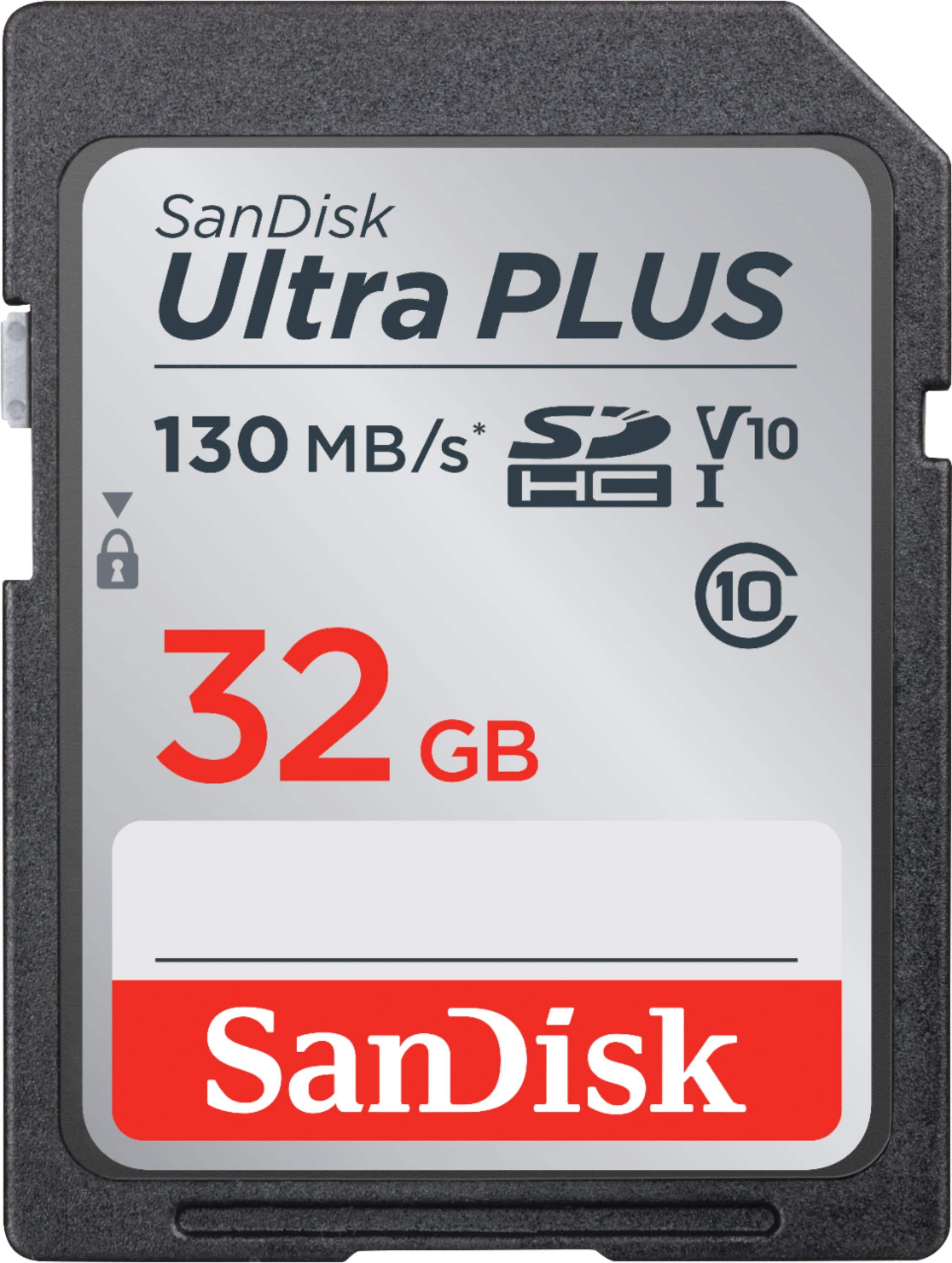
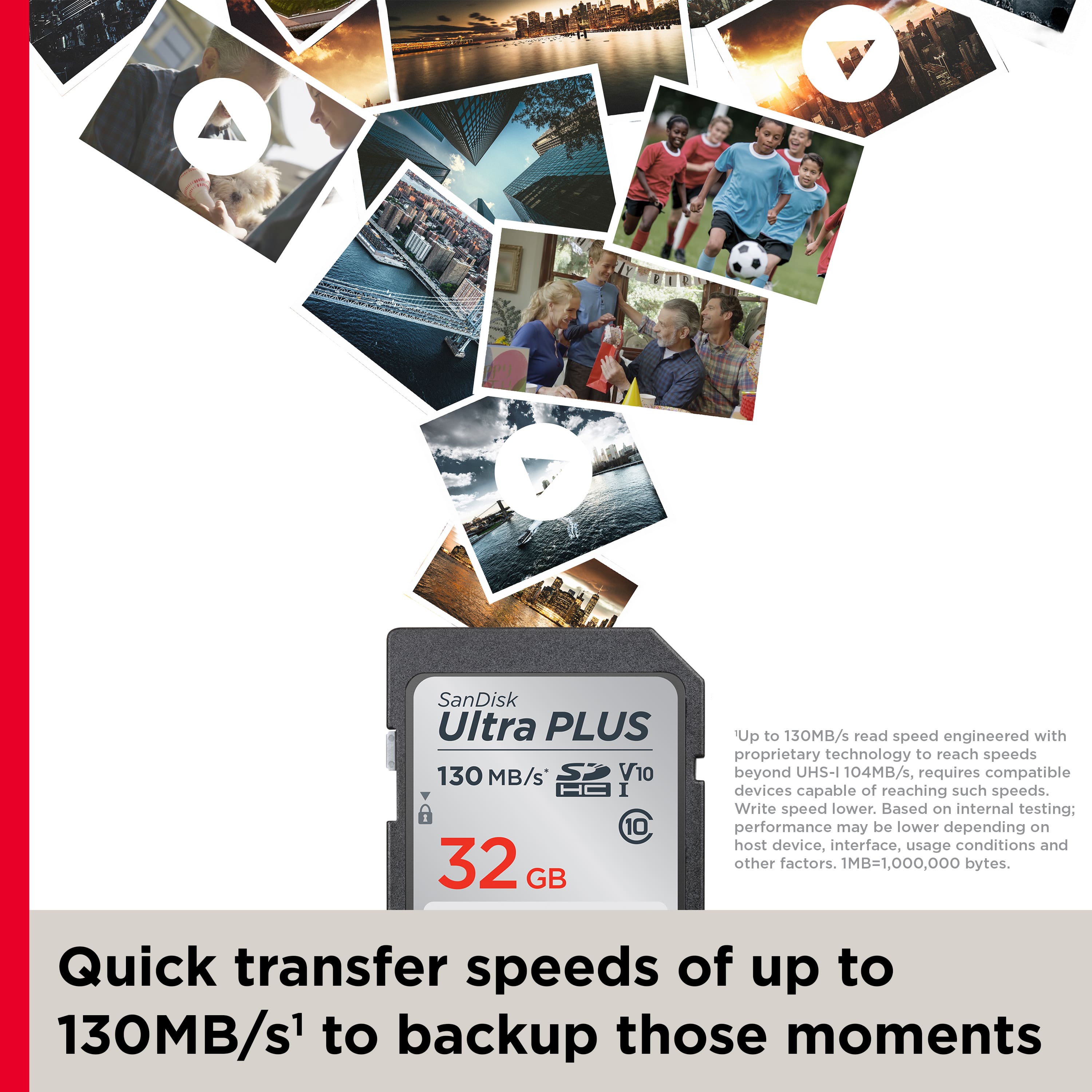
A:AnswerHi, Please be informed that the SanDisk Ultra Plus is SDHC UHS-I SD form factor memory card. Hence, if the mentioned host device comes with an SD card slot, it may work. We strongly recommend connecting with the host device manufacturer support for more compatibility information.
A:AnswerYes, the SanDisk® Ultra Plus SDHC 32GB Memory Card is compatible the Nintendo Wii U as it supports SDHC Memory Card. However, we recommend to use our Nintendo Switch Memory Card with the Nintendo devices.