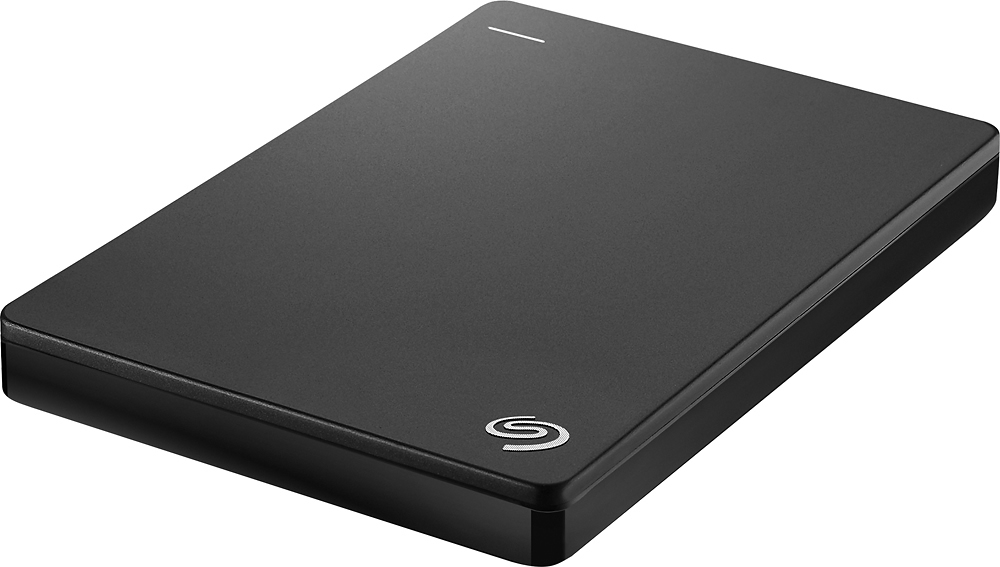
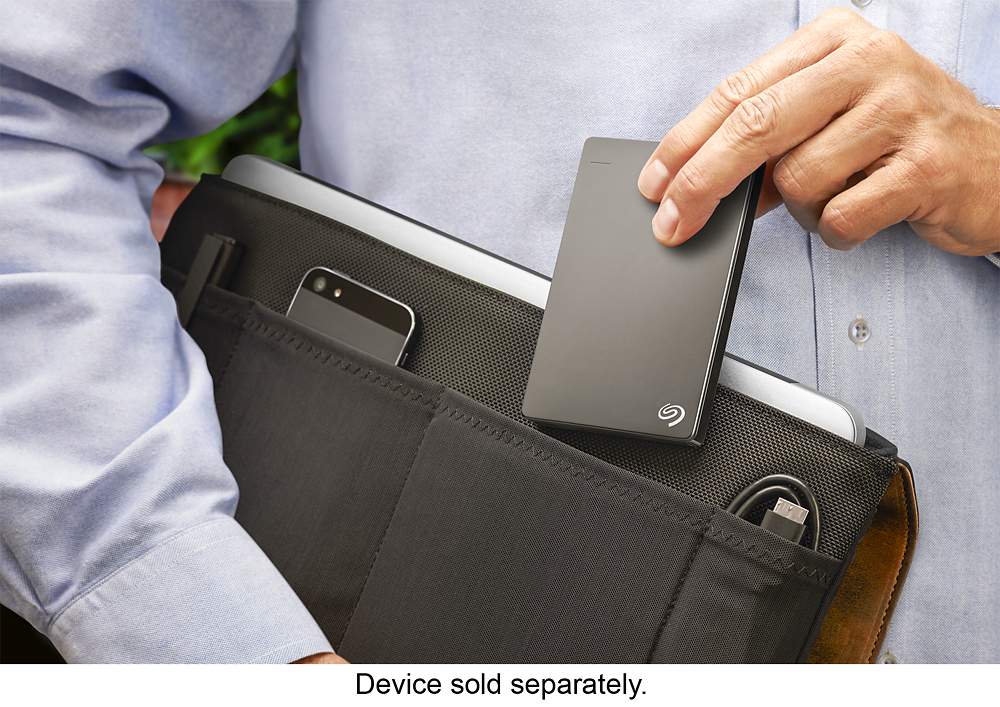
A:AnswerThis is a 2.5" form factor HDD enclosure powered off usb bus power so there is no on switch. Your on switch is essentially plugging in the USB cable. If you want an On/Off switch you need to look for a 3.5" hdd enclosure instead. Those are not bus powered and will have a power pack and on/off switch. The downside is they will be larger units. Usually external enclosures that say "Portable" are 2.5" bus powered. Find one that says 3.5" or doesn't say portable.
A:Answerdepending on the size of your files I would just use a flash drive to transfer the files and format the drive for the new mac to use for back up of whatever your end plan was - hope that helps - at least thats what I do and or did - during a resent transfer of my photo library from one computer to another since my laptop internal drives was so small - I transferred my entire photo library to the previously formatted drive using disc utility hfs journaled format = not case sensitive but a guid partition to make it bootable as it is also a backup drive - I then used the flash drive to transfer my photo library to the external drive as my internal drive is too small to hold it all
A:AnswerIt comes with a cable. There is no case, but I don't use one (the drive is an external drive, not an internal drive).
I use it with my MacBook Air and it works great.
If you've ever used a USB thumb drive - this drive works the same way.
Plug it in and transfer files (or use Time Machine to backup).
When you are done, eject the device from the FInder Window.
A:AnswerI plugged the drive into a Windows 10 PC and no driver was required for it to show up and be usable in the file manager. It includes software from Seagate, but I did not install it.
A:AnswerThis should work fine with OS X 10.6. I usually format my external hard drives to EXfat format using disk utility as EXfat will work with both Mac and Windows. Seagate also offers a Mac Edition which is just formatted in OS Journal format (which can also be done with any hard drive including this one using disk utility.) Just be sure to format the drive BEFORE adding data to it as reformatting the drive will erase all the data