A:AnswerHello Richard, we are sorry for the inconvenience. Please contact us at onlinesupport@sharpsec.com, kindly include the model number, serial number and your contact information within the email.
A:AnswerHello, please be advised that you are unable to connect a wireless Bluetooth speaker to the unit. Only smart phones and tablets can be connected to this feature on the unit.
A:AnswerHello Roger, you can program track from a certain disc to play, then it will move on to the next disc. I am sorry, we do not recommend that another speaker be attached as there is not slot for this on the back of the unit.
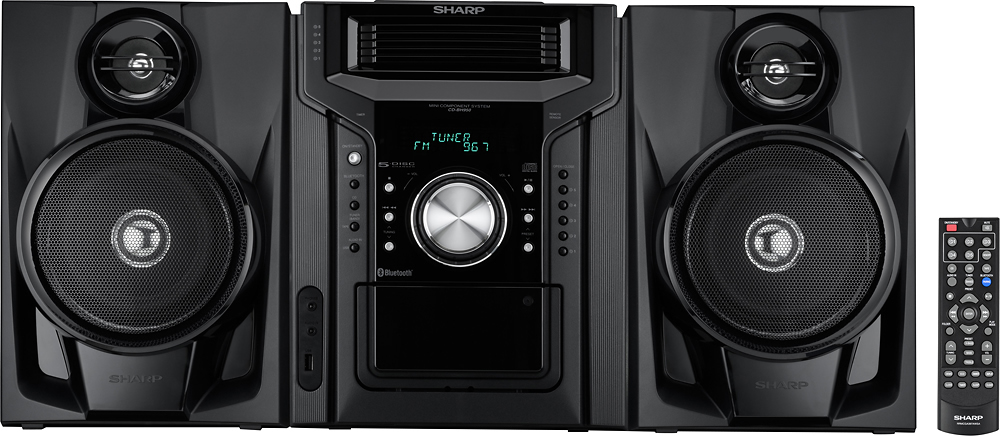
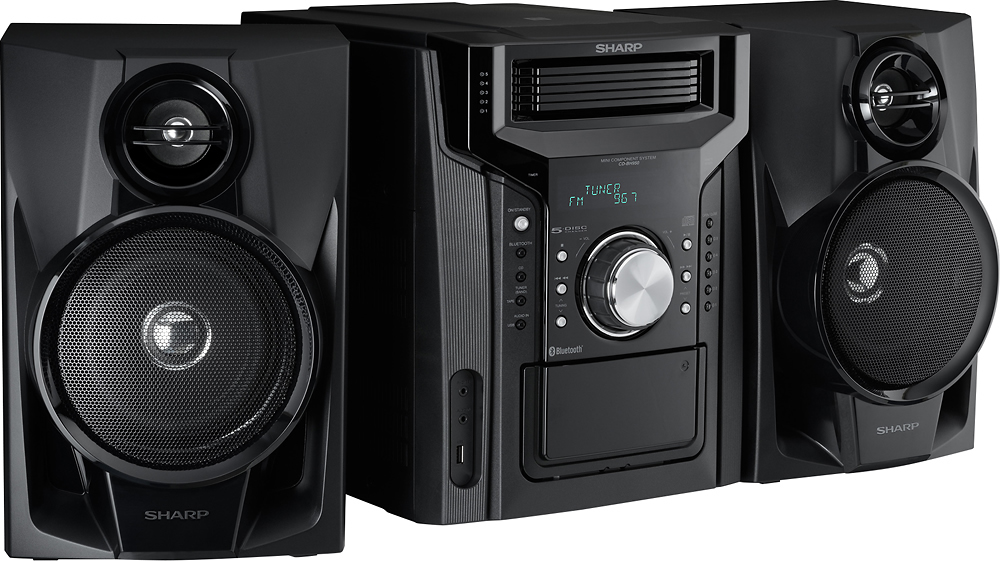
A:AnswerHello, the sleep timer feature on this unit can only be used to power the unit off/put it in the stand-by mode. The speakers are attached to the back of the unit by using a red and a black clip to secure the wires. The length of the wires are approximately 3fts.
A:AnswerHello, we are very sorry to hear of this inconvenience. You can move the antenna around from one location to the next (preferably to an open window) to see if that might resolve the issue. If the issue remains, please email us at onlinesupport@sharpsec.com so that we can further advise.
A:AnswerHello, we recommend that you use the speakers and supplied antenna that comes with the unit. For better reception you may use an external FM antenna (75 ohms coaxial cable).
A:AnswerHello, please be advised that the Bluetooth feature is only to connect devices such as a phone or tablet. If you have any further questions or concerns, please feel free to email us at onlinesupport@sharpsec.com.
A:AnswerHello, please perform the below:
Press the DEMO button on the remote control once. The unit will enter the Bluetooth standby mode.
To cancel the Bluetooth standby mode, press the ECO button on the remote control. The unit will now enter the low power consumption mode and shut off.
A:AnswerHello, the general dimensions of the unit is width 10-1/4"(260mm), height 13-1/16" (332mm) and depth 13-8/16" (345mm). If you have any further questions or concerns, please feel free to email us at onlinesupport@sharpsec.com.