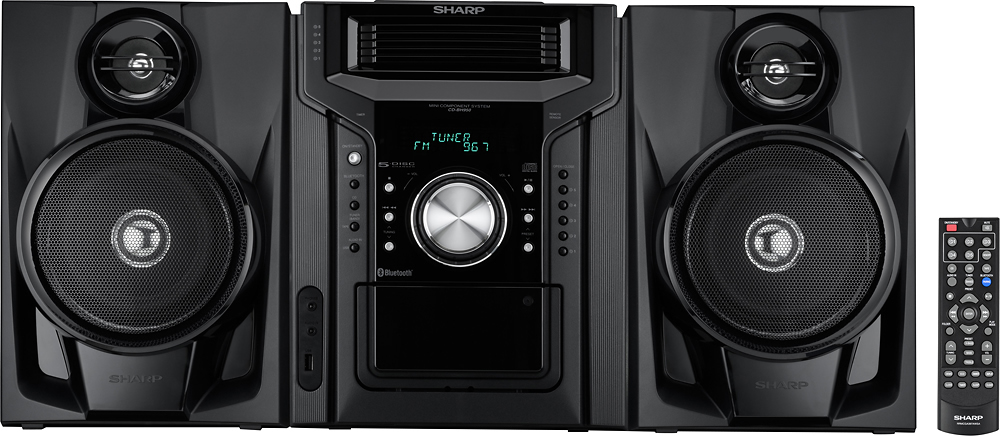
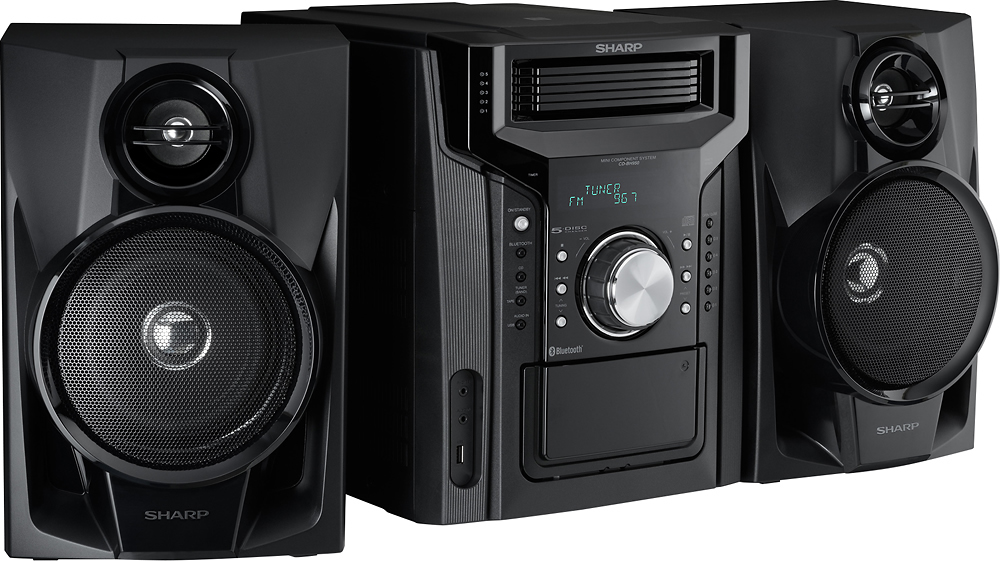
A:AnswerHello, the dimensions of the unit are: Width: 10 - 1/4" (260 mm), Height: 13 - 1/16" (332 mm). If you require further assistance please email us at onlinesupport@sharpsec.com.
A:AnswerHello, we are sorry for the inconvenience. The unit will automatically shut down if the unit is not receiving enough signal. We recommend that you move the unit closer to a window or extend the antenna in order to receive better reception. If we may be of further assistance kindly contact us at onlinesupport@sharpsec.com.
A:AnswerHello Buzz, once you have paused the CD it will remain paused until you press play to resume. If you need additional assistance please email us at onlinesupport@sharpsec.com.
A:AnswerHello, please accept our apology for any inconvenience caused by this. Please email us at onlinesupport@sharpsec.com so we may look into this for you.
A:AnswerHello Dee, unfortunately we are not able to view the photo submitted. Please email us at onlinesupport@sharpsec.com so we may assist you further.