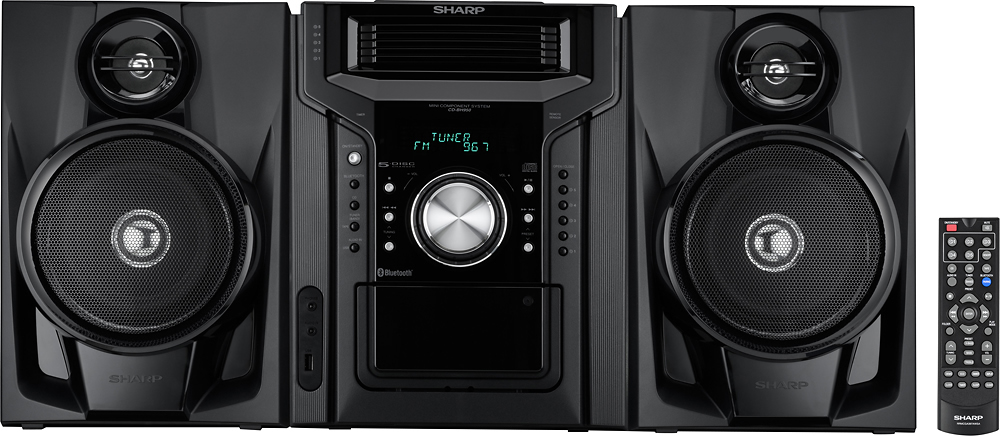
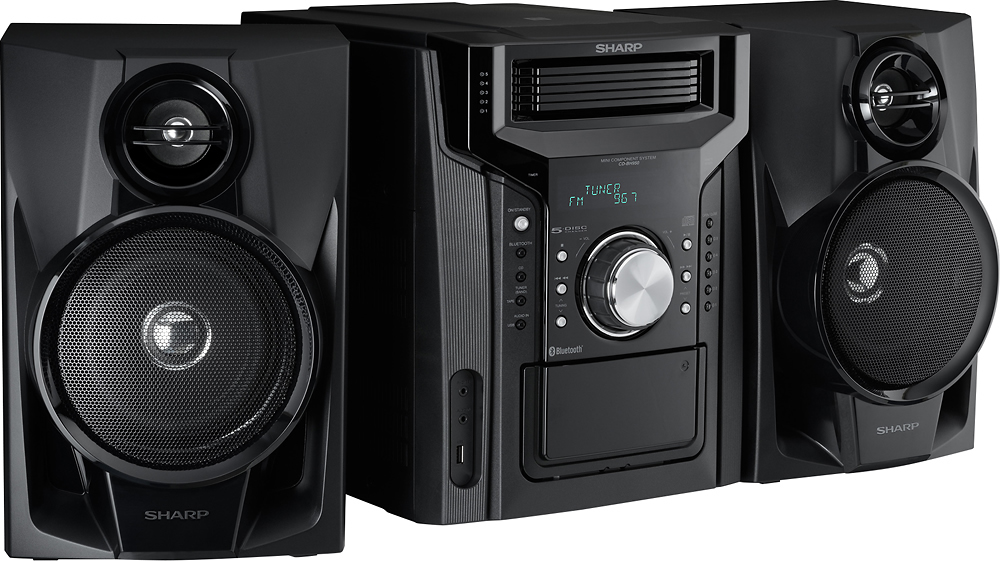
A:AnswerHello, we apologize for the inconvenience you are experiencing. Please contact us at 1-800-237-4277 so that we can assist you with purchasing a remote for your Sharp CDBH950.
A:AnswerNo, you cannot, I was hoping to add a pair of speakers. Wish I had asked this same question before purchasing the unit. Not sure if you can add a pair of wireless speakers ?
A:AnswerYou could, but it wouldn't be practical. It has a aux audio in, so you you could go from the headphones plug on the television to the aux in on the system. Doable, but probably not worth it. Simpler to buy a receiver with HDMI inputs, etc.
A:AnswerHello, thank you for choosing Sharp. We would love the opportunity to provide you with further assistance and help resolve any concerns you may have. If you could please contact us at CRL@sharpsec.com or call us at 1-800-237-4277.
A:AnswerThank you for your question. The unit will stop at the end of the CD, then you'll need to change between cassette. We hope this has been helpful.
A:AnswerI bought this product just before the holidays, November to be exact. It has great quality sound. I like that you can have five CD's on board for several hours of entertainment. I am very happy with my purchase.
A:AnswerHello, the turntable does not require a pre-amp in order to work with this component system. For any additional assistance regarding your unit, please feel free to email us at onlinesupport@sharpsec.com and provide reference to case number 9425452.
A:AnswerHello, to repeat one track press the Play Mode button repeatedly until “I-Repeat” appears.
The Sharp RP10 and RP20 are compatible with the unit.
A:AnswerHello, the tracks on the disc(s) can be played in random order automatically. To random play all tracks on up to 5 discs press the Play Mode button repeatedly until “Random” appears. If further help is needed, please email us at onlinesupport@sharpsec.com.
A:AnswerI am actually curious about the same question. There literature mentioned something about the components needing to be matched, I think it might have been appropriate impedence or like that. But the length of the provided wires greatly limited placement options and necessitated some tricky positioning.