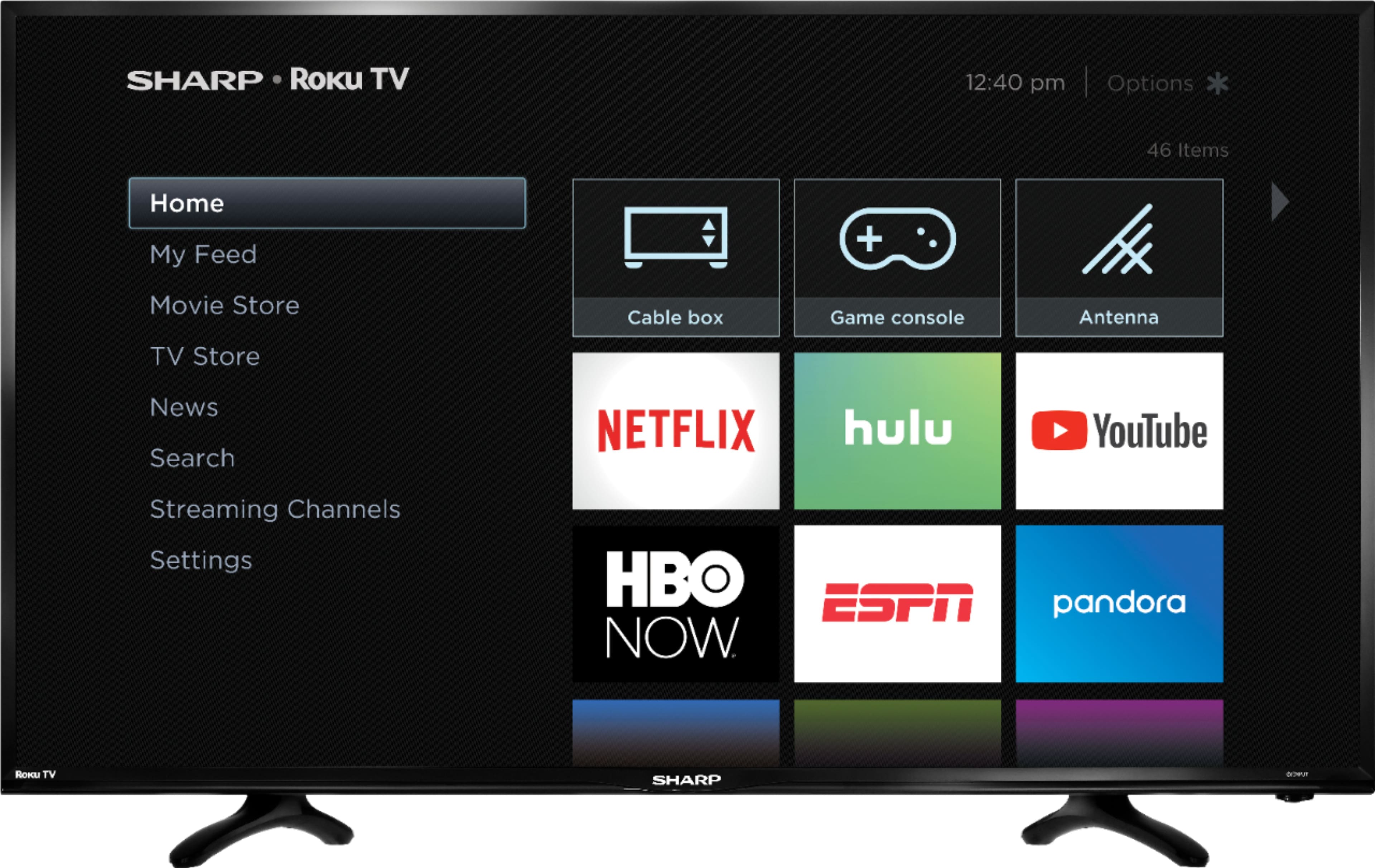
A:AnswerYou should be able to get them. On my tv there is an icon for that but there wasn’t for YouTube-tv and we just went on the search screen and it popped in.
A:AnswerYou need to turn down your backlight, it is set way high out of the box. go to your picture settings and adjust. you will need to make the adjustments for each input. so make the adjustment for the digital media setting, and the HDMI settings too if you use them.
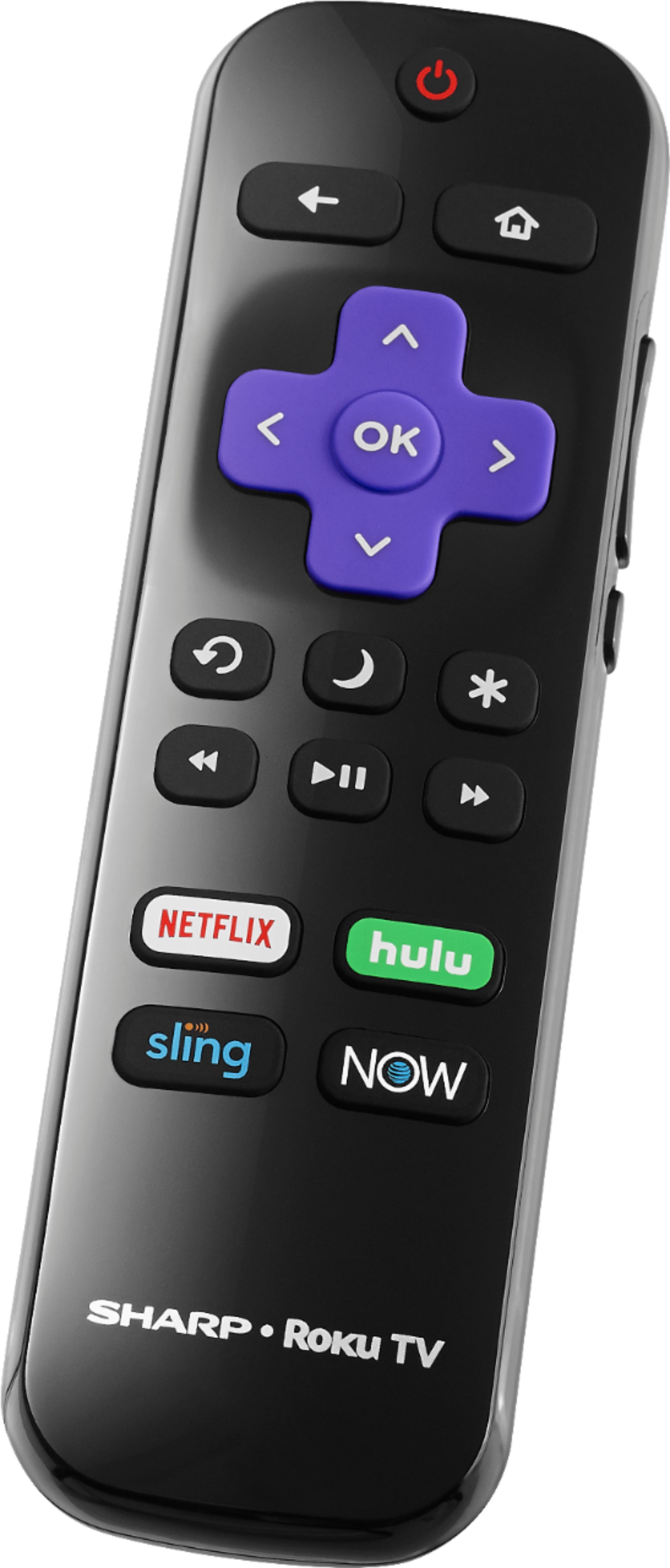
A:AnswerNo specific model, but it is not 4K (since the set is not 4K). Also it does not have the headphone jack for private listening on the remote, as some Roku unit do.