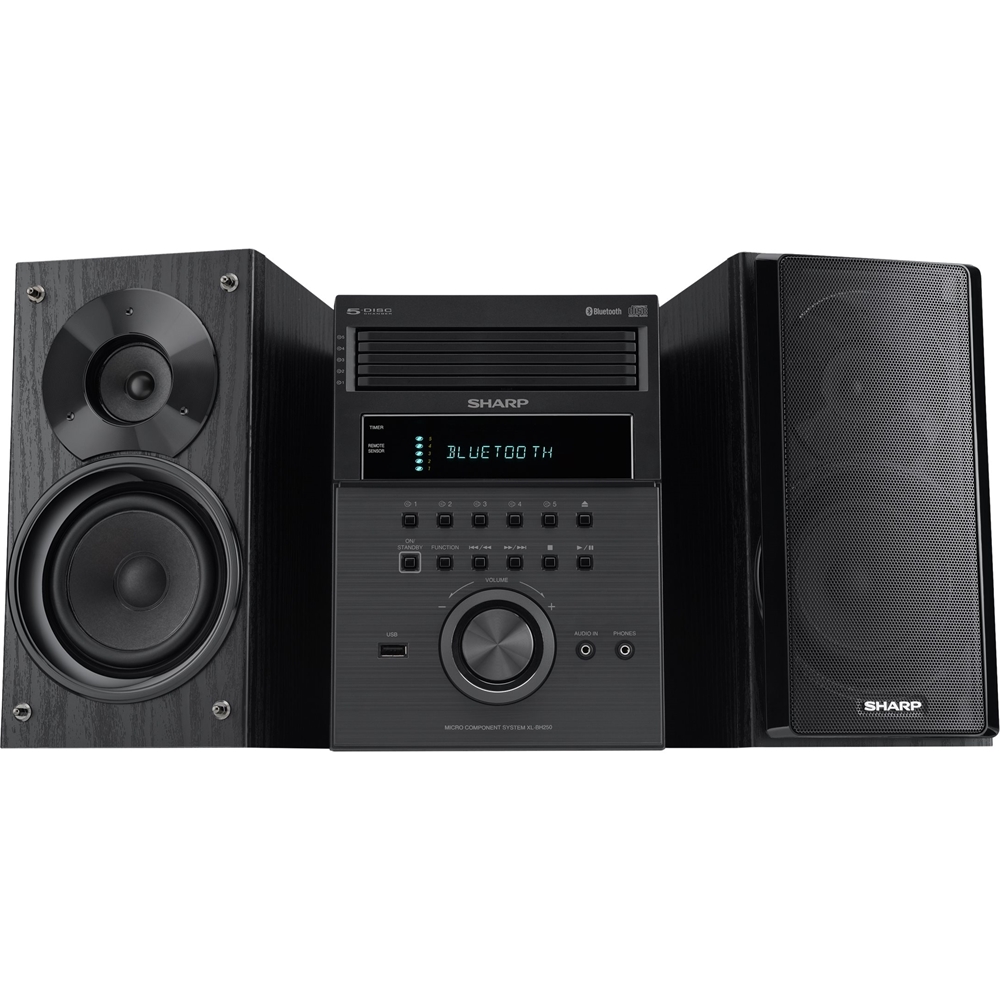
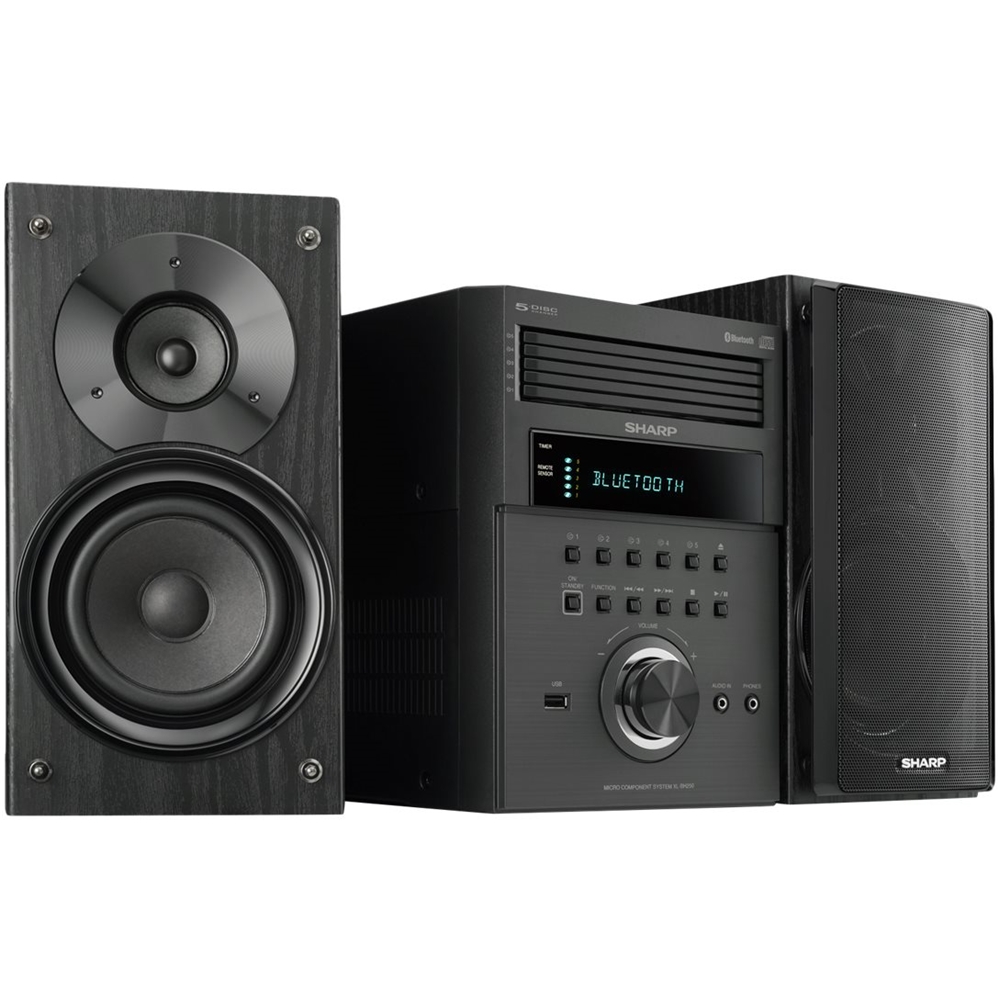
A:AnswerHello, please be advised that the headphone port is a plug and play port that does not need any adjustment from the unit. If you have any further questions or concerns please email us at onlinesupport@sharpsec.com so that we can further advise.
A:AnswerHello, unfortunately an iPod cannot be connected to this unit. Please feel free to email us at onlinesupport@sharpsec.com if we may be of any further assistance.
A:AnswerIt does have wires connecting to the system. I had to buy longer ones (any tech store) for my particular situation. But it is a fantastic system. Enjoy!
A:AnswerHello, This unit does not have the capability of playing audio books CD's. Also, the unit has a random play feature, where it selects and play tracks automatically. The CD"s will play from tray 1 up to tray 5 consecutively.
A:AnswerWe are very sorry for any frustration this is causing you. We are happy to provide some troubleshooting steps to resolve this issue. Please email us at onlinesupport@sharpsec.com with the model and serial number of the unit.
A:AnswerPlease accept our apology for any inconvenience this is causing you. You may email us at onlinesupport@sharpsec.com so we may look into this further for you. Be sure to include the model and serial number of the unit.