A:AnswerHello, you are required to do a system connection before the unit can be used. This information can be found on PAGE E-6 of the operation's manual. If you have questions or concerns, please email us at onlinesupport@sharpsec.com.
A:AnswerHello, to play the unit in random mode, press the PLAY MODE button (remote control) repeatedly until RANDOM appears. In the random mode, the unit will select and play tracks automatically. If you have further questions or concerns, please email us at onlinesupport@sharpsec.com.
A:AnswerI don't know the answer to your question, I didn't have that problem when I removed the tape from my unit. If you know where the piece was located before removing the tape I would suggest looking at that spot to see if anything appears to be missing or broken in that area. Also look at the reverse side of the loose piece for evidence of a method of attachment (adhesive, mechanical clip or molded-in pins or snap). If nothing appears broken or missing and the unit works OK I wouldn't be concerned about it.
The first unit I purchased wouldn't open the CD drawers even though the display showed open/closed. I returned it to the Best Buy store it came from immediately and had them reorder a new unit from the warehouse. The new unit arrived in a couple days and worked fine.
A:AnswerHello, with the random play feature the unit will randomly play songs on an individual CD until all songs have been played on that disc. The unit will not play a song from CD 1 then play another song from CD 4. Please accept my apology for any inconvenience caused by this.
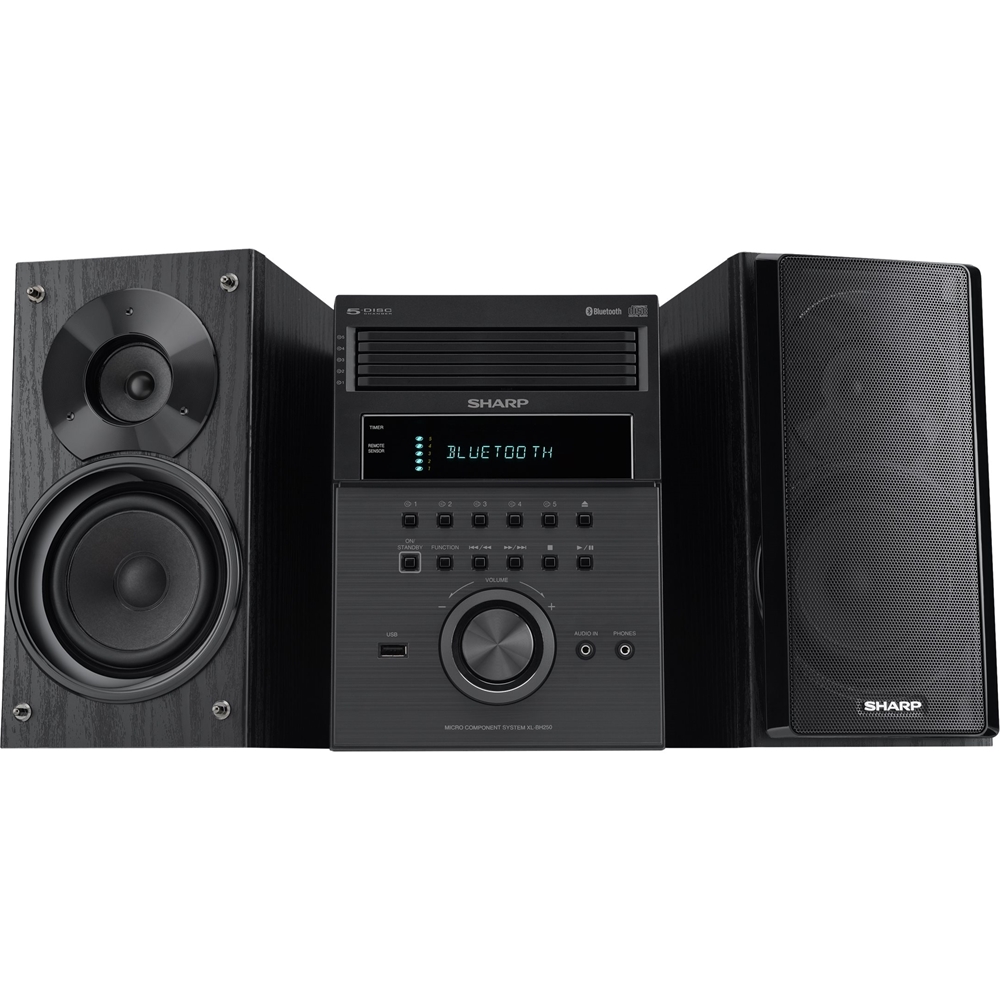
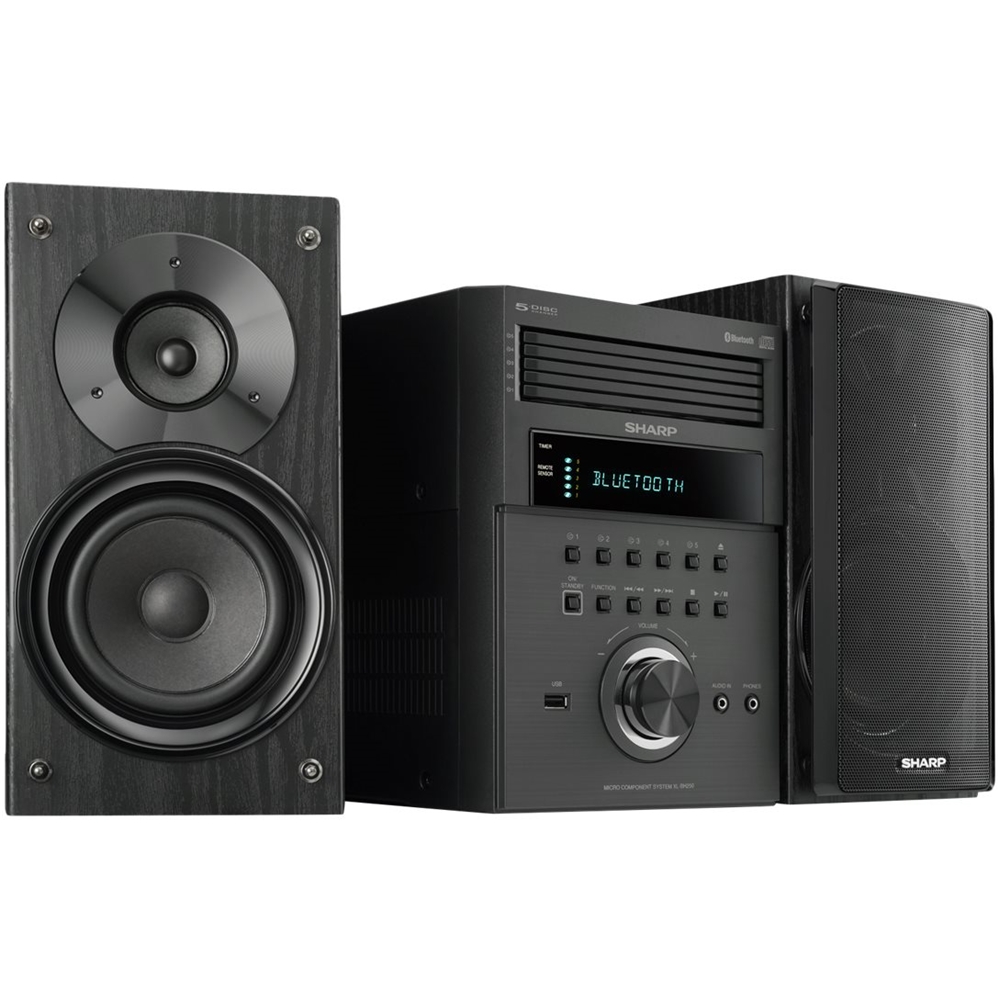
A:AnswerHello, the unit comes with everything that is needed to play/function the device such as the remote control and the FM and AM loop antenna. All that would be needed is your CD's in order to play your music.
A:AnswerHello, please accept our apology for any inconvenience this has caused you. Please contact us at onlinesupport@sharpsec.com with the model and serial information of the unit so that we can further assist you with the issue.
A:AnswerHello, please accept our apology for any inconvenience this has caused you. Please contact us at onlinesupport@sharpsec.com with the model and serial information of the unit so that we can further assist you with the issue.