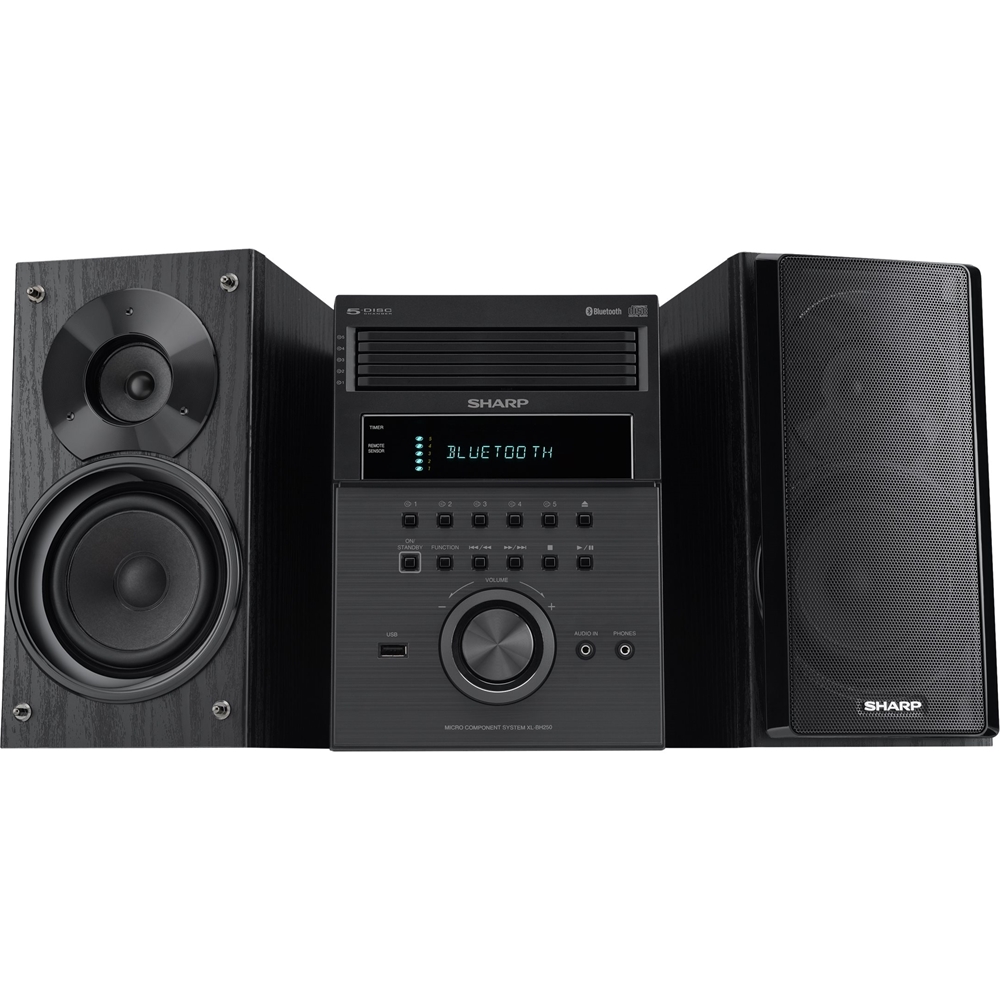
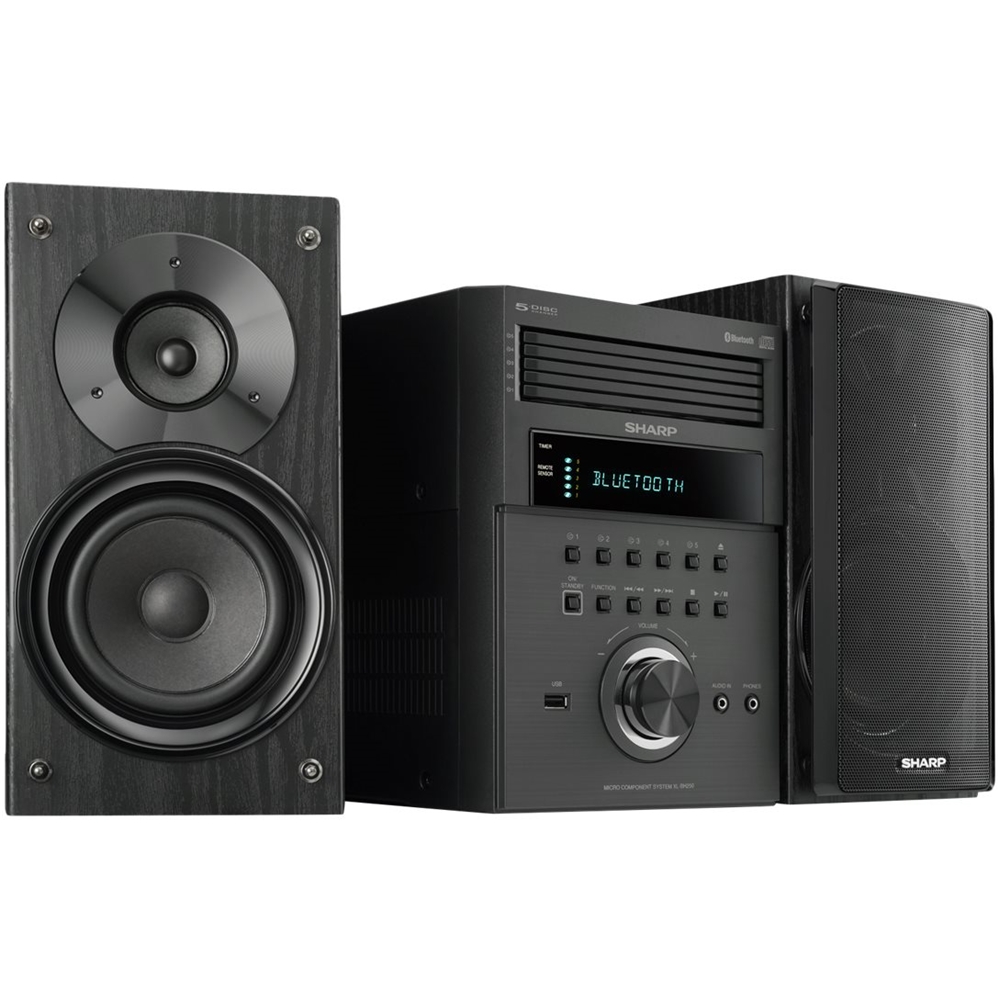
A:AnswerHello, you are able to connect an external device (Turntable) to the (audio in) 3.5 mini jack aux port at the front of the unit. When this is done the sound will output through the speakers of this unit.
A:AnswerHello, both the XLBH250 and the CDDH950P consist of a 5 disc multi-play compact disc
player, 2 way type speaker system with tweeter and subwoofer, can connect an MP3 player and USB device.
A:AnswerHello Mosh, please be advised that you are not able to use additional speakers with this unit. It is recommend to use only the speakers that comes with the Micro system. We apologize for the inconvenience this may cause.
A:AnswerHello, the unit was manufactured for the speakers to be connected to the main unit using the required ports at the back. If you wish to connect an FM/AM antenna to the unit, the ports are also located at the back of the main unit. In order to make adjustments to the radio stations you can do so using the main unit or the provided remote control.
A:AnswerHello John, you can definitely skip the track in order to get to another song on the CD. This is by using the track up/fast forward button which is located to the right of the 'enter' button on the Sharp remote control.
A:AnswerHello Finaddict, unfortunately you are not able to play music using a Bluetooth headset. Please accept my apology for any inconvenience caused by this.
A:AnswerHello radvair03, the unit has a random play feature. The unit will randomly play songs on an individual CD until all songs have been played on that disc. The unit will not play a song from CD 1 then play another song from CD 4. Once all songs are completed on a disc it will move on to the next CD tray and randomly play songs from the disc in that tray.
A:AnswerHello LarryMac, Unfortunately we do not recommend connection of other speakers. The speakers that come with the unit should be the only ones used. Please contact us at onlinesupport@sharpsec.com if further assistance is needed.