A:AnswerThis worked for me. Thank you to the person who posted.
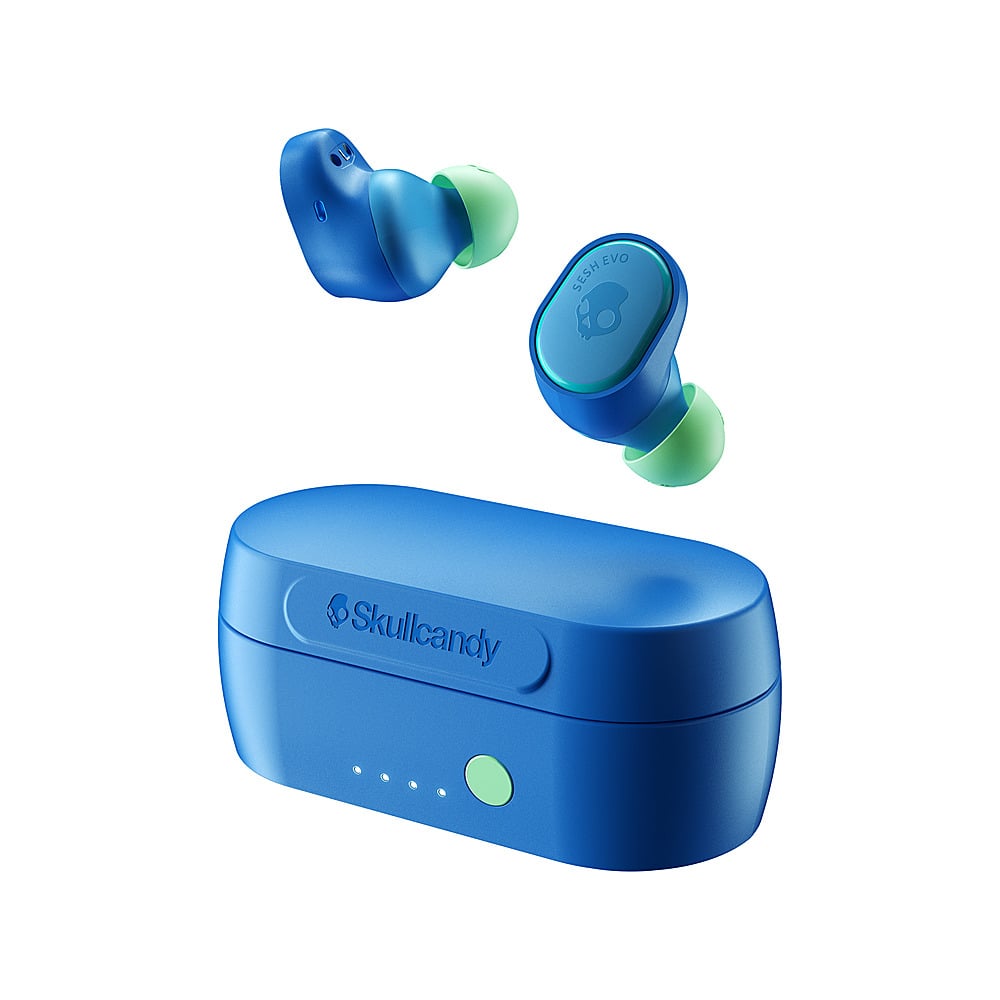
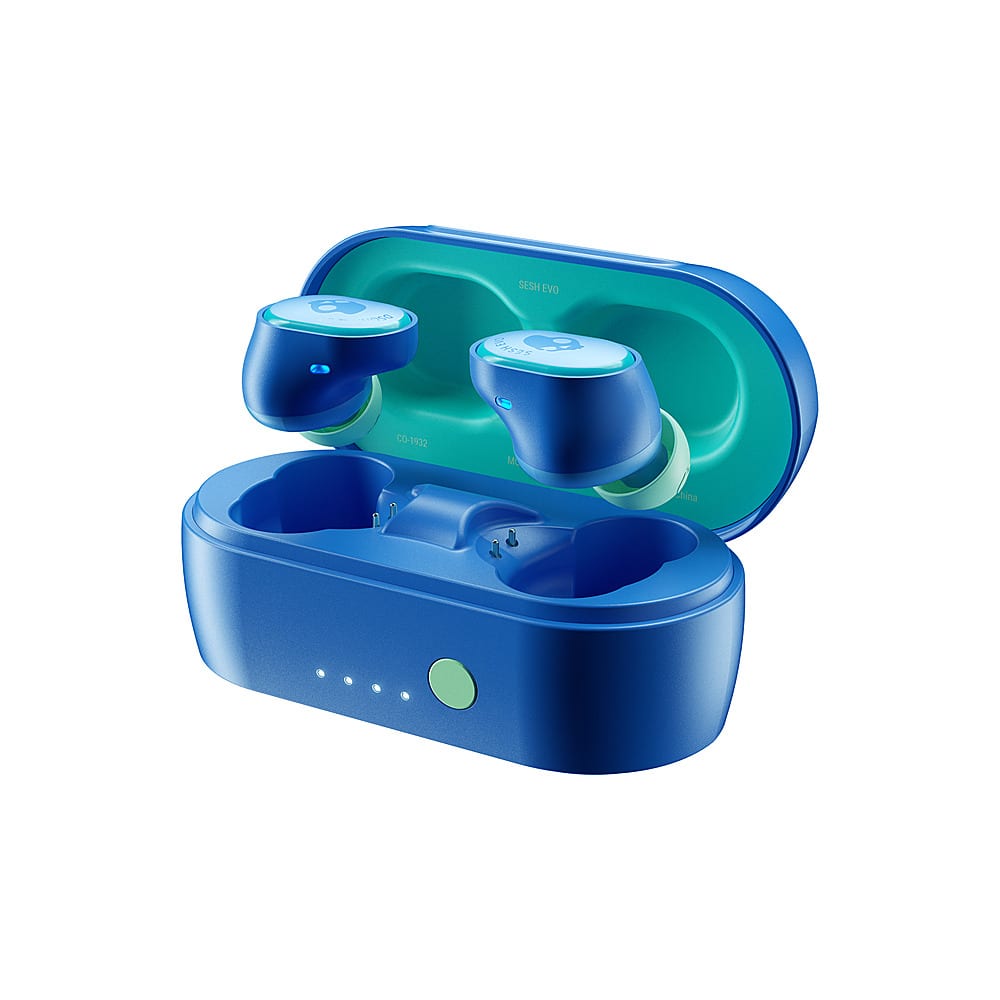
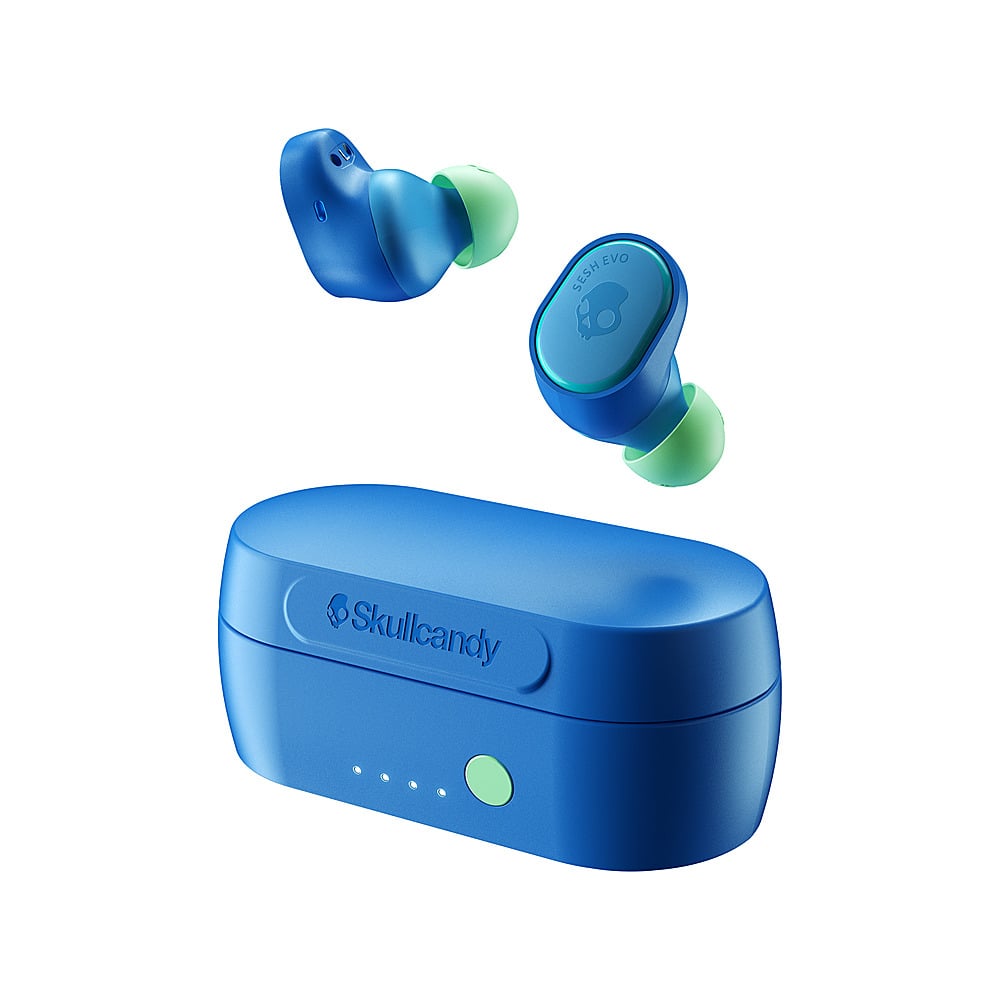
SOLUTION: To ensure ease of re-pairing, please unpair or forget your SESH® EVO in your paired Bluetooth device list Remove the SESH® EVO from the charging case and Manually Power OFF: Touch and hold BOTH buds for 6 seconds Once both buds have been powered OFF: Touch and hold each bud for 10 seconds to completely reset them (this will power cycle them on and off again). Once both buds have gone through the power cycle: Place the buds back in the case until both LED’s show red, and then pull them back out. Both buds will automatically power ON and the LED’s will simultaneously flash BLUE while they sync to each other. Once the buds have synced together: You will hear a tone to indicate the sync was successful and ONLY the LEFT bud will begin to flash RED/BLUE.