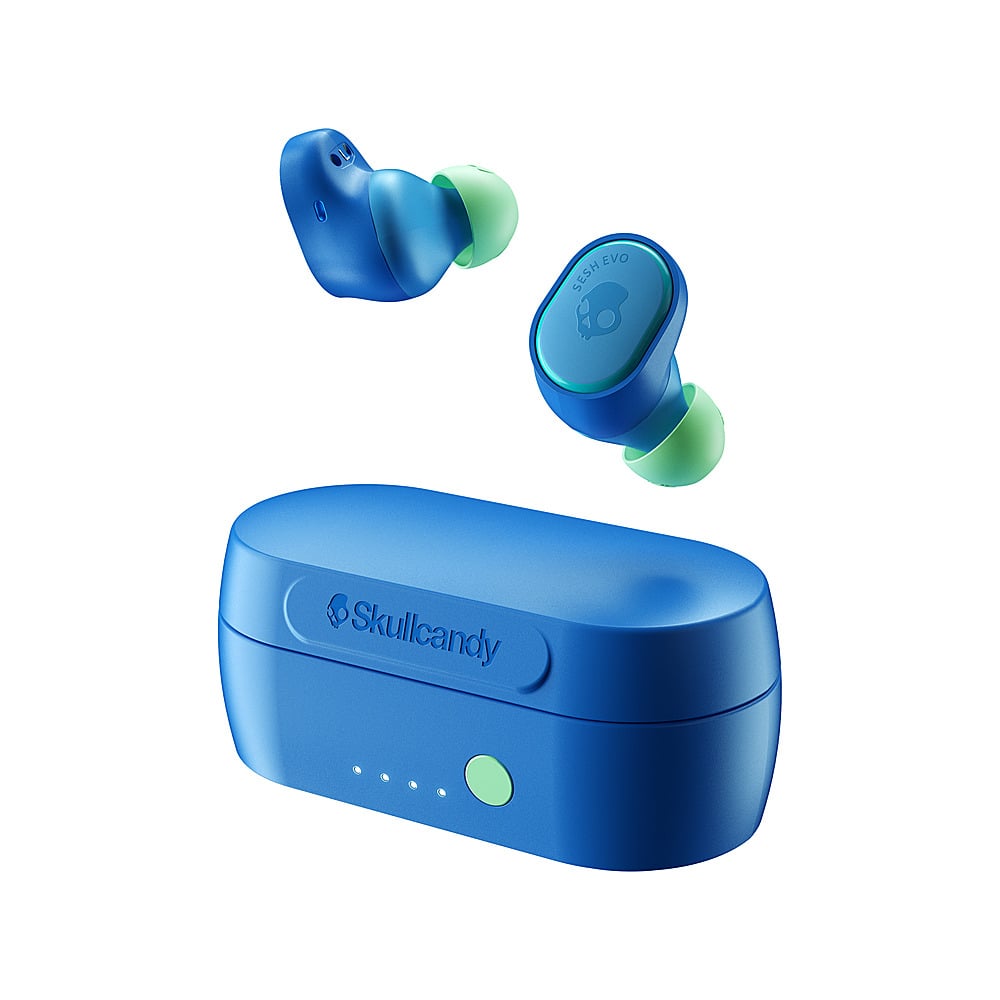
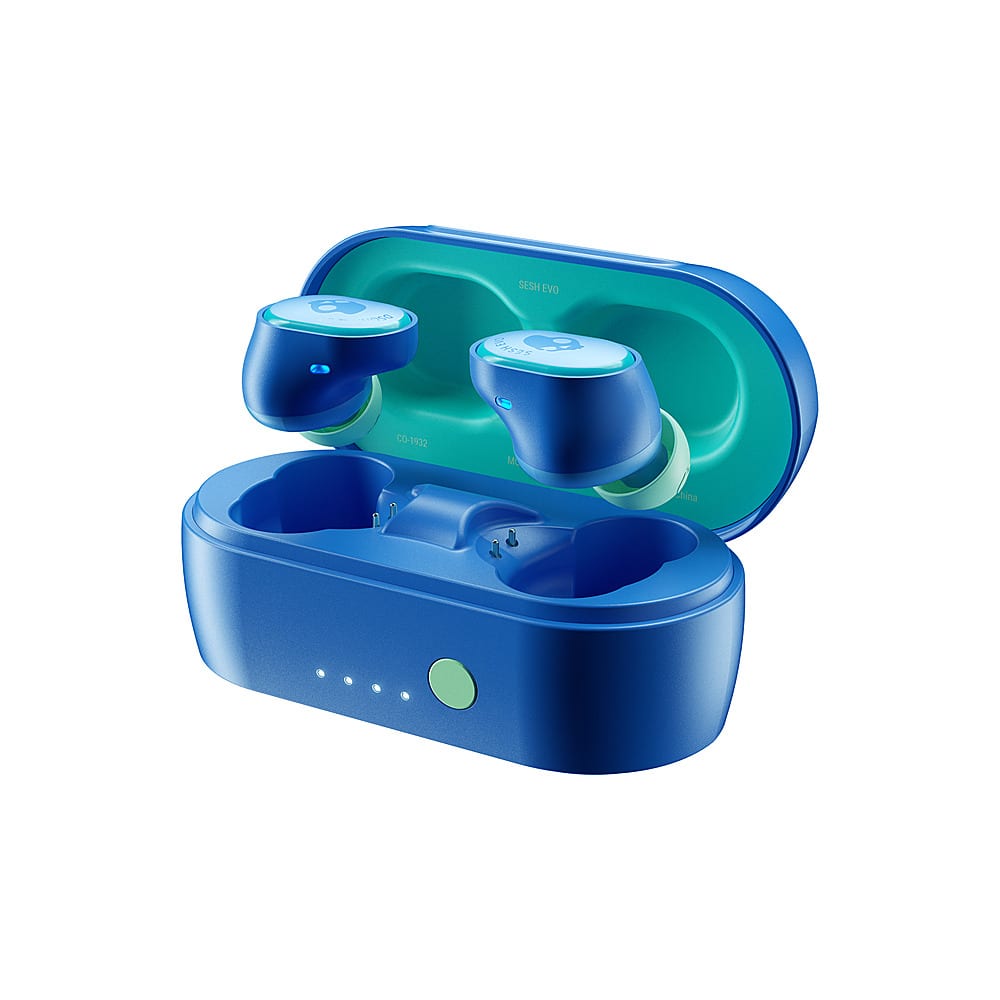
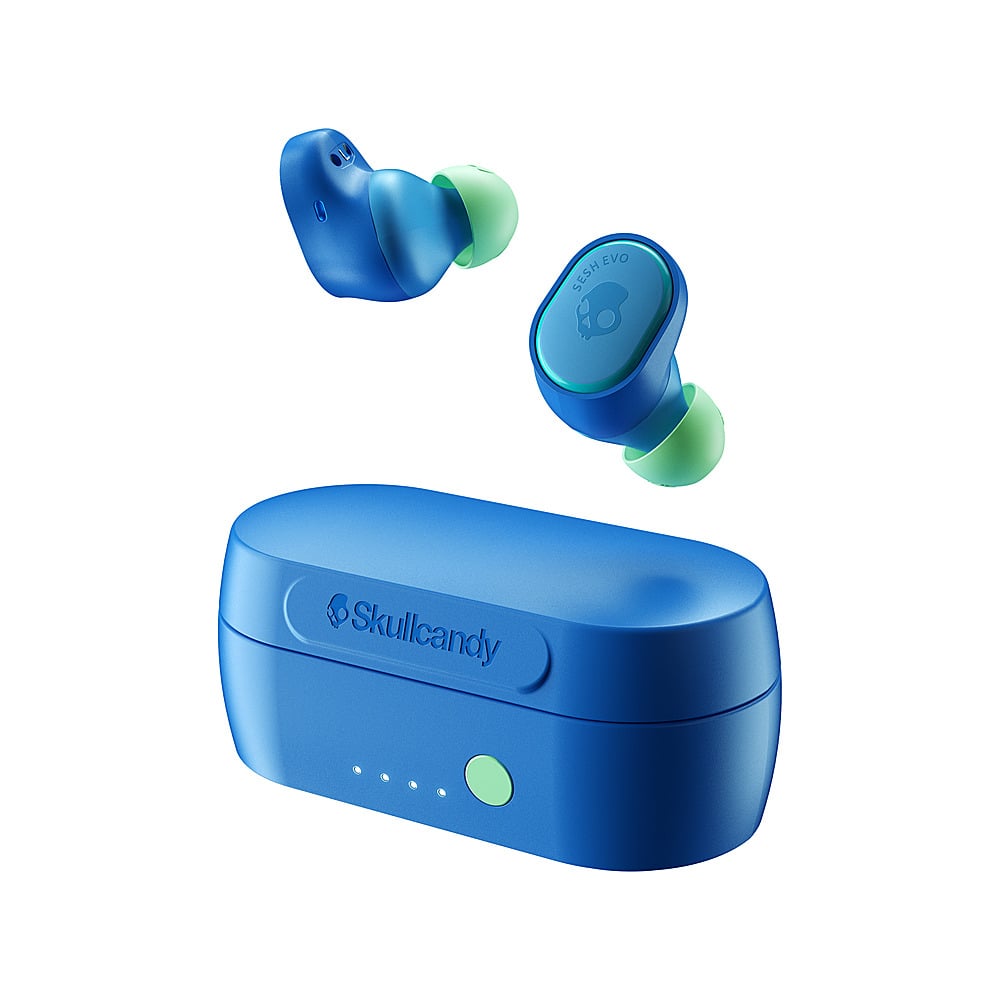
A:AnswerTo ensure re-pairing, please unpair or "forget" your SESH® EVO in your paired Bluetooth device list.
Remove the SESH® EVO from the charging case and Manually Power OFF:
Touch and hold BOTH buds for 4 seconds
Once both buds have been powered OFF:
Touch and hold each bud for 10 seconds to completely reset them (this will power cycle them on and off again).
Once both buds have gone through the power cycle:
Place the buds back in the case until both LED’s show red, and then pull them back out.
Both buds will automatically power ON and the LED’s will simultaneously flash BLUE while they sync to each other.
Once the buds have synced together:
You will hear a tone to indicate the sync was successful and ONLY the LEFT bud will begin to flash RED/BLUE.
At this time, turn on your device’s Bluetooth and look for SESH® EVO in your list of Available Bluetooth devices. Please make sure it only appears once, and select it.
IMPORTANT – Select all “Pair” and “Ok” prompts that will pop up on your screen.
Once successfully paired, a voice prompt will notify you are now “Connected
A:AnswerThe Sesh Evo are sweat resistant. This doesn't mean that they still might work for you. You can always buy individual earpieces on our website to replace broken or faulty ones.
A:AnswerDo not buy these, I am warning you. They have constant connection issues, they wont stay paired and the battery life varies with each earbud, sometimes lasting a few hours max and other times less than two hours.
A:AnswerThe LED will indicate when the SESH EVO is connected to a device, this is a blink. No steady LEDs will be displayed while in use. SESH EVO can rewind to the beginning of a track or track back/track forward.
A:AnswerBy ear covers I'm assuming you mean the covers for the tip? If so, yes, they do. I believe it only comes with a larger cover and a smaller cover, so three in total (including the regular cover that comes already on the earbuds.
A:AnswerMake sure you take the earbuds out of the case first. That automatically turns the power on. Hold on to the control (the skull on either earbud) for six (6) seconds. The instructional video on their website explains this better than the enclosed infographic manual. Good luck!