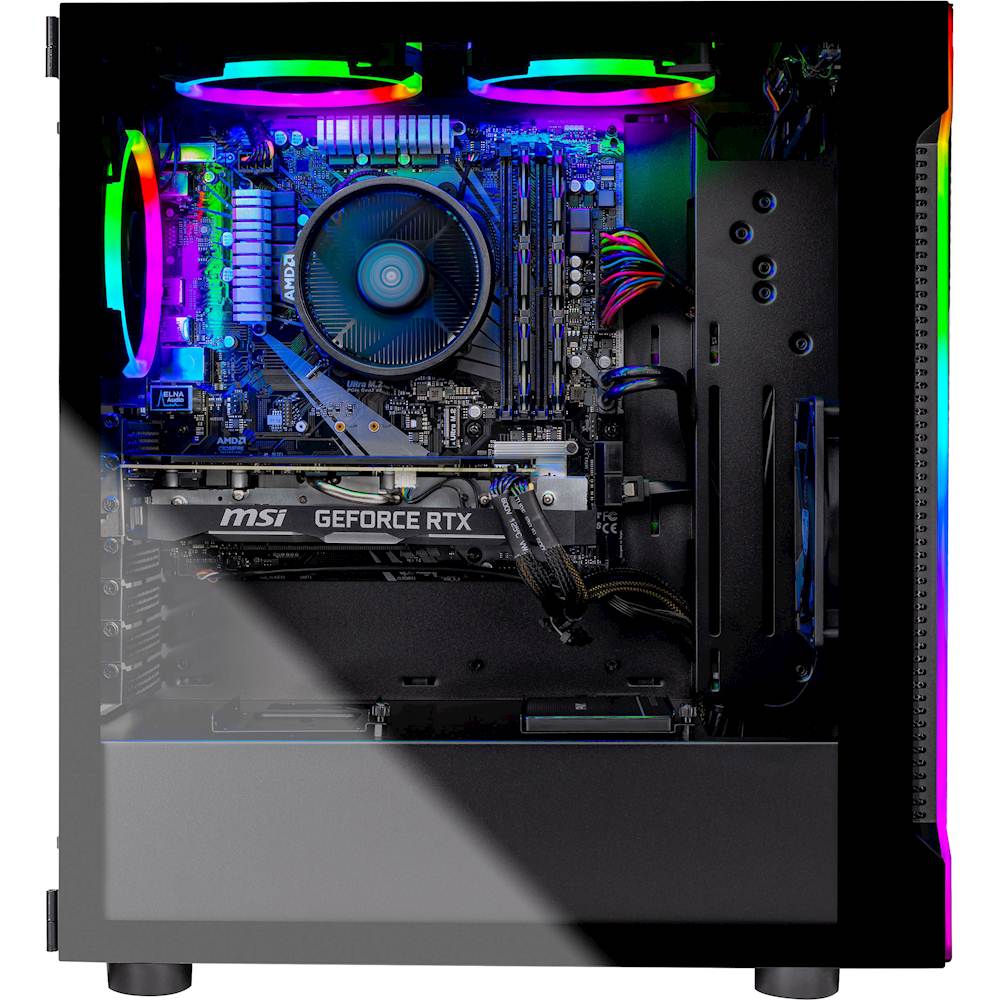
A:Answer 3200 even 3600 may run out of the box. 1.) Memory has info on the chip that recognizes it's speed. 2.) Some have stated that the chip & Motherboard will just see it automatically. 3.) To be sure, check your Bios and make sure that XMP (Extreme Memory Profiles) is set to 2.0 and/or on. Good Luck!
Check BIOS XMP:
Enter the BIOS and navigate to the Ai Tweaker section (or press F7 for a shortcut). Under Ai Overclock Tuner, find the XMP option and choose a profile to enable. After confirming that these are the settings you want, press F7 to exit Ai Tweaker and F10 to save and restart your PC for XMP settings to take effect.