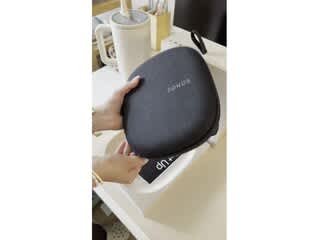
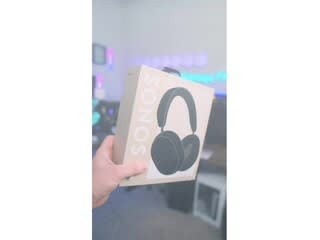
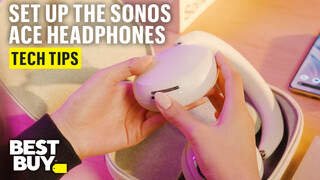
A:AnswerI often do this - listen to music from my phone while my wife watches tv. Note you can’t access, say, Sirius music though the Sonos app, you’ll need to have the Sirius App on your phone
A:AnswerI dont think so. I have a Playbar and the Sonos Ace cannot play audio from the Sonos app. To me, i dont see any benefit of them over ordinary bluetooth headphones such as Bose, Apple, Beats, etc. Maybe they will update?
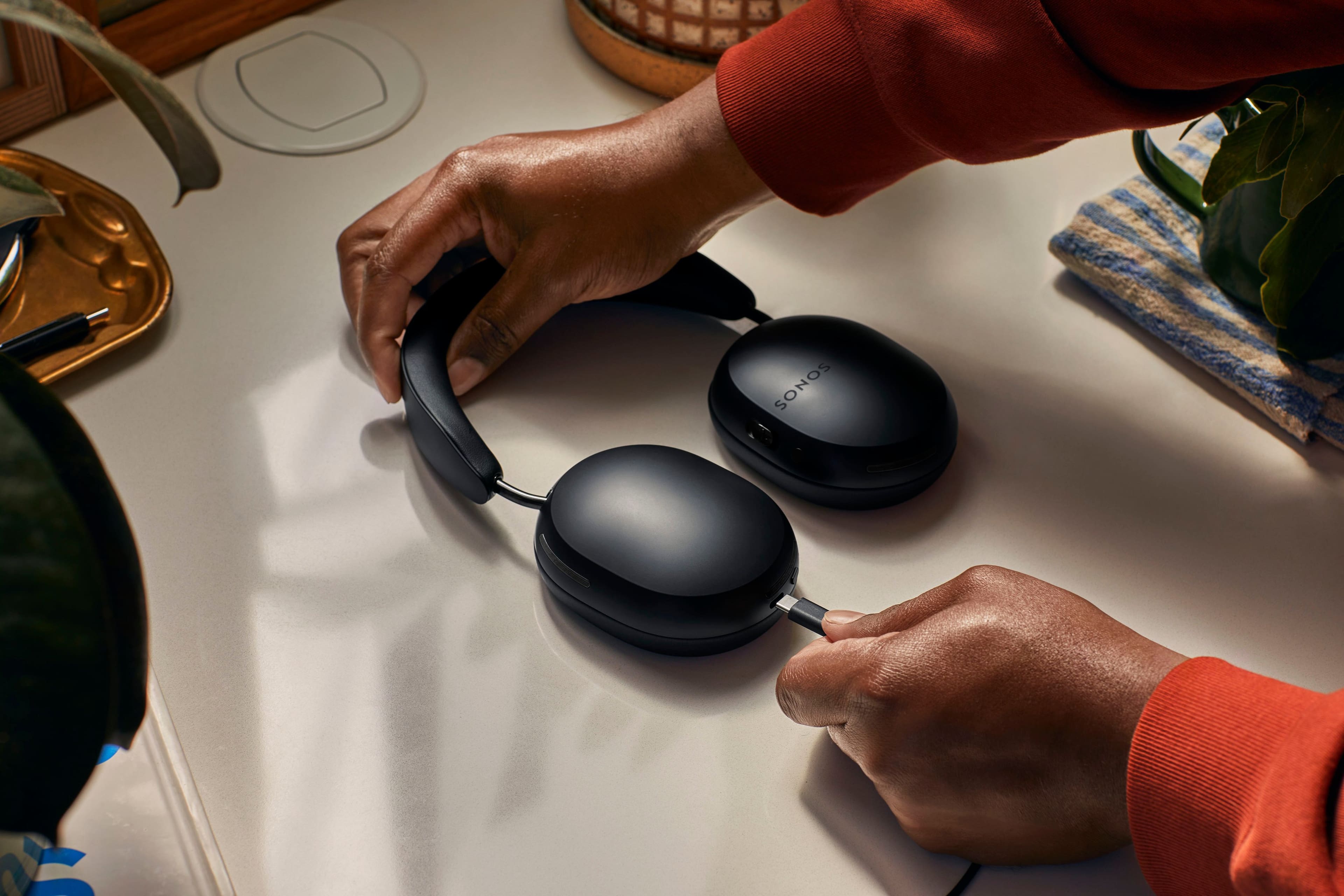
A:AnswerYes. It came with a wire for this. I used it in one hole of a double hole fitting without any issues. Ace must be charged and powered on though.
A:AnswerSync to phone via bluetooth. Supposedly, it can sync to Sonos Arc, but that feature is called "TV audio Swap" which leads me to believe it will be one or the other, not both simultaneously.
A:AnswerApparently not at launch, and not clear if it will come in the future either...also at launch, the handoff feature will only work with Arc owners using iOS.
A:AnswerSonos Ace is bluetooth compatible. As long as your receiver has bluetooth functionality you can connect these devices. Sonos Ace also supports USB to 3.5mm connection. This cable comes included with Ace. If you are looking for a wired solution this is a great option. Either way, Sonos Ace has you covered. I hope this helps! For a true no latency experience along with spatial audio and dynamic headtracking I recommend using the audio swap feature from either our Arc or Beam soundbars for a truly immersive experience on your Sonos Ace.
A:AnswerTrue Wireless
These headphones not only lack wires between the device and headphones, they also lack wires between the headphones themselves. (true wireless is really only possible with in-ear headphones)