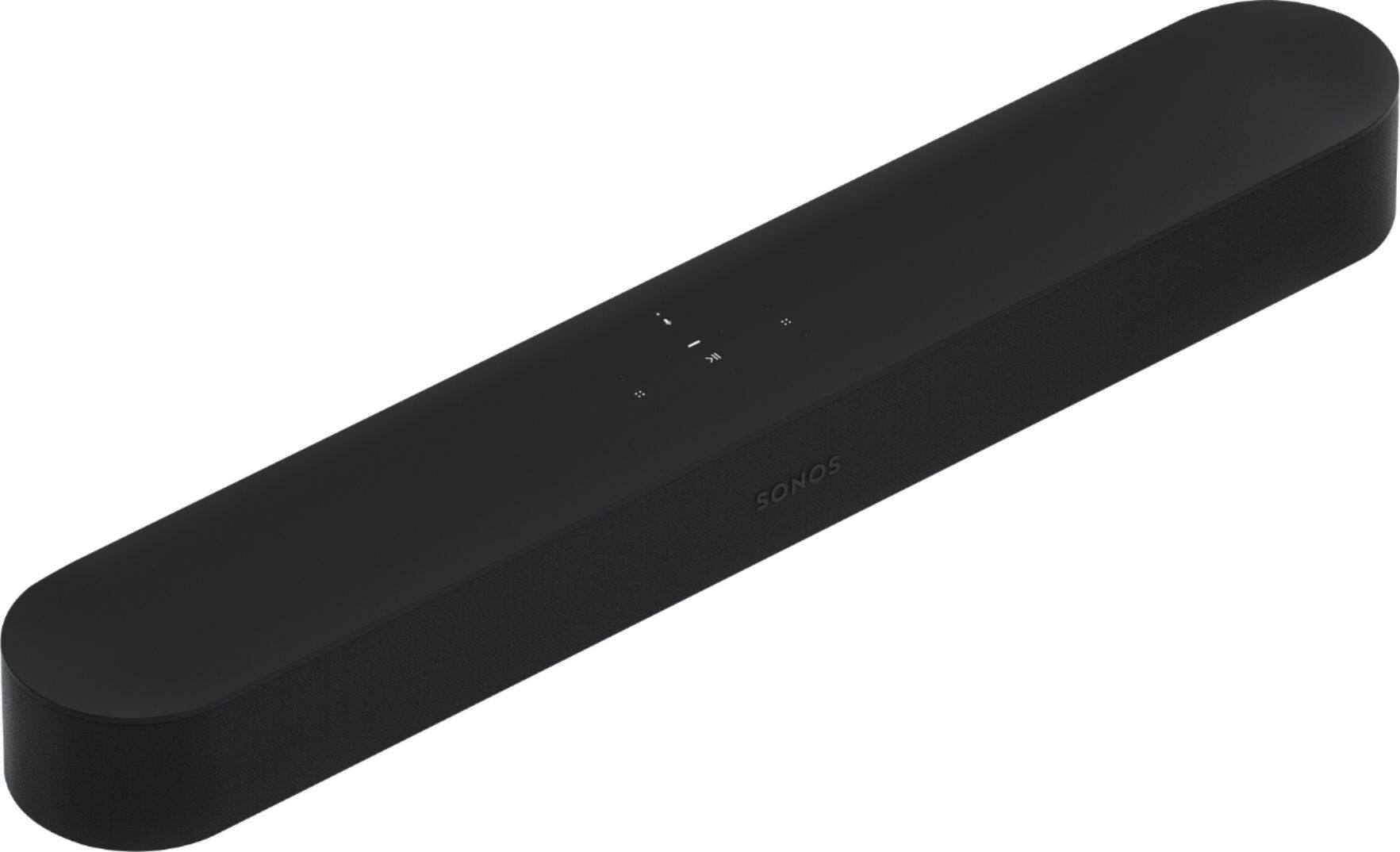
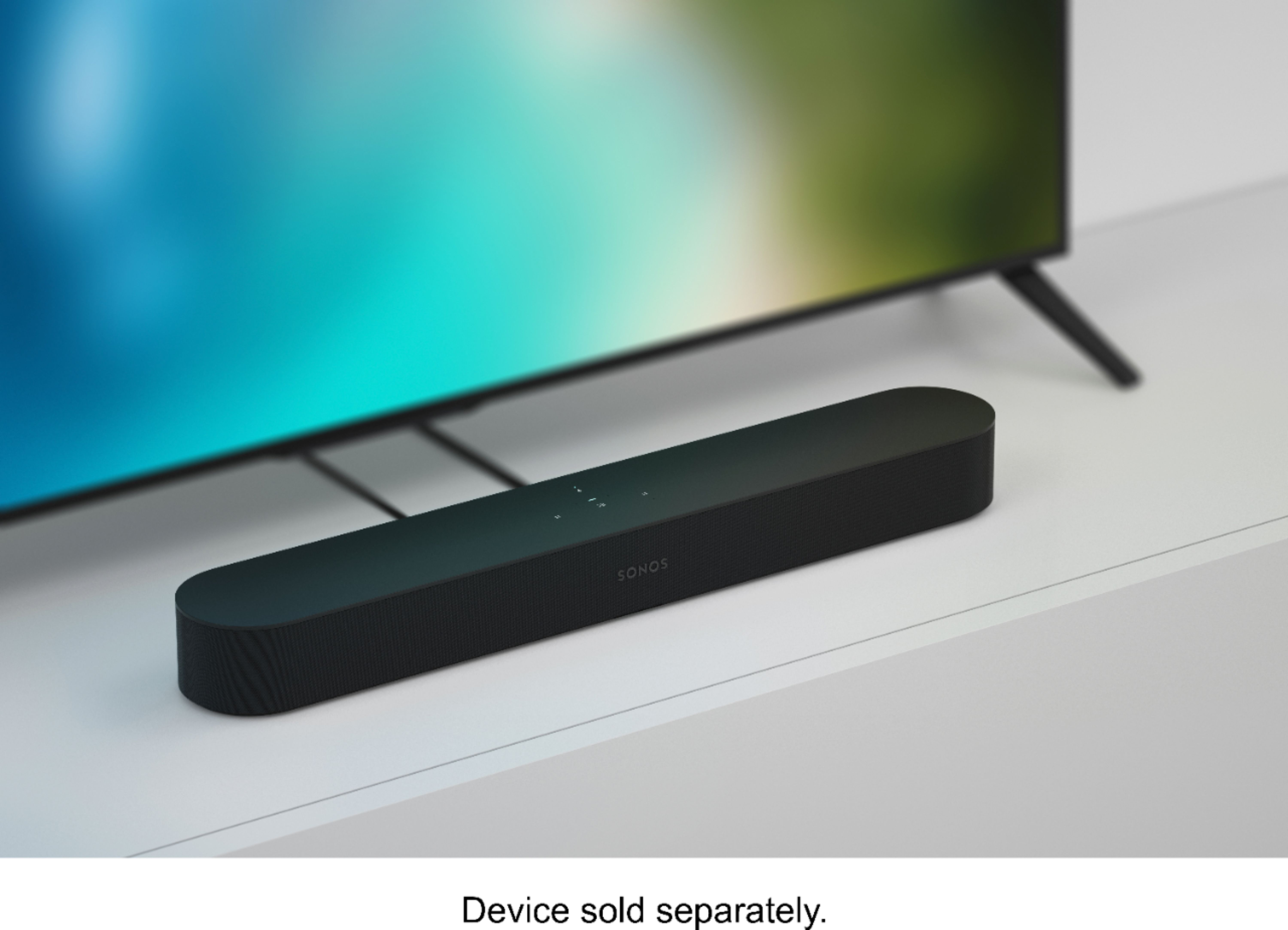
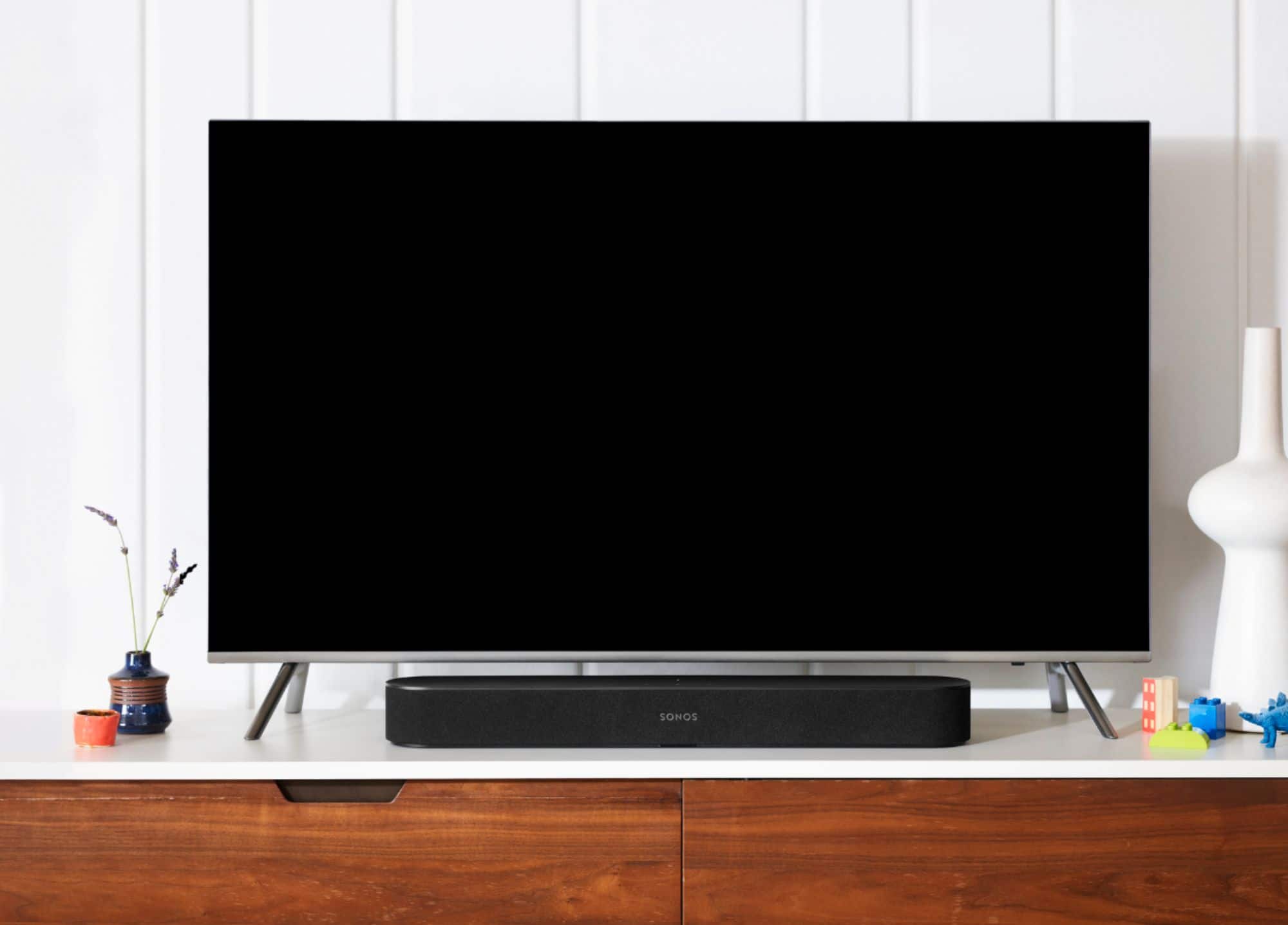
A:AnswerHi, thank you very much for your question. The set up you described is not supported by Sonos. We would ask that the Beam be connected directly to the TV as well as your sources.
A:AnswerThe Sonos Beam can only group with other Sonos speakers to play content in sync. Unfortunately, there are no headphones that have this capability to group with a Sonos system.
A:AnswerThe Beam is designed specifically to provide exceptional bass performance from a small form factor sound bar. The software inside of each Sonos player ensures that there is no distortion even at max volume.
A:AnswerThe Beam is a smaller form factor and has less speakers than the Playbar. The Beam also includes voice control and utilizes HDMI ARC (or digital optical with the included adapter) to receive sound from your television. Both sound incredible with both television content and playing music when your television is off!
A:AnswerThe Beam is compatible with those televisions either through the ARC port or by using the included digital optical adapter. The Beam does not use Bluetooth, but can stream music from over 80 music services (including Apple Music and Spotify) through the Sonos app on your phone over WiFi. This allows you to control your music from anywhere in your home as you are not restricted by the range of Bluetooth and ensures your content is not interrupted by notifications from your device.
A:AnswerThe Beam is designed to sound great with television content but also tuned specifically for music when music is playing. You can absolutely use it to sync the audio from the rest of your Sonos system!
A:AnswerThe Sonos Beam is a 3.0 sound bar in that it discretely plays the Left, Center, and Right channels. The Beam uses all of its speakers in an array to make sure that you hear sound where it is designed to come from!
A:AnswerThe only subwoofer that works with the Beam is the Sonos Sub. Fortunately, it a great Sub and will improve the fullness of the sound in your room regardless if you are watching a movie or listening to music!
A:AnswerI did not plug mine into the ARC port on my television. I used the HDMI - digital converter plug included with the sound bar and plugged the sound bar in to my television's digital audio port. If you do that, remember to remove the little rubber cap from the digital audio plug. Hope that helps.
A:AnswerGreat question! You can use the Beam and never link Alexa to your Sonos system by simply skipping that part of the set up process. If you would like to link your Amazon account to the Beam but disable Alexa at specific times you simply tap the microphone button on the Beam to disable the microphone and stop Alexa from listening.