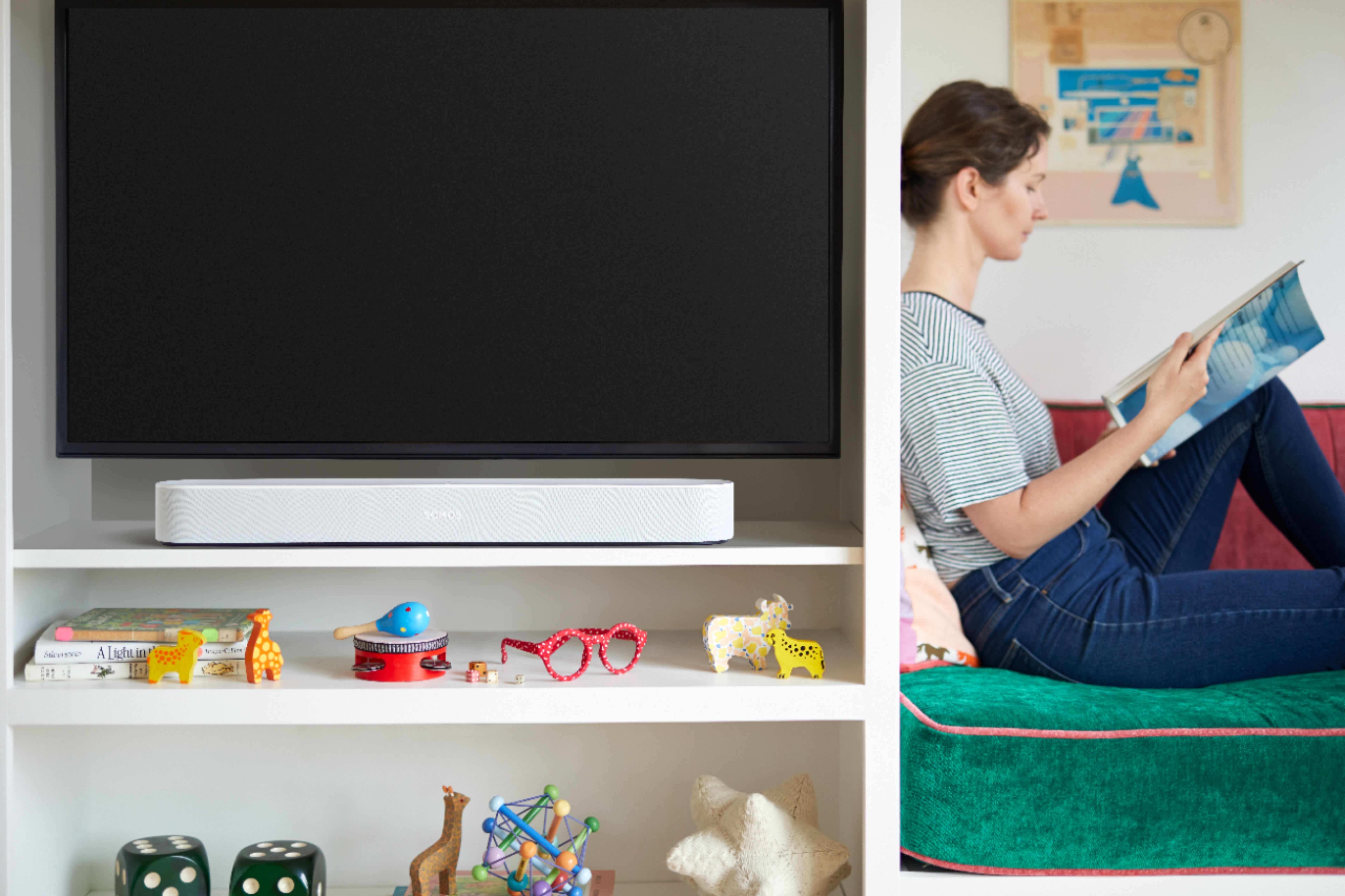
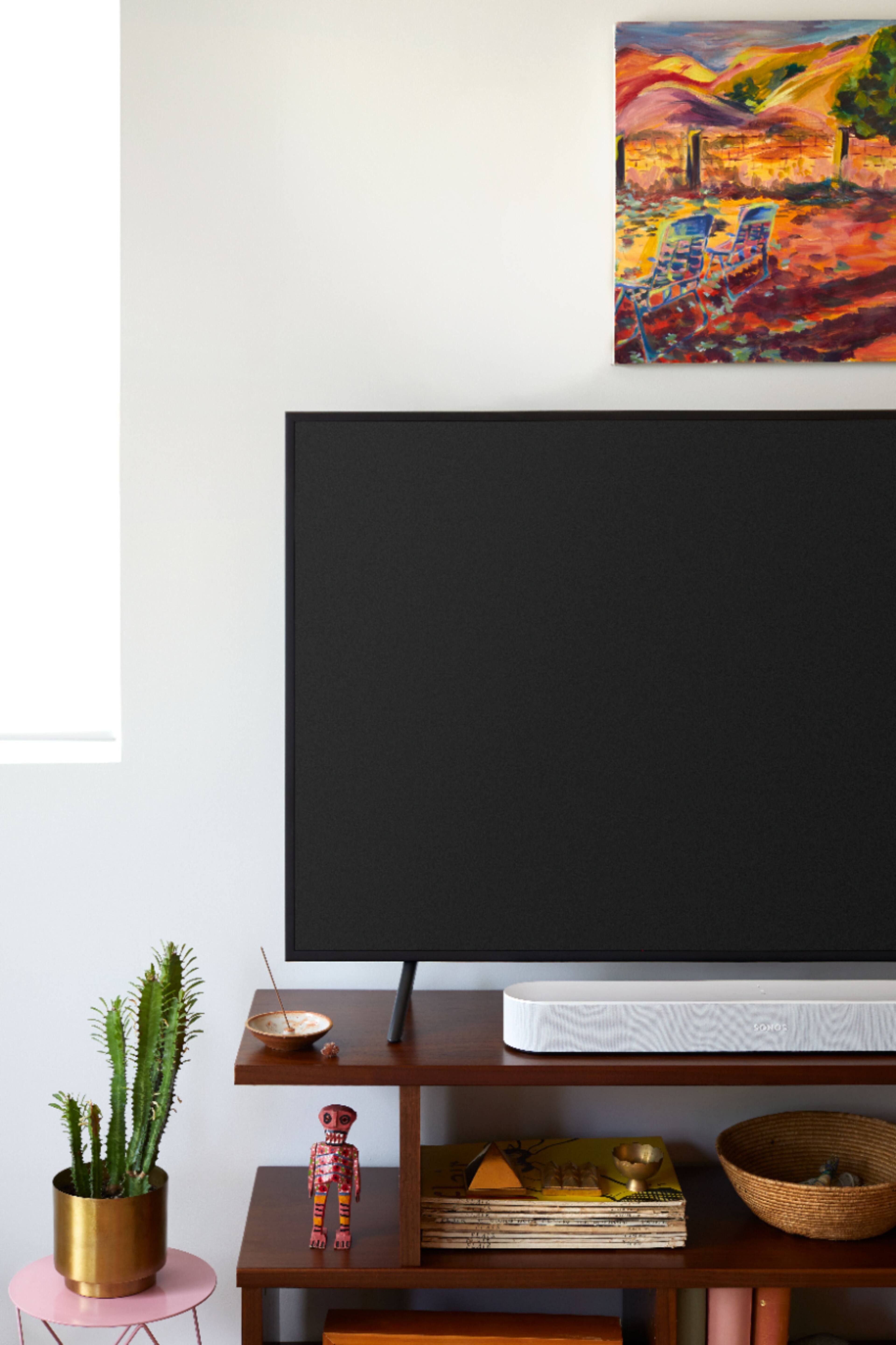
A:AnswerI bought my beam to replace the reciever and use an amp to output to my old rear surrounds and my subwoofer....gable box connects to tv...bye bye receiver and multiple remotes
A:AnswerYes you can. I use mine on my gaming PC for when I’m not using my headphones. You will need to run either an HDMI or optical (toslink) cable from your PC though. Sonos includes an optical to HDMI adapter in the box for you. If you’re on a newer Mac, you can set it as the default audio output and stream to it via Airplay 2.
A:AnswerGreetings, Yes it is compatible with the Remote IR sensor. i have synchronize mine using the app, very intuitive and easy to set up as well. Good luck.
A:AnswerYes, BEAM support Airplay 2, so you can airplay sound directly to the BEAM....it's audio only though. You can also stream directly to Apple TV and the BEAM plays the audio fine.
A:AnswerYou can add as many speakers as you would like to, easy to sync and set up, or use the multi room feature to extend the audio over the entire house/
A:AnswerI've tried Netflix and Youtube apps direct on my TV and the BEAM sound is excellent...of course, it's only as good as the source audio in the video itself...but for Music Videos, etc. it works good. Also, if you have Apple TV, sound works well as well..i stream from my iPhone to an old Apple TV and the Sound of the the BEAM is excellent.
A:AnswerNo, the Sonos Beam does not have Bluetooth capability.. It connects to your home WiFi network. Once on your wifi you can add your SiriusXM and Pandora accounts via the Sonos App.
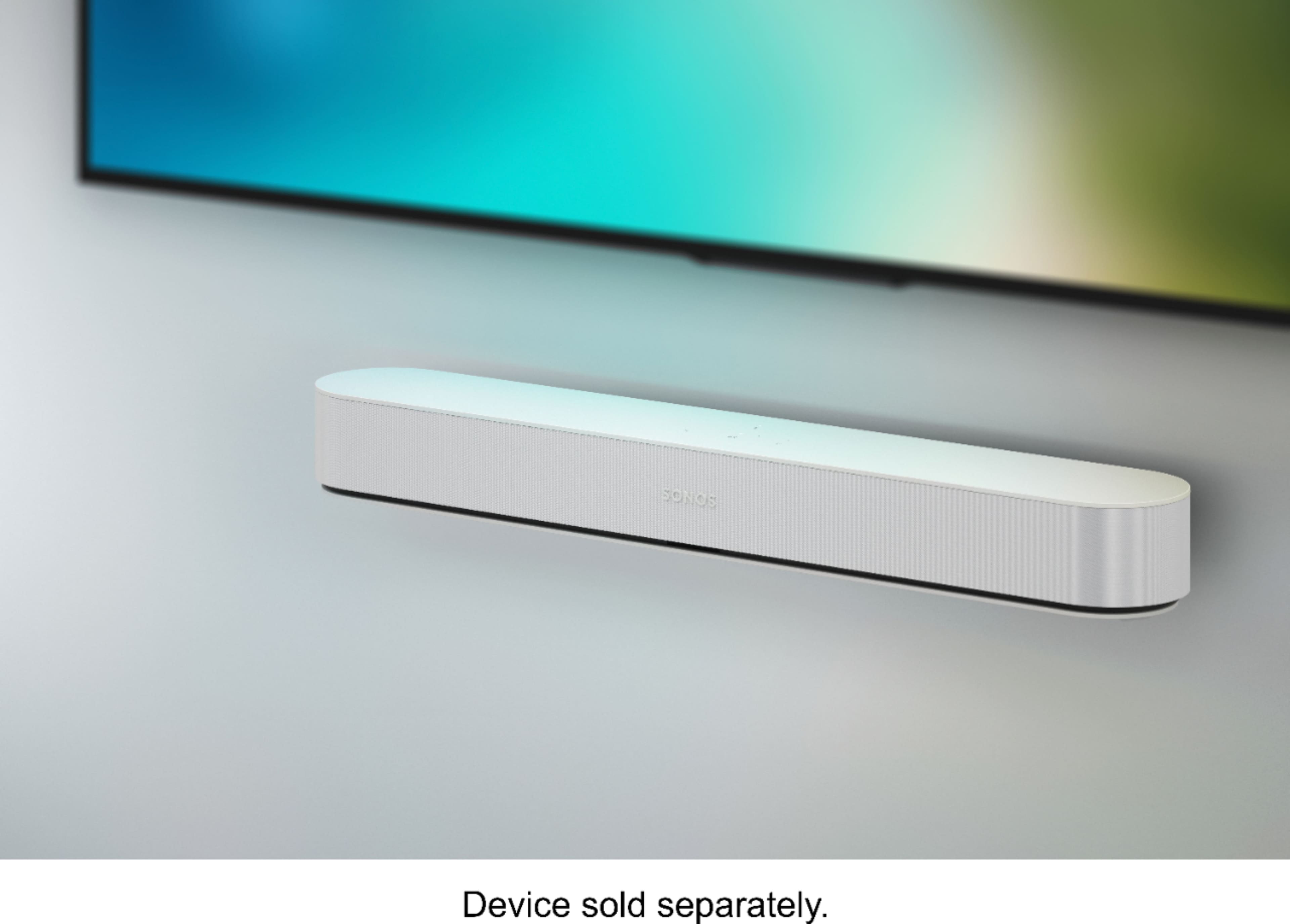
A:AnswerThe Sonos Mount ( which is sold separately) does not swivel, it mount flush to the wall. Unless your TV mount includes a mount for the Sonos Beam ( which would be unusual) you’ll need to mount it flush with the wall.