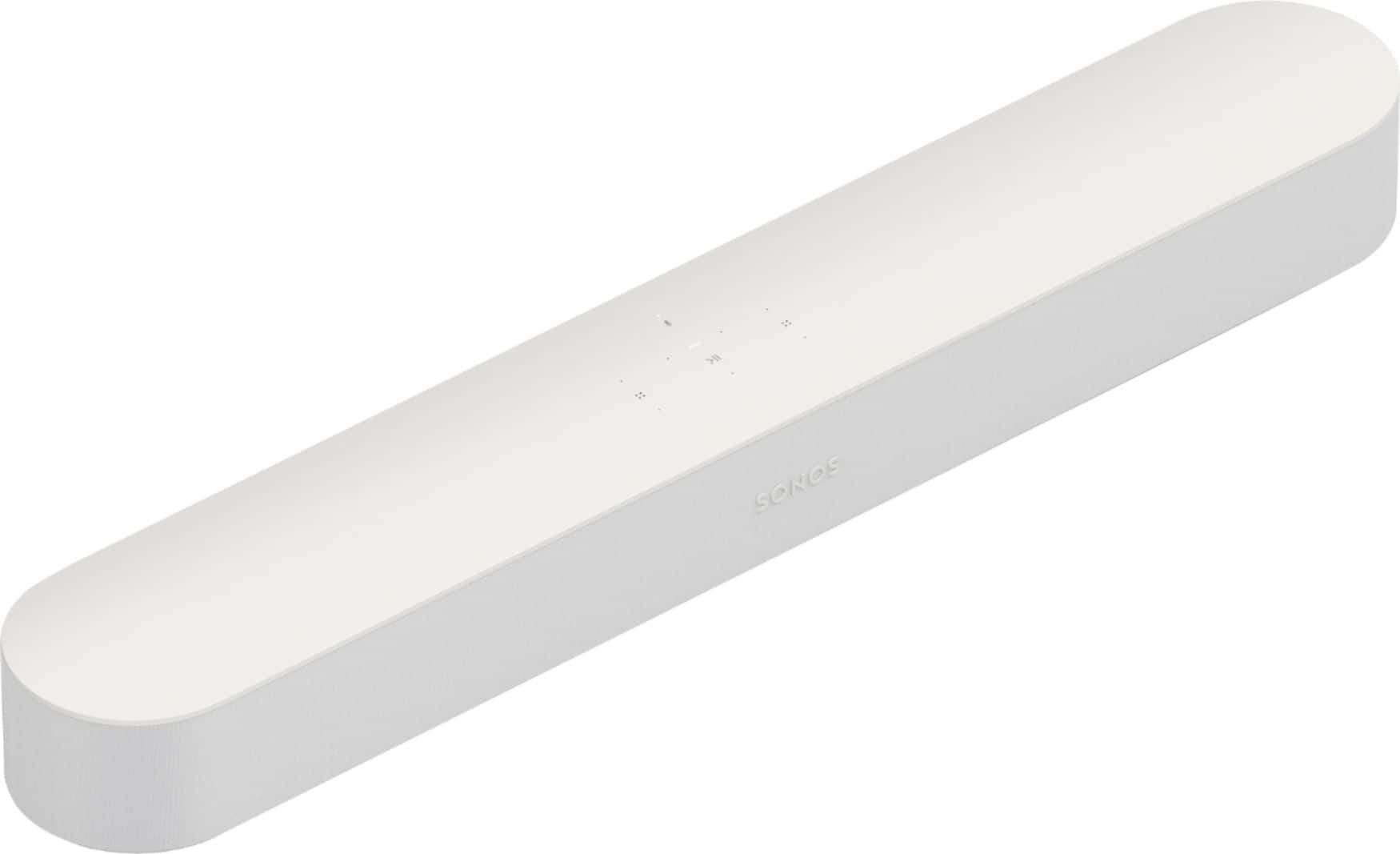
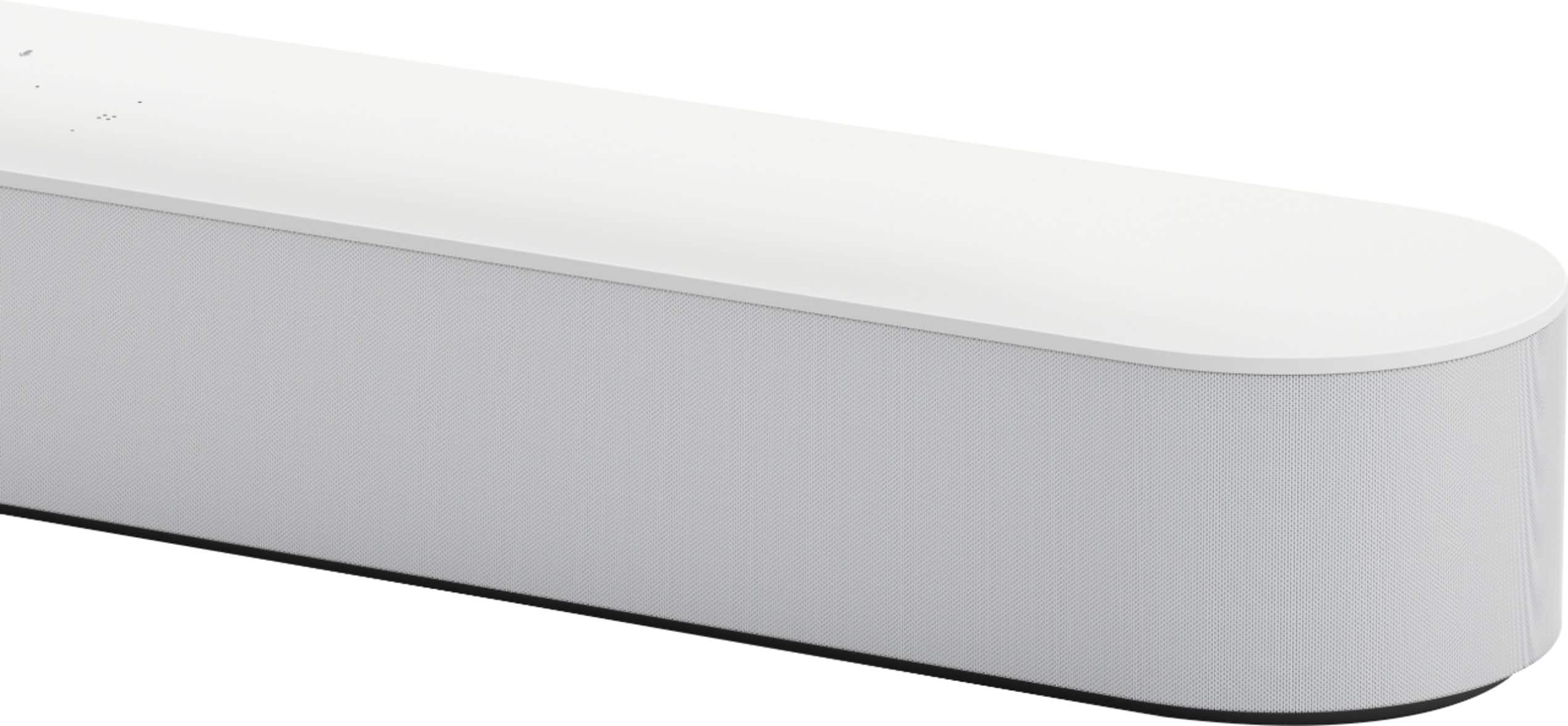
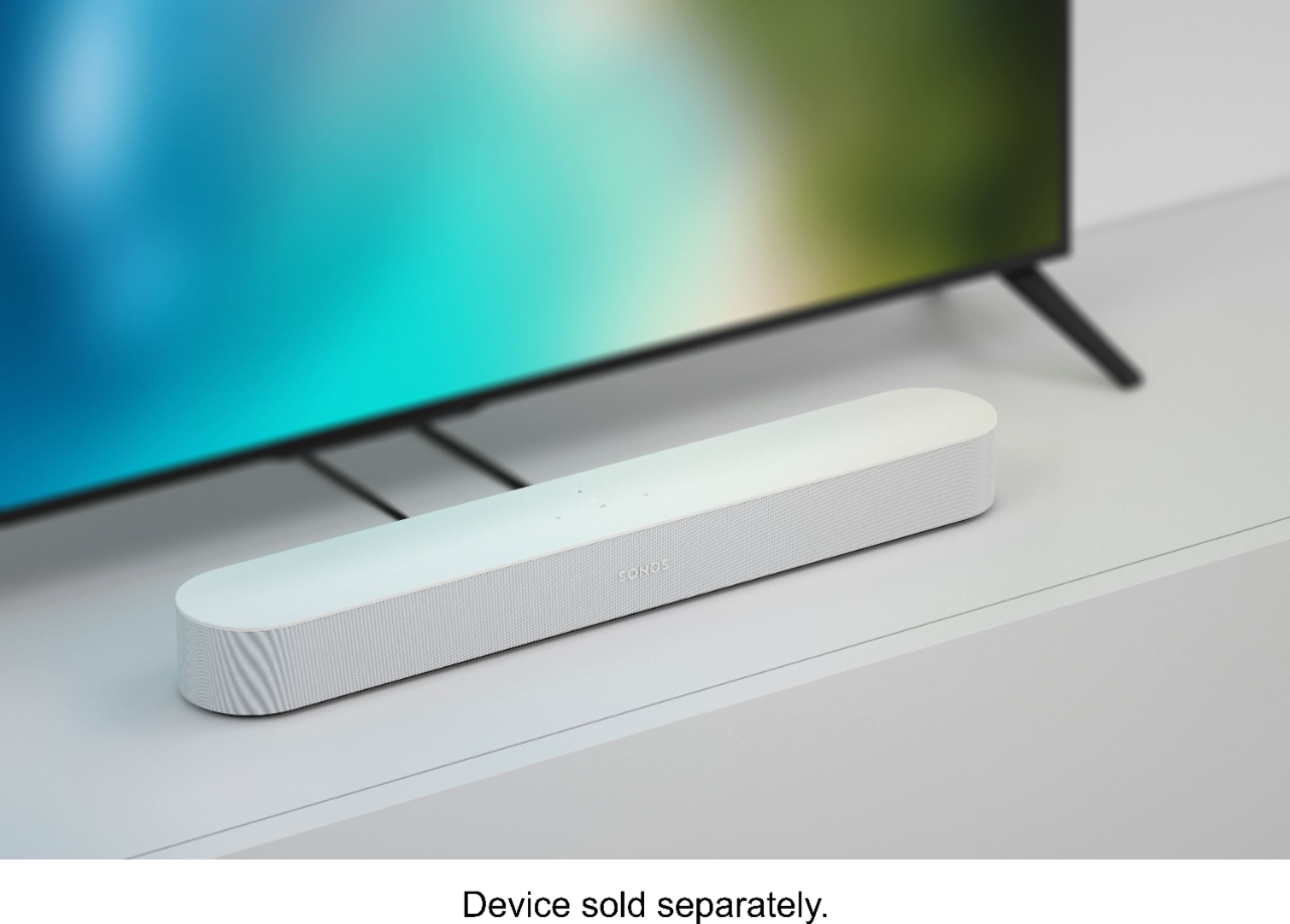
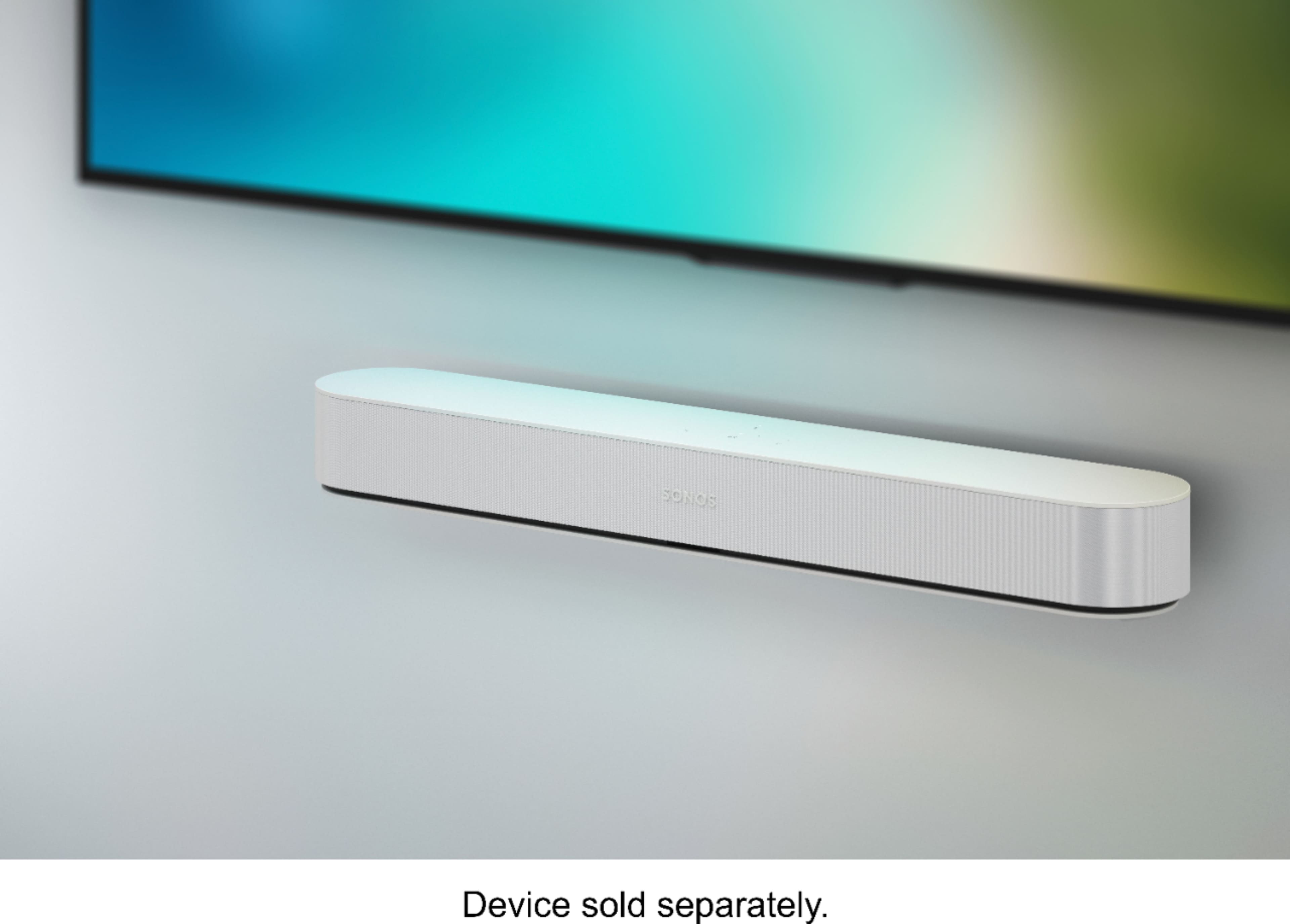
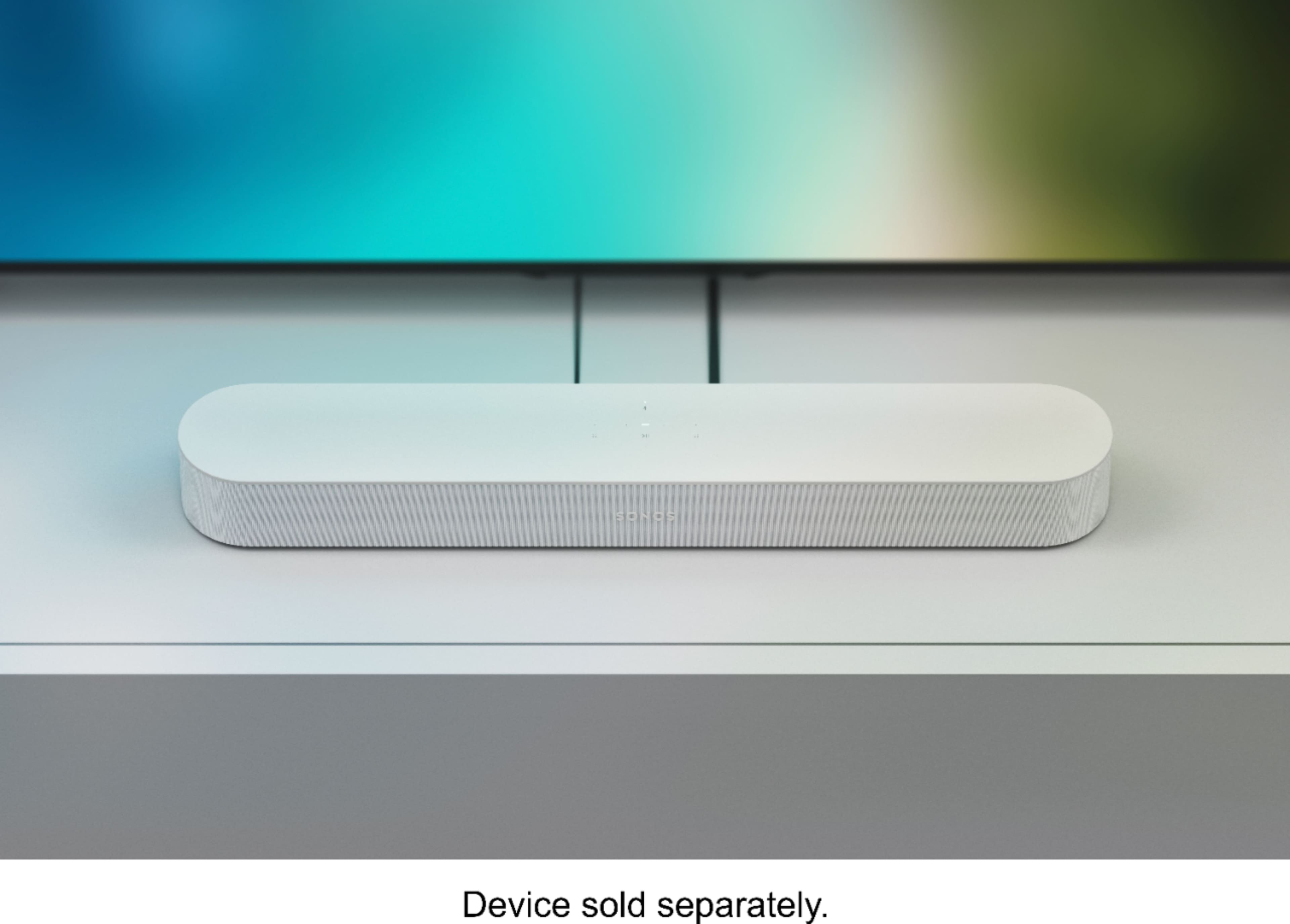
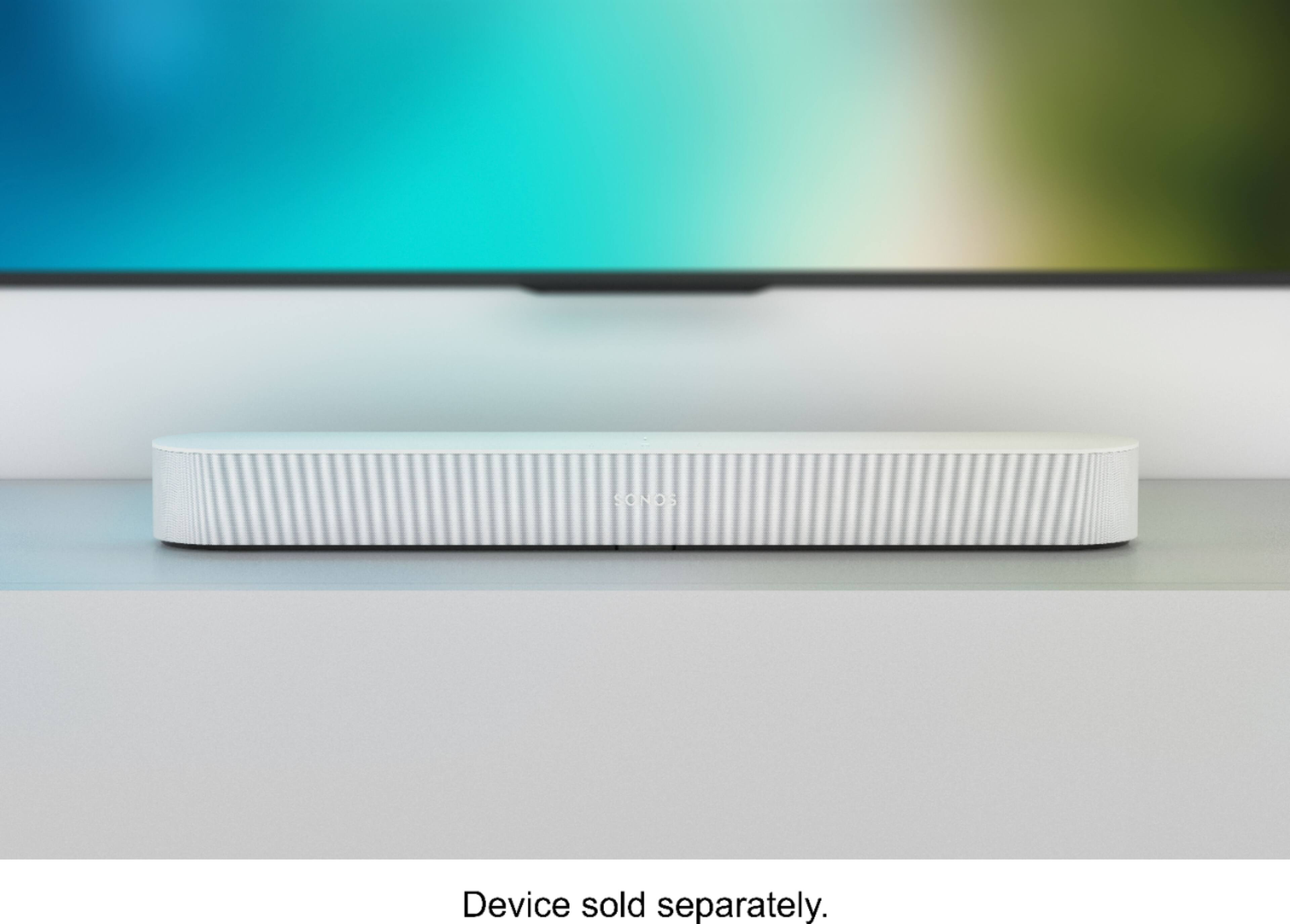
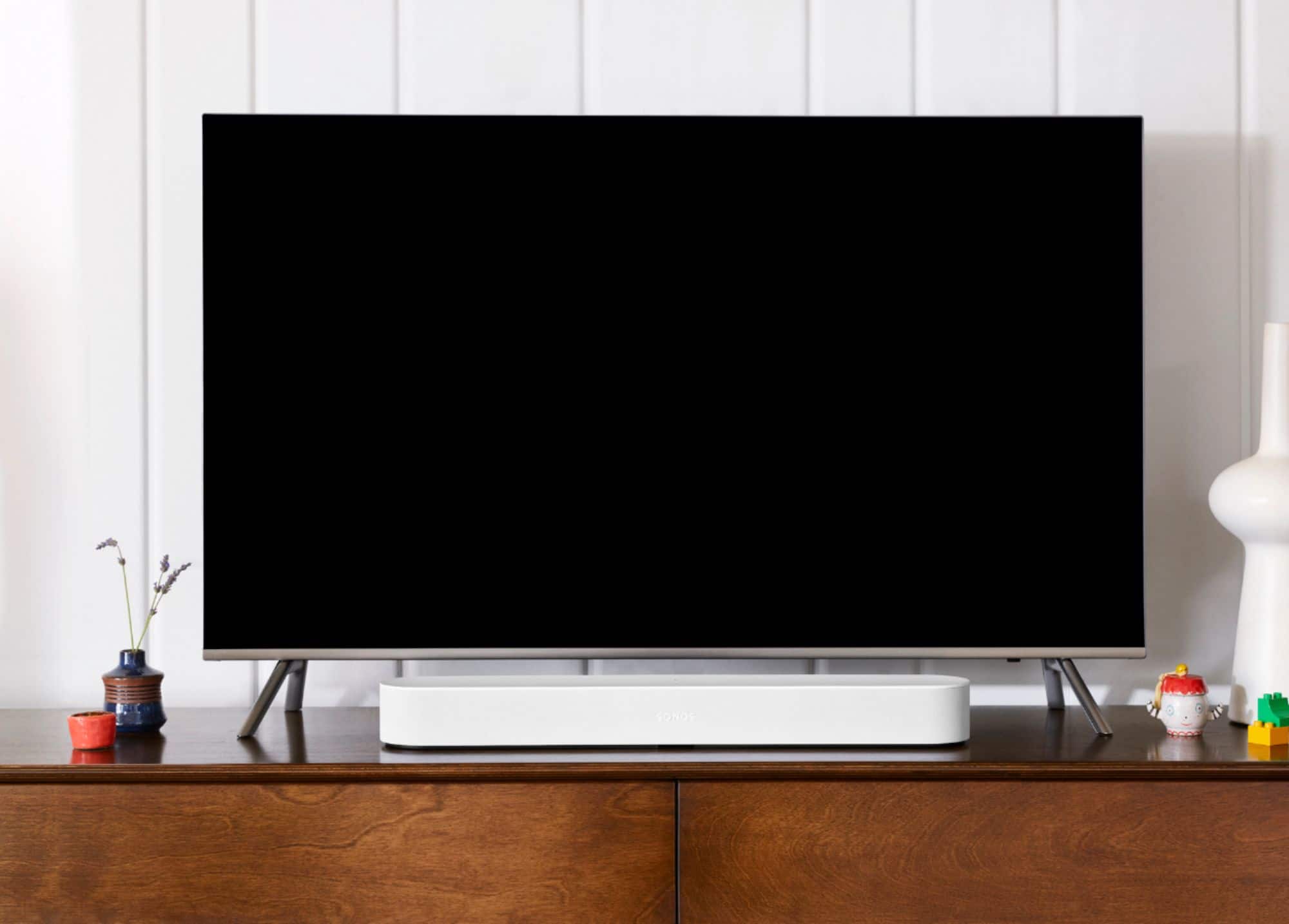
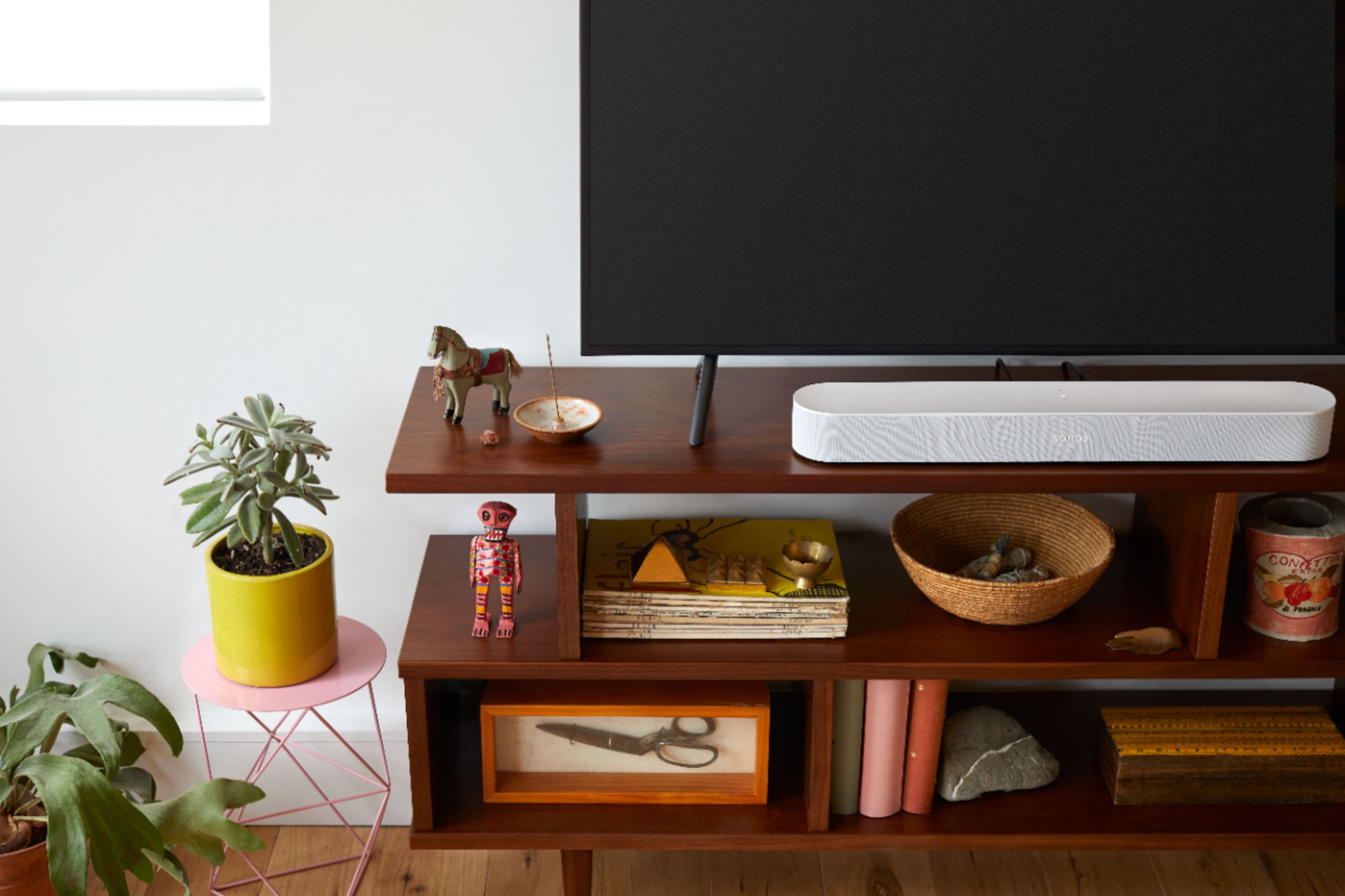
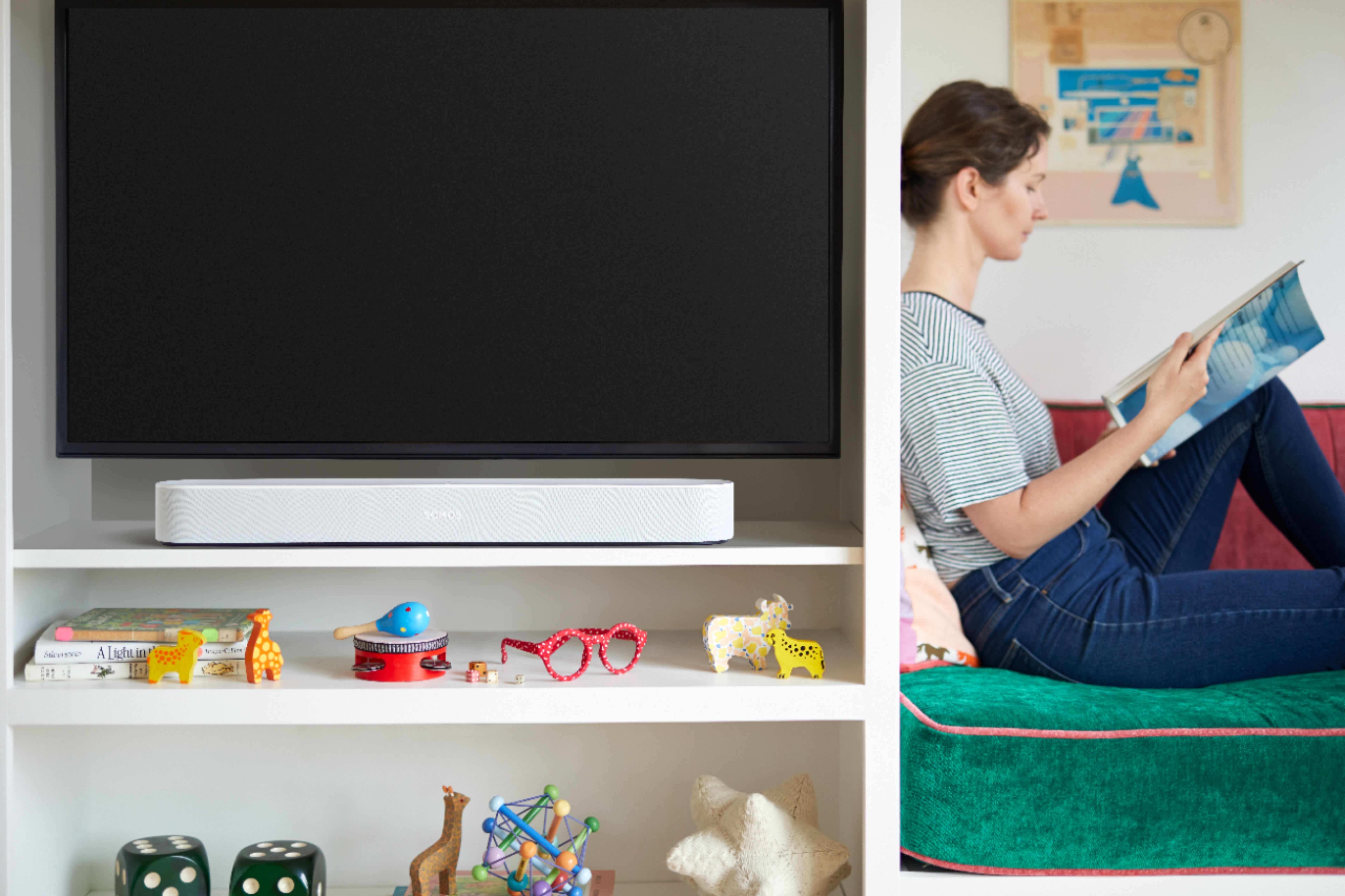
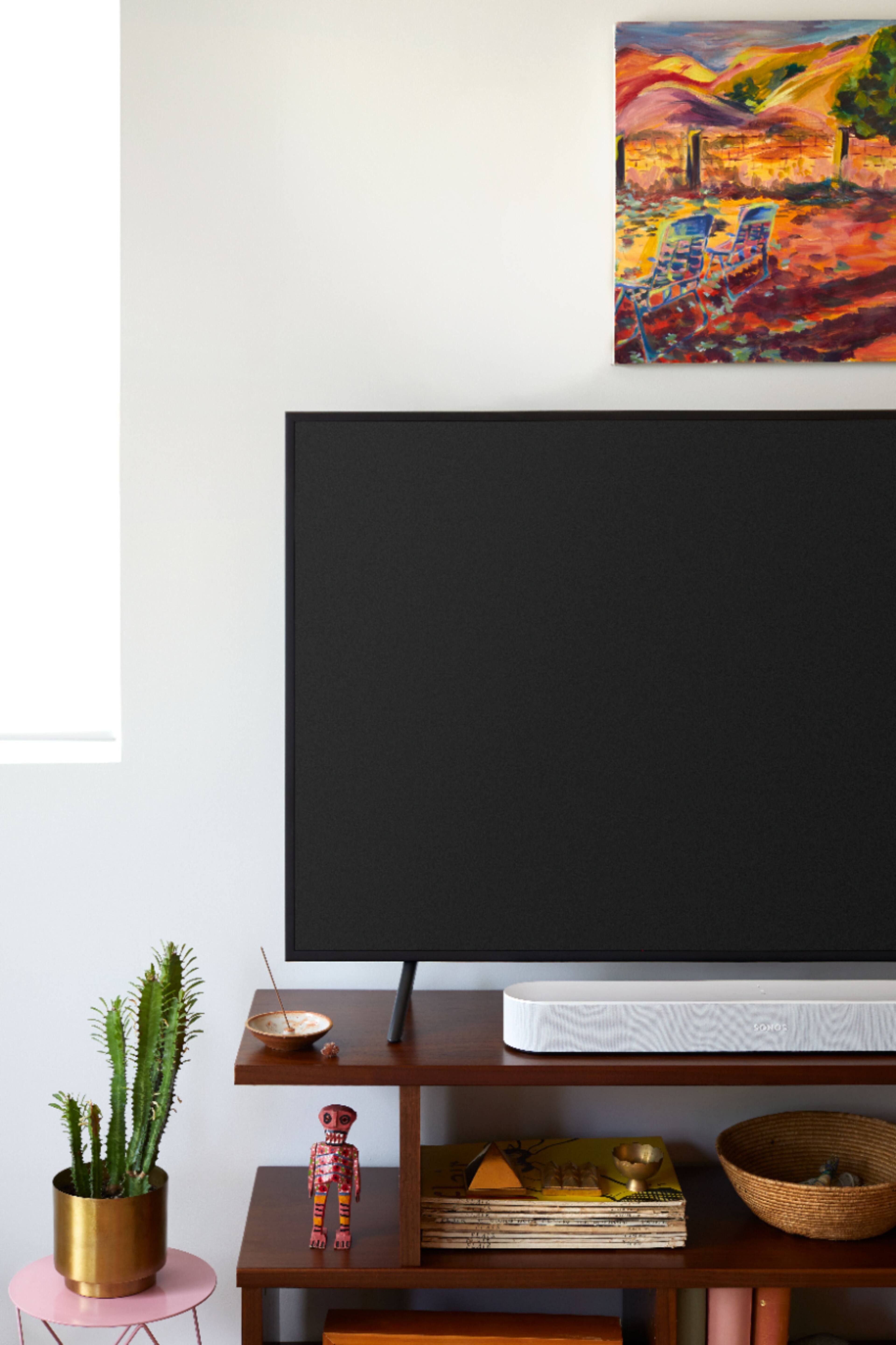
A:AnswerHey, Not sure I would place TV on top, although it appears sturdy enough to hold it. The beam has its navigation buttons on top, so that may be an issue. if you do, You can control the beam with your app or TV remote. Good luck!
A:AnswerIn the new S2 app you can pair 2 subs. But i believe one of them may have to be the new Generation. More power to you if your going to throw down that much money for two subs. One sounds amazing, two has to be insane.
A:AnswerYou set up a Sonos account and just make sure you are on the same network. You can play music if it is linked to this account. There is Alexa also so you link it to that as well.
A:AnswerIf you have an "Optical Out" port on your TV, you can use an optical cable and the optical to HDMI adapter that comes with Beam. Then you can plug your TV into the HDMI port on the Beam
A:AnswerThis is the soft question. Good is variable that is defined by the individual listening. The beam will sound better than the TV alone.
The beam is nice for its ease of installation. You can use it with or without a sub.
Look at your budget first - how much are you willing to spend?
The Sonos Arc is better a sub will add dimension and a robust sound.
If you watch movies or a lot of Netflix I would recommend the sub at a minimum or get a 5.1 surround kit
This is my favorite sound bar. it gives a true theater experience and is truly stunning. https://us.creative.com/soniccarrier/
Also industry experts tend to agree that sound is as important or more important than image.
https://www.lafilm.edu/blog/the-importance-of-sound/
A:Answerlook at the pics of the back of the beam available at Sonos main site or google the user guide.
There is a data port in the back for ethernet cable. You will need to connect to internet for firmware updates and initial setup.