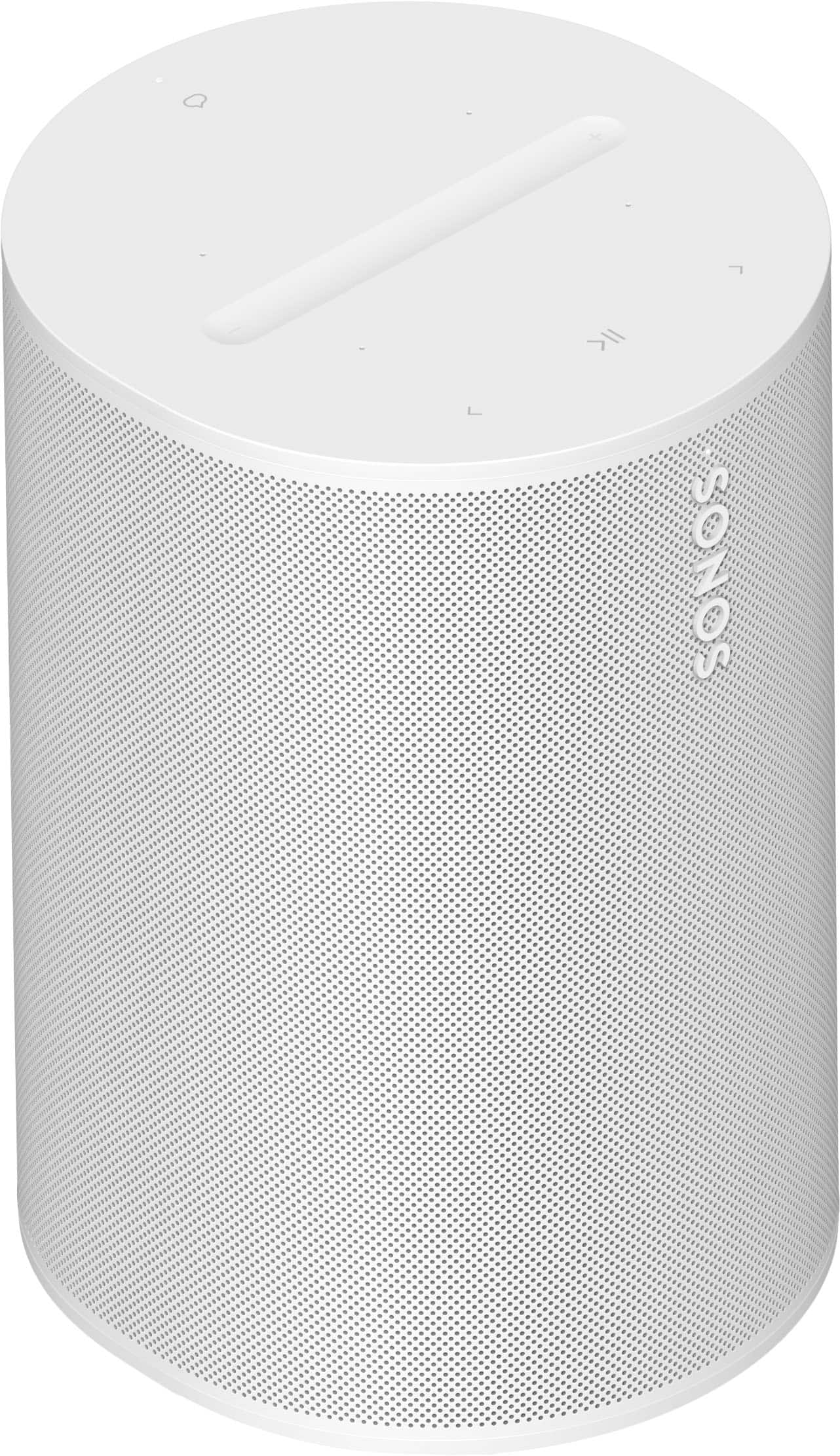
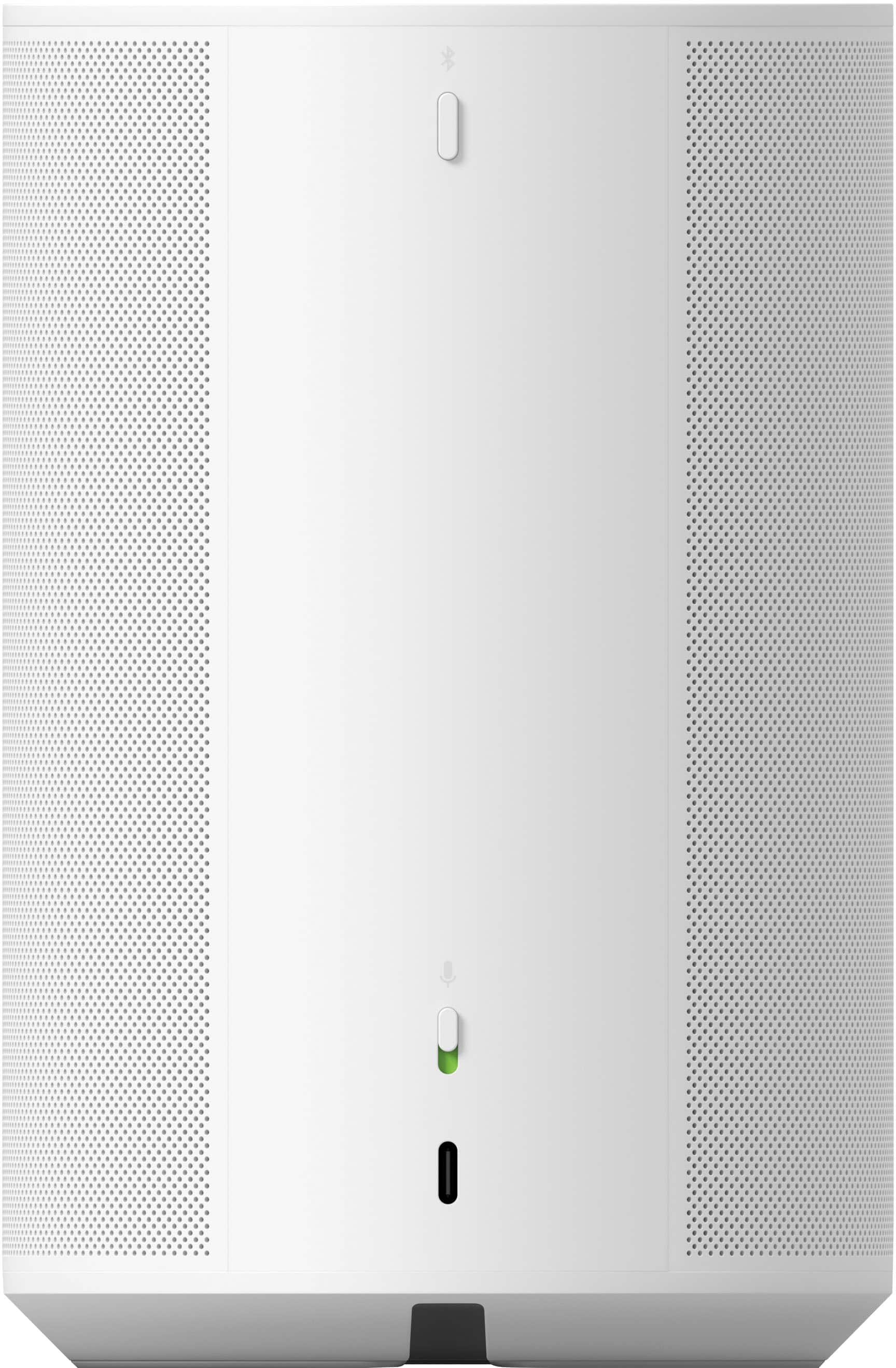
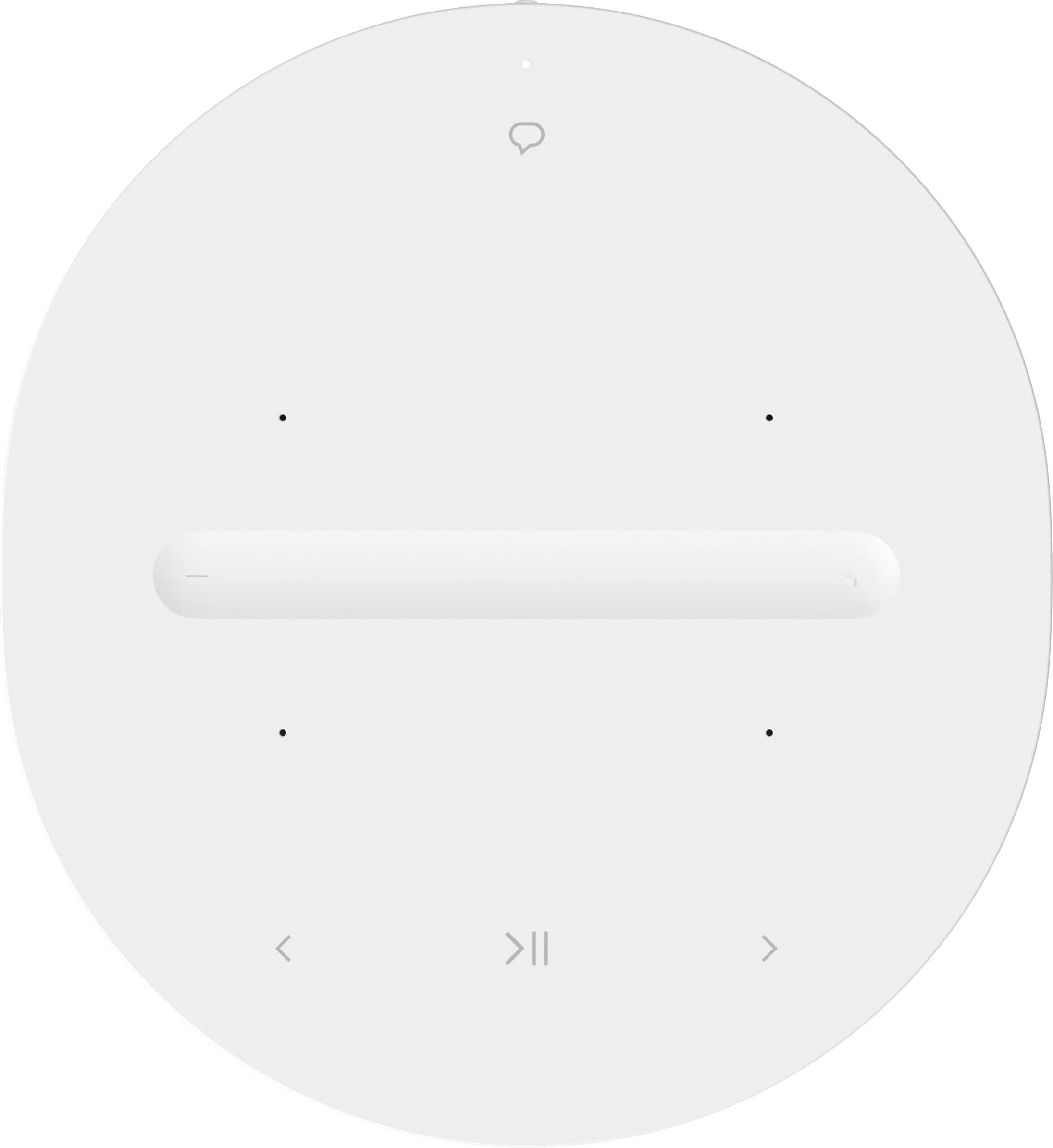
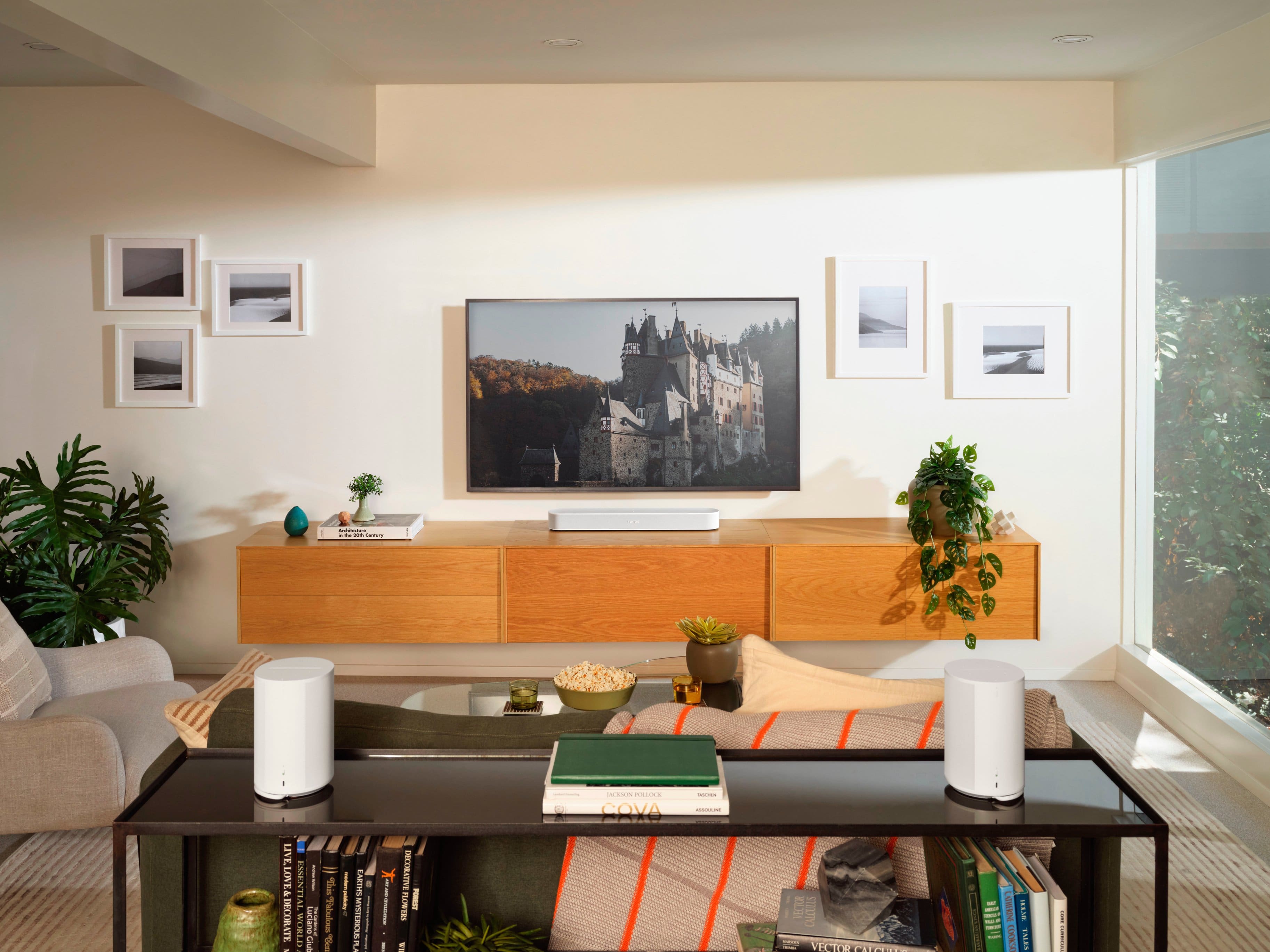
A:AnswerI think the Era100 will connect to a Sonos (Arc?) soundbar as either a surround channel or as another separate zone. It doesn't 'connect' to the Era300s, only to a Sonos soundbar or a Sonos amp.
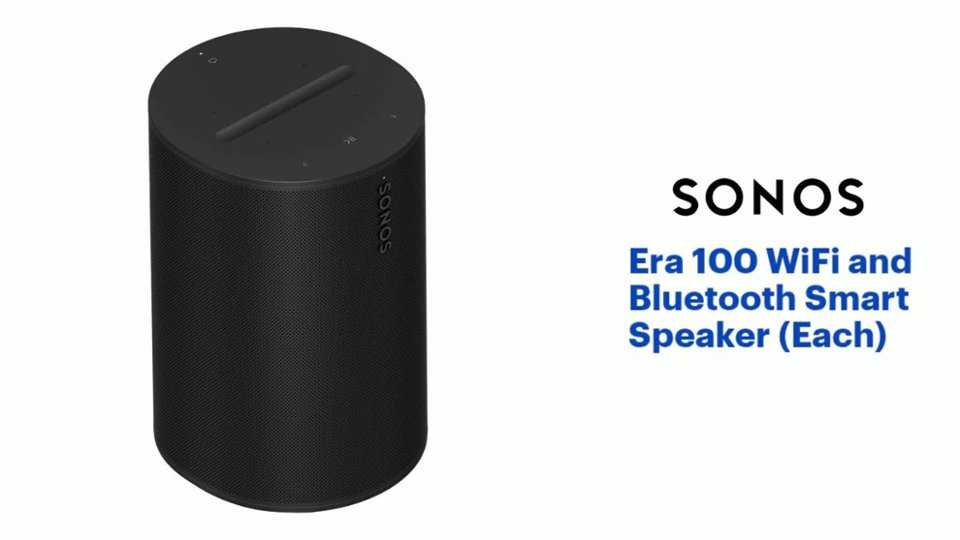
A:AnswerSonos Era 100 (with Bluetooth):
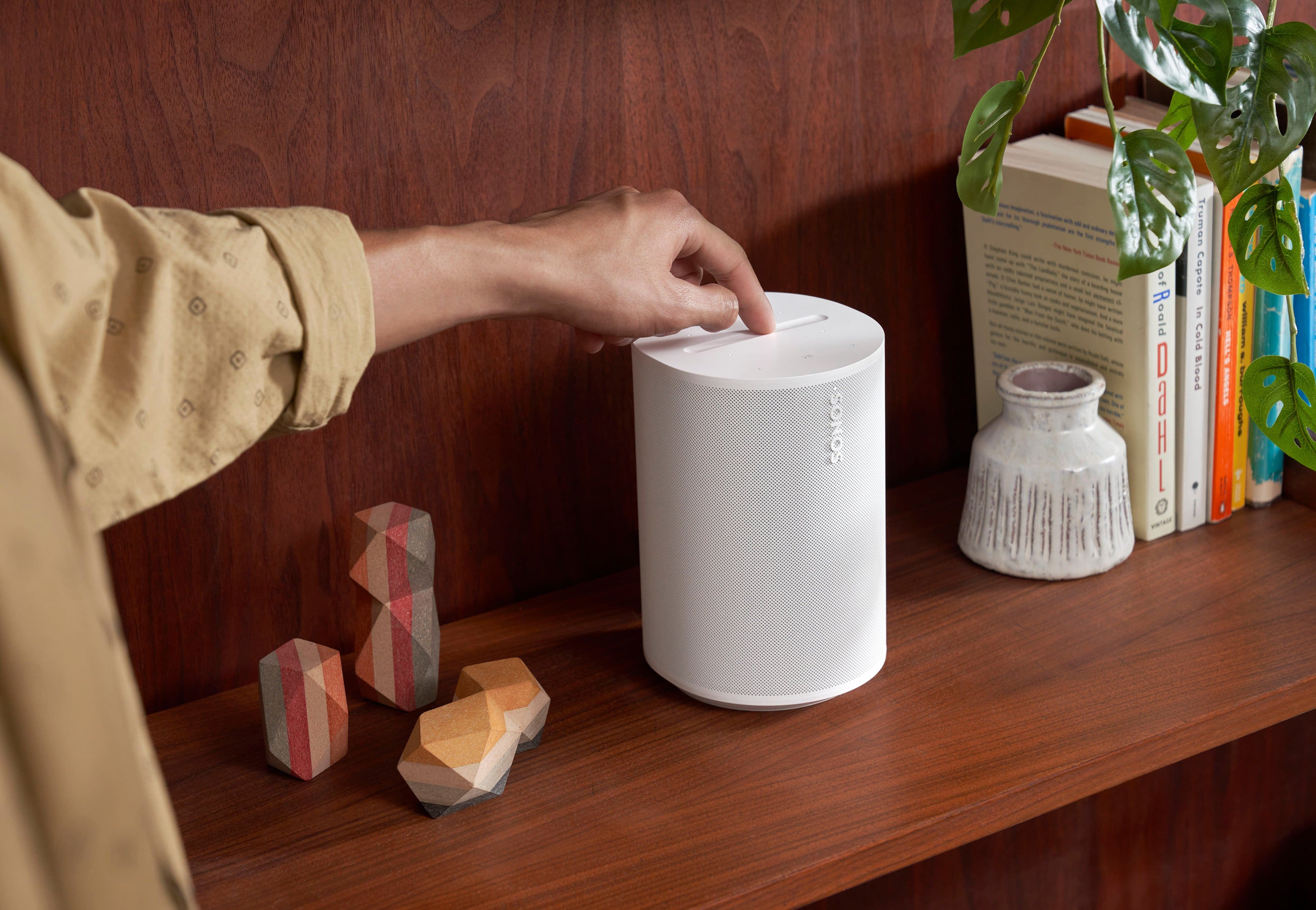
The Era 100 supports Bluetooth connectivity, so you can pair it directly with your laptop. This makes it a good option for streaming music as well as participating in Zoom meetings without needing to use WiFi or the Sonos app. However, keep in mind that Sonos speakers do not have built-in microphones for Zoom calls, so you would still need to use your laptop's mic or a separate microphone/headset for audio input.
A:AnswerYes, the Sonos Era 100 speaker can be grouped with Sonos Gen 1 or Gen 2 speakers. Sonos devices are designed to work seamlessly together, regardless of their generation, as long as they are all connected to the same Sonos system via the Sonos app. This means you can group the Era 100 with your older Sonos speakers to play synchronized music across multiple rooms. Just ensure that all your devices are running the latest software version for the best experience.
A:AnswerSonos Era 100: Works well for extending audio to another room but does not integrate with the Playbar for a true surround sound experience.
Sonos One: A good alternative with voice control and high-quality sound.
Sonos Roam: Portable and can be grouped with your Playbar.
Sonos Five: Offers powerful sound and can be used to extend your audio experience.
A:AnswerYes, the Sonos Era 100 speakers should work well for your needs in a college dorm room. Here's how they can fit into your setup:
Music Playback: The Era 100 speakers are designed to deliver high-quality audio, making them a good choice for listening to music.
Gaming: For gaming, the Era 100 speakers will provide a clear and immersive sound experience, enhancing your gaming experience.
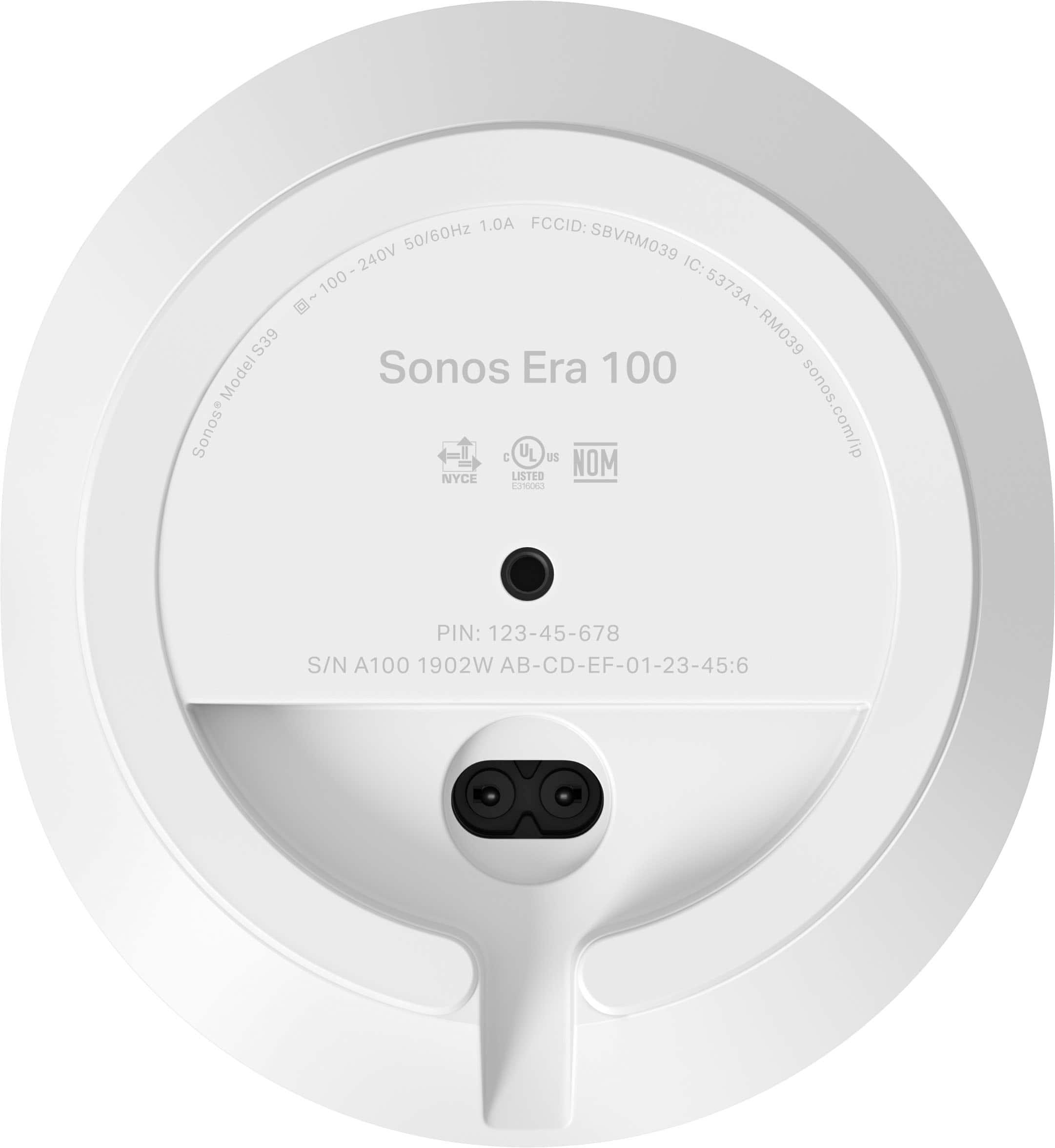
Connecting to a Monitor: While the Sonos Era 100 speakers do not have direct audio input ports (like aux or optical), they can be connected to a monitor using the Sonos line-in adapter. This adapter connects to your monitor via an auxiliary output known as a 3.5mm connection.
Make sure your monitor has the necessary audio output options to connect with the Sonos Era 100s. Good Luck!
A:AnswerYou Play 1s will work with the new v2 Sonos app just fine. I have 6 of them working fine in the app now. And yes, after that you can group them into a room and have them play together. You can't have a Play 1 and an Era 100 stereo paired together though.