A:AnswerYes you can. The caveat is how good is your WiFi? I run a Orbi 970 mesh and have no problem running all 14 of my Sonos devices. I’m probably going to get a couple more Move 2’s because it’s cheaper than hanging patio speakers by a lot!
A:Answer5G-6g has their own benefits, but they are all backwards compatible. The important thing is you have enough coverage and bandwidth. My old mesh network worked, but it only supported 40 devices. My new mesh network supports 250 plus devices.
A:AnswerNo. The Sonos Five is a powered wireless speaker with built-in amplifiers, so it cannot function as a passive speaker. It plugs directly into power and connects through the Sonos system. If you’re looking to power passive speakers with Sonos, you’d want something like the Sonos Amp instead.
A:Answermade a similar move and I’d call it a trade-off rather than a straight upgrade or downgrade. The Sonos Five surrounds deliver huge, powerful rear-channel sound and excellent music performance with a lot of punch and volume. The Era 300s, however, completely change the surround experience with Dolby Atmos and much more immersive spatial effects.
For movies and Atmos content with an Arc, I personally think the Era 300s are the better home theater setup. The sound bubble feels larger and more three-dimensional. For pure loudness and music-heavy listening, the Fives still hit harder. If you watch a lot of movies and stream Atmos content, I think the Era 300s are worth it.
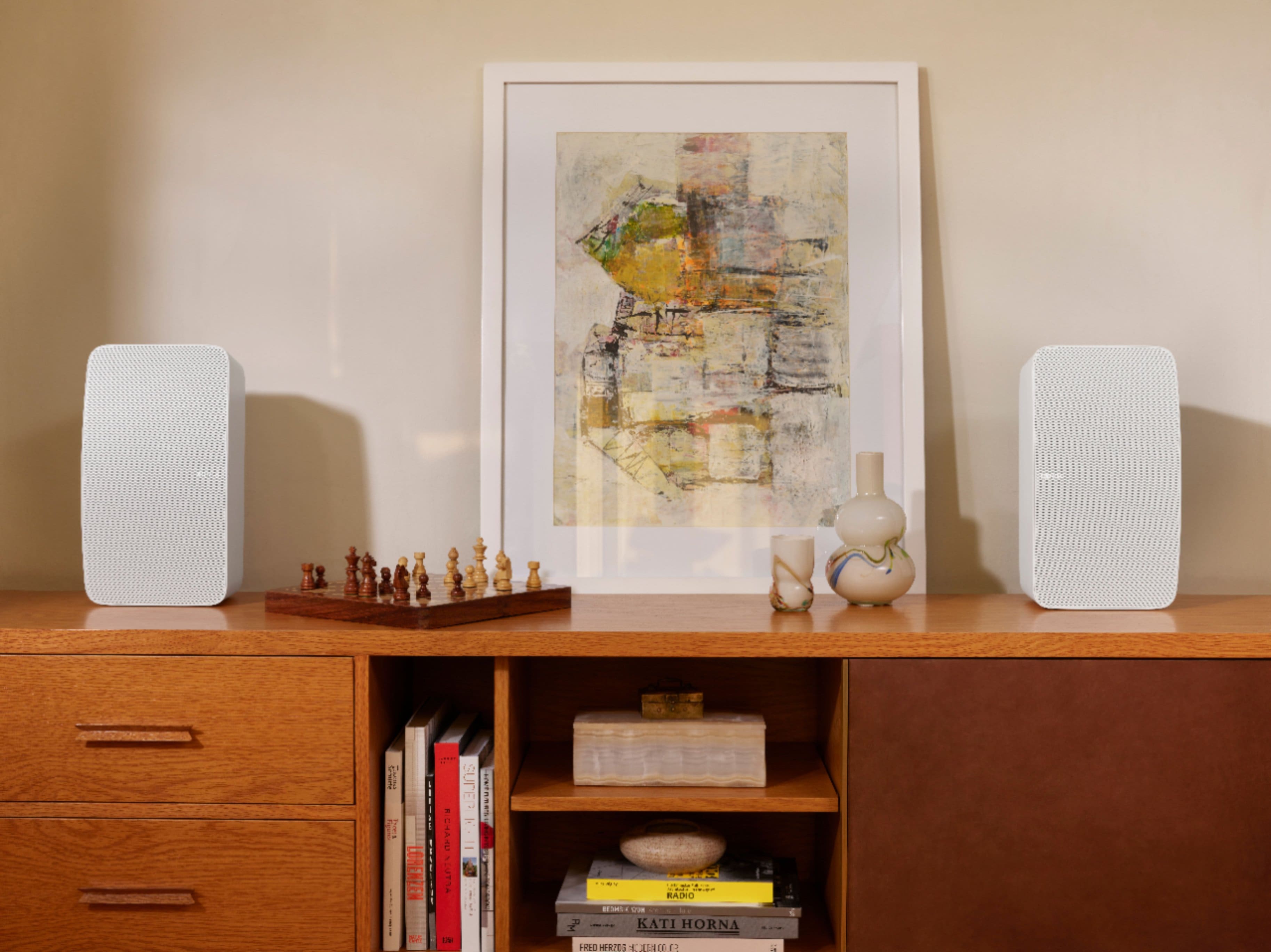
A:AnswerYes, but not as a traditional surround setup. You can group multiple Sonos speakers together in the Sonos app so they all play simultaneously. For example, you could stereo pair two Sonos Fives, add a Sonos Sub to that room, and then group a third Five in another room or area.
The Sonos system does not support using three Fives together in a single dedicated surround room configuration. It’s usually either:
* Single Five
* Stereo pair of Fives
* Stereo pair + Sub
* Or Fives grouped across rooms
A:AnswerThe current Sonos Five also requires the Sonos S2 app, just like the Era 300. It will not work on the older Sonos S1 system. If your existing setup is S1-only, you’d either need to upgrade the system to S2-compatible products or keep the newer speakers on a separate S2 setup.
A:AnswerYes. There are several wall mount options available for the Sonos Five from Sonos and third-party companies like Sanus and Flexson. Just make sure the mount is specifically designed for the Sonos Five since it is a fairly large and heavy speaker compared to other Sonos products.
A:AnswerYes, they can generally be grouped together in the Sonos system for multi-room audio. However, for a true stereo pair, Sonos usually requires the same model generation. In my experience, matching generations gives the best results and avoids compatibility quirks.
A:AnswerYes, but usually through the Sonos Five’s 3.5mm line-in connection rather than HDMI or optical. If your Sony TV has a headphone jack or analog audio out, you can connect it directly with the proper cable. Just keep in mind the Five is designed more for music than TV audio, so there can sometimes be a slight audio delay compared to a dedicated Sonos soundbar like the Beam or Arc.
A:AnswerThe speaker has a standard power line to plug into a wall outlet. Thankfully, no power brick but it is a powered speaker and required AC power.
Regarding use with an AV receiver, my experience with Sonos is that the music stream flows through the network and not through an amp or receiver.
A:AnswerThere are several mounts made specifically for the Sonos Five, including options from Sanus and Flexson. Since the Five is larger and heavier than most Sonos speakers, I’d recommend using a mount that is designed specifically for the Five rather than a universal speaker mount. Adjustable wall mounts with tilt/swivel work especially well for surround setups.