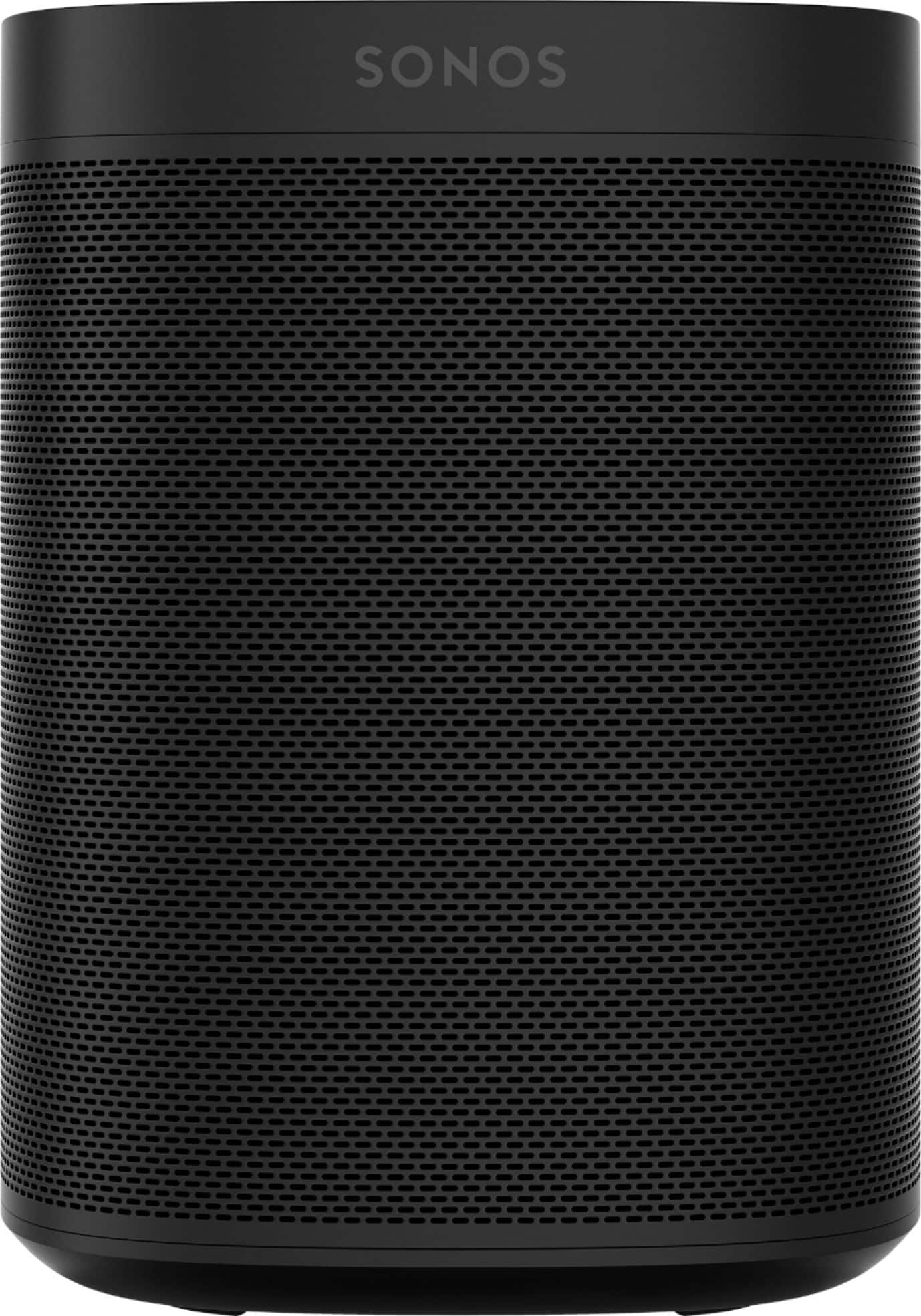
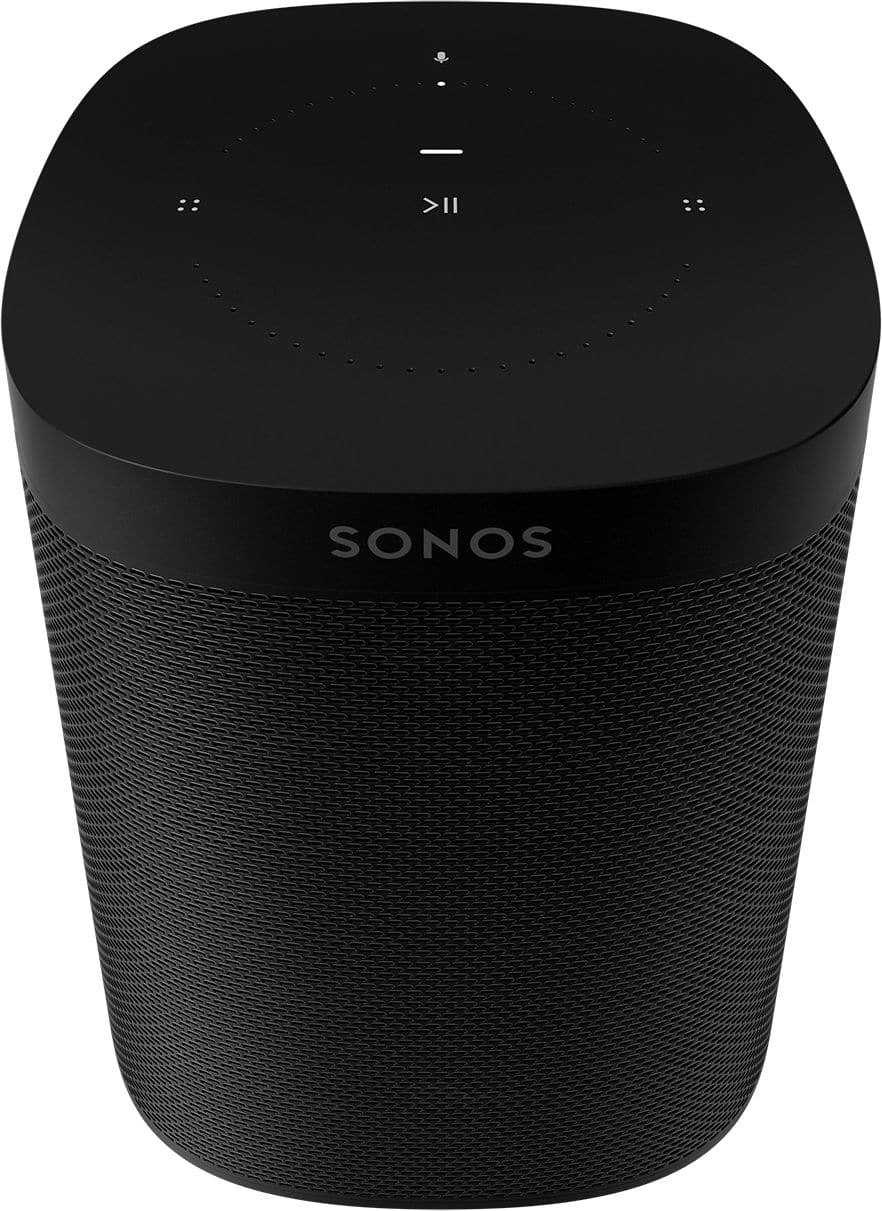
A:AnswerYes, I'm using the ONE SL's with the Sonos powered sub and Sonos ARC. The connection is simple (follow the instructions as they're specific when adding and powering additional components). My TV is also a Samsung Unit (Q90 Series) with the E-ARC connection. The Sonos ARC connects to the TV and is basically the command center for the entire system. It's also a great system for playing music via Spotify or another provider.
A:AnswerThe Sonos ONE SL's are not battery powered. They plug into an outlet and connect via wifi. I would suggest using surge strips to protect the speakers as they are powered all the time and will not shut off unless they are unplugged .
A:AnswerThe 1SLs do not have voice control capabilities, therefore, you will not be able to have them communicate with Echo dot. You will need a Sonos One gen2 speaker that has Alexa voice control and then have that connected with the 1SL.
A:AnswerThe answer is: it depends. The number one requirement is that your TV will have to be on the same Wifi network as the speaker(s). Since most TVs are internet-capable that shouldn't be an issue for you, but just be aware. On the positive side, Sonos has been around for a while and integrate with just about any sound source that you can name. My advice would be to verify that your TV can join a network, put the Sonos on that same network. A middle step would be to ensure that your TV brand and Sonos integrate (but I would bet my last dollar that they do or you can purchase and adapter or bridge to accomplish it quite easily.
A:AnswerThe newer speakers don’t require a bridge. Additional I had an older model that required a bridge at first but doesn’t need the bridge any longer. The bridge is a thing of the past for most models. The speakers connect directly to wifi now.
A:AnswerHi, and thank you for your question. Yes, they can be used as rears with Playbase, or grouped in other rooms for audio in whichever rooms you prefer.
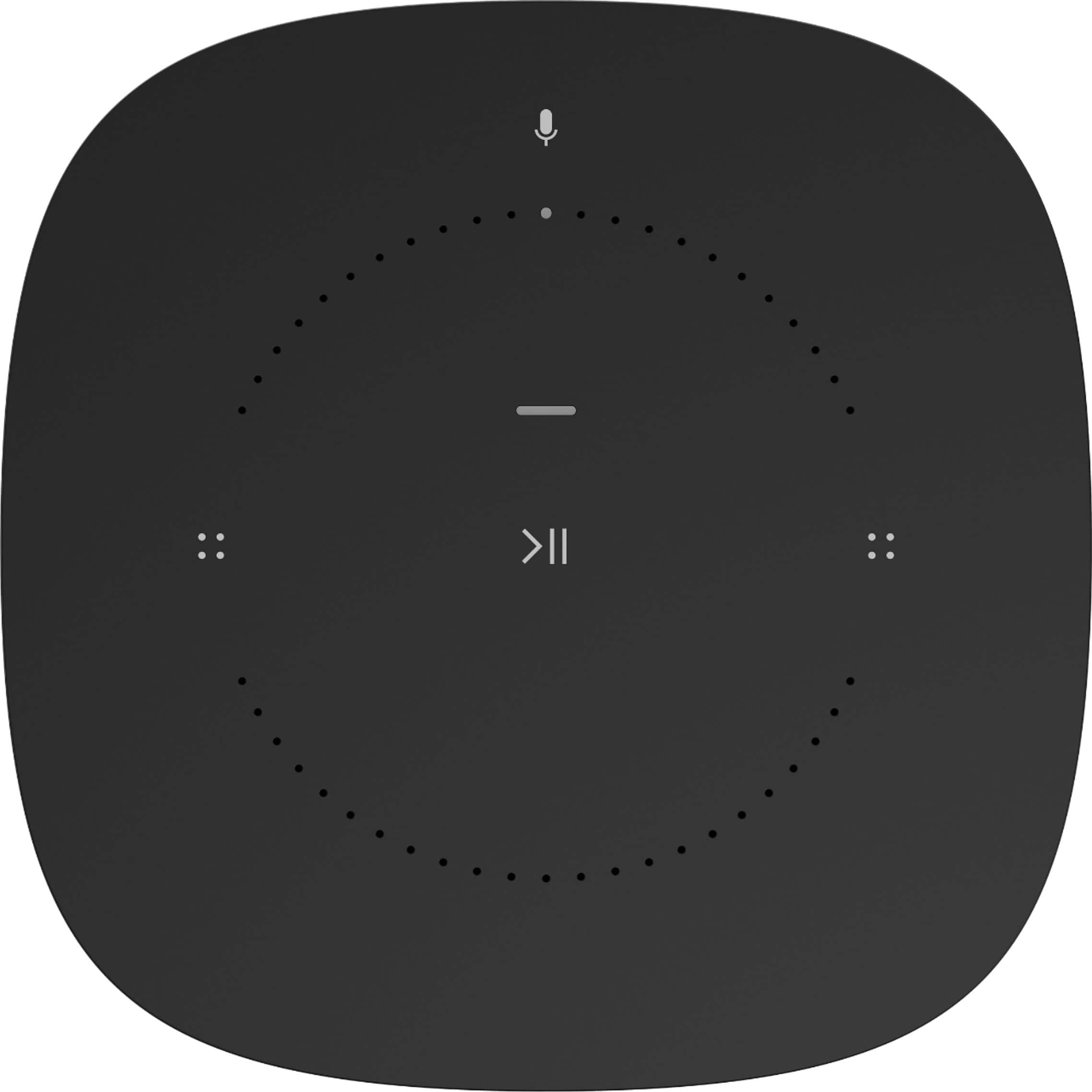
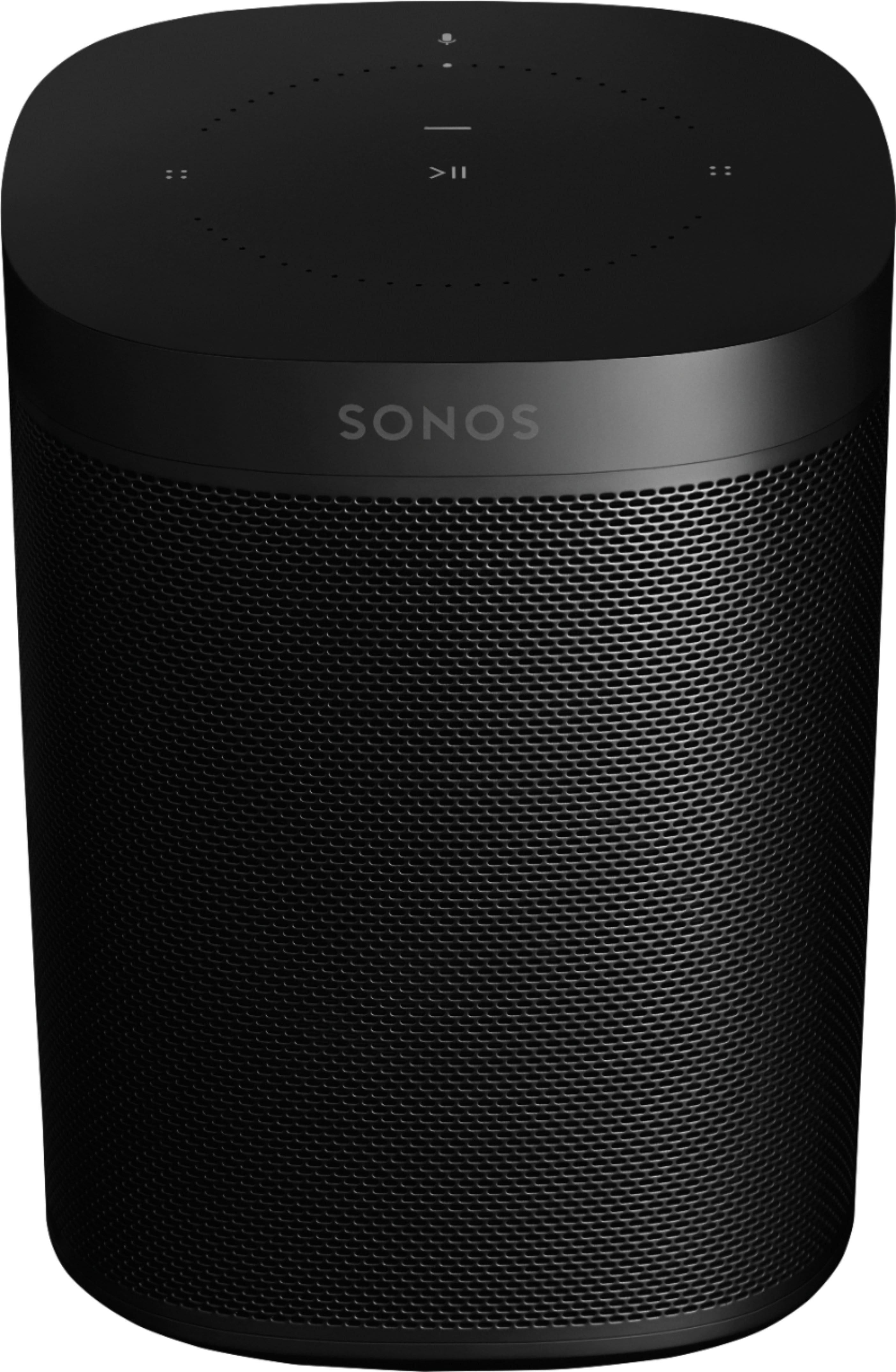
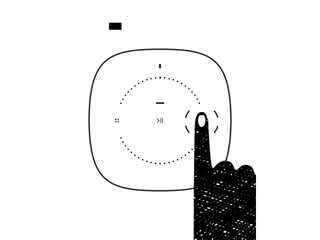
A:AnswerIf you’re referring to the SONOS 1, the volume is controlled by moving one’s fingers around the colored volume lights on the top of the device, or via the SONOS app on your smartphone. For more check the videos on YouTube. Hope this is helpful.