A:AnswerNo. Sonos has its own music that is free. But you can add other subscriptions to the app or play from the original app i.e. Spotify, prime, pandora, YouTube, iTunes ect….
A:AnswerYou should really talk to a Best Buy Geek Squad technician. The answer is "it should", but...as with all technology, sometimes it doesn't. You can always purchase the BT adaptor and check it out. If it doesn't work, then take it back for a refund. Just my thoughts this morning...
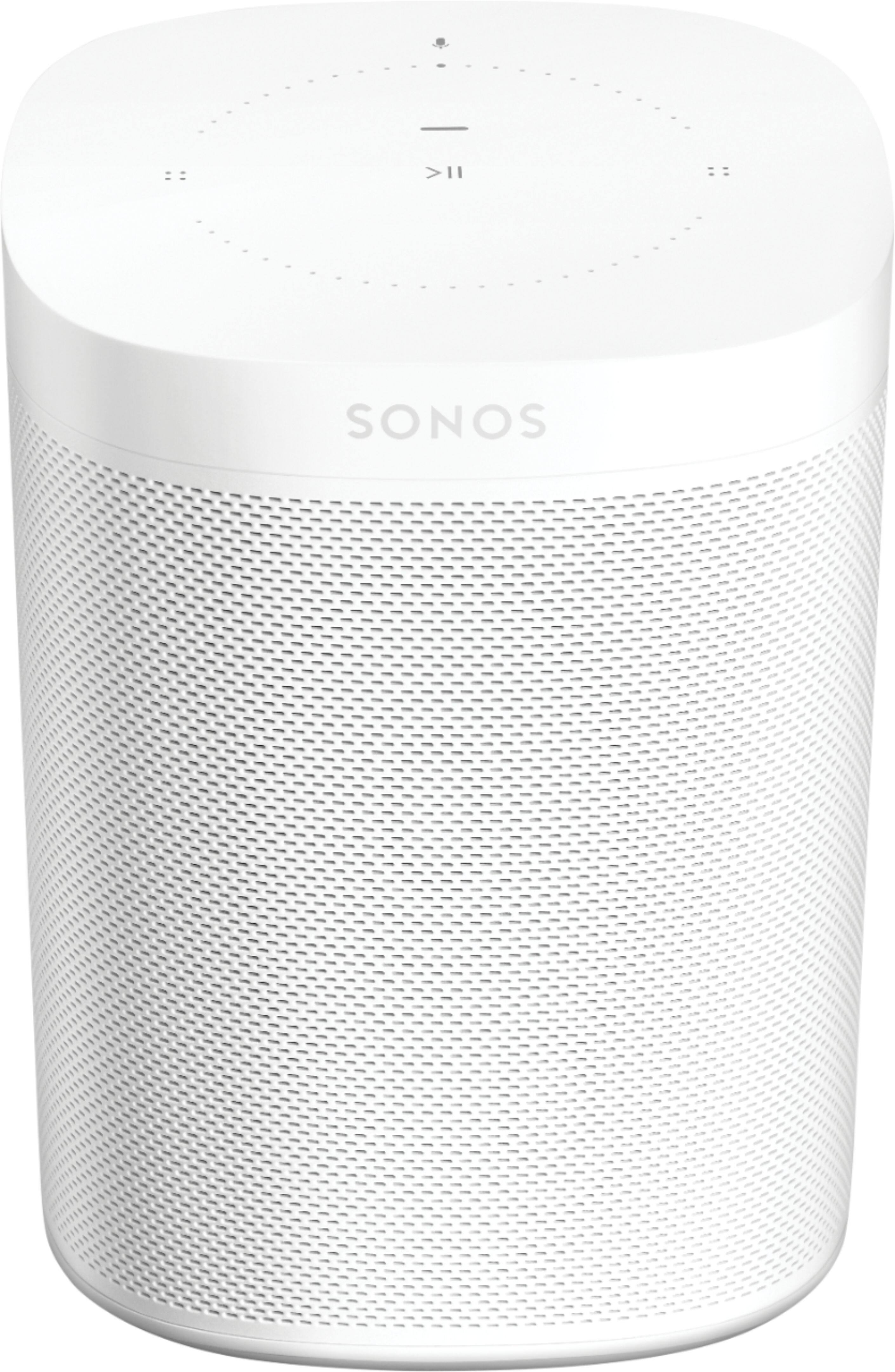
A:AnswerHi, and than you for your question. The only thing you loose by not setting up voice assistant is the ability to control your music, smart home, and other general features voice offers. You can still use it like any other Sonos speaker. So group and ungroup it with other on your system. Use our app to control all the music you love, ext.
A:AnswerHi, and thank you for your question. If you're reffering to these stands (https://www.bestbuy.com/site/searchpage.jsp?st=sanus+sonos+stand&_dyncharset=UTF-8&_dynSessConf=&id=pcat17071&type=page&sc=Global&cp=1&nrp=&sp=&qp=&list=n&af=true&iht=y&usc=All+Categories&ks=960&keys=keys)
Yes, they will fit.
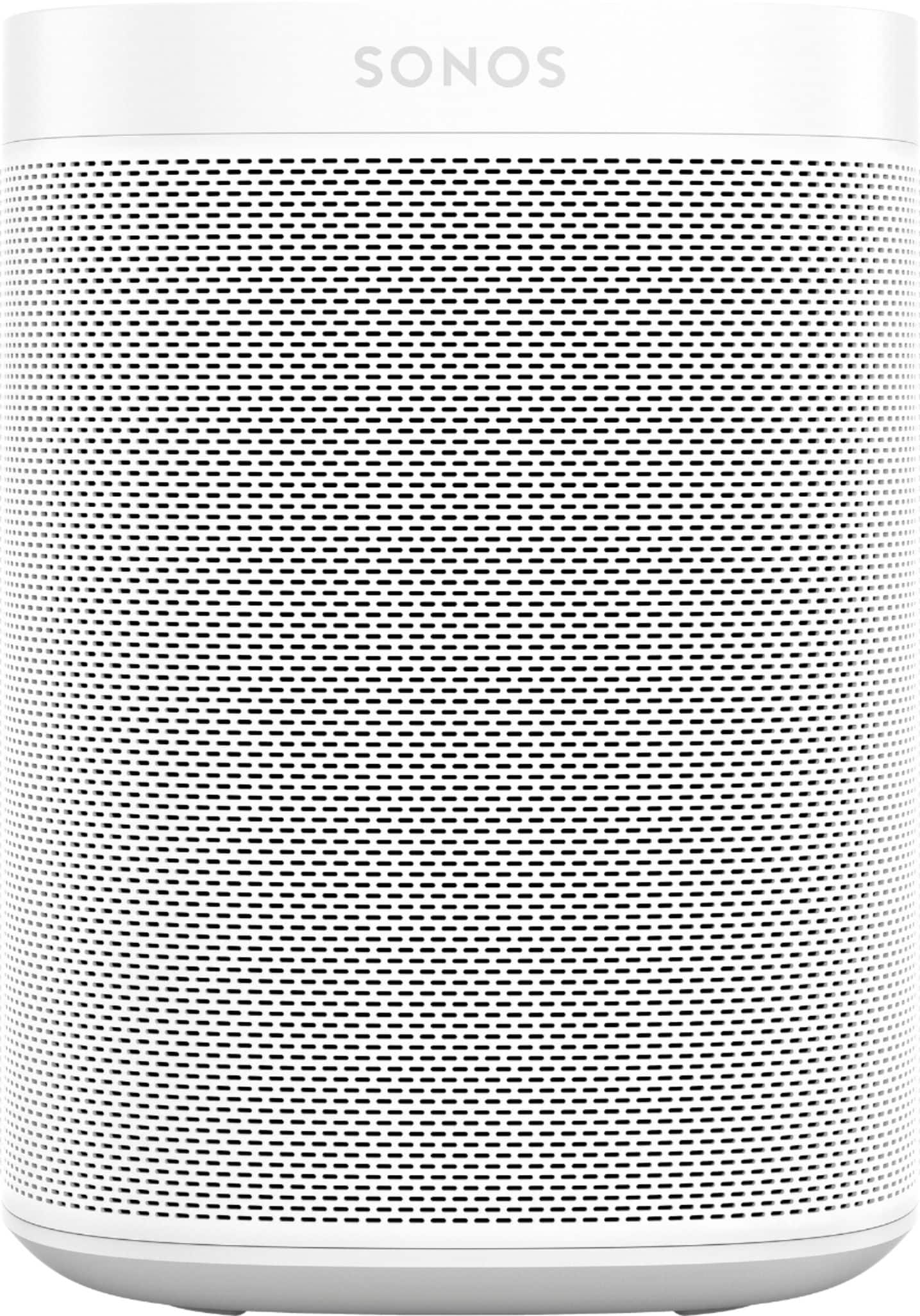
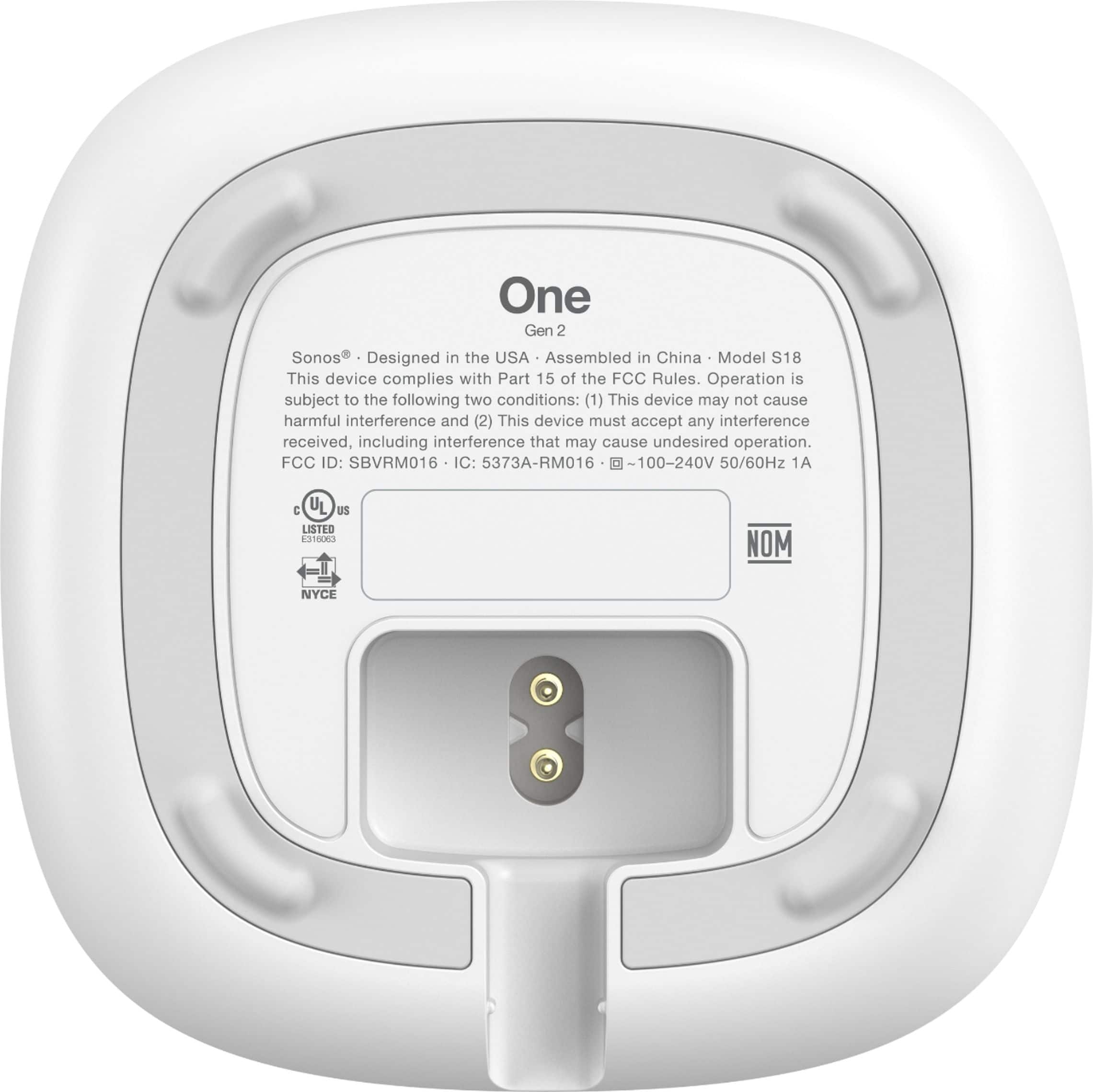
A:AnswerHi, thank you for your question. The Sonos One (Gen 2) does not have a 3.5mm input. You can connect your streaming music wireless with its WiFi connectivity (which supports over 60 music services), or Airplay 2. If you are looking for a Sonos speaker with a 3.5mm input you can go with the Sonos Five.
A:AnswerAny of the Sonos players that are currently for sale can group with the Sonos One that you own. If you are looking to create a stereo pair any other Sonos One product (Sonos One, Sonos One (Gen2), or Sonos One SL) can be used as a stereo pair with your Sonos One.
A:AnswerGreat question! If you stereo pair two Sonos One (Gen 2) speakers in the application they reproduce true stereo sound. The left channel will come from one speaker and the right from the other! Even with a stereo pair you are able to utilize our Trueplay tuning technology in the app to tune the pair to your room!
A:AnswerSonos One (Gen 2) works with Alexa. You can also sync it with a Sonos sound bar and/or other Sonos speakers.
Note: I don’t think that the Sonos “SL” and “Play One” speakers will work with Alexa.
A:AnswerI saw your question and decided to test something. I hit the Alexa widget on my phone and told it to play something on Sonos and it did at my house. Maybe your Alexa button on your mobile device got hit and it thought it heard you say something that made it play music at home.
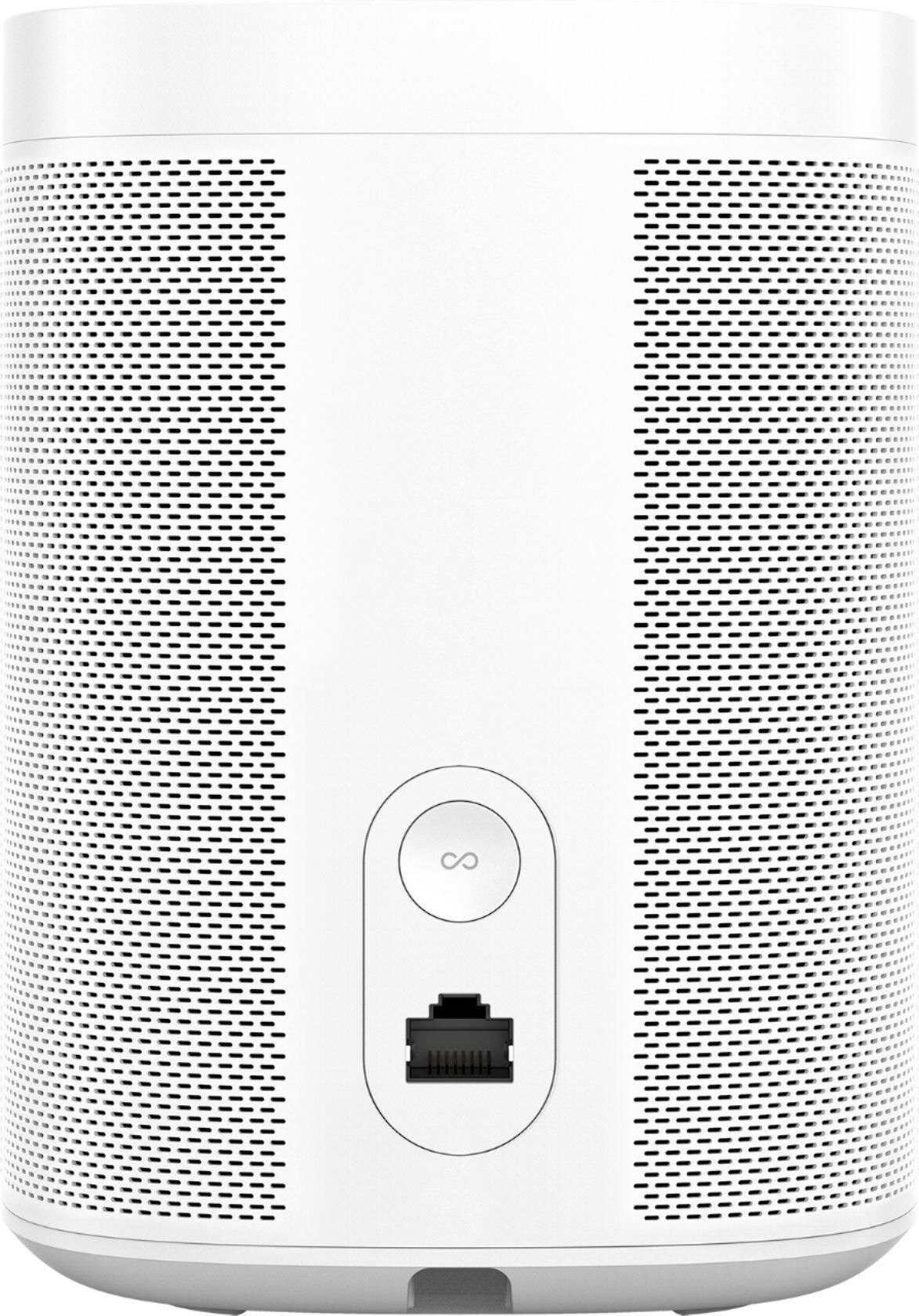
A:AnswerYes u need the app and WiFi to add the speaker to ur system. My speaker doesn't have a hard wire hookup so it will only run thru WiFi / app / plug into outlet